 ENEnglish
 LTLietuviškai
 DEDeutsch
 FRFrançais
 RUРусский
 ESEspañol
 PLPolski
 ITItaliano
 UKУкраїнська
 CSČeština
 PTPortuguês
 JA日本語
JA日本語 LVLatviešu valoda
 ETEesti
 HUMagyar
 IDBahasa Indonesia
 TRTürkçe
 HIहिन्दी
 ELΕλληνικά
 ARالعربية
 THไทย
THไทย VITiếng Việt
 RORomână
 MSBahasa Melayu
 BNবাংলা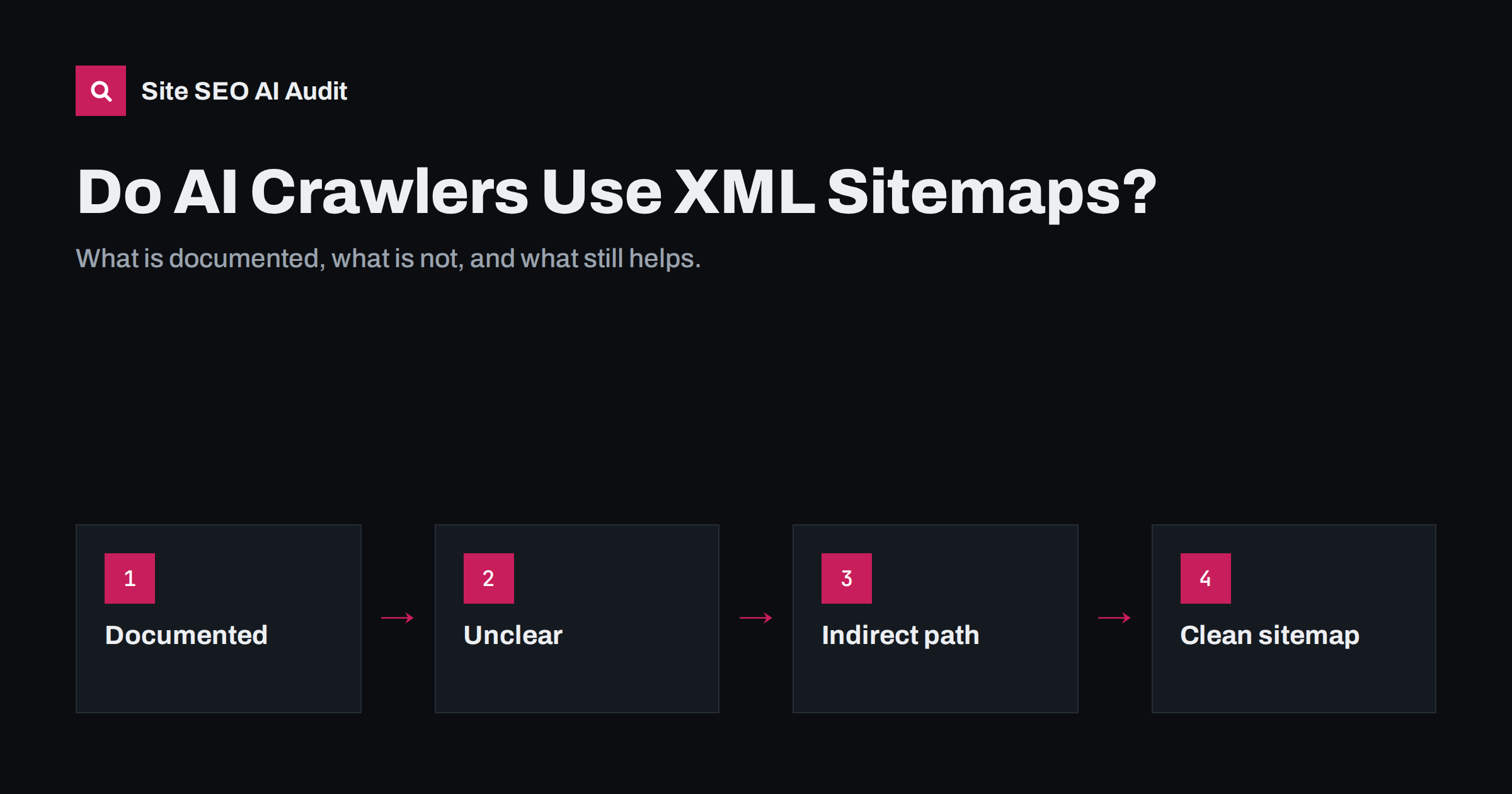
Short answer: XML sitemaps are an established way to tell search engines which URLs exist and when they changed. Most AI crawlers publish little about whether they use sitemaps, although many do request robots.txt, where sitemaps are usually listed, and some are seen fetching sitemap files in server logs. The more important path is indirect: many AI answers are built on top of search indexes that do use sitemaps. So a clean sitemap with canonical URLs and honest lastmod dates still supports AI visibility, even if no AI crawler reads it directly.
What an XML sitemap does
A sitemap is a file, usually at /sitemap.xml, that lists URLs you want crawled along with optional details such as the last modification date. The format is defined by the sitemaps.org protocol and supported by the major search engines. You can announce it in robots.txt with a Sitemap: line or submit it in tools such as Google Search Console and Bing Webmaster Tools.
A sitemap is a hint, not a command. It helps crawlers discover pages that are poorly linked, prioritise recently changed content and understand the size of your site. It does not guarantee indexing, and it does not replace good internal linking. The details are covered in XML sitemap best practices.
What is known about AI crawlers and sitemaps
AI crawlers fall into a few groups, and they behave differently:
- Training crawlers collect public pages to build datasets for language models. They tend to crawl broadly and are not designed around a single site’s update schedule.
- Search and retrieval crawlers fetch pages to keep an index that an assistant uses to answer questions with sources.
- User-triggered fetchers load a specific page when a user asks the assistant to read it or when an answer needs it right now.
Most AI companies document their user agents and how to allow or block them in robots.txt, which our guide on AI crawlers in robots.txt describes. Few of them say publicly whether or how they use sitemaps. That means any strong claim, in either direction, is guesswork.
What you can observe is your own server. Because sitemaps are normally listed in robots.txt, and most well-behaved crawlers read robots.txt first, it is easy for a crawler to find them. Whether a particular AI crawler actually requests your sitemap is visible in your logs.
How to check your own logs
You do not need to rely on rumours. A simple log check shows what happens on your site.
- Export access logs covering at least a few weeks.
- Filter requests for your sitemap files, such as
/sitemap.xml,/sitemap_index.xmlor/wp-sitemap.xml. - Group them by user agent and verify that the requests really come from the claimed company, using published IP ranges or reverse DNS where available.
- Compare with requests to regular pages from the same crawlers, to see whether sitemap fetches are followed by crawling of recently changed URLs.
The method for identifying and verifying AI bots is explained in finding AI crawlers in your server logs. Treat the result as a snapshot: crawler behaviour changes over time.
The indirect path: search indexes behind AI answers
Even if an AI crawler never opens your sitemap, the sitemap can still influence AI answers. Many AI search features retrieve pages from a traditional search index before writing the answer. Google’s AI features draw on Google’s index, and Microsoft Copilot is built on Bing’s. Other assistants combine their own crawling with search partners or licensed data. The general mechanism is explained in how AI search engines work.
For these systems, the path looks like this:
- A search engine discovers and refreshes your pages, helped by your sitemap and internal links.
- The pages are indexed and ranked.
- An AI feature retrieves relevant indexed pages for a question.
- The answer quotes or cites the pages it found most useful.
A page that is missing from the search index is much less likely to be cited. That is why Bing indexing matters for AI search and why sitemap submission in both Google Search Console and Bing Webmaster Tools is a sensible baseline.
What a sitemap should look like for AI visibility
There is no special “AI sitemap”. The same rules that make a sitemap useful for search engines make it useful for anything else that reads it.
| Element | Good practice | Why it matters |
|---|---|---|
| URLs listed | Only canonical, indexable pages with status 200 | Crawlers do not waste requests on redirects or noindex pages |
| lastmod | Real date of meaningful content change | Helps crawlers find updated content; fake dates erode trust |
| Size | Up to 50,000 URLs or 50 MB uncompressed per file | Protocol limit; use a sitemap index for larger sites |
| Location | Referenced in robots.txt and submitted in webmaster tools | Easy discovery for every crawler |
| Access | Not blocked by firewalls or bot protection | A sitemap that returns 403 to crawlers helps nobody |
The lastmod date deserves special attention for AI search, because assistants often prefer current information. A sitemap that updates lastmod for every page on every deploy, even when nothing changed, trains crawlers to ignore the field. Update it only when the content actually changes. The article on content dates and freshness explains how visible dates and structured data fit together with this.
Sitemaps, robots.txt and llms.txt: how they differ
These three files are often mentioned together, but they do different jobs:
- robots.txt tells crawlers what they may or may not fetch, and where the sitemap is. It is a set of access rules.
- XML sitemap lists URLs and change dates. It is an inventory for discovery.
- llms.txt is a proposed Markdown file that summarises a site and links to its most useful content for language models. Support for it is limited and not standardised; see llms.txt explained.
None of them replaces the others. If you block an AI crawler in robots.txt, listing pages in your sitemap will not invite it back. If you allow it, the sitemap and internal links help it find what matters.
Common sitemap problems that hurt AI and search visibility
- The sitemap lists old URLs that now redirect, often left over from a migration.
- Important pages, such as new articles or product pages, are missing because a plugin excludes a post type.
- Bot protection or a CDN rule blocks automated requests to the sitemap file.
- The sitemap includes noindexed pages, sending mixed signals.
- Several sitemap files exist from different plugins, and robots.txt points to an outdated one.
- lastmod shows the same date for every URL, so it carries no information.
Most of these show up in the Sitemaps report in Search Console; sitemap errors in Search Console explains each message.
A short sitemap checklist for AI search
If you want to act on this today, these steps cover what matters most:
- Open your sitemap in a browser and confirm it loads, is valid XML and lists your important pages.
- Check that robots.txt contains a
Sitemap:line pointing to the current file, not an old one. - Submit the sitemap in Google Search Console and Bing Webmaster Tools, and review any errors they report.
- Spot-check a few listed URLs: each should return status 200, have a self-referencing canonical and no noindex.
- Look at lastmod values for a few pages you know were not changed recently. If they show today’s date, fix the generator.
- Request the sitemap with a crawler user agent, or ask your host, to make sure bot protection does not block it.
- Decide in robots.txt which AI crawlers you allow; the sitemap only helps those that are permitted.
How Site SEO AI Audit helps
Site SEO AI Audit reads your pages and your sitemap like a search engine, and its crawl and index area covers the sitemap together with status codes, noindex, canonicals and redirect chains. Its AI visibility area checks whether AI crawlers are allowed in robots.txt, whether you have an llms.txt file and whether your content is readable without JavaScript. Together these show whether both search engines and AI systems can reach your important pages. You can start with a free audit of your website.
Related reading
- XML Sitemaps for Multilingual Sites: Structure and Checks
- Is Your CDN or Firewall Blocking AI Crawlers? How to Check
- AI Search Visibility Checklist: 25 Things to Audit
The bottom line
Whether AI crawlers read XML sitemaps is largely undocumented, and your own logs are the best evidence for your site. What is clear is that many AI answers depend on search indexes, and those do use sitemaps. Keep one clean sitemap with canonical, indexable URLs and honest lastmod dates, reference it in robots.txt, submit it to Google and Bing, and make sure bot protection does not block it.
KKK
Do AI crawlers read sitemap.xml?
Most AI companies do not document it. Some AI crawlers can be seen requesting sitemap files in server logs, while others appear to discover pages through links. Check your own logs for a reliable answer for your site.
Do I need a special sitemap for AI search?
No. A standard XML sitemap that follows the sitemaps.org protocol and lists canonical, indexable URLs is enough. There is no separate sitemap format for AI assistants.
Does lastmod help AI answers show fresh content?
Accurate lastmod dates help search engines find updated pages sooner, and many AI answers use search indexes. Dates that change without real content changes are likely to be ignored.
Is llms.txt a replacement for a sitemap?
No. llms.txt is a proposed summary file for language models with limited support, while a sitemap is an established inventory of URLs for crawlers. They serve different purposes.
Can a sitemap make AI crawlers visit my site if they are blocked?
No. robots.txt rules decide what a compliant crawler may fetch. Listing a URL in a sitemap does not override a disallow rule for that crawler.


