ENEnglish
 LTLietuviškai
 DEDeutsch
 FRFrançais
 RUРусский
 ESEspañol
 PLPolski
 ITItaliano
 UKУкраїнська
 CSČeština
 PTPortuguês
 JA日本語
 LVLatviešu valoda
 ETEesti
 HUMagyar
 IDBahasa Indonesia
 TRTürkçe
 HIहिन्दी
 ELΕλληνικά
 ARالعربية
 THไทย
 VITiếng Việt
 RORomână
 MSBahasa Melayu
 BNবাংলা
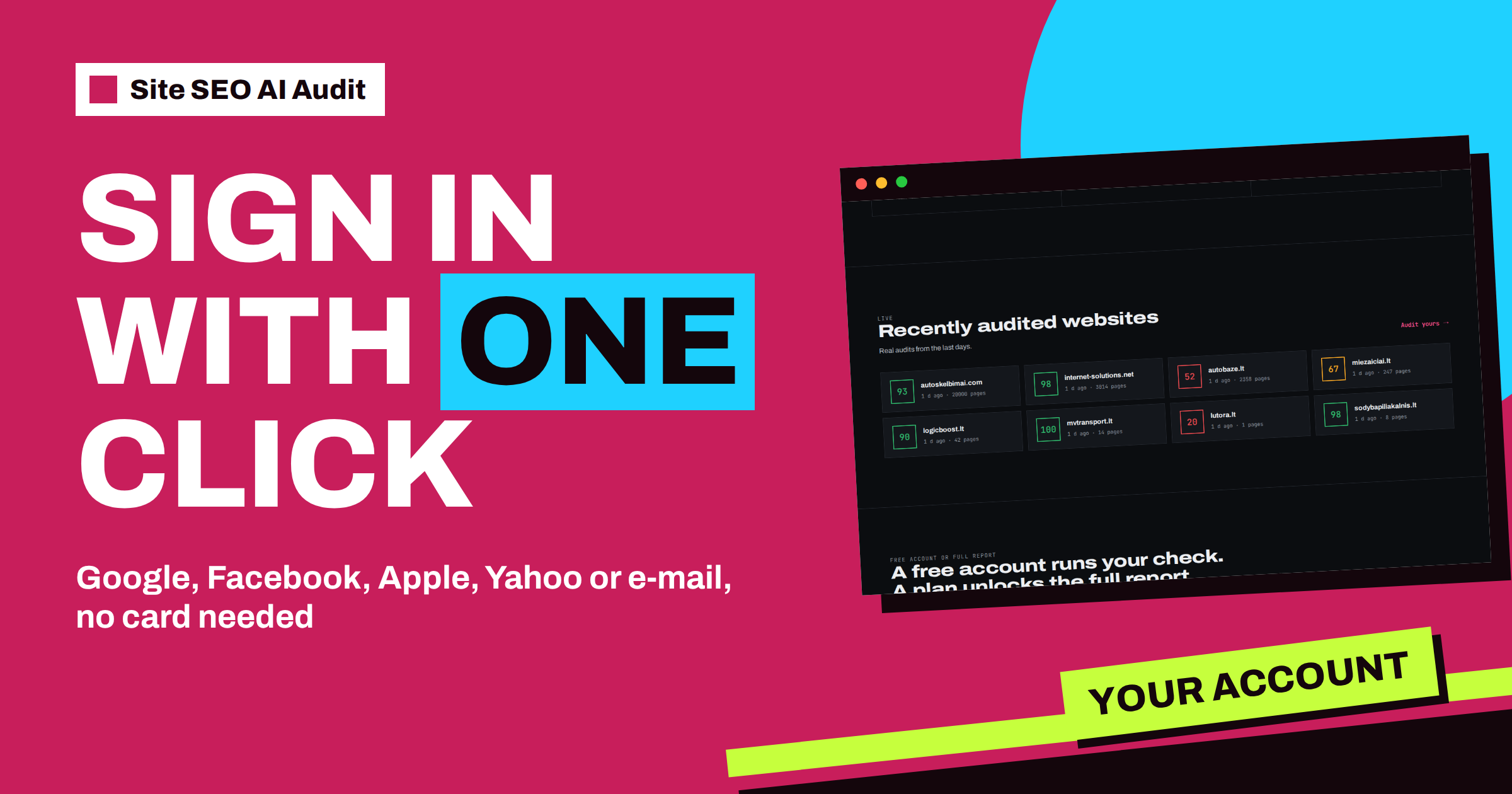
Short answer: You can create a Site SEO AI Audit account with one click using Google, Facebook, Apple or Yahoo, or with an e-mail address and a password. No card is needed, and no code has to be added to your website. The account is where a check starts and where every report you run is saved, so the sign-in method is worth choosing with a little care, especially if more than one person will use it.
An audit starts only when you are signed in. That is a deliberate part of how Site SEO AI Audit works: the crawl takes real server time, the report is stored for you, and later checks are compared with earlier ones. This article explains the sign-in options, what the account does for you and how to avoid the small mistakes that cause problems later, such as losing track of which method you used.
The five ways to sign in
The sign-in page offers four one-click providers and one classic option:
- Google. The fastest choice for most people, because you are usually already signed in to Google in the browser.
- Facebook. Useful if that is the account you keep open all day and do not want another password.
- Apple. A natural choice on iPhone, iPad and Mac, especially if you use Apple’s sign-in features to keep your address private.
- Yahoo. For people who still use a Yahoo mailbox as their main address.
- E-mail. You enter your address and a password. There is a “Forgot password?” link on the sign-in page for the day you forget it.
The same page also offers “Create a free account” for new visitors, so you do not need to decide in advance whether you are registering or returning. If you already have an account, use the same method that you used the first time.
What you get with a free account
The account page describes the free account in three points: every report you run is saved in one place, you can see what changed since your last check, and you can upgrade any time for full details and monitoring. No card is needed. The pricing page adds the limits: the free plan includes one check in total, up to 10,000 pages, and the report preview is locked until you choose a plan.
That locked state is not a trial that expires. It is simply the way the free account works: the check runs, the report is stored, and a plan unlocks the scores, every issue, the affected pages and the fixes. The article on what a free account and a locked report mean explains the details.
Why sign-in comes before the check
There are three practical reasons. First, a deep crawl can take minutes, and for large websites up to about 20 minutes, so you need a place to come back to. Second, the report belongs to a user, so it can be kept, compared and shared. Third, the number of checks is counted per account, and a plan’s allowance only makes sense if the account is known.
You enter the address of your website, and the crawler, SEOAuditBot, does the rest. Nothing is installed on your website, and you do not have to prove ownership with a code before running a check. If you want to know how the crawler behaves once it starts, read the article on how SEOAuditBot treats your website.
It helps to know what you are not asked for. You do not need to add a tracking code or a plugin to your website. You do not need to connect Google Search Console to run a check, although Search Console remains a useful second source of information about your website. You do not need to enter payment details to create a free account. The only things the first check needs are a signed-in account and the address of your website.
This keeps the first step light: if you are only curious about the report, you can create the account, run the check and decide about a plan afterwards. Nothing in the process locks you in.
How to choose the method
Four questions help you choose:
- Is this a personal account or a team account? If several colleagues will look at the same reports, a shared company mailbox used with the e-mail option is easier to hand over than one person’s personal Google or Facebook login.
- Which login will you still have in a year? A work Google account disappears when an employee leaves. If you are a freelancer working with clients, use an address that belongs to you, not to a client.
- Which sign-in will you remember? The most common problem with sign-in is not security; it is forgetting which method was used. Pick one and write it in your password manager.
- Do you want a separate password at all? One-click providers avoid creating another password. The e-mail option avoids depending on a social network.
A sensible routine for the first session
- Open the home page and choose “Audit my site” or “Start free”.
- Create the account with the method you chose in the questions above.
- Enter the address of the website, including the version you want to be checked, such as the address with https and the main host name.
- Wait for the check to finish. A few hundred pages take a few minutes.
- Open the saved report in your account and read what the plan allows. The article on your first Site SEO AI Audit shows the next steps.
Because the free account includes one check in total, decide which website goes first before you press the button. The article on choosing a website for that first run is a useful companion.
Keeping the account safe
The report may contain a list of the weak points of your website, so treat the account like any other work account. A few habits go a long way. Use a strong, unique password if you choose the e-mail option, and use two-step verification on the provider you sign in with. Do not share a password by chat; if a colleague needs access to the same reports, agree on a shared mailbox first. When someone leaves your team, change the password or the linked address.
Sharing a report with people who do not have an account is a separate matter: the PDF report on the plans that include it can be passed on without handing over your login. You do not need to hand over your login to do that.
One account for several websites
The plans are based on the number of checks, not on the number of websites. That means one account can hold the reports of your own website, a second project and a client website, as long as you stay within the checks your plan allows. Each check covers one whole website, up to 10,000 pages, and each report is saved with the address and the date, so you can tell them apart later.
This is convenient for a freelancer or a small business with a few sites, because there is one place to look and one allowance to watch. It also means that the sign-in method matters more than it first seems. If you use a personal social login for client work and later change your role or your employer, you will want to move that history somewhere safer. Planning for that at the start costs nothing.
If you audit websites for clients, the Agency plan adds a white-label PDF with your logo and an embeddable audit form for lead generation. Those features sit inside the same kind of account, so the advice about the sign-in method becomes more important: the account is a business asset. Use an address that belongs to the company, keep the password in a shared manager and agree who is responsible for the account.
For a small team on Pro, the same logic applies. The alerts by e-mail go to the address of the account, so a mailbox that several people can read means that a score drop will not be missed because one person is on holiday. The article on Pro plan features explains what the alerts and the comparison view do.
When sign-in does not work
- You are not sure which method you used. Try the one-click buttons you use most often, then the e-mail option. If an address is already registered with another method, use that one.
- The password is forgotten. Use the “Forgot password?” link on the sign-in page.
- A pop-up is blocked. One-click providers open a short window. Allow pop-ups for the site, or try another browser.
- You use a private window. It works, but you will need to sign in every time you open a new window.
If none of this helps, the contact address shown on the pricing page reaches the team.
After the account: choosing a plan
A free account is the starting point, not the end. When you want full reports and more checks, upgrade from the same account. Plans are based on the number of checks per month, and the article on how many SEO checks you need helps you count them. Your reports stay in one place whatever you choose.
Related reading
- Your First Site SEO AI Audit: A Step-by-Step Walkthrough
- Free Account, Locked Report: What a Plan Unlocks
- Site SEO AI Audit Plans: Free, Starter, Pro and Agency
The bottom line
Sign in with Google, Facebook, Apple, Yahoo or e-mail, pick the method you will still use next year, and keep your reports in one account from the first check.
FAQ
Which sign-in options are available?
Google, Facebook, Apple and Yahoo with one click, or an e-mail address with a password.
Do I need a credit card to create an account?
No. The sign-in page states that no card is needed for the free account.
Do I have to install anything on my website?
No. You enter the address of the website, and the crawler reads it from the outside.
What if I forget my password?
Use the “Forgot password?” link on the sign-in page to reset it.
Where are my reports saved?
Every report you run is saved in your account, so you can return to it and compare it with later checks.