 ENEnglish
 LTLietuviškai
 DEDeutsch
 FRFrançais
 RUРусский
 ESEspañol
 PLPolski
 ITItaliano
 UKУкраїнська
 CSČeština
 PTPortuguês
 JA日本語
JA日本語 LVLatviešu valoda
 ETEesti
 HUMagyar
 IDBahasa Indonesia
 TRTürkçe
 HIहिन्दी
 ELΕλληνικά
 ARالعربية
 THไทย
THไทย VITiếng Việt
 RORomână
 MSBahasa Melayu
 BNবাংলা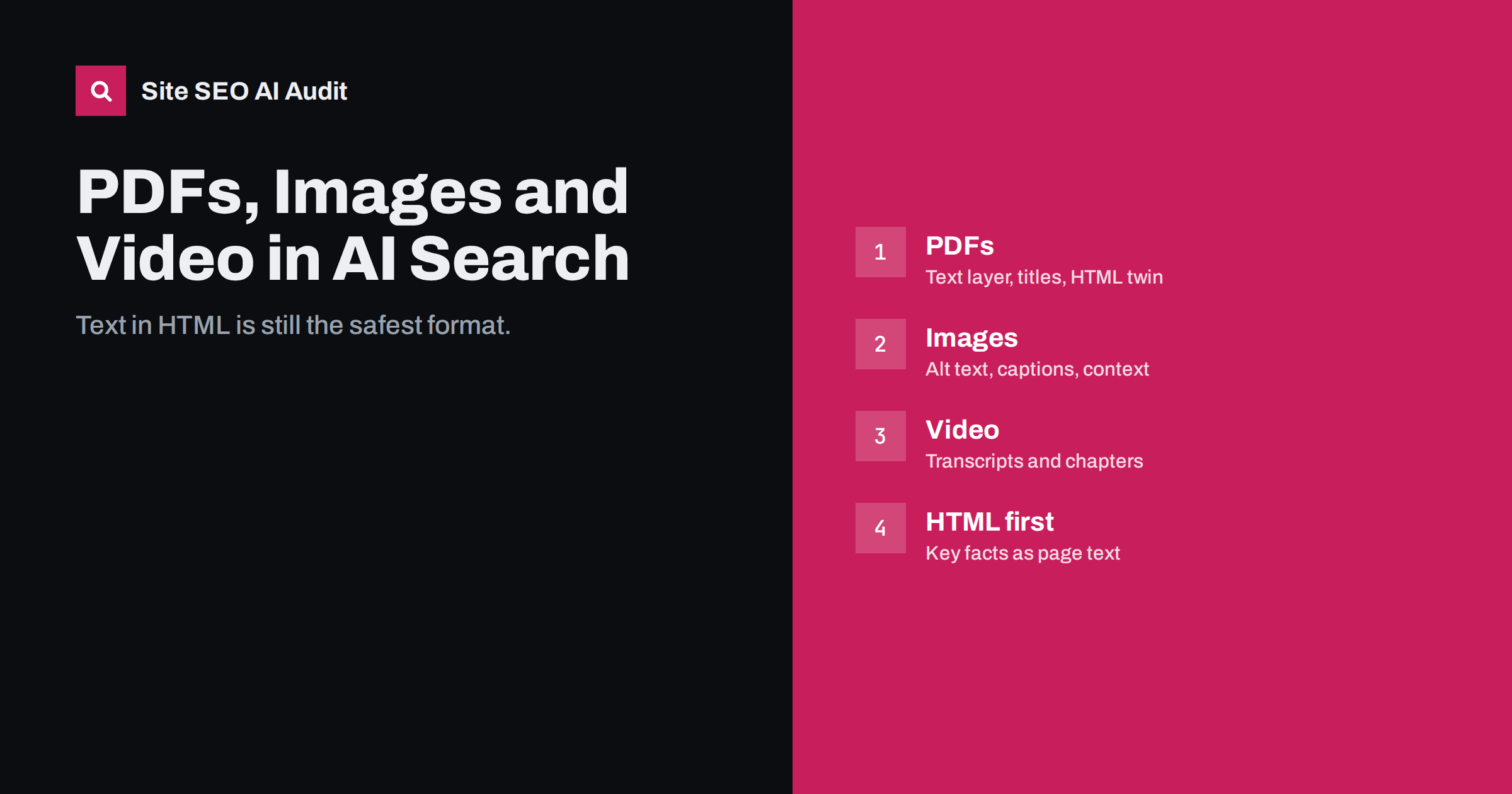
Short answer: AI search systems read HTML text most reliably. PDFs with a real text layer can be indexed and used, but scanned PDFs, text inside images and spoken words in video are much harder or impossible for many crawlers to use. If important facts live in a brochure, an infographic or a video, publish them as text on an HTML page too: add descriptive alt text and captions to images, and transcripts to videos. That keeps your content usable by every system, whatever its capabilities.
Why format matters for AI search
AI search depends on retrieval: systems find passages of text that answer a question and pass them to a model. Anything that is not available as text at crawl time is at a disadvantage. Modern models can interpret images, charts and audio when a user uploads them directly, but that is not the same as a crawler processing millions of pages. Crawling at web scale favours formats that are cheap and reliable to process, and plain HTML text is the cheapest and most reliable of all.
Operators rarely document how their crawlers handle each file type, and the answer differs between Google, Bing and the various AI assistants. The practical approach is to assume the least capable crawler you care about, and make sure your key facts survive it.
This matters most for small businesses and B2B companies, which often keep their most detailed information in formats that crawlers struggle with: price lists as PDFs, product specifications as images, explanations in videos.
PDFs: usable, with conditions
Google has indexed PDF files for many years and can show them in results, and many AI systems can extract text from PDFs they retrieve. Whether a PDF is useful as a source depends on how it was created:
- Text-based PDFs, exported from a word processor or design tool, contain a text layer that can be extracted. These are generally readable.
- Scanned PDFs are images of pages. Without optical character recognition, there is no text to extract. Some search engines run OCR, but results vary and many crawlers will see nothing.
- Complex layouts with columns, tables and text boxes can be extracted in the wrong order, producing jumbled passages.
- Large files may be processed only partly.
To improve PDFs, set a meaningful document title in the file properties, use real headings, keep a logical reading order, run OCR on scanned documents and link to PDFs from relevant HTML pages with descriptive anchor text. Better still, publish the key content as an HTML page and offer the PDF as a download. The HTML page is easier to read on phones, easier to update, and more reliably understood by every crawler.
There is also a freshness problem with PDFs. Brochures and price lists are often uploaded once and forgotten, while the website moves on. Search engines keep indexing the old file, and AI answers may quote its outdated prices or conditions. When you publish a new version, replace the old file at the same URL or redirect the old URL, and put a date on the first page of every document.
Images: context is everything
Search engines analyse images, but for text-based retrieval they rely heavily on the text around them. An image of a price table, a product label or an infographic may be understood partly by advanced systems, but you cannot count on its content being extracted and quoted.
- Never put essential facts only in an image. Prices, opening hours, specifications and steps should appear as text.
- Write descriptive alt text that says what the image shows and why it is there. Alt text is essential for accessibility and gives machines a description.
- Add captions where the image carries information, such as a chart. A caption that states the key finding makes the chart quotable.
- Place images near related text, so that the surrounding paragraph explains them.
- Use descriptive file names instead of camera defaults.
- Summarise infographics in text on the same page, with the main points as a list.
Good alt text is specific but brief. “Bar chart showing average delivery time falling from five days to two days between 2023 and 2025” tells a reader and a machine what the chart says. “Chart” or “delivery-graph.png” tells them nothing. Decorative images, such as background patterns, should have empty alt text so that screen readers skip them.
Video: transcripts make it searchable
Video is increasingly prominent in search results, and Google’s results and AI features often include video content, particularly from large video platforms. But the spoken content of a video is only as accessible as its text. Automatic captions exist on major platforms, yet on your own website, a video embed without a transcript is essentially a black box to most crawlers.
- Publish a transcript or a detailed written summary on the same page as the video.
- Add chapters with descriptive titles, which help both viewers and systems find specific moments.
- Write a proper description with the key points, not just a one-line teaser.
- Use VideoObject structured data with name, description, thumbnail, upload date and duration.
- Keep a text version of how-to steps alongside a tutorial video, so that a user asking an assistant can get the steps.
Transcripts do not need to be word-for-word to be useful. A cleaned-up version that removes filler words and adds headings for each topic is easier to read and quote. For long videos, a summary with timestamps can serve as both a navigation aid and a text version of the key points.
If your videos are hosted on a large platform and embedded on your site, the platform page and your page compete as sources. Your page adds value when it offers something the platform page does not: the full transcript, extra detail, related resources and a clear connection to your products or services.
Format by format at a glance
| Format | Readability for crawlers | What to add |
|---|---|---|
| HTML text | High | Clear headings, direct answers |
| Text-based PDF | Medium to high | Document title, headings, HTML version of key content |
| Scanned PDF | Low | OCR text layer, or replace with HTML |
| Images with text | Low to medium | Same information as page text, alt text, captions |
| Charts and infographics | Low to medium | Caption with key finding, summary list |
| Video | Low without text | Transcript, chapters, description, VideoObject markup |
| Audio and podcasts | Low without text | Transcript or show notes with key points |
Embedded widgets and third-party content
Much of what visitors see on modern sites comes from embeds: maps, review widgets, booking systems, calculators, social feeds. These are usually loaded with JavaScript inside frames from another domain. Crawlers typically do not attribute that content to your page, and many AI crawlers do not run the scripts at all. If a widget shows information that matters, such as opening hours in a map embed or reviews in a widget, repeat the essential facts in plain text on your page.
The same applies to content inside carousels and sliders that rotate automatically. Even when the text is in the HTML, it is often hidden or duplicated, so keep important messages in normal page text as well.
A practical audit of your non-HTML content
- List your PDFs, infographics, videos and important embeds.
- For each, write down the key facts it contains.
- Check whether those facts also appear as HTML text somewhere on your site.
- Where they do not, add a text version: a summary, a transcript, a table or a dedicated page.
- Check scanned PDFs and add OCR or replace them.
- Review alt text for images that carry information.
Prioritise by value. Start with the documents and media that contain facts customers ask about most often, such as prices, specifications, opening hours and step-by-step instructions, and leave less important material for later.
How Site SEO AI Audit helps
Site SEO AI Audit crawls your HTML pages and flags issues that affect how machines read them, including missing image alt texts, thin content, missing titles and headings, and content that depends on JavaScript to appear, which often signals widget-heavy pages. Its AI visibility area also checks crawler access and the structure and dates that AI answers quote. You can run a free audit to find pages where key content may be hidden.
Related reading
- Why AI Crawlers Miss JavaScript Content and How to Fix It
- Image Alt Text: How to Write It for SEO and Accessibility
- How to Write Content That AI Answers Actually Quote
The bottom line
AI search reads text best, and HTML text most reliably of all. Keep PDFs text-based and well structured, never hide essential facts in images, give videos transcripts and chapters, and repeat important widget content as page text. Treat other formats as supplements to clear HTML pages, not replacements, and your information stays usable by every system.
FAQ
Can AI search engines read PDF files?
Many can extract text from PDFs that have a real text layer, and Google indexes PDFs in search. Scanned PDFs without OCR and complex layouts are much less reliable, so key content is safer in HTML.
Do AI crawlers understand images?
Some systems can analyse images, but crawlers mostly rely on alt text, captions and surrounding text. Do not put essential facts only in images.
Should I add transcripts to videos on my site?
Yes. A transcript or detailed summary makes the spoken content searchable and quotable, and it helps visitors who prefer to read or cannot play audio.
Is VideoObject structured data worth adding?
It helps search engines understand videos on your pages and can make them eligible for video features. Include name, description, thumbnail, upload date and duration.
Are embedded review widgets visible to crawlers?
Often not, because they load with JavaScript from another domain. Show key reviews or ratings as text on your own page if you want them to be seen.


