ENEnglish
 LTLietuviškai
 DEDeutsch
 FRFrançais
 RUРусский
 ESEspañol
 PLPolski
 ITItaliano
 UKУкраїнська
 CSČeština
 PTPortuguês
 JA日本語
JA日本語 LVLatviešu valoda
 ETEesti
 HUMagyar
 IDBahasa Indonesia
 TRTürkçe
 HIहिन्दी
 ELΕλληνικά
 ARالعربية
 THไทย
THไทย VITiếng Việt
 RORomână
 MSBahasa Melayu
 BNবাংলা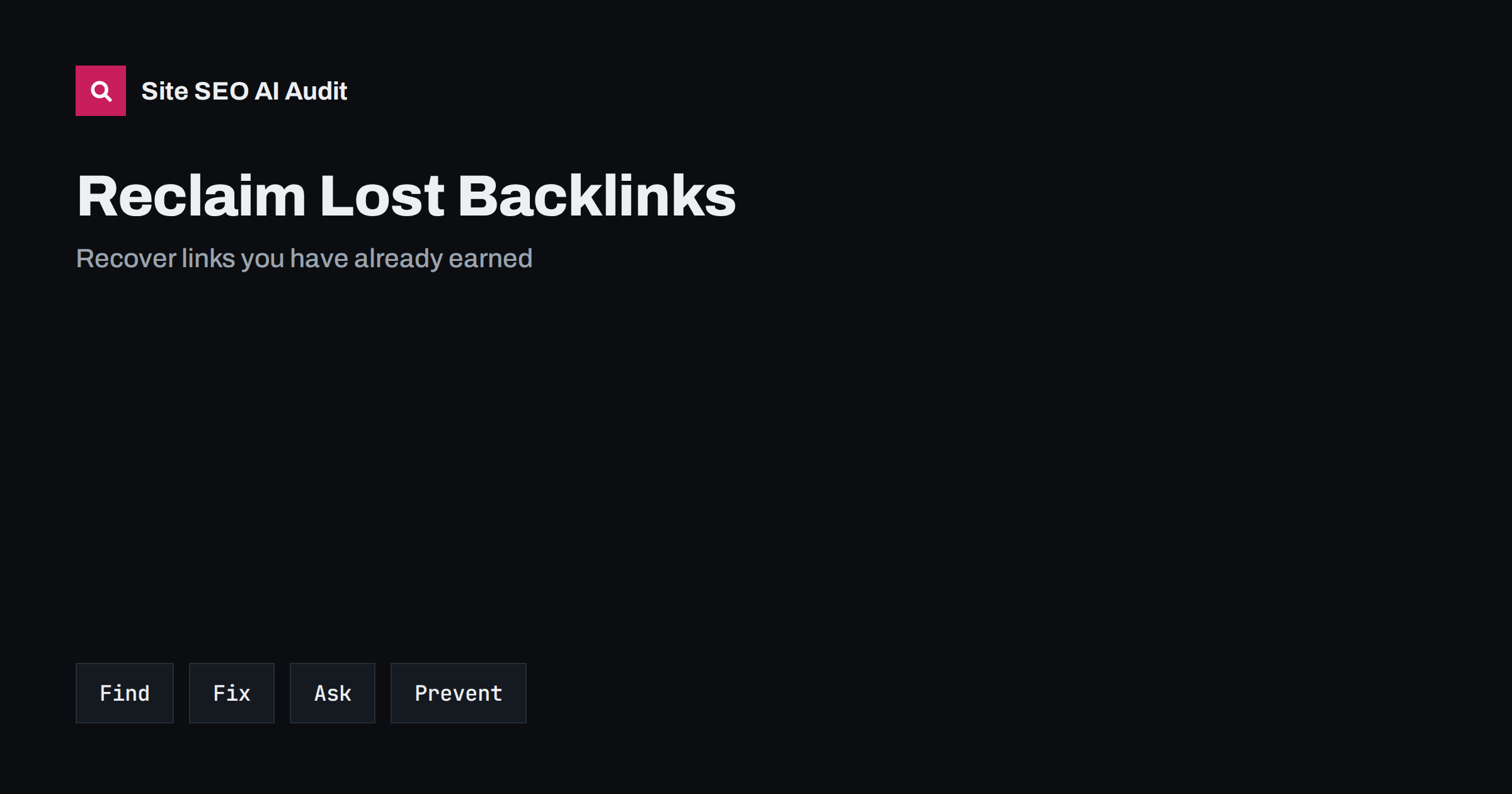
Short answer: To reclaim lost backlinks, first find which links disappeared or now point to broken addresses, then separate the causes: your own page moved or was deleted, the linking site changed or removed the link or the mention never had a link. Fix your side with permanent redirects to the closest matching page or by restoring valuable content, then contact the linking sites only where a request helps the editor and the reader. Prevent repeats with a redirect map, monitoring and care during site changes.
Every earned link represents effort by someone else, so losing one is a real cost. Many links are lost without anyone noticing: a redesign changes addresses, a product page is deleted, a blog is reorganised or a partner updates its website. Reclaiming them is often faster and cheaper than earning new ones, because the editor already chose to reference you. This guide explains how to find lost and broken links, which ones are worth recovering, how to repair them and how to avoid losing more. For the basics of links in general, see link building basics for small sites.
Why backlinks get lost
Understanding the cause tells you what to do. The common reasons are these:
- Your address changed. A migration, a redesign or a new URL structure left the old addresses returning an error or a redirect that does not match.
- Your page was deleted. Old products, events, campaigns or articles were removed without a replacement or a redirect.
- The linking page changed. The editor reworded the article, removed the link or deleted the page.
- The linking site disappeared. The website was closed, redesigned or moved.
- The link was mistyped. The reference contains a typo or a truncated address.
- The mention has no link. People wrote your name but did not link to the page.
The first, second and fifth causes are on your side, so they are the easiest to fix. The others require the cooperation of the other site, or are not worth chasing.
Find lost and broken links
Use several sources, because no single tool sees everything. Start with the links report in Search Console, which shows the pages that receive links and the sites that link to you, and compare exports over time. Use a link analysis tool that tracks new and lost links, and filter by quality and by the page that received the link. Check your server logs and your analytics for visits that arrive at addresses returning errors, because those requests often come from backlinks. Review your crawl for pages that return 404 and compare them with the list of linked pages. The reports are explained in the Search Console links report guide. Combine the lists in one sheet with the linked address, the linking page, the quality of the source, the date and the status.
Decide which links are worth recovering
Do not spend equal effort on all links. Prioritise by relevance, quality and traffic: links from reputable, relevant sites that also send visitors come first, followed by links from authoritative sources to pages that matter to your business. Skip spammy or irrelevant links, and links from pages that no longer exist. Consider the destination as well, since a link pointing to a page that you can restore or redirect to a closely matching page is a clear win, while a link to a product that has no replacement may be better left alone. Use a simple score from one to three for source quality and for destination value, and work through the high scores first. The cautions about third-party authority scores in domain authority metrics explained apply here too.
Repair broken addresses with redirects
When a linked address of yours returns an error, the quickest repair is a permanent redirect to the closest equivalent page. Match by topic and intent: an old guide should redirect to the updated guide, a discontinued product to its successor or to the most relevant category and a retired service to the page that now covers it. Avoid redirecting everything to the home page, which search engines may treat as a soft error and which disappoints visitors. Use a direct redirect with a single step, not a chain, and check the result with a status checker. If there is no relevant destination, a helpful 404 page that offers navigation is more honest than an irrelevant redirect. The mechanics are in 301 vs 302 redirects and redirect chains and loops.
Restore valuable content
Sometimes the best fix is to bring back the page. If a deleted article earned many links and still answers a real question, republish it at its original address, updated for accuracy. Add a note with the date of the update, and keep the address stable. If the content is outdated beyond repair, replace it with a new page that covers the same topic and redirect the old address to it. Do not redirect a link-rich page to an unrelated destination because it is convenient; the value of the links depends on the relevance of the new target. A short audit of old content, following the content refresh guide, often reveals pages that should return rather than stay deleted.
Ask for links where you can add value
Outreach is useful when a link has been removed or points to a wrong address on a page that is still live, and when a mention lacks a link. Keep requests short, polite and specific: name the page, show the exact location of the mention or the broken link, give the correct address and explain why it helps readers, for example that the page was updated or moved. Do not offer payment for a link and do not pressure editors. Be ready to accept a no. Where several mentions of your brand lack links, prioritise those on relevant, trustworthy sites and those that appear in prominent places. The approach to mentions is covered in unlinked brand mentions, and good anchor choices in anchor text best practices.
Handle special cases
Some situations need extra care. If a site that linked to you was closed, the link is gone, and the best response is to replace it with new relationships. If you changed your domain, set up redirects page by page and ask the most important linking sites to update their links, as described in the site migration checklist. If you merged two sites, map each old address to the equivalent page and test a sample before launch. If a competitor or a scraper copied your content with a link to your page, you usually do not need to act. If links are lost because of a penalty or because they came from low-quality networks, do not try to recover them; focus on building good ones. Use the disavow tool only in rare cases of clear manipulation, after reading the guidance carefully.
Prevent link loss in the future
Most lost links are preventable. Keep a redirect map for every migration or redesign, covering all addresses that have links, traffic or rankings, and test it before launch. Add a rule that no page with external links may be deleted without a decision about its replacement. Keep addresses stable, avoid dates and versions in them and decide on a trailing slash and a hostname policy once. Monitor crawl errors and 404 reports weekly, and set an alert when the number of errors with external referrers rises. Review your link profile monthly for lost links and fix quickly, since early repairs tend to be easier. Include link checks in release testing, using the SEO requirements checklist for developers.
Measure the result
Track what you reclaim: the number of links restored, the quality of the sources, the pages that benefit and the change in visits, impressions and rankings for those pages. Record the dates of redirects and outreach so that you can see the effect over the following weeks, as explained in how to test SEO changes. Do not expect instant changes, because search engines need time to recrawl and reprocess the links. Keep a running log of the pages that received the most reclaimed links, and review them for relevance and freshness, since a stronger page helps retain the value of the links you recovered.
Site SEO AI Audit crawls your site, checks status codes, redirect chains, broken links, orphan pages and titles, and ranks the fixes by the points they add, which helps you find broken addresses before links are lost for good. The first audit of up to 200 pages is free; larger sites can see the pricing page.
Related reading
- Broken Links: Find and Fix Them
- International Link Building
- When to Use the Disavow Tool
- Custom 404 Page SEO
The bottom line
Lost links are worth recovering because the hard part has already been done. Find them in several sources, work out the cause, prioritise by relevance and quality, repair your side with direct redirects or restored pages, ask politely where it helps and prevent repeats with a redirect map and regular monitoring.
FAQ
How do I find backlinks that point to broken pages?
Export the links report from Search Console and a link analysis tool, then compare the linked addresses with your crawl for pages that return errors. Server logs can also show requests to missing addresses.
Should I redirect every broken backlink to the home page?
No. Redirect each address to the closest matching page. Irrelevant redirects disappoint visitors and may be treated as soft errors by search engines.
Is it worth asking sites to change a link?
Yes, when the site is relevant and the fix helps readers, such as a corrected address. Keep the message short and polite, and accept that some editors will decline.
How long does it take to see results from reclaimed links?
Search engines need to recrawl the pages and the redirects, so expect weeks rather than days. Track the affected pages over time.
Can I recover links from a site that has closed?
Not directly. The link no longer exists, so the better use of your time is to replace it by building relationships with other relevant sites.