 ENEnglish
 LTLietuviškai
 DEDeutsch
 FRFrançais
 RUРусский
 ESEspañol
 PLPolski
 ITItaliano
 UKУкраїнська
 CSČeština
 PTPortuguês
 JA日本語
JA日本語 LVLatviešu valoda
 ETEesti
 HUMagyar
 IDBahasa Indonesia
 TRTürkçe
 HIहिन्दी
 ELΕλληνικά
 ARالعربية
 THไทย
THไทย VITiếng Việt
 RORomână
 MSBahasa Melayu
 BNবাংলা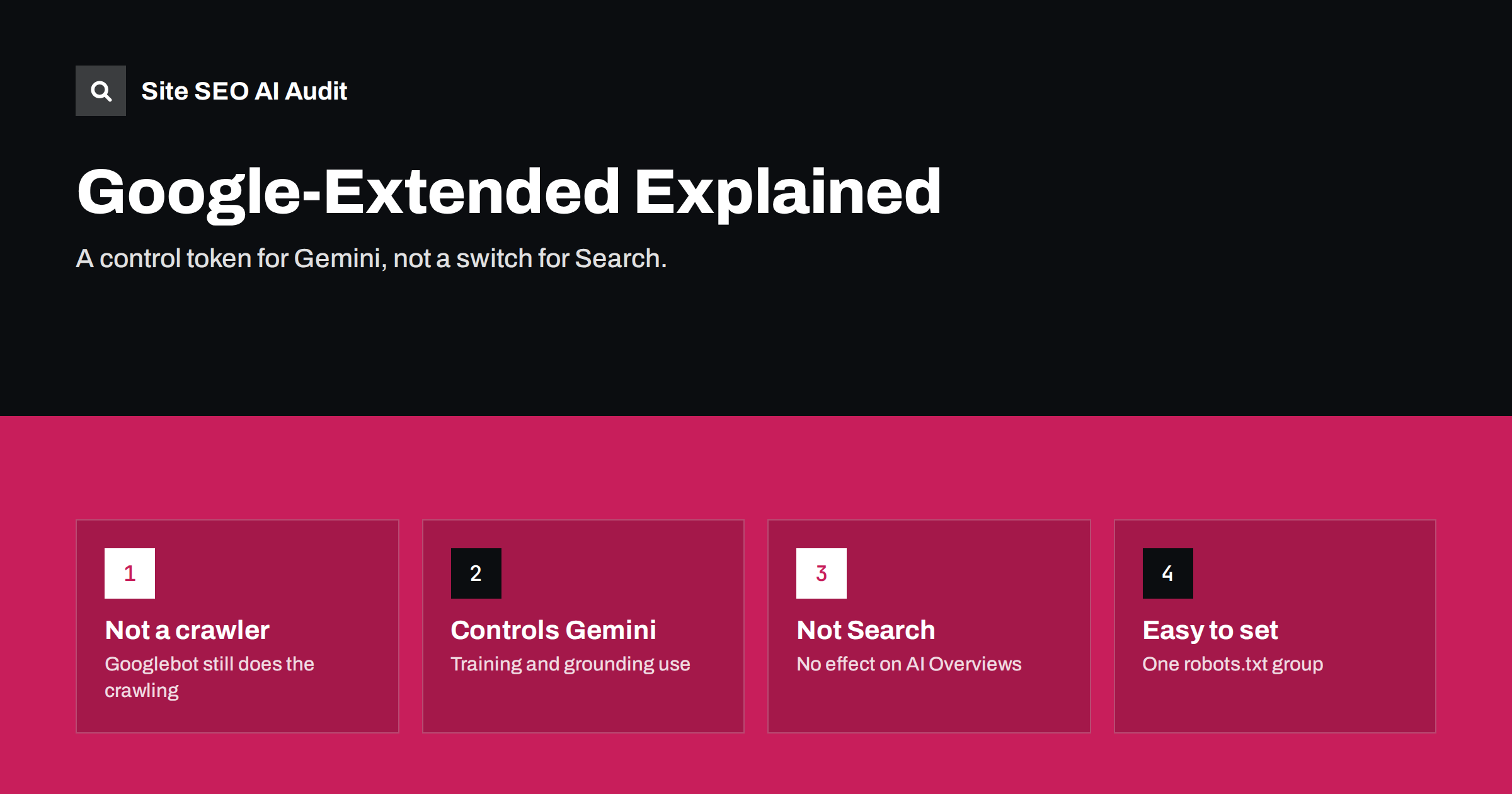
Short answer: Google-Extended is a product token you can use in robots.txt to tell Google whether content it crawls from your site may be used to train Gemini models and to ground answers in Gemini apps and certain developer products. It is not a separate crawler, and blocking it does not affect Google Search, your rankings or AI Overviews, which follow normal Googlebot and snippet rules. Use it if you want to limit Gemini use of your content while staying fully visible in Search.
What Google-Extended is
Google introduced Google-Extended in 2023 as a way for publishers to manage how their content is used for Google’s generative AI products. It appears in Google’s documentation of its crawlers as a “standalone product token”. That wording matters. Most entries in robots.txt refer to an actual bot that makes requests. Google-Extended does not make requests. Googlebot and Google’s other crawlers do the fetching, and Google then checks the Google-Extended rules to decide what it may do with the content.
According to Google’s documentation, the token manages whether content crawled from your site may be used for training future generations of Gemini models, and for grounding, which means supplying content from the Search index to a model at the moment it answers a question in Gemini apps and in Google’s grounding services for developers. The exact list of products covered is set out in Google’s overview of Google crawlers, which is the reference to check if anything changes.
Because it is a token rather than a crawler, you will never see “Google-Extended” in your server logs. If you are looking for evidence that the rule works, logs are the wrong place.
What blocking it does
When you disallow Google-Extended, you ask Google not to use the affected content for the purposes the token covers. In practical terms:
- Future Gemini training. Content crawled from the disallowed paths should not be used to train future model versions. Content already used in past training is not removed.
- Grounding in Gemini apps. Your pages should not be supplied to Gemini as live grounding material when it answers questions in its own apps.
- Grounding for developers. The same applies to the Google services that let developers ground their own AI applications with Google Search results.
These effects are policy commitments from Google. You cannot directly observe them, just as you cannot directly observe how any company uses crawled data. What you can verify is that your robots.txt is correctly written and served.
What blocking it does not do
This is where most confusion lies. Blocking Google-Extended does not:
- Remove your site from Google Search. Googlebot continues to crawl and index your pages as normal.
- Change your rankings. Google states that Google-Extended is not a ranking signal.
- Remove you from AI Overviews or AI Mode. These are features of Google Search, so they follow Search controls. To limit how your content appears in them, you would use snippet controls such as
nosnippetormax-snippet, which also limit regular snippets. - Block Googlebot, Google Images or other Google crawlers. They follow their own user-agent groups.
- Affect other companies’ AI products. GPTBot, ClaudeBot, PerplexityBot and others need their own rules.
In short, Google-Extended separates the Gemini use of your content from its Search use. It does not separate Search from AI features inside Search.
How the Google controls compare
| Control | Where you set it | What it affects | Side effects |
|---|---|---|---|
| Disallow Googlebot | robots.txt | Crawling for Search, including AI features | Pages drop out of Search over time |
| noindex | Meta robots tag or HTTP header | Indexing in Search | Page removed from all Search results |
| nosnippet / max-snippet | Meta robots tag or HTTP header | Text shown in snippets and AI Overviews | Less attractive regular results |
| data-nosnippet | HTML attribute on an element | Specific passages in snippets and AI features | Only the marked text is excluded |
| Google-Extended | robots.txt | Gemini training and grounding | None in Search |
The table shows the trade-off clearly. There is no control that keeps you in regular Search results but removes your content from AI Overviews without also affecting how your snippets appear. Google-Extended is the only control that has no Search side effect, but it only covers Gemini products outside Search.
How to set it up
Adding the rule takes a minute. To block Gemini use of the whole site, add this group to robots.txt:
User-agent: Google-Extended
Disallow: /
To block only part of the site, for example a paid research section, disallow that path instead:
User-agent: Google-Extended
Disallow: /research/
A few practical points:
- Keep your Googlebot rules separate. Do not put Google-Extended in the same group as Googlebot unless you intend both to have the same rules.
- Check the served file. On WordPress, a physical robots.txt file overrides the virtual one generated by WordPress and SEO plugins. Edit the one that is actually served.
- Allow time. Google caches robots.txt, typically for up to a day, so changes are not instant.
- Document the decision. Note why you chose to allow or block, so the next person editing the file does not undo it by accident.
Should you block Google-Extended?
It depends on what you want from Gemini. There are sensible reasons both ways.
- Reasons to allow it. If you sell products or services, being described accurately in Gemini answers can be useful exposure. Grounded answers may link to sources, which can bring visits. Blocking removes you from those answers without any benefit in Search.
- Reasons to block it. If your content is your product, such as original research, journalism or paid courses, you may not want it used to train models or summarised in answers that substitute for a visit. Blocking costs you nothing in Search.
- Middle ground. Allow marketing and product pages, and block specific sections with premium or licensed content.
Whatever you decide, apply the same thinking to other AI companies’ crawlers. A policy that blocks Google-Extended but allows every other training crawler, or the reverse, is usually an accident rather than a strategy.
Applebot-Extended and similar tokens
Google is not the only company to use this pattern. Apple offers Applebot-Extended, which lets publishers opt out of their content being used to train Apple’s AI models while Applebot continues to crawl for features such as Siri and Spotlight suggestions. The logic is the same: the token controls a use, not a crawl, so it will not appear in logs.
Other operators take a different approach and run separate crawlers for training and for search, such as GPTBot and OAI-SearchBot. In those cases you control each bot by name. When you review robots.txt, it helps to sort entries into “tokens that control use” and “bots that fetch pages” so that you understand what each line actually changes.
Common mistakes
Google-Extended is simple, but audits regularly find the same errors around it:
- Blocking Googlebot instead. Someone wants to “block Google AI” and disallows Googlebot, which removes the site from Search over time. This is by far the most costly mistake.
- Adding a site-wide nosnippet to keep content out of AI Overviews, without realising it also strips the descriptive text from every regular search result.
- Merging groups by accident. Placing
User-agent: Google-Extendeddirectly aboveUser-agent: Googlebotwithout a rule between them puts both in the same group, so both get the same rules. - Typos in the token name. Variants such as “Google-Extend” or “GoogleExtended” are simply ignored.
- Expecting instant results. The change applies to future use, and Google may take a day or so to fetch the new robots.txt.
After any change, reload the live robots.txt in a browser, read the groups line by line, and confirm that Googlebot’s rules are exactly what they were before.
How Site SEO AI Audit helps
Site SEO AI Audit reads your robots.txt and reports which AI crawlers and tokens are allowed or blocked in the AI visibility area of its report, next to checks for llms.txt, JavaScript-dependent content and quotable page structure. Because the same crawl also checks noindex tags and snippet-related issues, it helps you spot the more damaging mistake of restricting Googlebot or snippets when you only meant to limit Gemini. You can run a free audit to see your current settings.
Related reading
- How to Allow or Block AI Crawlers in robots.txt
- Google AI Overviews: How Sources Are Chosen and How to Be One
- Noindex vs Disallow: How to Keep Pages Out of Search
The bottom line
Google-Extended is a narrow, safe control. It lets you decide whether Google may use your content for Gemini training and grounding, with no effect on Search, rankings or AI Overviews. Block it if your content is your product, allow it if exposure in Gemini helps your business, and remember that controlling AI features inside Search requires snippet controls instead.
FAQ
Is Google-Extended a crawler?
No. It is a product token used only in robots.txt. Google’s existing crawlers fetch the pages, and the token tells Google whether that content may be used for Gemini training and grounding.
Will blocking Google-Extended remove me from AI Overviews?
No. AI Overviews are part of Google Search and follow Googlebot and snippet controls. Google-Extended only covers Gemini apps and related products outside Search.
Does blocking Google-Extended affect my rankings?
No. Google states that Google-Extended does not affect inclusion or ranking in Google Search. Your pages continue to be crawled and indexed normally.
Why can’t I see Google-Extended in my server logs?
Because it never makes requests. Googlebot and Google’s other crawlers do the fetching, so their user agents appear in logs instead.
Does blocking it remove content already used for training?
No. Robots.txt changes apply going forward. Content that was already used to train earlier models is not removed by adding the rule.


