 ENEnglish
 LTLietuviškai
 DEDeutsch
 FRFrançais
 RUРусский
 ESEspañol
 PLPolski
 ITItaliano
 UKУкраїнська
 CSČeština
 PTPortuguês
 JA日本語
JA日本語 LVLatviešu valoda
 ETEesti
 HUMagyar
 IDBahasa Indonesia
 TRTürkçe
 HIहिन्दी
 ELΕλληνικά
 ARالعربية
 THไทย
THไทย VITiếng Việt
 RORomână
 MSBahasa Melayu
 BNবাংলা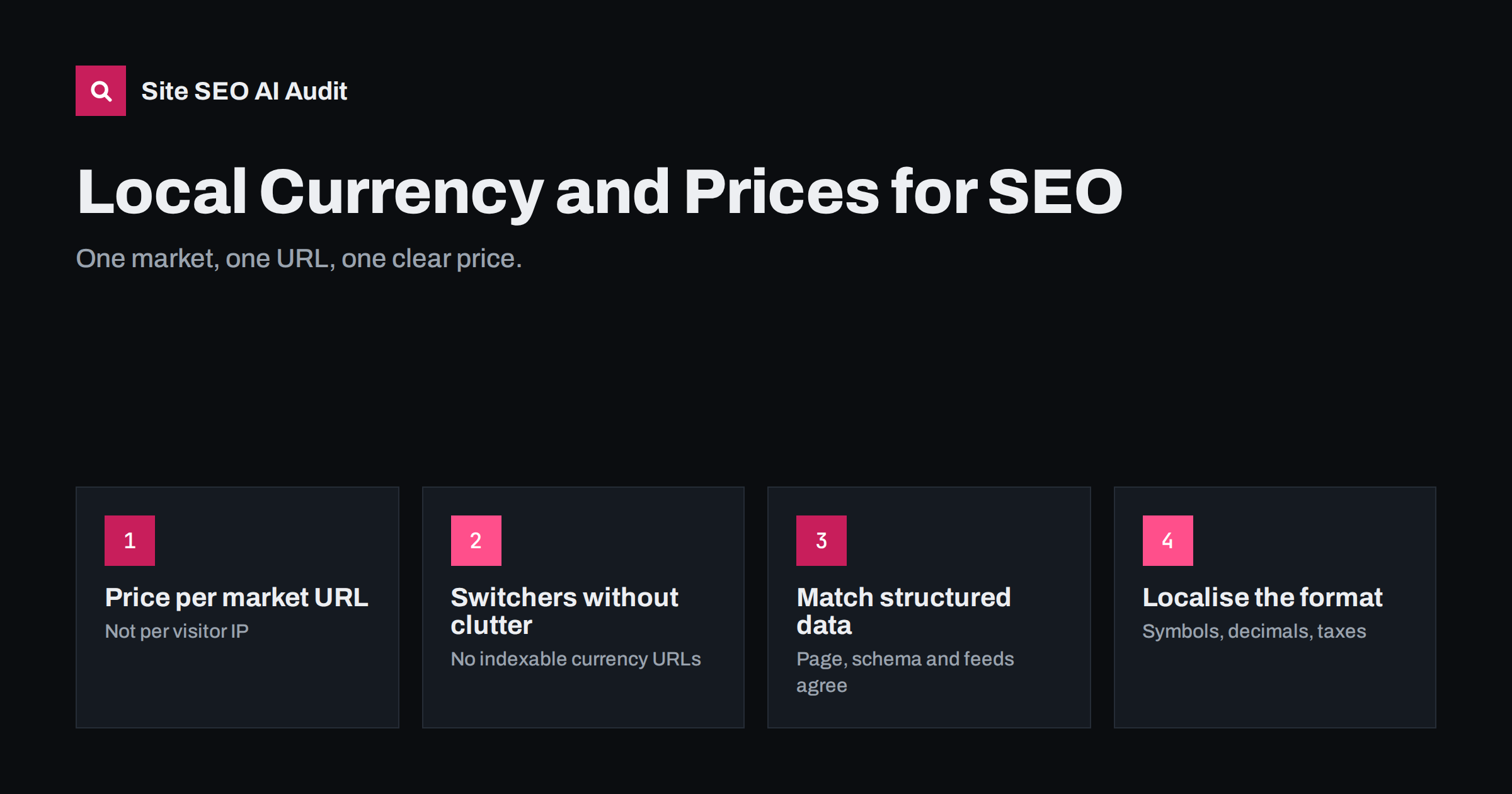
Short answer: the safest way to show local prices is to give each market its own URL, such as /de/ for Germany or /en-gb/ for the UK, with the correct currency built into that version and matching hreflang, structured data and product feeds. Avoid changing the currency on the same URL based on the visitor’s IP address, because search engine crawlers usually see only one version. Currency switchers are fine for visitors, but should not create a crawlable URL for every currency.
Why prices and currency matter for international SEO
Price is one of the first things a shopper checks, and a price in the wrong currency creates friction immediately. A visitor from Poland who sees only US dollars has to guess the real cost, wonder about exchange fees and question whether the shop even delivers to them. Many simply leave.
Search engines care for similar reasons. Pages that clearly serve a market, with local language, currency, delivery information and contact details, are easier to match with searchers in that market. Shopping features and rich results also rely on a clear price and currency, and they expect what they show to match what the visitor sees after clicking. Currency is not a ranking factor on its own, but it is part of what makes a page the right result for a given country. Our guide to local trust signals for country versions covers the wider picture.
The URL question: one price per URL
The core rule is simple: a URL should show one price in one currency to everyone, including search engine crawlers. There are three common setups:
| Setup | यह कैसे काम करता है | SEO verdict |
|---|---|---|
| Separate market versions | /en-us/ shows USD, /en-gb/ shows GBP, /de/ shows EUR |
Recommended: each version can be crawled, indexed and targeted with hreflang |
| One URL, currency by IP | The same URL shows different currencies depending on where the visitor is | Risky: crawlers see mostly one country’s version, and other markets are invisible to search |
| One URL, visitor chooses currency | Default currency for everyone; a switcher changes it via cookie | Acceptable for small shops, but only the default currency is visible in search |
Google’s crawlers often come from IP addresses in the United States, so a site that adapts content by IP will usually be indexed in its US form. This is the same issue described in our article on why one URL for all markets is risky. If local prices matter to your business in several markets, separate URLs are worth the extra setup.
Currency switchers that do not create SEO problems
Visitors like being able to switch currency, and a switcher is fine as long as it does not multiply URLs. Common pitfalls and fixes:
- Parameter URLs: a switcher that links to
?currency=eur,?currency=usdand so on creates duplicate pages. Use a cookie or a button that submits a form instead of a crawlable link, or make sure these URLs canonicalise to the clean version. - Currency in the path without a market: a folder like
/eur/duplicates content without saying anything about language or country. If you create market folders, tie them to a real market with hreflang, not to a currency alone. - Automatic redirects on first visit: sending visitors to a currency or country version based on IP can block crawlers from other versions. Suggest a switch with a banner instead of forcing it.
- Cached pages with the wrong currency: page caches and CDNs can serve a version cached for one visitor to the next. Make sure currency-dependent content is either varied correctly in the cache or loaded in a way that does not leak between visitors.
For the general rules on parameters, see our guide to URL parameters and duplicate content.
Structured data, feeds and consistency
When prices appear in several places, they must agree. Search engines compare the visible price with product structured data and, where used, merchant product feeds. Inconsistencies can cause rich results to be dropped or products to be disapproved in shopping programmes.
- In Product and Offer structured data, set
priceas a number andpriceCurrencyas an ISO 4217 code such asEUR,GBPorPLN. - Output structured data for the currency that the page actually shows by default, not for a base currency used internally.
- Generate a separate product feed for each market, with landing page URLs that point to the matching market version.
- Update prices in all three places at the same time; sale prices are a frequent source of mismatches.
Our article on structured data on multilingual sites explains which other properties need to change per version.
Formatting, taxes and shipping by market
A local price is more than a converted number. Visitors notice when the format feels foreign:
- Number format:
1,299.00in the US and UK,1.299,00in Germany,1 299,00in France and many other European countries. - Symbol placement:
€49or49 €depending on the market; some shoppers expect the ISO code instead of a symbol. - Taxes: in the EU, prices shown to consumers must include VAT, while US shoppers expect sales tax to be added at checkout. Business-to-business sites often show prices excluding VAT, clearly labelled.
- Rounded price points: a direct conversion like 43.87 looks odd. Many shops set deliberate local price points instead.
- Shipping and duties: state delivery costs and whether import duties are included, especially outside the EU single market.
These details rarely change rankings directly, but they change how many visitors trust the page enough to buy, which is the point of ranking in the first place.
Prices in titles, descriptions and content
Some shops put prices or “from” prices in title tags and meta descriptions. This can help click-through, but it adds maintenance: when prices change, snippets may show stale values until pages are recrawled. If you do it, generate the text from the same source as the page price and use the local currency of each version.
In content, avoid hard-coded prices in blog posts and guides, especially in translated articles. A price written into an English article in 2024 and translated into five languages becomes six outdated statements. Link to product or pricing pages instead, where one system keeps prices current.
Setting up prices for a new market, step by step
When you add a country, handle currency as part of the launch rather than as an afterthought:
- Decide the market, not just the currency. A euro price can serve Germany, France and Spain, but delivery, taxes and language differ. Decide which markets get their own version and which share one.
- Set the pricing rules. Choose fixed local price points or automatic conversion with rounding, and decide how often converted prices update.
- Configure the market version. Create the folder or domain, set the default currency, tax display and number format for that version, and make sure the platform does not fall back to the base currency anywhere.
- Connect the signals. Add hreflang with the right language and region code, update XML sitemaps and point the market’s product feed to the new URLs.
- Test as a visitor and as a crawler. Check a few product and category pages from a browser with cookies cleared, and fetch the raw HTML to confirm the currency and structured data are in the server response.
- Watch the first weeks. Check Search Console for the new folder, compare the prices in rich results with the page, and look for any cache leaking the wrong currency.
Writing these steps into a short launch checklist makes the next market faster and prevents each launch from repeating the same mistakes.
Common mistakes to check for
- Currency switched by IP on the same URL, leaving other markets invisible in search.
- Crawlable currency parameters creating duplicates of every page.
- hreflang pointing to market versions that all show the same default currency.
- Structured data in one currency while the page shows another.
- Prices without VAT shown to EU consumers without a clear label.
- Feeds for one country pointing to landing pages for another.
- Cached pages showing the previous visitor’s currency.
Checking market versions at scale
Most of these problems are invisible when you test from your own country. Site SEO AI Audit crawls every page and checks hreflang return links, broken language versions, x-default and lang attributes, alongside invalid JSON-LD, canonicals and duplicate content, so inconsistencies between market versions surface across the whole site. Paid plans add scheduled re-audits to catch problems after price or template changes.
Related reading
- International Ecommerce SEO: Selling in Several Countries
- Same Language, Different Countries: How to Target en-US and en-GB
- Product Page SEO: How to Optimize E-commerce Product Pages
The bottom line
Give each market its own URL with its own currency, keep currency switchers out of the crawlable URL space, and make sure visible prices, structured data and feeds match in every version. Format prices the way local shoppers expect, including taxes and delivery costs. Search engines then see a clear page for each market, and visitors see a price they can trust.
FAQ
Is currency a ranking factor for international SEO?
Not on its own. But local currency, language, delivery information and contact details together help search engines and visitors see that a page serves a specific market, which supports relevance and conversions.
Can I change the currency by the visitor’s IP address?
It is risky on a single URL, because crawlers mostly see one country’s version. If local prices matter, use separate URLs per market and let visitors switch with a banner or selector rather than a forced redirect.
Should a currency switcher create new URLs?
Usually not. Store the choice in a cookie or use a form rather than crawlable links, or make sure currency parameter URLs canonicalise to the clean page. Only real market versions deserve their own indexable URLs.
What currency should structured data use?
The currency shown on that page by default, written as an ISO 4217 code such as EUR or GBP. The price in structured data must match the visible price.
Do EU prices need to include VAT?
Prices shown to consumers in the EU generally must include VAT and other unavoidable charges. Business-only sites often show prices excluding VAT, but should label them clearly.


