ENEnglish
 LTLietuviškai
 DEDeutsch
 FRFrançais
 RUРусский
 ESEspañol
 PLPolski
 ITItaliano
 UKУкраїнська
 CSČeština
 PTPortuguês
 JA日本語
JA日本語 LVLatviešu valoda
 ETEesti
 HUMagyar
 IDBahasa Indonesia
 TRTürkçe
 HIहिन्दी
 ELΕλληνικά
 ARالعربية
 THไทย
THไทย VITiếng Việt
 RORomână
 MSBahasa Melayu
 BNবাংলা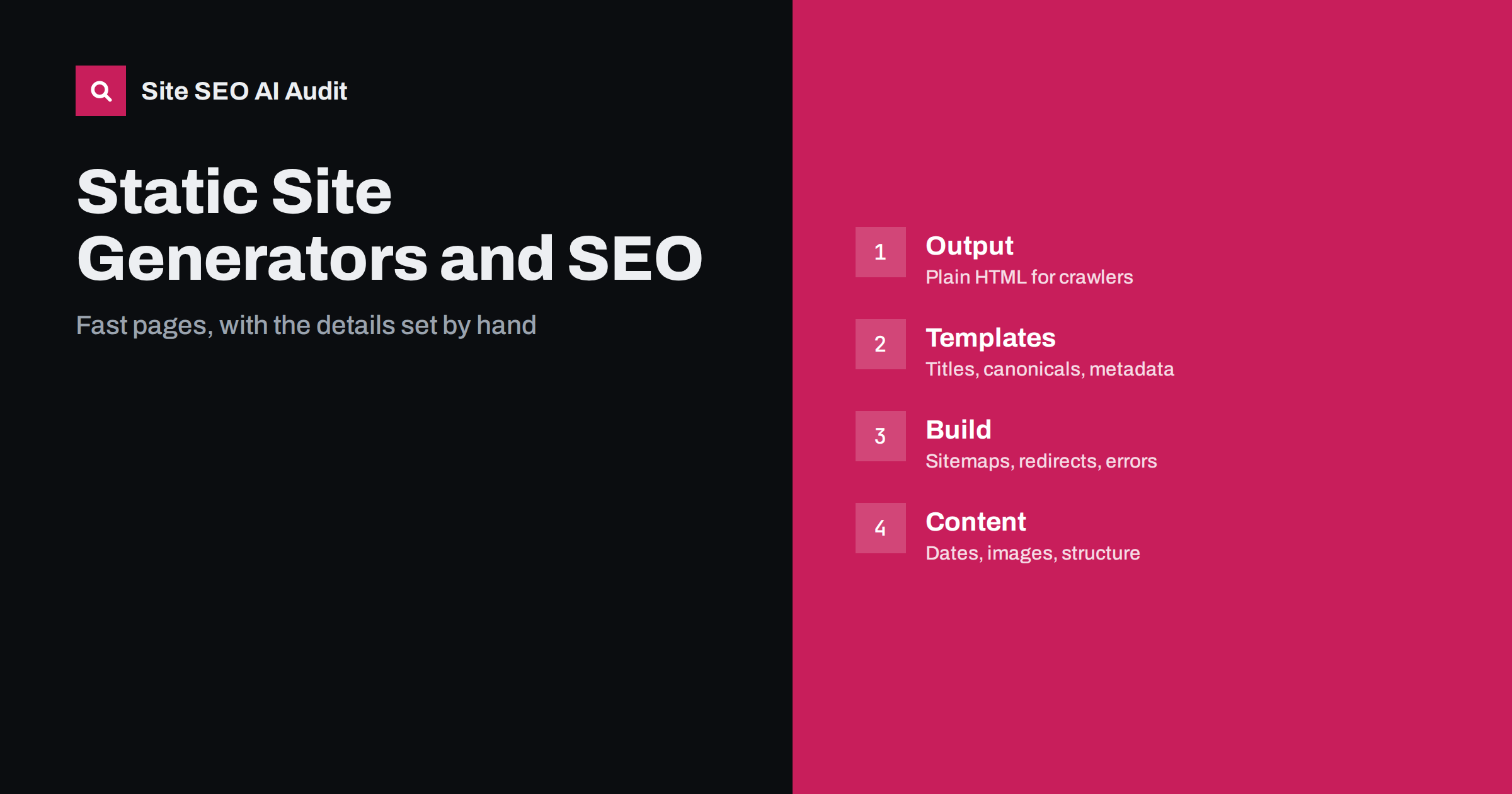
Short answer: A static site generator builds ready-made HTML files, so pages are fast, simple to cache and easy for crawlers to read. That is a good start, but the generator does not decide your SEO for you. You must set unique titles and descriptions in the templates, produce clean URLs, canonical tags, an XML sitemap and a robots.txt file, manage redirects when pages move, handle images and dates, and check the build output before every release. Most problems appear in the templates, not in the tool.
Generators such as Hugo, Jekyll, Eleventy and Astro turn content files and templates into a folder of pages. There is no database or server-side rendering at request time, so the result can be served from a cheap host or a content delivery network. For search, this removes many risks of dynamic sites, such as slow server response and content that exists only after scripts run. It also removes the safety nets of a content management system: there is no admin screen with a title field and no plugin that adds a sitemap. Everything you want in the output has to be put in the templates or the configuration. This guide lists the settings that matter. Compare it with headless CMS SEO and Next.js SEO if your setup uses a rendering framework.
Why static output helps search
Search crawlers request a URL and read the HTML they receive. With a static site, the full content is in that first response, so engines and AI crawlers do not need to run scripts to see the text, headings and links. Pages usually respond quickly because the server only sends a file, which helps the loading measures described in Core Web Vitals in plain words. Caching is simple, and traffic spikes rarely cause errors. These strengths are real, but they only help when the content itself is complete. If your generator loads the main text from an interface after the page opens, you lose the advantage, as described in why AI crawlers miss JavaScript content. Prefer templates that print the content into the HTML at build time and use scripts only for enhancements.
Set titles, descriptions and headings in the templates
Every page needs a unique title, a meta description and one clear main heading. In a generator, these usually come from the front matter at the top of each content file, and the base template inserts them in the head. Define a rule for each field: take the title from the front matter, add the site name according to one pattern, and fail the build or log a warning when a field is empty. A common mistake is a default title copied to every page because a variable is missing. Another is a description that is the same for the whole site. Both are easy to detect after the build by scanning the output files. Writing advice is in how to write title tags and how to write meta descriptions.
Keep headings in the content, not in the layout, so that each page has one main heading, followed by logical subheadings. Check list pages, tag pages and archives too, because they are generated from templates and often share a heading. Avoid empty heading tags that appear when a layout includes a heading even if the content is missing. The rules are explained in heading structure for SEO.
Control URLs, canonicals and trailing slashes
Generators create URLs from file names and folders, or from a permalink pattern. Choose a pattern early and do not change it without redirects. Decide whether paths end with a slash and whether the host name includes www, then make sure the hosting platform serves only that version and redirects the others, as described in one URL version only. Many static hosts serve both the folder form and the file form of a page, which can create duplicates unless you set a canonical tag. Add a self-referencing canonical tag in the base template using the absolute address, built from a single site address setting. A wrong base address in the configuration, such as a staging domain or an http address, will write the wrong canonical on every page. Read canonical tags explained before you finalize the template.
Generate sitemaps and robots.txt in the build
Most generators have a sitemap feature or a plugin. Enable it, set the real production address, and check that the file lists only canonical, indexable pages with accurate last-modified dates. Exclude drafts, redirect pages, thank-you pages and tag pages that you do not want indexed. Reference the sitemap in robots.txt, which you can keep as a static file in the source folder. Keep robots.txt simple, and make sure that the version used on a preview or staging site blocks crawling while the production file does not, or that previews are protected with a password. A common accident is to ship the staging file to production, or the reverse, as described in how to fix an indexed staging site. For sitemap rules, see XML sitemap best practices.
Manage redirects and error pages
Static hosting does not run application code, so redirects must be defined in the way your host supports: a configuration file, a redirects file in the output folder or rules in a content delivery network. Keep a list of old and new addresses and add a permanent redirect whenever you rename, merge or delete a page. Avoid chains where one redirect leads to another, as explained in redirect chains and loops. Create a custom 404 page and make sure the server returns a real 404 status for unknown addresses, not a 200 status with an error message, because that creates soft errors. See custom 404 pages and soft 404 errors. Test both on the production host, because local preview servers often behave differently.
Handle images, fonts and scripts in the build
Generators can resize images and create modern formats during the build, which helps speed. Use that feature to produce several widths, serve them with the srcset attribute and include width and height to avoid layout shifts, following responsive images with srcset and sizes. Write alt text in the content files, and treat a missing alt value as a build warning. Subset and preload only the fonts you need, as in web fonts and page speed, and keep third-party scripts to a minimum. Fast pages are an advantage of this approach, so avoid giving it away with heavy widgets.
Add structured data and dates from the content
Because there is no plugin, structured data must be written into the templates. Create a block for the article type that reads the title, description, image, author and dates from the front matter, and a separate block for the organisation. Output the data only when the visible page contains the same facts. Keep publication and update dates in the front matter, and update the modified date only when the content really changes, since automatic dates on every build make all pages look new. Guidance is in Article schema for blog posts and content dates and freshness. Validate the generated output with a tool rather than trusting the template.
Add checks to the build and the deployment
The big advantage of a generator is that you can test the output before publishing. Add automated checks to the build: fail it when a page has no title, a duplicate title, no description, no canonical tag, a broken internal link, an image without alt text or a noindex tag that should not be there. After deployment, run a crawl of the live site and compare it with the previous one. Watch for pages that disappeared from the sitemap, status codes that changed and addresses that now redirect. If several people edit content, document the front matter fields and give writers a template with required values.
Site SEO AI Audit crawls the published site like a search engine, checks titles, canonicals, status codes, sitemaps, structured data, images and speed on each page, and ranks the fixes by the points they add, which suits a pre-launch or post-release check. The first audit of up to 200 pages is free; larger sites can see the pricing page.
Related reading
- Technical SEO Audit Checklist
- Website Redesign Without Losing SEO
- Render-Blocking Resources
- CDN and SEO
The bottom line
A static site generator gives you fast, readable HTML, but you must supply every SEO field yourself. Put titles, canonicals, structured data and sitemaps in the templates, manage redirects on the host, optimize images in the build and add automated checks before each release.
FAQ
Are static sites better for SEO than WordPress?
They are not automatically better. They tend to be faster and simpler, but a well-configured WordPress site can rank equally well. What matters is complete content, clean URLs and correct metadata.
Do I need a sitemap on a small static site?
It is still useful. A sitemap helps crawlers find all pages and shows which addresses you consider canonical. Most generators can create one during the build.
How do I set up redirects on static hosting?
Use the method your host supports, such as a redirects file or a rules panel, and keep a list of old and new addresses. Test the permanent status codes on the live site.
Can I use JavaScript frameworks with a static generator?
Yes, if the content is printed into the HTML at build time. Use scripts for interactive parts, and check that the main text is visible without running them.
Why do all my pages show the same title?
A template variable is probably missing, so a default value is used. Check the front matter and base layout, and add a build check that fails when the title is empty.