ENEnglish
 LTLietuviškai
 DEDeutsch
 FRFrançais
 RUРусский
 ESEspañol
 PLPolski
 ITItaliano
 UKУкраїнська
 CSČeština
 PTPortuguês
 JA日本語
 LVLatviešu valoda
 ETEesti
 HUMagyar
 IDBahasa Indonesia
 TRTürkçe
 HIहिन्दी
 ELΕλληνικά
 ARالعربية
 THไทย
 VITiếng Việt
 RORomână
 MSBahasa Melayu
 BNবাংলা
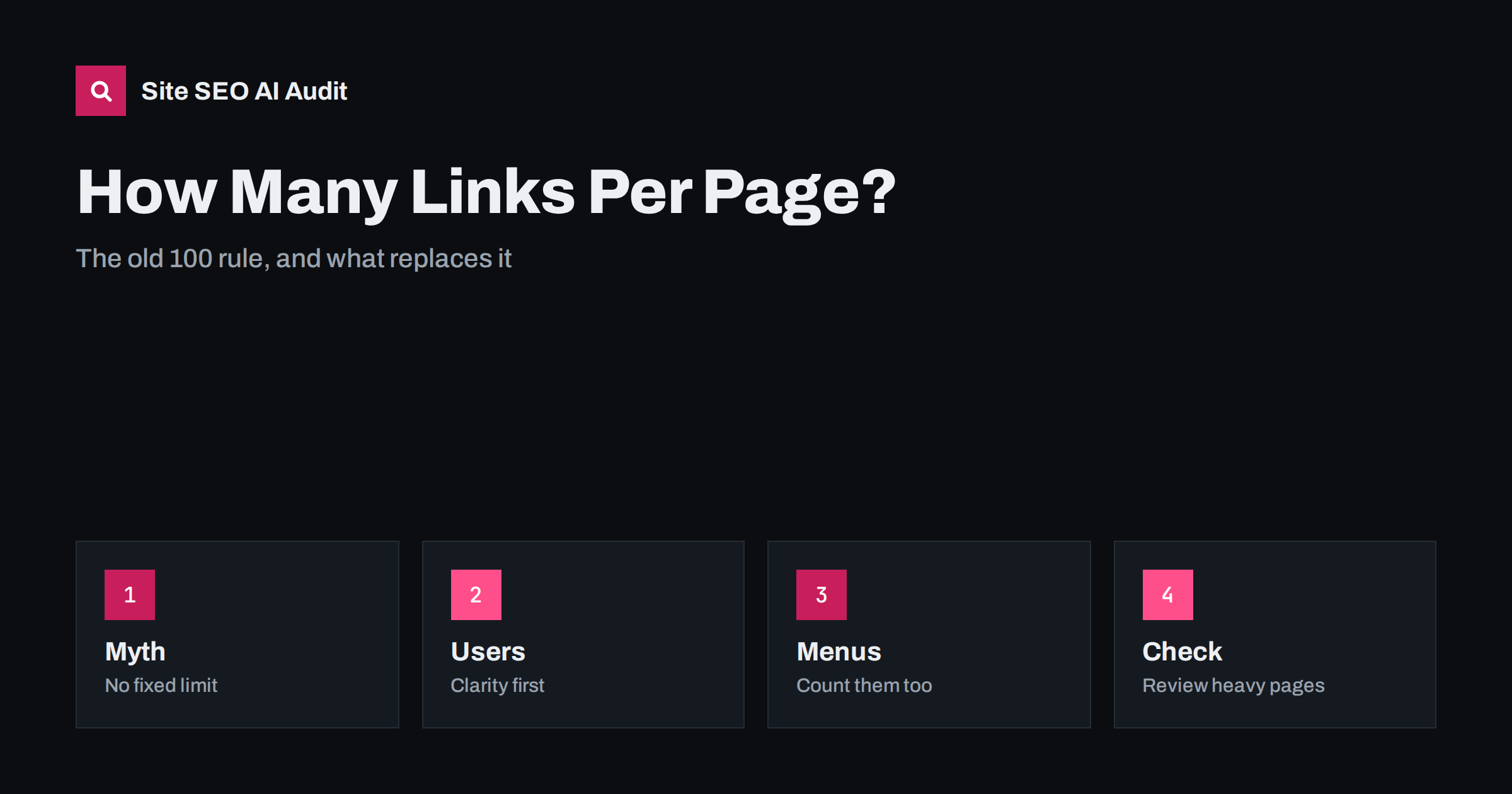
Short answer: There is no fixed number of links per page that search engines require. The old advice to stay under 100 links came from early technical limits and is outdated. Still, a page with hundreds of links is hard for people to use, spreads attention thinly and often signals poor structure. A good rule is to link where it helps the reader, keep menus and footers compact, group long lists and review pages that carry far more links than similar pages on your site.
Ask ten SEO professionals how many links a page may have and some will say 100, a few will say there is no limit and others will give an answer that depends on the page. All of them are partly right. The number itself is not a ranking factor, but links shape how people move through your site, how crawlers find pages and how clearly each page expresses its purpose. This guide explains where the 100 rule came from, what actually matters and how to judge your own pages. For the basics of linking pages together, see the guide to internal linking strategy.
Where the 100 links rule came from
In the early years of search engines, the software that indexed pages could handle only part of a large page, and the webmaster guidelines advised keeping the number of links on a page to a reasonable number, often quoted as about 100. The reasoning was practical: very large pages were costly to crawl and likely to be cut off. Later, the guidance was changed to say simply to keep a reasonable number of links. The old number remained in articles and tools for years, and some audit tools still flag pages with too many links.
Search engines have become much better at processing large pages, and many popular sites carry far more than 100 links on each page. Still, a limit on the size of the HTML that a crawler processes exists, so a page that is extremely large may be only partly read. Links that appear only at the very end of such a page may not be seen.
What really happens with many links
A link is a path, and each path competes with the others for the attention of both readers and crawlers. When a page has a few clear links, each one stands out and its anchor text tells a lot about the target. When a page has hundreds, each link carries less weight for the reader, and it is harder to see which ones are important. The way authority flows through internal links is described in the guide to internal link equity, and the idea is the same: more links on a page means each one gets a smaller share.
This is not a penalty. It is a matter of focus. A page that exists to list many items, such as a directory, a sitemap page or a category with many products, naturally has many links, and that is fine as long as the list is organised and useful.
Count all the links, not only the ones in the text
Owners often look only at the links in the article text. Yet a typical page also carries a header menu, a mega menu, a sidebar, a footer with dozens of links, tag clouds, related posts, breadcrumbs, social icons and cookie notices. Add them up, and a short article may have two hundred links of which only five are in the text. These repeated links are normal in moderation, and crawlers recognise page templates, but they make the page heavier and the main content less prominent.
Check navigation menus and footers for links that nobody uses. A footer that repeats the entire site map on every page is a common example. Use the data from your analytics and from the guide to navigation menus and footer links to decide which links earn a place on every page.
Links in the content should be useful
In the body of an article, a link should help the reader who is curious about something that is mentioned. A good article about a topic might link to two to five related pages and a few sources, spread where they are relevant. A paragraph with six links in a row, or a text where every second word is a link, tires readers and weakens each link. Use specific anchor text that says what the target is about, as in the guide to anchor text.
Do not add links only to pass strength to a page. A link that you would not click yourself is unlikely to help. At the same time, do not avoid links out of fear. Pages that cite sources and point to further reading are usually more helpful, as covered in the guide to outbound links.
Pages that need many links
Some pages legitimately carry many links: category and archive pages, directories, glossaries, resource lists and hub pages. Make them usable. Group links under clear headings, add short descriptions, use pagination or load more where lists are long and place the most important items first. Hub pages that explain how the topics relate are better than a bare list, in line with the guide to topic clusters and the guide to HTML sitemap pages.
For large lists, think about pagination and filtering, which have their own rules, covered in the guide to pagination. A single page that lists every product on the site with thousands of links is rarely the best solution.
Links that are hard to follow
The number is less important than the kind. A link that crawlers can follow is a normal anchor with an address in the href attribute. Links created only by scripts, buttons without addresses or fragments may not be found, as described in the guide to JavaScript SEO basics. Make sure that the important links are in the HTML as ordinary links, and not hidden in elements that need user actions to appear.
Also be careful with hidden or tiny links created only for crawlers. They do not help users and can be treated as manipulation. Links must be visible and understandable, in line with the guidance on hidden text in the guide to cloaking and hidden text.
Nofollow, sponsored and user links
Links in comments, forums and user profiles can multiply quickly and may point to unknown sites. Mark user-generated links with the right attribute, and moderate them, so that your page does not become a list of unchecked external links. Paid or sponsored links need their own attribute too, as explained in the guide to nofollow, sponsored and UGC links. These attributes do not reduce the count of links on the page, but they tell search engines how to treat them, and they protect your reputation.
Large comment sections deserve attention. A popular post with hundreds of comments can carry hundreds of extra links, and the page can become slow. Paginate comments or load them on request, and keep the main content easy to reach.
How to review your pages
Crawl the site and export the number of links for each page, split into internal and external if possible. Look at the average for each page type, and examine those that are far above it. For these pages, ask whether the links serve the reader, whether a template element adds many unused links and whether some can be grouped or removed. Compare pages that perform well with those that do not, and look at the click data in analytics for menu and footer items.
Make changes in small steps, and record them, so that you can judge the effect. Reduce clutter that adds no value, and add links where a page is isolated. Pages without any internal links pointing to them need attention more than pages with many outgoing links, see the guide to orphan pages.
Here is a short example. A blog showed 340 links on every article because of a large menu, a tag cloud with 120 tags and a footer that listed all categories. The text had four links. The owner shortened the menu, removed the tag cloud and cut the footer to the main pages. The articles became lighter, and the in-text links, now more prominent, received more clicks.
Site SEO AI Audit crawls your website and checks status codes, titles, descriptions, broken links, structured data and AI visibility settings, which helps you find broken links and orphaned pages while you tidy your linking. It does not set a link limit for you. The first audit of up to 200 pages is free, and larger sites can see the pricing page.
Related reading
- Click Depth and Site Architecture
- Related Posts and Read Next Blocks
- How to Find and Fix Broken Links
The bottom line
There is no magic number, so link where it helps readers and keep the rest of the page light.
FAQ
Is 100 links per page still a rule?
No. It was an old guideline tied to technical limits. Keep a reasonable number that suits the page and its readers.
Do menu and footer links count?
They are links on the page, so they affect clutter and attention, although crawlers recognise repeated template elements.
Can too many links cause a penalty?
Not by number alone. Problems come from manipulative, hidden or spammy links, not from a long list.
How many links should an article have?
As many as help the reader. Often that means a handful of internal links and a few sources, placed where they are relevant.
Do external links reduce the value of a page?
No. Good sources help readers and show care, and normal editorial links do not hurt a page.