ENEnglish
 LTLietuviškai
 DEDeutsch
 FRFrançais
 RUРусский
 ESEspañol
 PLPolski
 ITItaliano
 UKУкраїнська
 CSČeština
 PTPortuguês
 JA日本語
JA日本語 LVLatviešu valoda
 ETEesti
 HUMagyar
 IDBahasa Indonesia
 TRTürkçe
 HIहिन्दी
 ELΕλληνικά
 ARالعربية
 THไทย
THไทย VITiếng Việt
 RORomână
 MSBahasa Melayu
 BNবাংলা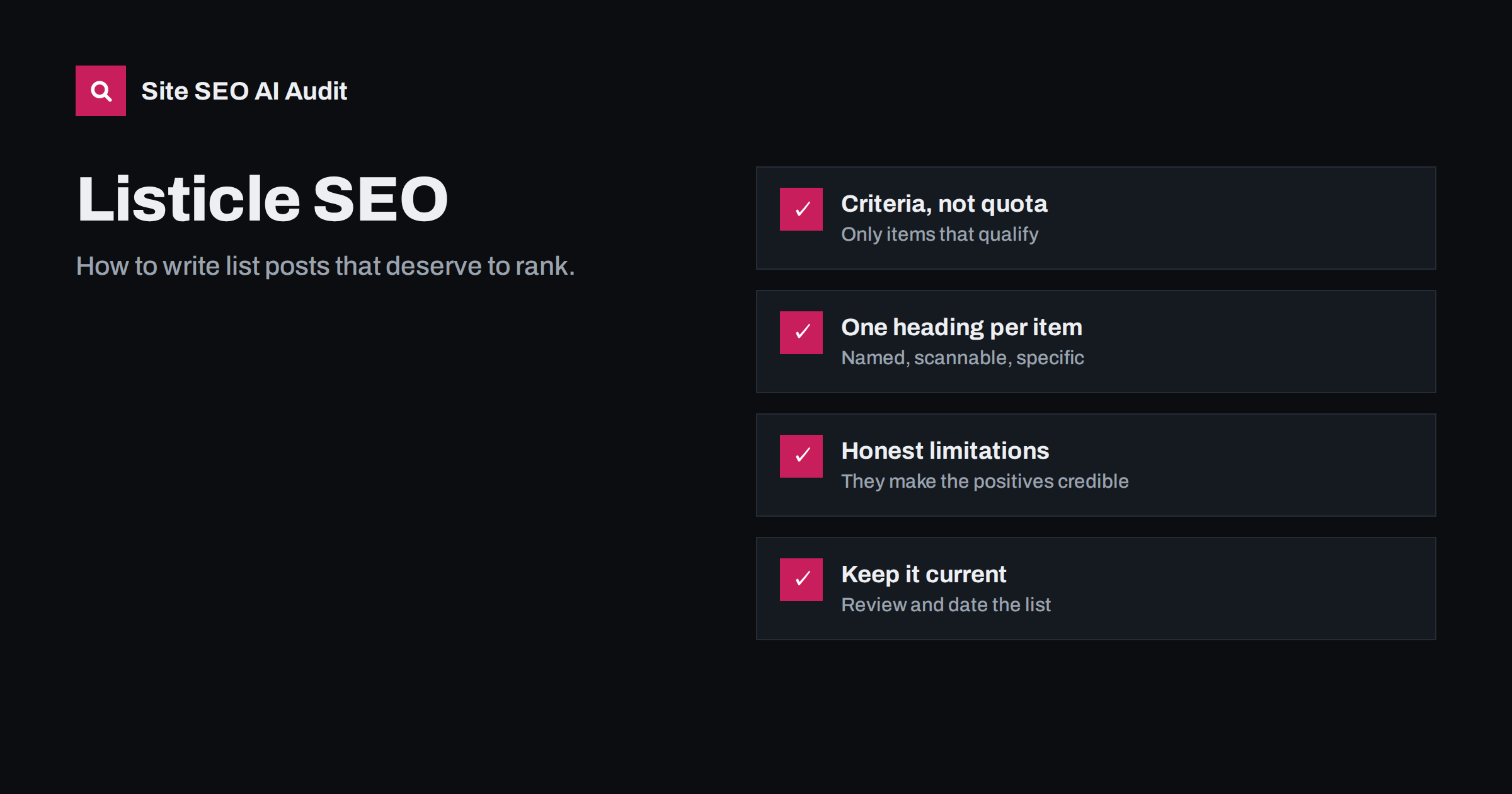
Short answer: A listicle ranks when the query calls for a list and the list is genuinely more useful than the others: items chosen by clear criteria, each with specific, first-hand detail, ordered in a way the reader understands, and kept up to date. Put a short answer or summary at the top, use one H2 or H3 per item with the item’s name, add a comparison table when items share attributes, and avoid padding the list to hit a round number. The format is only the container; the value is in the selection and the explanations.
When a list is the right format
List posts are popular because readers can scan them, and because many queries naturally ask for several options: “best project management tools for small teams”, “ways to reduce bounce rate”, “mistakes to avoid when moving house”. For these, search results are usually dominated by lists, and a long essay would miss the intent.
Other queries look similar but want something else. “How to reduce bounce rate” may prefer a step-by-step guide; “what is a bounce rate” wants a definition. Before writing, check the current results and see which formats rank. The method is described in our guide to search intent.
Common listicle types:
- Options: best tools, products, places, services.
- Tips and methods: ways to improve, fix or save something.
- Mistakes and warnings: what to avoid and why.
- Examples and inspiration: ideas, templates, case examples.
- Facts and statistics: only with reliable, cited sources.
Choose items by criteria, not by quota
The weakest listicles start with a number, such as “25 tips”, and then search for enough items to fill it. The result is padding: near-duplicate items, obvious advice and filler that readers skip.
Start from criteria instead:
- Define who the list is for, for example “small teams without a dedicated project manager”.
- Define what makes an item qualify: price range, features, experience level, availability in a country.
- Collect candidates and test or research them against the criteria.
- Keep only items that clearly qualify. If that leaves seven, the list has seven items.
Explain the criteria on the page, briefly. “We included tools that have a free plan, work in the browser and support at least five users” tells readers why they should trust the selection and helps search engines and AI answers understand what the list is actually about.
Structure that works for scanning and search
A reliable structure for a list post:
- Title with the topic, the audience or qualifier, and the number if it helps: “9 Project Management Tools for Small Teams”. Keep it within about 60 characters; long list titles are often rewritten, as explained in why Google rewrites title tags.
- Short answer or summary at the top: the top picks or key takeaways in two to four sentences, or a compact list of the items.
- Criteria in a short paragraph.
- One heading per item, using the item’s name, optionally with a short qualifier: “Tool X: best for client work”. Use H2 for items on a list post, or H3 under grouped H2 sections if the list is organised into categories. Our heading structure guide covers the hierarchy.
- A consistent pattern per item: what it is, who it suits, strengths, limitations, and any key facts such as price range or requirements.
- A comparison table when items share attributes, so readers can compare at a glance.
- How to choose: a short section that helps readers pick the right item for their situation.
This structure also makes it easy for search engines to extract a list for a featured snippet. Numbered or clearly named headings and a summary list at the top give them clean material, as described in featured snippets.
Write each item as if it were the only one
Readers rarely read a listicle from top to bottom. They jump to items that interest them. Every item should stand on its own:
- Lead with the point. The first sentence under the heading should say what the item is and why it is on the list.
- Be specific. “Easy to use” says nothing. “You can set up a project board in under ten minutes without a tutorial” says something, and should only be written if it is true.
- Include limitations. Honest downsides make the positives credible and help readers choose.
- Show first-hand experience. Screenshots you took, results you measured, situations you encountered. This is what copies of the same list elsewhere cannot offer.
- Keep items balanced. If one item gets 400 words and another 40, either the second does not belong or it needs more work.
Ordering: ranked, grouped or neutral
How you order items affects trust and usability:
| Order | When to use | What to state |
|---|---|---|
| Ranked (best first) | You have tested items against clear criteria | How you ranked them |
| Grouped by use case | Items suit different needs (“best for freelancers”, “best for agencies”) | The groups and why items fit them |
| Step order | Tips that build on each other | That the order matters |
| Neutral (alphabetical) | No meaningful ranking, or you have a commercial interest in some items | That the order implies no preference |
If you list your own product among others, say so clearly, and apply the same criteria to it. Readers and AI answers treat comparison content with an obvious bias as less trustworthy. More on this in how to write comparison pages AI answers trust.
Listicles and AI answers
AI search tools often answer “best” and “ways to” questions with a short list of their own, compiled from several sources. Pages that feed those answers tend to share a few traits:
- Clear item names in headings, so each option can be identified unambiguously.
- One-sentence verdicts per item, such as “best for teams that bill clients by the hour”, which are easy to quote.
- Explicit criteria and dates, which help systems judge relevance and freshness.
- Facts in text and tables, not only in images or interactive widgets.
- Consistency with other sources. Claims that contradict the vendor’s own site or widely known facts are less likely to be repeated.
None of this guarantees a mention, but it removes the most common reasons a list is skipped. It is the same work that makes the list better for human readers.
Keep listicles current
“Best” and “top” lists age quickly. Products change prices, features disappear, companies shut down. An outdated list is worse than none, because it sends readers to things that no longer fit.
- Review commercial lists at least every few months, and after major market changes.
- Show when the list was last reviewed and what changed.
- Remove items that no longer qualify instead of leaving them with a warning.
- Update the number in the title and URL carefully. A URL with a number, such as
/9-tools/, becomes wrong when the list grows; prefer a slug without the number, such as/project-management-tools-small-teams/.
A structured process for this is described in how to refresh old content.
Listicle mistakes that hold pages back
- Padding to a round number. Thin items dilute the good ones and signal low effort.
- Copying the same items as every other list in the same order, with the same descriptions from the vendors’ websites.
- Headings like “1.” or “Number one” without the item’s name, which tell neither readers nor search engines anything.
- Affiliate-first writing, where every item is praised and no limitations are mentioned.
- Several near-identical lists on the same site (“best tools for teams”, “top team tools”, “team software list”), which compete with each other. See keyword cannibalization.
- Images without context: logo after logo with no alt text or captions.
- No date and no criteria. Readers cannot judge whether the list still applies or how it was made.
Checking list posts across your site
Sites that publish many list posts accumulate predictable issues: duplicate titles with only the number changed, missing meta descriptions, several H1s from a template, images without alt text and thin posts that never grew beyond a draft. Site SEO AI Audit crawls every page and reports on-page issues such as titles, descriptions, H1s, thin and duplicate content and missing alt texts, weighted by how many pages each affects, with WordPress fix steps where relevant. The first audit is free.
Related reading
- How to write title tags: length, wording and examples
- Thin content: how to find and fix low-value pages
- Readability and SEO: how to write pages people finish
The bottom line
Write a listicle only when the query calls for a list, and make the list worth reading: items chosen by clear criteria, each described specifically and honestly, in an order readers understand, with a summary at the top and a comparison table where it helps. Skip padding, name every item in its heading and keep the list current. The format gets the click; the substance earns the ranking.
GYIK
Do list posts rank better than other formats?
Only for queries where searchers want a list. For “how to” or “what is” queries, a guide or definition often ranks better. Check the current results before choosing the format.
Should the number be in the title?
It can help readers know what to expect, but keep it out of the URL slug so the URL does not become wrong when the list changes.
How many items should a listicle have?
As many as meet your criteria. A focused list of seven strong items is more useful than twenty-five with filler.
Should each list item be a heading?
Yes, usually. A heading with the item’s name makes the page scannable, lets readers jump to items and helps search engines understand the list.
Can I include my own product in a “best” list?
You can, if you disclose it clearly and apply the same criteria to your product as to the others. Hidden self-promotion undermines trust in the whole list.