 ENEnglish
 LTLietuviškai
 DEDeutsch
 FRFrançais
 RUРусский
 ESEspañol
 PLPolski
 ITItaliano
 UKУкраїнська
 CSČeština
 PTPortuguês
 JA日本語
JA日本語 LVLatviešu valoda
 ETEesti
 HUMagyar
 IDBahasa Indonesia
 TRTürkçe
 HIहिन्दी
 ELΕλληνικά
 ARالعربية
 THไทย
THไทย VITiếng Việt
 RORomână
 MSBahasa Melayu
 BNবাংলা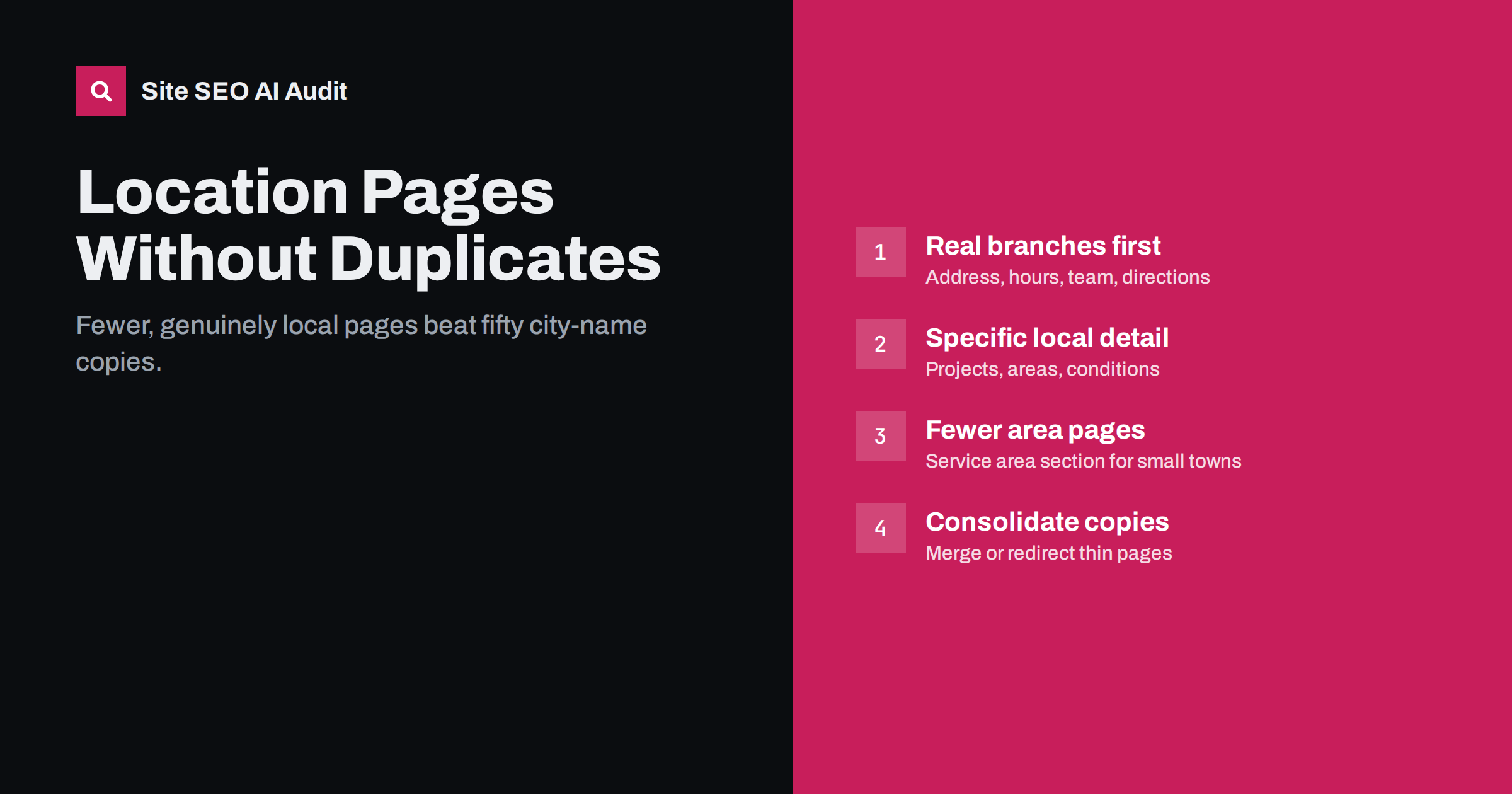
Short answer: Location pages work when each one describes a place you genuinely serve with details that are specific to that place: the local address or team, areas covered, local projects, opening hours, travel times and directions. Pages that only swap the city name into the same template are thin, near-duplicate content and can be treated as doorway pages. Build fewer, more useful location pages, and link to them from a clear locations hub.
What location pages are for
Businesses that serve customers in several places often want to appear when people search for their service in each place: “dentist in Klaipėda”, “boiler repair Harrogate”, “coworking space Riga”. Location pages are the pages built to match those searches.
There are two quite different kinds, and it helps to be clear which one you are building:
- Branch pages for businesses with physical locations: shops, clinics, offices, restaurants. Each branch has its own address, opening hours, staff, phone number and often its own services.
- Service area pages for businesses that travel to customers: trades, cleaning, home care, mobile services. There is no branch in each town, but the business genuinely works there.
Branch pages almost always deserve their own page. Service area pages deserve one only when you can say something genuinely useful and specific about serving that area.
The problem with copy-paste city pages
The most common approach to location pages is also the weakest: take one service page, duplicate it fifty times, and swap in a different town name each time. “Looking for a reliable plumber in [Town]? Our [Town] plumbers are available 24/7 across [Town] and the surrounding area.”
These pages cause several problems:
- Duplicate content. Search engines see fifty pages that are 95% identical and usually choose to show few or none of them.
- Thin content. Nothing on each page tells a resident of that town anything they could not learn from the main service page.
- Doorway risk. Search engine guidelines describe pages created to rank for specific locations that funnel users to the same destination as doorway pages, which are a form of spam.
- Weaker trust. Customers notice when a page clearly was not written with their area in mind.
Removing or consolidating such pages is often an improvement, not a loss.
What makes a location page genuinely useful
A good test: if a customer in that place read the page, would they learn something specific to them that is not on your other location pages? Details that make a page useful include:
- Exact address, map and directions, including parking and public transport for branches.
- Opening hours, including local holiday hours.
- Local phone number and contact person, if different from the head office.
- The team at that location, with names and roles where appropriate.
- Services available there, especially if they differ between branches.
- Areas covered from that base, with realistic response or travel times.
- Local work examples: projects completed in that area, with photos and permission where needed.
- Local conditions that affect the service: building types, regulations, parking permits, seasonal issues.
- Reviews from local customers, if you have them and can show them honestly.
Not every page will have all of these, but each should have enough that it could not be swapped with another location page unnoticed.
Before and after: the same page, rewritten
Here is an illustrative opening paragraph from a templated city page:
“Looking for a reliable electrician in Harrogate? Our Harrogate electricians provide high-quality electrical services throughout Harrogate. Contact the best Harrogate electrical team today.”
It repeats the town four times and tells the reader nothing. A rewrite based on real information might read:
“Our Harrogate electricians work from our Knaresborough base, ten minutes away, and cover Harrogate, Ripon and the villages in between. Most call-outs in the town are reached within two hours. Many local homes are Victorian terraces with older wiring, so we carry out a lot of rewiring and consumer unit upgrades here; you can see recent jobs below.”
The rewrite mentions the town once, yet it is far more relevant: it explains where the team is based, which places are covered, how fast they arrive and what kind of work is common locally. It also could not be pasted onto another city’s page without being obviously wrong, which is exactly the point. If you cannot write a paragraph like this for a place, that place probably does not need its own page.
Titles, H1s and URLs for location pages
Each location page needs a unique title that names the service and the place, plus something distinctive where possible:
- “Dental Clinic in Klaipėda Old Town, Open Saturdays | Brandname”
- “Boiler Repair in Harrogate: Local Engineers | Brandname”
The H1 should name the location clearly, such as “Our Klaipėda Clinic” or “Boiler Repair in Harrogate”. Use a consistent URL pattern, for example /locations/klaipeda/ for branches or /boiler-repair/harrogate/ for service areas, and keep it short. The meta description should mention something specific to the place, such as the address or area covered, rather than repeating a template sentence.
How many location pages should you have?
Fewer than most businesses think. A practical approach:
- One page per physical branch. Always justified.
- One page per major service area where you do a significant amount of work and can write specific content.
- A service area section on the main service page listing the smaller towns you cover, without separate pages for each.
| Situation | Recommended approach |
|---|---|
| Three physical shops | Three branch pages plus a locations hub |
| Mobile service covering one city and its suburbs | One city page; list suburbs on it |
| Mobile service across a region with two bases | Two area pages, one per base, each listing the towns covered |
| Fifty towns with no local presence | No separate pages; a clear service area section instead |
The locations hub and internal links
Create a single “Locations” or “Areas we cover” page that lists every location page with a short description and a link. Link to it from the main navigation or footer. This gives visitors a clear overview and ensures every location page is reachable within a few clicks.
Link from each location page back to the relevant service pages, and from service pages to the location pages where it helps the reader, for example “we also have a clinic in Klaipėda”. Where you publish local work examples or news, link them to the matching location page.
Keeping location details consistent
For branches, the business name, address and phone number on each location page should match what appears elsewhere: your business profiles on maps services, directories and social profiles. Inconsistent details confuse customers and make it harder for search engines to connect the information. When a branch moves or changes its phone number, update the location page first and then every other listing.
Structured data can help here. Adding LocalBusiness markup with the address, opening hours and phone number to each branch page gives search engines the details in a machine-readable form. As always, the markup must match the visible page.
Auditing existing location pages
If your site already has many location pages, audit them before adding more:
- Measure similarity. Pages that share most of their text are the first candidates for rewriting or consolidation.
- Check performance. In Search Console, see which location pages get impressions and clicks. Pages with none after months are unlikely to start.
- Decide per page. Keep and improve pages for real branches and major areas; merge minor areas into a service area section; redirect removed pages to the closest relevant page.
- Fix titles and descriptions. Duplicate titles across location pages are a clear sign of template copying.
Site SEO AI Audit flags thin and duplicate content and duplicate titles across every crawled page, which makes copied location pages easy to spot, and weights each issue by how many pages it affects. It also checks schema.org structured data on each page. You can run a free audit to see how similar your location pages look to a search engine.
Related reading
- Service Page SEO: How to Build Pages That Rank and Convert
- Thin Content: How to Find and Fix Low-Value Pages
- Duplicate Title Tags and Meta Descriptions: How to Fix Them
The bottom line
Location pages should exist for places you genuinely serve and should contain details that only apply to that place. Give every physical branch a full page, create area pages only where you can say something specific, and cover smaller towns in a service area section. Avoid city-name templates, keep business details consistent, link everything from a locations hub, and consolidate copied pages you already have.
GYIK
Are location pages bad for SEO?
No. Useful location pages for real branches and service areas are helpful for customers and search engines. The problem is mass-produced pages that only swap the town name, which are thin, duplicated and can be treated as doorway pages.
How different should location pages be?
Different enough that each gives a local reader specific information they would not find on the other pages: address, team, areas covered, local projects, hours. There is no percentage rule; the test is usefulness.
Can I rank in a town where I have no office?
It is possible, especially for service area businesses, but harder than with a local presence. Show clearly that you serve the area, with local work examples and realistic response times, rather than creating a thin page just for the town name.
Should I delete my old copied city pages?
Review them first. Keep and improve pages that get traffic and cover places you really serve. Merge or redirect the rest to the most relevant page. Do not leave dozens of near-identical pages in the index.
Do location pages need structured data?
It is not required, but LocalBusiness markup with address, opening hours and phone number helps search engines read branch details reliably. It must match what the page shows.


