 ENEnglish
 LTLietuviškai
 DEDeutsch
 FRFrançais
 RUРусский
 ESEspañol
 PLPolski
 ITItaliano
 UKУкраїнська
 CSČeština
 PTPortuguês
 JA日本語
JA日本語 LVLatviešu valoda
 ETEesti
 HUMagyar
 IDBahasa Indonesia
 TRTürkçe
 HIहिन्दी
 ELΕλληνικά
 ARالعربية
 THไทย
THไทย VITiếng Việt
 RORomână
 MSBahasa Melayu
 BNবাংলা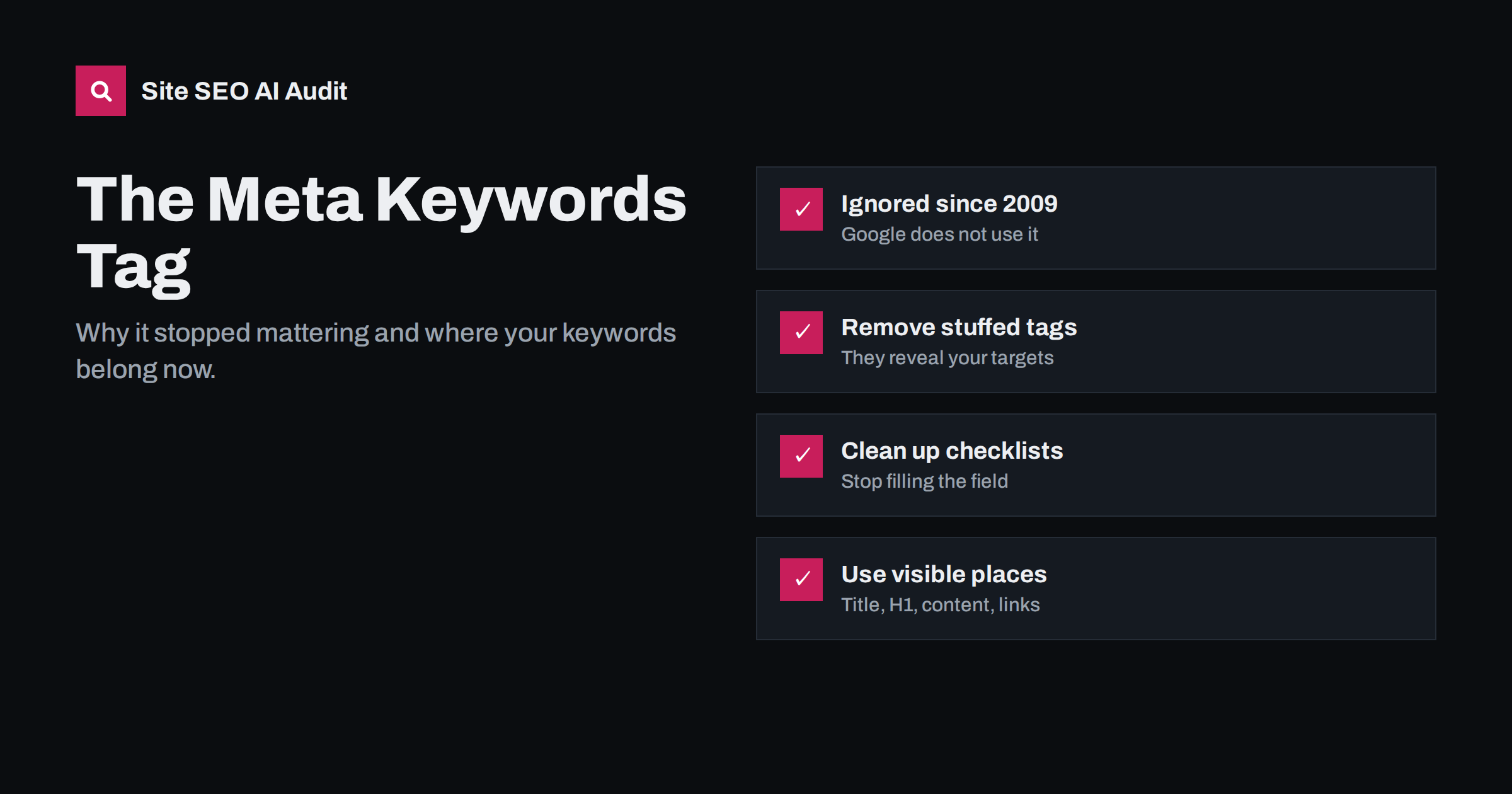
Short answer: No. Google confirmed in 2009 that it does not use the meta keywords tag for web ranking, and other major search engines give it no meaningful weight either. Filling it in will not improve your rankings, and a long list can reveal your keyword strategy to competitors. For most sites the best choice is to leave it empty or remove it, and spend the time on titles, headings and content, which search engines actually read.
What the meta keywords tag is
The meta keywords tag is a line in the HTML head of a page that lists words and phrases the page is supposedly about:
<meta name="keywords" content="running shoes, trail shoes, waterproof shoes">Visitors never see it. It was designed in the 1990s, when early search engines needed help understanding pages and site owners were trusted to describe their content honestly. Search engines of that era read the tag and used it as one of the signals for matching queries to pages.
It sits next to two other head elements that are often confused with it: the title tag, which is shown in search results and browser tabs, and the meta description, which is often used as the snippet under the title. Those two still matter. The keywords tag does not.
Why search engines stopped using it
The tag failed for a simple reason: it was entirely under the site owner’s control and invisible to visitors, so it was easy to abuse. Site owners stuffed it with hundreds of terms, including popular searches unrelated to the page, competitors’ brand names and misspellings. Search engines that trusted it returned poor results.
As search engines learned to understand pages from their visible content, links and user behaviour, a hidden self-declared list lost its value. Google stated publicly in 2009 that it does not use the keywords meta tag in web search ranking, and its documentation on the meta tags Google understands does not include it. Bing has also said that the tag carries no ranking value and that a stuffed tag can look like a spam signal.
In other words, the tag is not just unhelpful; at worst, it is a place where old bad habits remain visible.
Does it hurt to keep it?
A short, accurate keywords tag on a page is almost certainly harmless for rankings. But there are small costs:
- It reveals your targets. Anyone can view the page source and see the exact terms you are going after. Competitor research tools read it too.
- Stuffed tags look careless. A tag with 60 comma-separated phrases, some unrelated to the page, is a relic of manipulative practices. It does not help and signals outdated work to anyone reviewing the site.
- It wastes editorial time. Writers and editors who fill in a keywords field for every post spend effort on something no search engine uses.
- It creates false confidence. Teams sometimes believe a page is “optimized” because the keywords field is full, while the title, headings and content do not mention the topic clearly.
Where the tag still appears, and why
If search engines ignore it, why do so many sites still output it?
- Old themes and templates. Many themes built years ago output a keywords tag by default, sometimes filled with the site name or the same words on every page.
- SEO plugins and CMS fields. Some content systems and plugins still offer a keywords field, often for backward compatibility. It may be disabled by default or hidden in advanced settings.
- Internal site search. A few site search engines and enterprise systems can read the keywords tag to improve their own on-site results. This is a legitimate use, but it has nothing to do with web search.
- Habit and outdated checklists. SEO checklists copied from old sources still list “add meta keywords” as a step.
Do not confuse the keywords tag with the “focus keyphrase” field in popular WordPress SEO plugins. That field is not output to the page; it is only used by the plugin to analyse your content. The guide to SEO plugin scores explains what those checks do and do not measure.
What to do with it on your site
A practical approach, depending on your situation:
- Check whether your pages output it. View the source of a few different page types (home, article, product, category) and search for
name="keywords". - If it is stuffed or identical sitewide, remove it. Disable the option in your theme or plugin, or remove it from the template. This is low priority, but easy.
- If it is short and accurate, you can leave it. There is no urgency to remove a sensible tag, but do not spend time maintaining it.
- If your internal search uses it, keep it for that purpose. Document why it exists so nobody mistakes it for an SEO task.
- Remove it from editorial checklists. Replace the step with checks that matter: title, meta description, H1, internal links and content quality.
On WordPress, the tag usually comes either from the theme’s header.php or from a plugin setting. If you edit theme files, use a child theme so updates do not overwrite the change. Our WordPress on-page SEO guide covers the settings that do make a difference.
How to find the tag across a whole site
Checking a handful of pages by hand tells you whether the tag exists, but not how it varies. For a site with hundreds of pages, use one of these methods:
- A crawler with custom extraction. Most desktop crawlers can extract the
contentofmeta[name="keywords"]for every URL. Export the results and sort them. - A quick command line check. For a list of URLs, a short loop with
curlandgrep -i 'name="keywords"'shows which pages output the tag. - Your CMS database. If editors fill in a keywords field, the values are stored per post and can be exported.
Look for three patterns: the same list on every page (a template setting), very long lists (manual stuffing, usually from years ago) and lists that include competitor brands or unrelated terms. Each pattern has a single cause, so one change in the template or plugin usually fixes all affected pages at once. Record what you changed, because the tag sometimes returns when a theme is updated.
Where your keywords belong instead
Keyword research is still valuable; only the delivery method changed. Search engines now read the words that visitors also see. Put your main topic in these places:
- Title tag. The single most important on-page element for relevance and clicks. See how to write title tags.
- H1 and subheadings. They tell readers and search engines what each section covers.
- Opening paragraph. State the topic and answer the main question early.
- Body content. Cover the topic fully, including related terms and questions people ask, in natural language.
- Meta description. Not a ranking factor, but it influences whether people click. See how to write meta descriptions.
- URL slug, image alt text and internal link anchors. Short, descriptive and consistent with the topic.
Our guide to keyword placement goes through each location in detail, and keyword mapping shows how to assign one main topic to each page so pages do not compete.
Meta keywords vs tags that do matter
| Element | Used by Google for ranking or display? | What to do |
|---|---|---|
| Meta keywords | No | Leave empty or remove |
| Title tag | Yes, strongly, and shown in results | Write a unique, descriptive title for every page |
| Meta description | Not for ranking, often shown as the snippet | Write a unique summary that earns the click |
| Meta robots | Yes, controls indexing and snippets | Use noindex and snippet controls deliberately |
| Canonical link | Yes, as a strong hint for the preferred URL | Self-reference, or point duplicates to the main URL |
| Viewport meta | Needed for mobile-friendly display | Include on every page |
What an SEO audit checks instead
A modern audit ignores the keywords tag and looks at the elements that influence search. Site SEO AI Audit checks titles, meta descriptions, H1s, thin and duplicate content and image alt texts on every page, along with canonicals, robots directives and structured data. Issues are weighted by how many pages they affect, so a missing title template on 300 pages ranks above a single odd page. On WordPress sites, each issue comes with steps in wp-admin and your SEO plugin. You can run a first audit free to see what matters on your site.
Related reading
- On-page SEO checklist: what to check on every page
- 15 on-page SEO mistakes and how to fix each one
- What is on-page SEO? The elements that actually matter
The bottom line
The meta keywords tag is a leftover from early search engines. Google does not use it for ranking, and other major engines give it no real weight. Remove stuffed or sitewide tags, leave a short accurate one alone if you like, and take it off your checklists. Put your keyword work into titles, headings, content and internal links, where search engines and readers actually look.
GYIK
Does Google use the meta keywords tag?
No. Google stated in 2009 that it does not use the keywords meta tag for web search ranking, and that has not changed.
Can the meta keywords tag hurt my rankings?
A short, accurate tag is very unlikely to hurt. A stuffed tag full of unrelated terms may look spammy to some search engines and reveals your targets to competitors, so it is better removed.
Should I remove meta keywords from my site?
If the tag is stuffed, duplicated on every page or maintained by hand, remove it. If it is short and generated automatically, it is low priority, and you can remove it whenever you next edit the template.
Is the focus keyphrase in my SEO plugin the same thing?
No. The focus keyphrase is used only inside the plugin to analyse your content. It is not added to the page as a meta keywords tag.
Do any search engines still read meta keywords?
Major web search engines give it no meaningful weight. Some internal site search tools can use it for on-site results, which is the main remaining legitimate use.


