 ENEnglish
 LTLietuviškai
 DEDeutsch
 FRFrançais
 RUРусский
 ESEspañol
 PLPolski
 ITItaliano
 UKУкраїнська
 CSČeština
 PTPortuguês
 JA日本語
 LVLatviešu valoda
 ETEesti
 HUMagyar
 IDBahasa Indonesia
 TRTürkçe
 HIहिन्दी
 ELΕλληνικά
 ARالعربية
 THไทย
 VITiếng Việt
 RORomână
 MSBahasa Melayu
 BNবাংলা
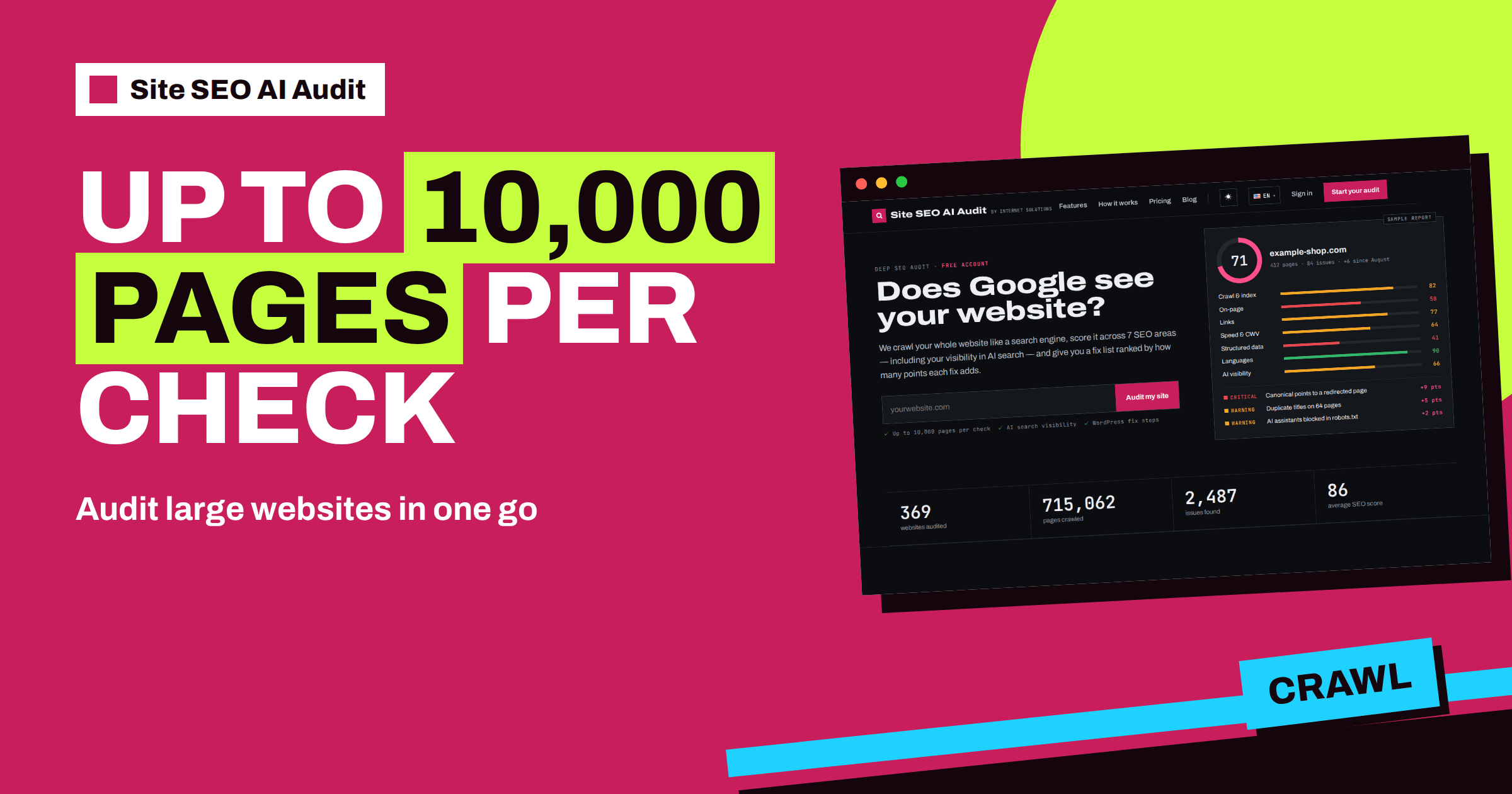
Short answer: Every Site SEO AI Audit plan checks up to 10,000 pages per check, so a large site is crawled as a whole instead of in samples. Large crawls can take up to about twenty minutes and run in the background while you work. Read a big report by pattern, not by page: use the weighted score and the Top fixes list to find template problems, filter the page list by folder to compare sections, and fix causes before individual pages. If the site has more pages than the limit, the report says that it is preliminary.
Large websites are different in kind, not only in size. A site with several thousand pages has sections run by different people, templates added over many years, old redirects, forgotten archives and filters that create addresses nobody planned. No person can click through all of that, and no short checklist covers it. A crawler can. This article explains how Site SEO AI Audit handles large sites, what the 10,000-page limit means in practice and how to turn a long report into a manageable plan.
What “up to 10,000 pages per check” means
The pricing page states that every check covers your whole website, up to 10,000 pages, and every report is unlocked in full on a paid plan. The limit is the same on the Free account, Starter, Pro and Agency. Plans differ by the number of checks per month, not by the size of the site: Starter has 5 checks, Pro 20 and Agency 100.
That design suits large sites. A shop with 6,000 products, a publisher with 8,000 articles or a company with a large documentation area fits in one check, and you pay for the number of times you check, not for each extra thousand pages. A site that is smaller than the limit uses one check just as a small site does.
If your website has more pages
Some sites are larger than 10,000 pages. In that case, the check reads the first part of the site that the crawler reaches and then stops. The report says so openly: it is shown as a preliminary report, and the scores and issues are based on the pages that were checked. This is still useful. A sample of ten thousand pages usually reveals the template problems that repeat across the rest, because large sites are built from a limited number of templates.
To get the most from a preliminary report, think about what was probably included. The crawler starts from the home page and the sitemap and follows internal links, so the pages closest to the home page are the most likely to be covered. Treat the findings as a description of how the main templates behave, fix them and re-check. Then judge whether sections that were not reached need their own attention.
Time and background checks
A large crawl takes time. A small site finishes in a few minutes, and large websites can take up to about twenty minutes. The crawler is polite, with about three requests per second, and it follows your robots.txt, so it will not overload a normal server. You do not need to stay on the page. On a paid plan the check runs in the background, and the result appears in your account when it is ready. You also receive an e-mail when the report is complete.
The number of background checks at once depends on the plan: one on Starter, two on Pro and ten on Agency. If you manage several large sites, that difference decides how quickly you can start a round of checks. If your server sits behind a firewall that limits requests, read the article on SEOAuditBot first, so that the crawl is not slowed or blocked.
How the score handles size
On a large site, the weighting is your friend. Every issue is weighted by the share of indexable pages it affects, with a softened exponent, so a problem on a few dozen pages in a site of eight thousand barely moves the score, while a problem on a third of the catalogue moves it a lot. This keeps the report focused on what matters at scale. It also means that the Top fixes by impact list is a reliable guide to where the largest systematic faults are.
Do not be discouraged by absolute numbers. A big site may show thousands of affected pages for one issue. That usually means one cause, and one repair. The page count tells you the size of the effect, not the number of separate tasks.
Reading a big report by section
The page list shows every crawled address with its status, whether it can be indexed, its click depth, the number of internal links pointing to it, its words and its title length. On a large site, the search box above the list is the key tool. Type a folder name, such as /blog/ or /products/, and read only that section. Do this for each major section and compare:
| Section | What to compare |
|---|---|
| Blog or news | Words, depth, links in, titles |
| Products or listings | Duplicate titles, thin pages, canonicals, status codes |
| Help or documentation | Depth, orphan pages, broken links |
| Landing pages | Indexable, title length, sitemap |
| Archives, tags and filters | Indexable, thin content, duplicates |
Sections often differ sharply. The blog may be healthy while an old archive area is full of thin pages. Knowing that helps you assign the work to the right team, instead of sending one giant list to everyone.
Fix causes, not pages
On a large site, editing pages one at a time is rarely possible and almost never sensible. For each large issue, look at the affected pages, find the shared cause and fix it at the source: a template, a plugin setting, a redirect rule, a sitemap generator or a robots.txt line. Then re-check and see the issue shrink everywhere at once. Common causes on large sites include filters and parameters that create endless addresses, session identifiers in links, calendars that generate pages without end, old sections that were never redirected and pagination that produces thin pages. The article on crawl traps and the guide to faceted navigation explain how to handle them.
The report’s sitemap checks matter too. On a large site, the sitemap is a main route to discovery. It should list live, indexable addresses only. The guide to sitemaps for large sites shows how to split them with index files, and the audit’s warning “Sitemap lists pages that do not work” tells you when the file needs cleaning.
Orphans and depth at scale
Large sites suffer from pages that are far from the home page or not linked at all. The crawler compares sitemap addresses with the links it found, so it can list orphan pages, and it records click depth for every page. Pages beyond three clicks are flagged as a notice. At scale, the fix is structural: better category pages, hub pages, related-content blocks and a navigation that reaches deeper levels. The guide to crawl budget explains why this matters for large sites in particular, and the one on index bloat shows how to remove pages that should not be in search at all.
A checklist before you start
A little preparation makes a large check more useful. Confirm that your robots.txt does not block the sections you want to audit, and that the sitemap address works. Check that no firewall or rate limit will throttle a crawler that makes a few requests per second. Decide who will own each section of the report, such as the shop team, the content team and the developers. Agree on a date after the check for the first batch of fixes. And save the score and the number of issues in a note, so that you can show progress to the people who pay for the work.
A rhythm for large sites
Large sites change constantly, so a rhythm matters. A monthly check is a sensible base, plus a check after major releases, migrations or imports. Starter’s 5 checks are enough for one large site in a quiet period. Pro’s 20 checks and its comparison of audits over time suit a large site that changes often, because comparison shows the new, fixed and worsened issues between two checks, and e-mail alerts warn you when a check shows a lower score. Agency is built for people who audit many sites.
To see how your own site behaves, create a free account and run your check, then choose a plan on the pricing page to unlock the report.
Related reading
The bottom line
A single check covers up to 10,000 pages, so large sites are audited as a whole. Read the report by pattern and section, fix causes at the template level, and use a steady rhythm of re-checks to keep a big site healthy.
FAQ
How many pages can one check cover?
Up to 10,000 pages on every plan. Plans differ by checks per month, not by page limit.
What happens if my site has more pages?
The report is marked as preliminary and is based on the pages that were checked, which is usually enough to reveal the main template problems.
How long does a large check take?
Large websites can take up to about twenty minutes. The check runs in the background, and you can keep working.
Does the crawl slow down a big site?
Tidak. SEOAuditBot mengirim sekitar tiga permintaan per detik dan mengikuti robots.txt Anda.
How do I look at one section of the site?
Use the search box above the page list and type a folder name or a word in the title.


