 ENEnglish
 LTLietuviškai
 DEDeutsch
 FRFrançais
 RUРусский
 ESEspañol
 PLPolski
 ITItaliano
 UKУкраїнська
 CSČeština
 PTPortuguês
 JA日本語
 LVLatviešu valoda
 ETEesti
 HUMagyar
 IDBahasa Indonesia
 TRTürkçe
 HIहिन्दी
 ELΕλληνικά
 ARالعربية
 THไทย
 VITiếng Việt
 RORomână
 MSBahasa Melayu
 BNবাংলা
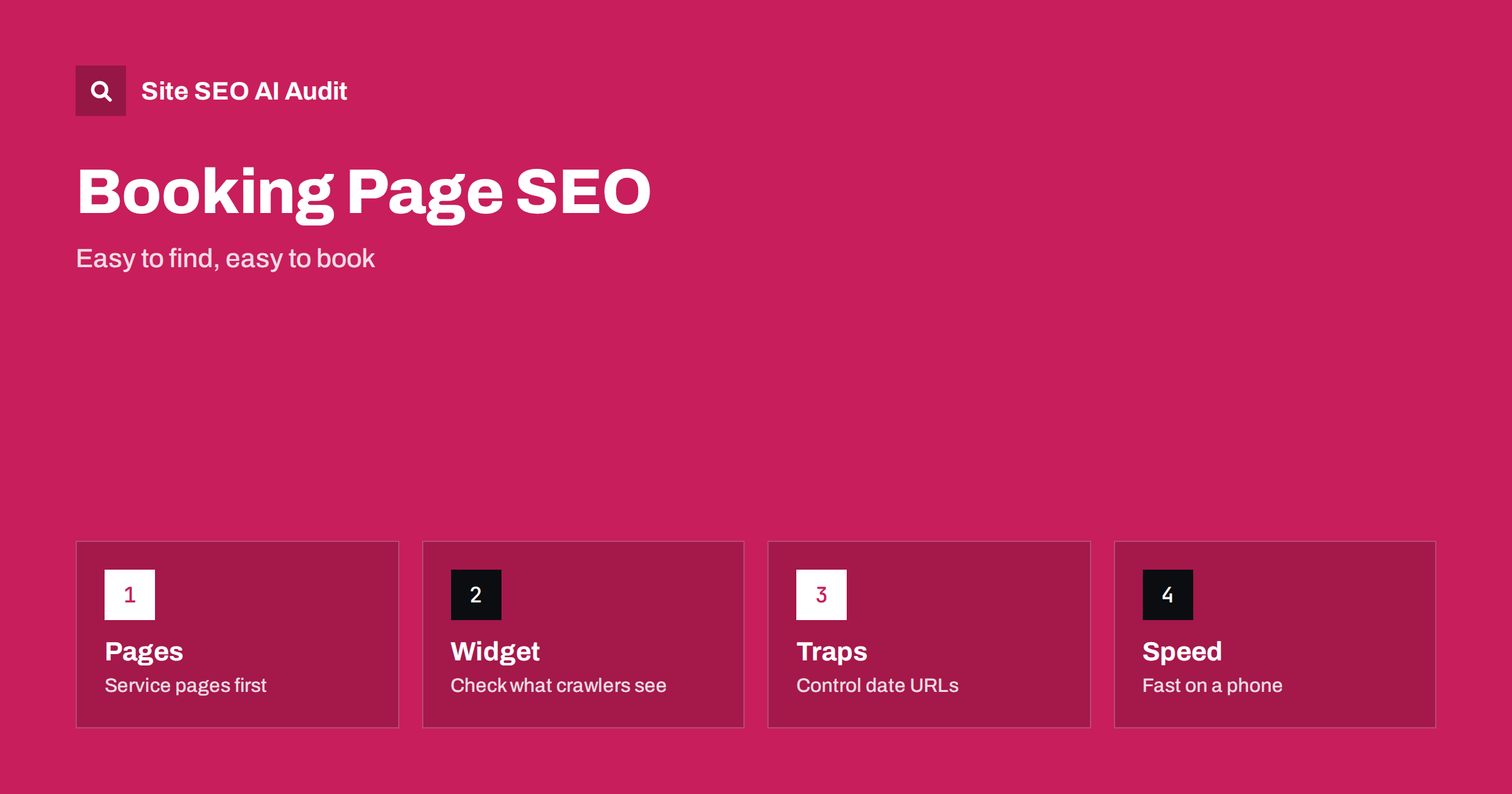
Short answer: A booking page has two jobs: to be found in search and to let a visitor finish a reservation without friction. Keep descriptive, indexable pages for each service, location or resource, and treat the booking widget as the last step, not the only content. Check what crawlers see when the widget loads by script, prevent endless date and filter URLs from becoming crawl traps, keep the booking flow itself out of the index, make the pages fast on a phone and track the steps that lead to a booking.
Salons, clinics, restaurants, tour operators, equipment hire firms, coaches and many other businesses depend on bookings made online. Their websites often consist of a home page and a booking tool provided by a third party. The tool may be excellent for reservations and poor for search: it may load inside a frame, produce thousands of calendar addresses or show no text at all to a crawler. Meanwhile, the people who search ask real questions: what does the service include, how long does it take, how much does it cost, where is it, can I cancel. This guide shows how to separate the content that should be found from the flow that should be used, and how to avoid the technical traps that booking systems create. For the principles of service content, see the guide to service page SEO.
Give every bookable thing its own page
Do not rely on a single booking page with a drop-down list of services. Create a page for each main service, treatment, class, room, tour, table type or resource. Describe what it is, who it suits, how long it lasts, what is included, what to bring, the price or the way the price is set, the location, and the policy for changes and cancellation. Add real photos and the names of the people who deliver the service. Put a clear booking button near the top and again after the description.
These pages are what search engines and assistants can index and quote. A page that answers the question in plain text will serve a visitor who is still choosing, and a visitor who is ready to book can act at once. The same logic is described for landing pages in the guide to landing page SEO.
Check what the widget shows to a crawler
Many booking tools are embedded as scripts or frames. Open the page and view the source, then look at the rendered result in a testing tool. If the services, prices and times exist only inside the widget and the surrounding page is empty, a crawler may see little. The fix is to place the key facts as normal text on the page, outside the widget, and to leave the widget to handle the interaction. The rendering problem is explained in the guide to JavaScript SEO basics and the guide to JavaScript content and AI crawlers.
Check also that the page does not break without the widget. If the script fails, show a fallback with a phone number or a link to the booking provider, so that a visitor is not left with a blank space. Frames can hide content from the parent page, so do not put information that you want to rank inside an iframe, a point developed in the guide to iframes and embedded content.
Prevent calendar and filter crawl traps
Booking systems often create a unique address for every date, time slot, number of guests or filter combination. A crawler that follows next month links can wander through an endless series of near-empty calendar pages. This wastes crawl time, creates duplicate and thin pages and may fill reports with useless URLs. Block or avoid linking the infinite parts, use noindex on calendar views with no value, and keep the booking flow addresses out of sitemaps. The patterns are described in the guide to crawl traps and the guide to faceted navigation.
Decide which addresses deserve indexing: the service pages, the location pages and perhaps a general booking page. Decide which should not: the steps of the reservation, the confirmation, the account pages and every date variation. Carry that decision through robots rules, meta tags and canonical tags, and test it with a crawl. Remember the difference between blocking crawling and blocking indexing, explained in the guide to noindex and robots.txt.
Handle confirmation and checkout pages
Confirmation pages, thank-you pages and payment steps are not meant for search. Keep them out of the index, make sure they cannot be reached by a public link and avoid putting personal details in the address. Use a clear confirmation text, with the next steps, the details of the booking and the contact information for changes. The rules for these pages are in the guide to thank-you pages and the guide to login, cart and checkout pages.
Be careful with tracking on these pages. Conversion tags should fire on the confirmation event, and the same page should not be counted again when a visitor reloads or returns from a link in an email.
Show availability and prices honestly
Availability changes by the hour, so do not publish a static page that claims there are free places unless it is true. Say how far ahead you take bookings, which periods are usually busy and how to join a waiting list. For prices, show the base price and what affects it, and avoid advertising a price that no customer can actually get. If you use structured data for offers or events, keep it identical to the visible information, following the guide to event pages where it applies. When dates pass, update or retire the pages, as discussed in the guide to expired pages.
Make the experience fast and easy on a phone
Most reservations start on a phone. The page should load quickly, the booking button should be easy to tap, the form should use the right keyboard for each field and the steps should be few. Third-party booking scripts can be heavy, so load them only where needed and delay them until the visitor shows interest, if the tool allows, as discussed in the guide to third-party scripts and speed. Check the main performance measures with the guide to Core Web Vitals and the tap-target advice in the guide to mobile usability.
Offer more than one way to book: a phone number in a tap-to-call link, a messaging option and an email address. Some customers have special requests that a form cannot handle, and a visible alternative helps them as well as people who prefer to talk.
Connect the pages and the business facts
Link service pages to location pages, staff pages and related services, and make the contact details the same everywhere. Use business markup that matches the visible information, following the guide to LocalBusiness schema, and keep your map profile in agreement with the site. A good contact page, as in the guide to contact page SEO, completes the picture. If a booking provider offers its own public page for your business, make sure its details match yours, or the two may compete and confuse.
Plan for groups, vouchers and special requests
Not every customer fits the standard flow. Groups, corporate bookings, private events, gift vouchers and long-term arrangements are often valuable and need a different path. Create a short page for each, explaining what is possible, the minimum and maximum numbers, how far ahead to ask, what the price depends on and how to make an enquiry. These queries are specific, and a clear page can capture people who would never find the standard booking tool. Gift pages are also seasonal, so refresh them before the busy periods and keep the address the same each year.
Write a cancellation and change policy in plain words and link to it from every booking step and every service page. People often search for it before booking, and a vague policy leads to disputes and bad reviews. If you have a deposit, a no-show fee or a weather rule, state it. The same applies to accessibility information, such as step-free access, quiet hours or support for people with special needs: say what you offer and whom to contact.
Finally, keep a record of the questions customers ask by phone and message. Each repeated question is a gap in your pages, and answering it in text saves time for your staff and for future visitors.
Measure the funnel, not only the visits
Track the steps: visits to a service page, clicks on the booking button, starts of the flow, completed bookings and cancellations. Compare these by page and by source. A service page with many visits and few clicks needs clearer content or a more visible button, while a flow with many starts and few completions needs a simpler form. Review the numbers monthly and change one thing at a time, so that you learn which change helped. If you run tests, avoid methods that harm indexing, as explained in the guide to A/B testing and SEO.
Site SEO AI Audit crawls your website and reports status codes, redirects, duplicate and thin content, noindex tags, canonical tags, broken links, structured data and page speed, so you can see which booking-related URLs are indexable and which pages are weak. It does not manage bookings or test the reservation flow. The first audit of up to 200 pages is free, and larger sites can see the pricing page.
Related reading
The bottom line
Let content pages be found, let the widget do its job and keep the flow itself out of the index.
FAQ
Should the booking page be indexed?
A general booking page can be indexed if it has useful text. The steps of the reservation flow and confirmations should not be.
Can search engines read my booking widget?
Often not fully. Put key facts as normal text on the page and treat the widget as the place where the booking happens.
How do I stop endless calendar URLs?
Avoid links to far-future dates, use noindex or canonical tags where needed and keep these URLs out of sitemaps.
Do I need separate pages for each service?
Yes. Each service page can answer specific questions and rank for its own topic, while one list page cannot.
What should I track?
Track service page visits, booking button clicks, flow starts, completed bookings and cancellations, and compare them by source.


