 ENEnglish
 LTLietuviškai
 DEDeutsch
 FRFrançais
 RUРусский
 ESEspañol
 PLPolski
 ITItaliano
 UKУкраїнська
 CSČeština
 PTPortuguês
 JA日本語
JA日本語 LVLatviešu valoda
 ETEesti
 HUMagyar
 IDBahasa Indonesia
 TRTürkçe
 HIहिन्दी
 ELΕλληνικά
 ARالعربية
 THไทย
THไทย VITiếng Việt
 RORomână
 MSBahasa Melayu
 BNবাংলা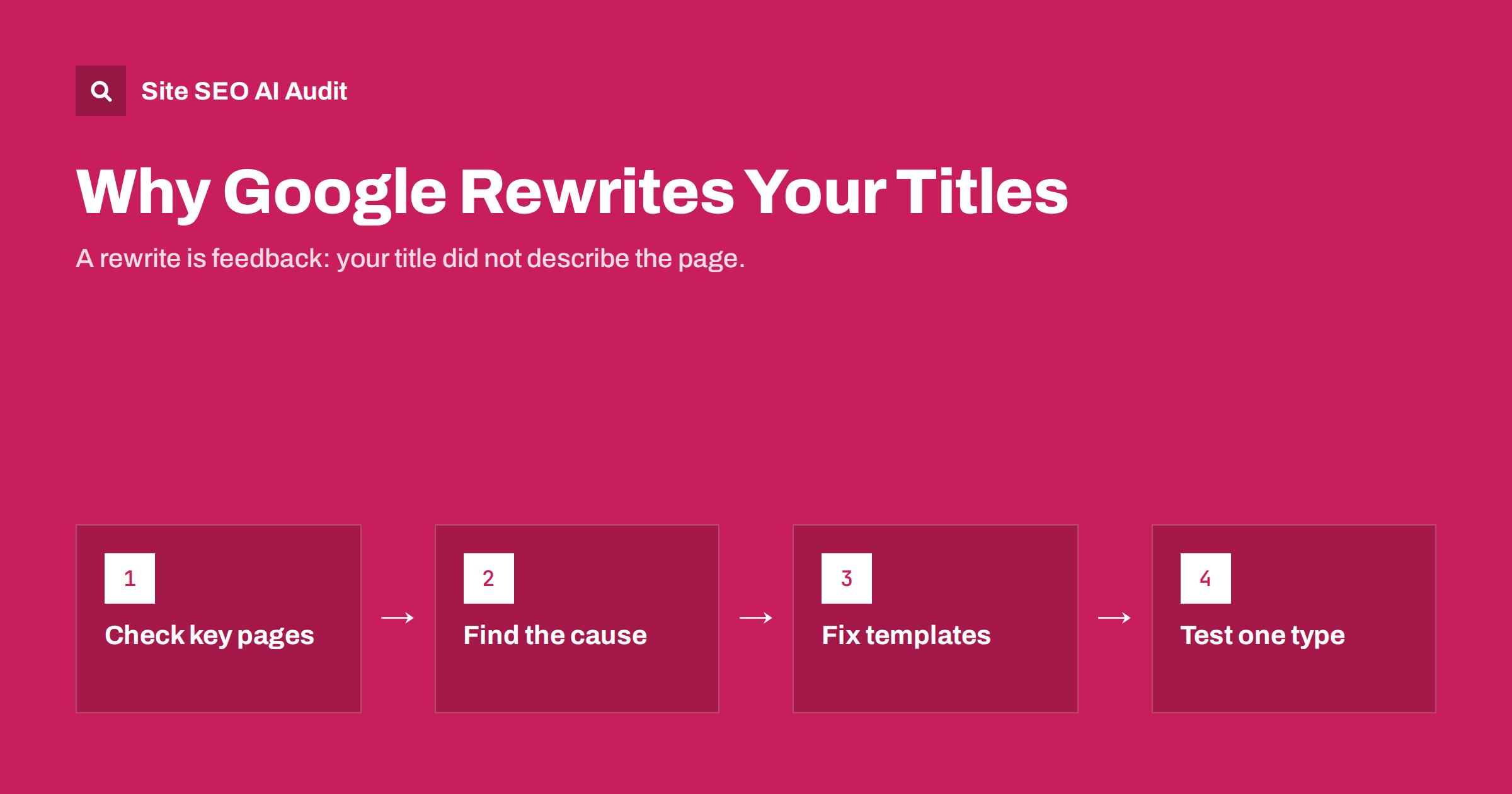
Short answer: Google rewrites a page’s title in search results when it thinks the title tag does not describe the page well for the searcher: it may be missing, too long, stuffed with keywords, identical to other pages, full of boilerplate, or out of step with the H1 and content. To reduce rewrites, write a unique, descriptive title of sensible length that matches the page’s main heading, and remove repeated boilerplate. Rewrites cannot be switched off completely.
What a title rewrite is
The clickable headline in a search result is called a title link. By default, search engines build it from the page’s <title> element. But they do not always use that text as written. Sometimes they shorten it, sometimes they replace part of it, and sometimes they show something entirely different taken from elsewhere on the page.
Google has been open about this. It generates title links from several sources, including the title element, the main visible heading, other headings, prominent text on the page, anchor text of links pointing to the page, and the site name. Its title link documentation lists the most common reasons it replaces a title and how to influence the result.
For site owners, a rewrite is a signal worth reading. It means the search engine believed your title was not the best description of the page for that searcher.
How to find out whether your titles are rewritten
There is no report that lists rewritten titles directly, so you have to compare:
- Search for your pages. Use the queries that bring traffic, or search the page’s exact title in quotes, and compare the result headline with your title tag.
- Check several queries. The same page can get different title links for different queries, especially if the title is long or generic.
- Check desktop and mobile. Truncation and layout differ between devices.
- Start with important pages. Home page, main categories, services and top articles matter most.
Keep a short list of pages where the displayed title differs noticeably from yours, and note what was shown instead. The replacement text often tells you exactly what the search engine found more descriptive.
The most common reasons for rewrites
| Cause | Example | What search engines often show instead |
|---|---|---|
| Missing or empty title | No title tag, or “Untitled” | The H1 or prominent text |
| Title too long | Two sentences with several keywords | A shortened version or the H1 |
| Keyword stuffing | “Shoes, Running Shoes, Cheap Shoes, Buy Shoes” | The H1 or a cleaner heading |
| Same title on many pages | “Products | Brandname” everywhere | Page-specific headings |
| Heavy boilerplate | Long slogan appended to every title | Title with the boilerplate removed |
| Title does not match content | Old title after the page was rewritten | The current H1 |
| Outdated information | A past year in the title of an updated page | A version without the year, or the H1 |
| Misleading or clickbait title | Promises something the page does not offer | A more accurate heading |
How to reduce title rewrites
Make every title unique and specific
Each page should have its own title that names what makes it different. Template titles shared by many pages are one of the most frequent triggers. If a crawl shows duplicate titles, fix the template so it inserts the page’s own name.
Keep titles a sensible length
Aim for roughly 50 to 60 characters, with the main topic near the start. Long titles are more likely to be truncated or replaced. If you need to say more, say it in the meta description or the page itself.
Align the title with the H1
When the title and the main visible heading describe the same topic, search engines have little reason to prefer one over the other. When they diverge, the H1 often wins. They do not need to be identical, but they should clearly match in meaning.
Trim boilerplate
A short brand name at the end is fine. Long repeated phrases such as “Best Prices, Free Delivery, Established 1998” on every page are not. Search engines often strip them, and they push the useful part of the title out of view.
Remove keyword repetition
One natural phrase is enough. Lists of variations look like spam and are a common reason for replacement.
Keep titles current
If you update a page, update its title. Remove years that no longer apply unless the page genuinely covers a specific year.
Check the site name setting
Search engines may add a site name to title links. If the name shown is wrong or inconsistent, make sure your home page, title patterns and structured data use the same name.
Examples: titles likely to be rewritten, and better versions
These illustrative pairs show the kind of change that usually helps.
- Stuffed: “SEO Audit, SEO Audit Tool, Free SEO Audit, Website SEO Audit Online”. Better: “Free SEO Audit: Find and Fix Every Issue on Your Site”. One phrase, one clear promise.
- Boilerplate-heavy: “Boiler Repair | Brandname | Leeds, Bradford, Wakefield, Huddersfield | Gas Safe | Since 1998”. Better: “Boiler Repair in Leeds: Same-Day Visits | Brandname”. The area list belongs on the page, not in the title.
- Generic template: “Shop | Brandname” on every product. Better: “Trail Runner 3 Waterproof Shoes | Brandname”. The template inserts the product name and a key attribute.
- Out of date: “Best Accounting Apps for Freelancers in 2022” on a page updated this year. Better: a title without the year, or with the correct year if the page is genuinely a yearly roundup that you keep current.
- Mismatched with the H1: title “Our Services” with the H1 “Bathroom Renovation in Vilnius”. Better: title “Bathroom Renovation in Vilnius | Brandname”, matching the heading the page already uses.
In each case the better version is shorter, more specific and closer to what the page visibly says. Those three qualities are what search engines look for when deciding whether to trust the title you wrote, and they are also what makes a searcher more likely to click.
When a rewrite is not a problem
Not every rewrite needs fixing. If the displayed title is accurate and attractive, the result may perform just as well as your original. Search engines sometimes tailor title links to specific queries, which can even help for long-tail searches. Focus on rewrites that:
- Remove important information, such as the product name or location.
- Show something inaccurate or unhelpful, such as a section heading out of context.
- Replace a carefully written commercial title with a generic one.
- Coincide with a drop in click-through rate in Search Console.
For other pages, a rewrite is simply feedback: note it, and consider whether the search engine’s version is better than yours.
Testing changes to titles
When you change a title to reduce rewrites, change one page type at a time so you can see the effect. Record the old title, the new title, the date and the displayed title before and after. After the page is recrawled, check the result for the main queries and compare click-through rate over a few weeks. Avoid changing titles repeatedly in quick succession; it makes it impossible to tell what worked.
If the search engine keeps replacing a well-written title, look at the H1 and the most prominent text near the top of the page. Sometimes a large banner heading or a promotional message is being treated as the main heading, and restructuring the top of the page solves the problem.
Fixing title issues site-wide
Rewrites usually trace back to a few site-wide patterns: duplicate titles from templates, missing titles on some page types, overlong titles caused by appended boilerplate, and titles that no longer match their H1s. These are best found with a full crawl rather than by searching page by page.
Site SEO AI Audit checks titles and H1s on every page it crawls and weights each problem by how many pages it affects, so a template generating hundreds of duplicate titles appears first in the fix list. On WordPress sites it shows where to change title patterns in your SEO plugin. You can run a free first audit to see which templates need attention.
Related reading
- How to Write Title Tags: Length, Wording and Examples
- Duplicate Title Tags and Meta Descriptions: How to Fix Them
- H1 Tag Best Practices: One Clear Heading Per Page
The bottom line
Search engines rewrite titles they consider missing, duplicated, too long, stuffed, outdated or out of step with the page. You cannot prevent every rewrite, but unique, specific titles of sensible length that match the H1 and avoid boilerplate are shown as written far more often. Check your important pages, fix site-wide patterns first, test changes one page type at a time, and treat remaining rewrites as feedback.
FAQ
Can I stop Google from rewriting my titles?
No. There is no setting or tag that forces search engines to use your title. You can make rewrites much less likely by writing unique, descriptive titles of sensible length that match the page’s main heading.
Why does Google use my H1 instead of my title?
Usually because it considers the H1 a better description of the page, often when the title is long, generic, duplicated or stuffed with keywords. Aligning the title and H1 reduces this.
Do title rewrites affect rankings?
The rewrite itself is about display, not ranking. But the causes, such as duplicate or vague titles, can also weaken relevance signals, and a poor displayed title can lower click-through rate.
Why is my title different for different searches?
Search engines can tailor title links to the query, especially when the original title is long or generic. A focused, specific title is more likely to be shown consistently.
Should I remove my brand name from titles?
Not necessarily. A short brand name at the end is common and useful. Long slogans and repeated boilerplate are what tend to be removed or trigger rewrites.


