 ENEnglish
 LTLietuviškai
 DEDeutsch
 FRFrançais
 RUРусский
 ESEspañol
 PLPolski
 ITItaliano
 UKУкраїнська
 CSČeština
 PTPortuguês
 JA日本語
JA日本語 LVLatviešu valoda
 ETEesti
 HUMagyar
 IDBahasa Indonesia
 TRTürkçe
 HIहिन्दी
 ELΕλληνικά
 ARالعربية
 THไทย
THไทย VITiếng Việt
 RORomână
 MSBahasa Melayu
 BNবাংলা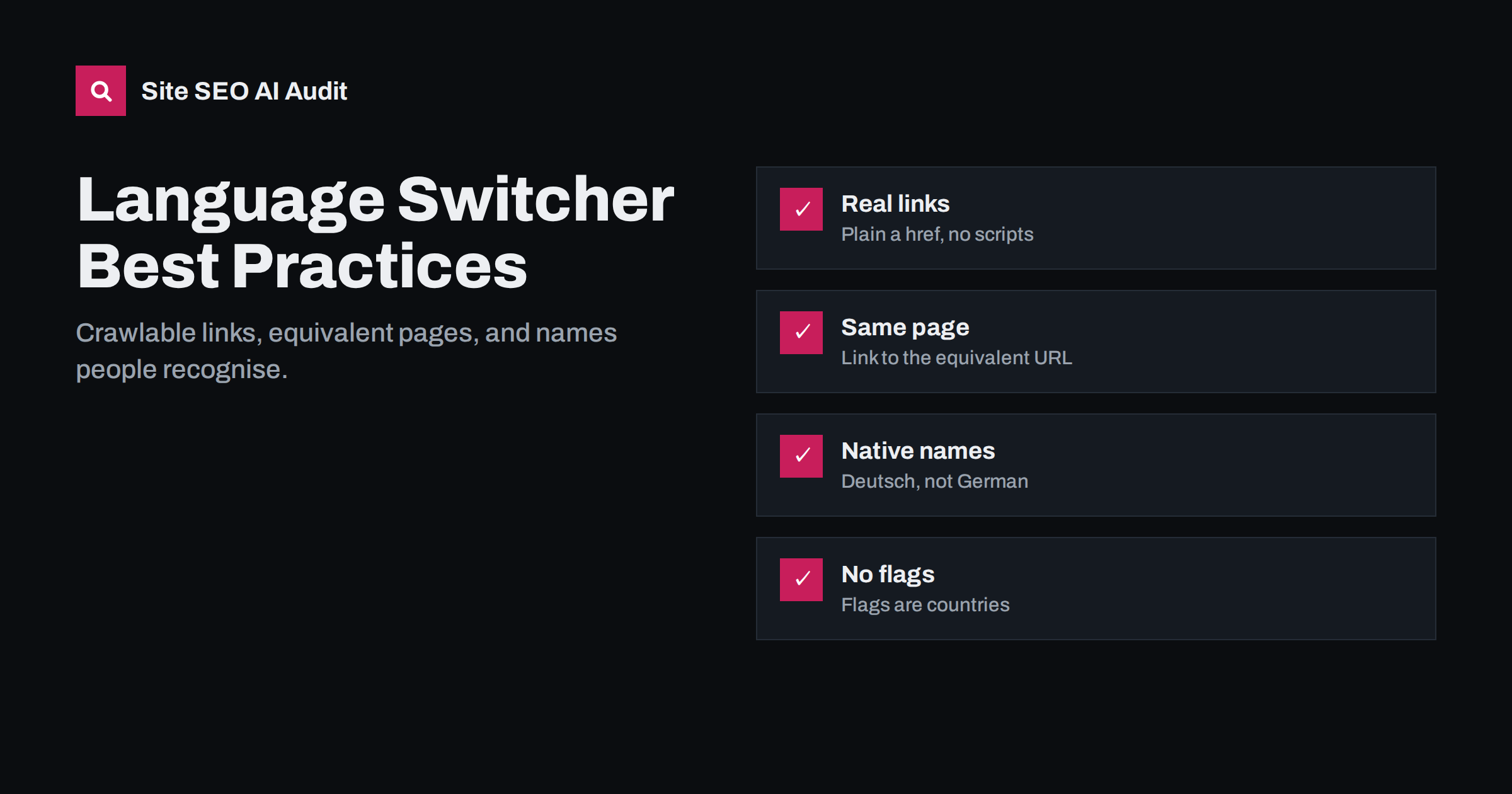
Short answer: A good language switcher uses plain HTML links that point to the equivalent page in each language, not just to the language home page. It lists languages by their own names, such as Deutsch, Français and Lietuvių, avoids using flags to represent languages, is visible on every page and never forces visitors into a language automatically. This helps visitors find their language and gives search engines crawlable paths between all language versions.
Why the language switcher matters for SEO
The language switcher is often treated as a small design element. In reality, it is one of the most important internal linking structures on a multilingual site. On every page, it creates links from that page to its equivalents in every other language. On a site with ten languages, that is nine links per page that connect language versions to each other.
For search engines, these links are a discovery path. hreflang tells them which pages are alternates, but crawlers still follow links to find and re-crawl pages. A switcher made of real links helps new translations get discovered quickly and helps search engines understand the structure of the site.
For visitors, the switcher is the escape hatch. Whenever a search engine, a shared link or an old bookmark lands someone on the wrong language, the switcher is how they get to the right one. If it is hidden, confusing or broken, they leave.
Use real links, not scripts or forms
Many switchers are built as dropdown menus. That is fine, as long as each option is an ordinary HTML link with an href attribute pointing to a real URL. Problems arise when the switcher is built in ways that crawlers cannot follow:
- JavaScript-only switchers that change the language with a click handler and no href. Search engines may not execute the handler, and even if they render the page, they do not click on elements.
- Form-based switchers using a select element and a submit button. Crawlers do not submit forms.
- Cookie-based switchers that keep the same URL and change the content based on a stored preference. Search engines see only one version at that URL.
- Switchers loaded late from a third-party script after the page loads, which may not be present in the HTML that crawlers process.
The fix is straightforward: whatever the visual design, output a list of <a href="…"> links in the HTML. A dropdown can open and close with CSS or JavaScript while the links themselves remain plain and crawlable.
Link to the equivalent page, not the home page
A visitor reading your German pricing page who switches to French expects to see the French pricing page, not the French home page. The same is true for search engines: a switcher that always points to language home pages creates thousands of links to a handful of URLs and none between actual equivalents.
Most multilingual CMS set-ups can link to equivalent pages automatically, using the same translation relationships that produce hreflang. When a page has no translation in a given language, you have a few reasonable options:
- Hide that language in the switcher for this page.
- Show it greyed out with a note that the page is not available in that language.
- Link to the closest relevant page in that language, such as the parent category, and make clear where the visitor will land.
Avoid linking silently to the home page, which feels like a broken link to the visitor, and avoid linking to a URL that returns a 404.
Name languages in their own language
A person looking for the Japanese version might not recognise the word “Japanese”, but they will recognise 日本語. That is why the most usable switchers list each language in its own name, known as the endonym:
| Instead of | Use |
|---|---|
| German | Deutsch |
| French | Français |
| Spanish | Español |
| Lithuanian | Lietuvių |
| Japanese | 日本語 |
| Arabic | العربية |
Mark each name with its language using the lang attribute, for example <a href="/de/" lang="de" hreflang="de">Deutsch</a>. The lang attribute helps screen readers pronounce each name correctly. The hreflang attribute on a normal link is optional and purely informative, but it does no harm.
Some sites add a short code such as DE or FR next to the name, which is helpful in compact headers on mobile. Codes alone are less clear, especially for languages whose codes are not obvious.
Why flags are a poor choice for languages
Flags represent countries, not languages. Using them in a language switcher causes several problems:
- Languages span countries. Which flag represents Spanish: Spain, Mexico, Argentina? Which one represents English: the UK, the US, Australia? Any choice excludes most speakers.
- Countries have several languages. A Swiss flag does not tell visitors whether they will get German, French or Italian.
- Flags can be politically sensitive in some regions.
- Flags are hard to recognise at small sizes and for people with colour vision deficiencies.
Flags can make sense when your switcher really selects a country, for example a country picker for a shop that changes currency, shipping and product range. Even then, pair each flag with the country name and, where relevant, the language.
Placement, visibility and mobile
Visitors look for language options in predictable places. The top-right corner of the header and the footer are the most common. Some sites place the switcher in both, which is a good idea on long pages.
- Keep the switcher visible on every page, including landing pages and checkout, where visitors most need to understand what they are agreeing to.
- On mobile, do not bury the switcher deep inside a hamburger menu without a clear label. A globe icon with the current language code is widely understood.
- Show the current language clearly, so visitors know where they are.
- Make touch targets large enough and keep the list readable, especially with many languages.
Consider the order of languages too. Alphabetical order by endonym is neutral and predictable, which is why many international organisations use it. Some businesses list their main markets first. Either approach works, as long as the order stays the same on every page, so returning visitors can find their language without searching. With more than about ten languages, a searchable or grouped list becomes easier to use than a long dropdown.
Detection, suggestions and remembering the choice
A switcher works best alongside gentle detection, not forced redirects. If a visitor’s browser prefers German and they land on the English page, a banner can suggest the German version. When they choose a language, store the choice in a cookie or local storage and respect it on the next visit.
What to avoid is overriding the visitor. Redirecting based on IP address or browser language, and then redirecting again when the visitor tries to switch, creates loops that lock people out of the content they want. It can also stop search engines from crawling some versions, because crawlers often come from one country and send no language preference.
Common switcher problems found in audits
- Switcher links point to language home pages instead of equivalent pages.
- Links point to URLs that redirect, for example missing a trailing slash or pointing to an old slug.
- Links to translations that do not exist return 404 pages.
- The switcher is rendered only by JavaScript and is missing from the HTML.
- Switcher links include tracking parameters, creating duplicate URLs.
- Cached pages show a switcher for the wrong page, because the cache stored one version for all languages.
How to check your switcher
Open a few deep pages in each language, view the page source and find the switcher links. Confirm they are real links, point to equivalent pages and return status 200 without redirects. Then test on mobile and with a screen reader if you can.
At scale, a crawler is more reliable. Site SEO AI Audit crawls a site like a search engine and reports broken links, links to redirects and weakly linked pages in its Links area, and hreflang return links and broken language versions in its Languages area. Switcher problems usually show up in both. You can run a free audit to see them.
Related reading
- Automatic language redirects: why they hurt international SEO
- The HTML lang attribute: what it does for SEO and users
- Anchor text best practices for internal and external links
The bottom line
A language switcher is navigation, internal linking and accessibility in one small component. Build it from plain links, point each link to the equivalent page, name languages in their own language, avoid flags for languages, keep it visible on every device and let visitors choose rather than forcing them. That serves people and gives search engines a clear path between your language versions.
FAQ
Can search engines follow a dropdown language switcher?
Yes, if each option is a normal HTML link with an href. Dropdowns built with forms or JavaScript click handlers without links may not be followed.
Should the language switcher link to the home page of each language?
No. It should link to the equivalent page in each language. Link to the home page only when no equivalent exists, and make that clear to the visitor.
Are flags acceptable in a language switcher?
They are best avoided, because flags represent countries rather than languages. Use language names in their own language, and reserve flags for country selectors.
Does the language switcher replace hreflang?
No. The switcher helps visitors and gives crawlers links to follow, while hreflang tells search engines which version to show to which searcher. You need both.
Should I automatically switch the language for visitors?
Suggest rather than force. Show a banner offering the likely language and remember the visitor’s choice, but do not redirect automatically.


