ENEnglish
 LTLietuviškai
 DEDeutsch
 FRFrançais
 RUРусский
 ESEspañol
 PLPolski
 ITItaliano
 UKУкраїнська
 CSČeština
 PTPortuguês
 JA日本語
JA日本語 LVLatviešu valoda
 ETEesti
 HUMagyar
 IDBahasa Indonesia
 TRTürkçe
 HIहिन्दी
 ELΕλληνικά
 ARالعربية
 THไทย
THไทย VITiếng Việt
 RORomână
 MSBahasa Melayu
 BNবাংলা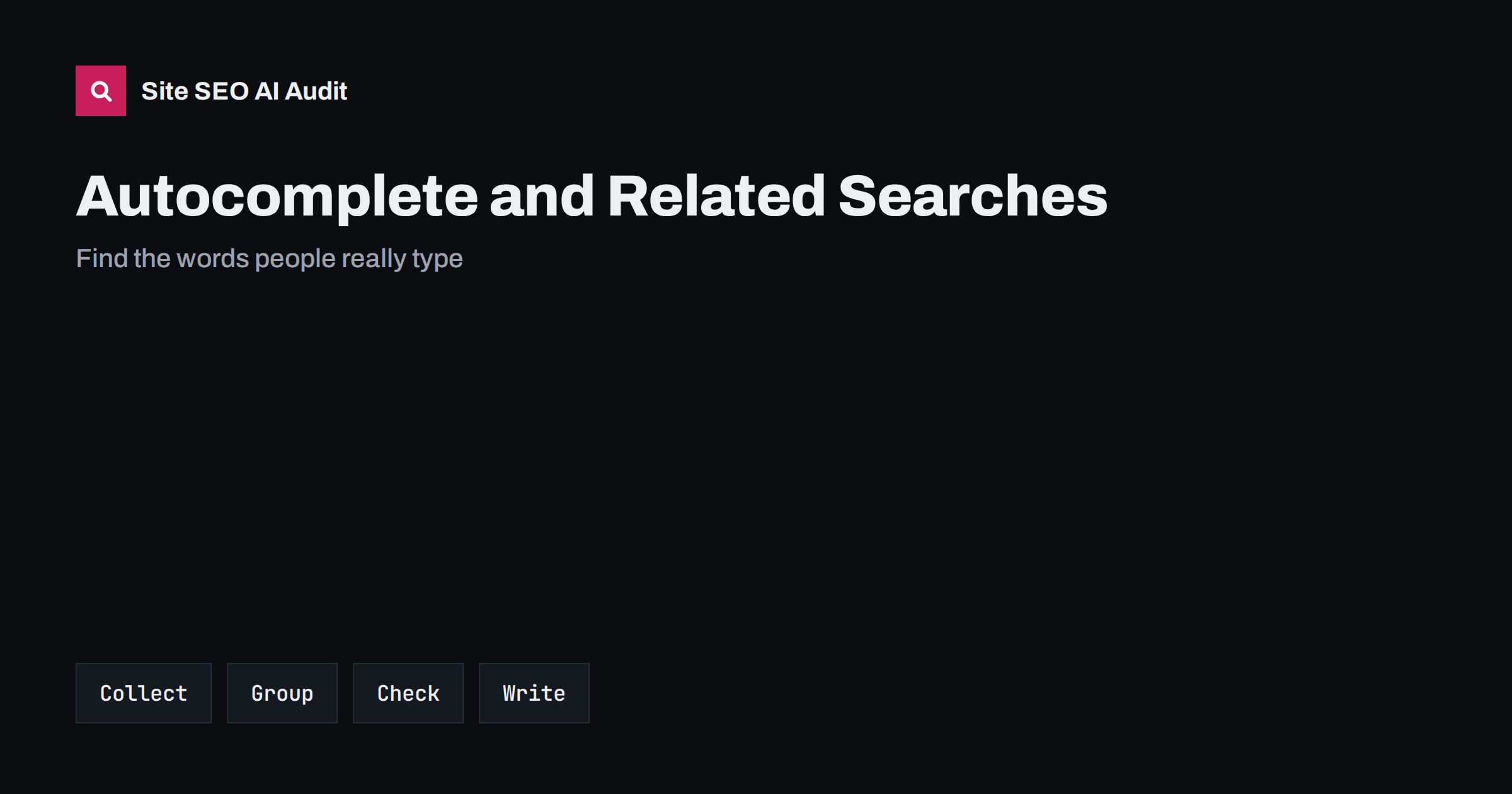
Short answer: Autocomplete suggestions, related searches and the questions shown in results reveal how real people phrase what they want. Collect them for each seed topic, in a private window and in the country and language of your audience, group them by intent, check demand with a keyword tool or Search Console and turn the strongest groups into pages or sections that answer the need directly. Treat the suggestions as clues, not as guaranteed demand, and repeat the exercise regularly because they change.
Keyword tools give numbers, but they often miss the exact words that people use or hide the smallest topics. The search box itself is free, up to date and close to real behaviour: type a few words and the suggestions that appear come from what many people search for. The related searches at the bottom of a results page and the question boxes add more variety. Used well, these small hints improve titles, headings and the structure of your content. This guide shows a simple method for collecting and using them. It fits into the larger process in the keyword research guide.
What these features show
Autocomplete predicts the rest of a query as you type. Predictions depend on the words typed so far, the language, the location, the time and the popularity of the phrase, and may be personalised in some cases, so two people can see different lists. Related searches are suggestions shown on the results page for further queries on the same theme. Question boxes list questions that people ask about the topic. None of them gives exact volumes, and some suggestions are removed under policy rules. They are best used as a source of phrasing and ideas, to be checked later with data.
Collect suggestions in a clean way
Start with five to ten seed topics that describe your products, services or subjects. For each one, type the phrase and note every suggestion. Then extend it: add each letter of the alphabet after the seed, add question words such as how, why, what, which, can and is, and add prepositions and modifiers such as for, with, near, without, versus and alternative. Use a private window, a clean browser, the right country setting and the right language, since suggestions vary. Record the results in a spreadsheet with the seed, the suggestion and the date. Some tools collect suggestions automatically; they save time, but always spot-check the results.
Read the intent behind each suggestion
A suggestion tells you what the searcher wants to do. Words such as how, guide and tutorial signal a wish to learn. Words such as best, review, versus and alternative signal comparison before a decision. Words such as price, cost, buy, near me and discount signal readiness to act. Brand names and login words point to people who already know a product. Label each suggestion with one intent and match it to the page type that serves it: a guide, a comparison page, a product or service page, or a support page. The detailed method is described in search intent and page types.
Group suggestions into topics
A list of hundreds of phrases is not a plan. Group the suggestions into clusters that one page can serve. Phrases that differ only by wording, such as plural forms or small variations, belong together. Phrases with a different intent or topic need their own page. As you group, you will see the main theme of each cluster, the questions that belong to it and the order in which a reader would ask them. This forms the outline of a page and shows which supporting pages you need. For larger sets, see topic clusters and pillar pages. Map each cluster to one page, so that you do not create competing pages, as explained in keyword mapping.
Use related searches and question boxes
The related searches at the end of a results page show how people refine a topic after seeing the first answers. They often reveal subtopics that you would not think of. Question boxes show the actual questions that people want answered and the sources that answer them. Add the best questions as headings or as entries in a FAQ section, with a short direct answer under each, since this format suits both readers and AI answers. Use the exact wording only where it reads naturally, and do not stuff the page with every variation. The question approach is covered in People Also Ask optimization.
Check demand and competition
A suggestion shows that people search for something, not how many. Check the demand with a keyword tool or, better, with your own data in Search Console: which queries already show impressions, and which phrases bring clicks to competitors but not to you. Compare the strongest phrases with the pages that now rank. If every result is a strong, specialised site and your site is new, choose a narrower phrase first. Small, specific phrases often bring the first visitors and show what works. For difficulty and volume figures, see keyword difficulty and search volume, and for the narrower phrases, long-tail keywords.
Turn ideas into content
For each chosen cluster, decide the title, the main heading, the sections and the questions to answer. Put the most common wording in the title and the first paragraph, and answer the main question at the top before going deeper. Use the language of the searcher, not internal jargon. Include related terms where they fit, add links to supporting pages and finish with a clear next step. Do not copy the suggestions as a list of keywords, and do not write a page for every minor variation. A strong page that covers a cluster is better than ten thin pages. The way to open a page is explained in answer-first introductions.
Respect the limits of the data
Suggestions can be misleading. Some reflect a short-lived news event, some are driven by a few very popular queries and some vary by region. Offensive or sensitive phrases may be filtered, and some real searches never appear. Do not treat the list as a ranking of demand and do not try to influence suggestions by coordinated searching, which is against the spirit of the rules and unlikely to work. Use more than one source: your own site search, customer emails, sales questions, forum threads and review sites tell you what people ask when they have a problem. Combine these sources to get a rounded picture of the audience.
Repeat the exercise on a schedule. Each quarter, run your seed topics again and compare the lists with the last round: new suggestions point to new needs, and vanished ones point to fading interest. Keep the spreadsheet as a living document with a column for the page that serves each cluster and a column for status. When a new suggestion does not fit an existing page, it is a candidate for new content; when many suggestions fit one page, the page may need to be updated or split. This steady habit is more useful than a large one-off research project.
Also keep the other languages and markets in mind. Suggestions differ by language and country, and a direct translation of a phrase may not be what people type. If you serve several markets, collect suggestions in each, with the right interface language and location, and write each page for its own audience. The guide to multilingual keyword research explains how to do this without relying on literal translation.
A short example shows the flow. A bakery that sells online types its seed phrase, sourdough bread, and collects the suggestions. It finds clusters around how to store it, how to bake it at home, delivery by post, starter kits and gluten-free versions. The delivery and starter kit clusters match shop pages, the storage and baking clusters match guides, and the gluten-free cluster reveals a product line that customers expect but the shop does not yet sell. Each cluster becomes a page or a section, with the questions from the related searches used as sub-headings. Within a quarter, the bakery can see in Search Console which of these pages earns impressions and adjust the rest.
Keep notes on the language that customers use, because the best titles often borrow it. If people write cheap where you write affordable, or fix where you write repair, consider the main page wording carefully and let the supporting text cover the alternatives naturally. Write for people first; the page should read as if one person who understands the subject wrote it for another.
Site SEO AI Audit crawls your site and checks titles, meta descriptions, headings, thin and duplicate content and internal links, so you can see whether the pages you write from your keyword ideas are technically sound and linked from the rest of the site. It does not supply keyword volumes or suggestions. The first audit of up to 200 pages is free; larger sites can see the pricing page.
Related reading
- Keyword Placement on a Page
- Google Trends for SEO
- Semantic SEO
- FAQ Sections for Readers and AI Answers
The bottom line
Collect suggestions and related searches in a clean setting, label the intent, group them into topics, check demand with real data and write one strong page per cluster that answers the need directly.
DUK
Are autocomplete suggestions the same for everyone?
No. They vary by language, location, time and sometimes personalisation. Use a private window and the right country setting.
Do suggestions show search volume?
No. They show that a phrase is searched, not how often. Check demand in Search Console or a keyword tool.
Should I write a page for each suggestion?
No. Group similar phrases and write one page per topic and intent, so pages do not compete with each other.
How often should I collect new suggestions?
Once a quarter for your main topics, and again when you plan a new section or enter a new market.
Can I influence the suggestions that appear?
Not in a lasting or acceptable way. Coordinated searching is unreliable. Focus on useful pages that answer the needs behind the phrases.