ENEnglish
 LTLietuviškai
 DEDeutsch
 FRFrançais
 RUРусский
 ESEspañol
 PLPolski
 ITItaliano
 UKУкраїнська
 CSČeština
 PTPortuguês
 JA日本語
JA日本語 LVLatviešu valoda
 ETEesti
 HUMagyar
 IDBahasa Indonesia
 TRTürkçe
 HIहिन्दी
 ELΕλληνικά
 ARالعربية
 THไทย
THไทย VITiếng Việt
 RORomână
 MSBahasa Melayu
 BNবাংলা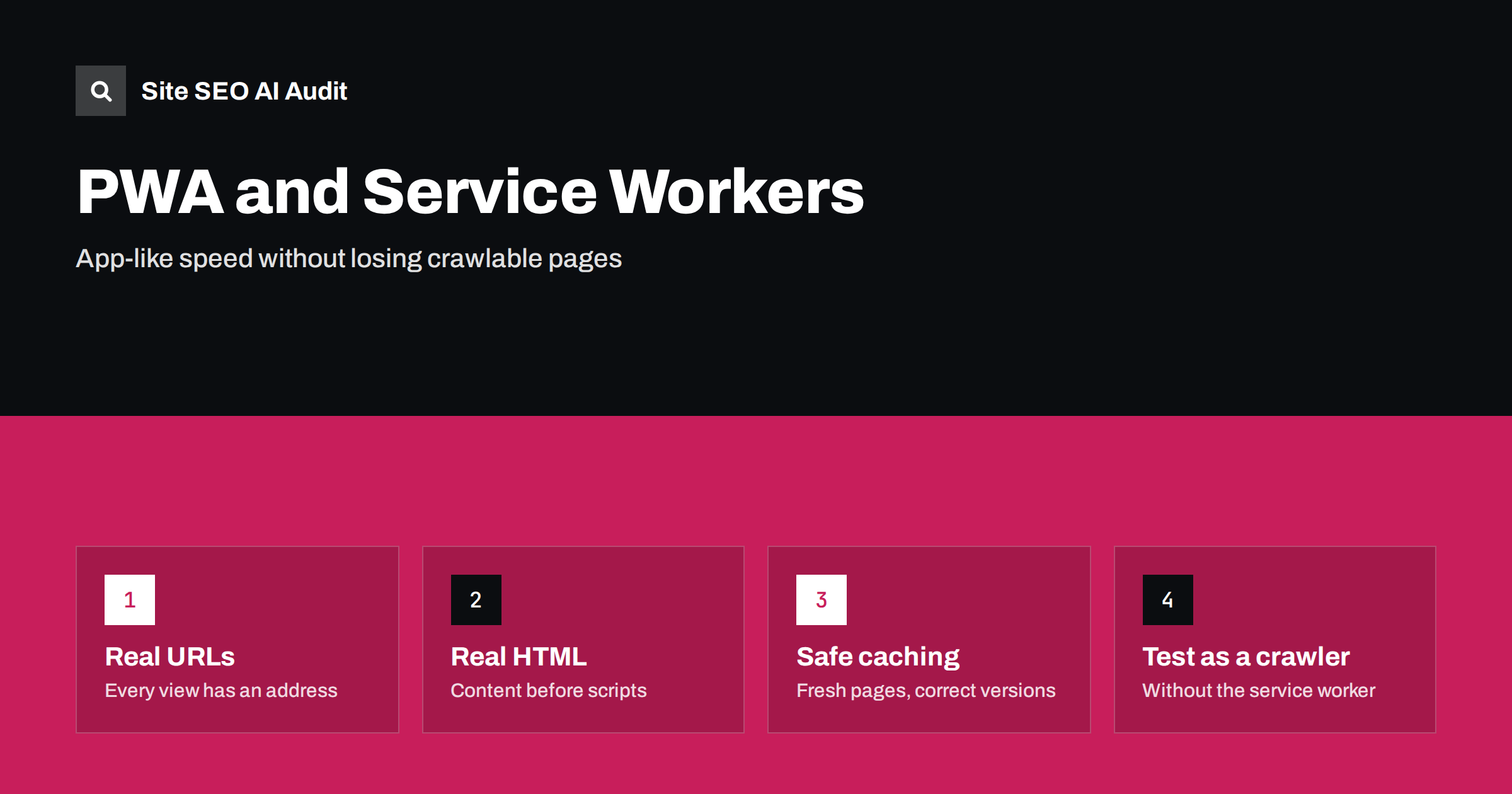
Short answer: A progressive web app is a website with extra abilities, such as offline use and installation. It can rank as well as any site if every page has its own URL, complete HTML reaches crawlers, titles and canonical tags change with each view, and the service worker never serves stale or wrong content. Search engines do not depend on service workers, so test the site the way a crawler sees it: without one.
Progressive web apps, often shortened to PWAs, combine the reach of a website with features once limited to mobile apps. Users can add the site to their home screen, open it offline and receive fast repeat loads. The same technology that creates this experience can also hide content from crawlers if it is built carelessly. This checklist explains the SEO parts of a PWA, from the manifest to the caching rules.
What makes a site a PWA
Three ingredients are common:
- HTTPS, because service workers only run on secure connections.
- A web app manifest, a small JSON file that gives the site a name, icons, colours and a start address, so browsers can offer installation.
- A service worker, a script that runs in the background of the browser, intercepts network requests and decides whether to answer from a cache or from the network.
None of these is a ranking factor. Search engines index the public pages of the site as they do for any other website. Benefits to SEO are indirect: faster repeat visits and a smoother mobile experience can improve engagement, while the main loading performance still depends on the first visit. For the performance side, see Core Web Vitals explained.
Every view needs its own URL
Many PWAs are single-page applications that change content without reloading the page. This is fine for users, but crawlers need a separate, linkable address for every piece of content you want found. Check that:
- Each product, article or category has a real path, created with the History API and not with a fragment after a hash symbol. See how search engines treat URL fragments.
- Navigation uses real links with
hrefattributes, not click handlers on buttons or other elements. - Opening the address directly in a fresh browser tab shows the right content. The server must answer every valid route, not only the home page.
- Invalid routes return a true 404 status and not a 200 page that says “not found”. See soft 404 errors.
The same principles apply to any single-page site, as covered in single-page website SEO and JavaScript SEO basics.
Make sure real content is in the HTML
The classic PWA design is the app shell: a minimal HTML frame that loads quickly, followed by scripts that fetch the content. If the initial HTML is nearly empty, crawlers must render the page to see anything, and some crawlers, especially those used by AI assistants, may not run scripts at all. A safer approach is to generate the main content on the server or at build time, then let scripts take over in the browser. Options include:
- Server-side rendering, where the server returns full HTML for each request.
- Static generation, where pages are built in advance.
- Hybrid approaches, where the important public pages are rendered on the server and private areas remain client-side.
Whatever you choose, view the page source and check that the headline, main text, links and metadata are present. See why AI crawlers miss JavaScript content.
Metadata for each route
In an app that changes views in the browser, the page head often stays unchanged unless code updates it. Make sure that every route has:
- A unique title and meta description. See duplicate titles and descriptions.
- A canonical tag pointing to the clean, final URL. See canonical tags explained.
- Correct robots directives, with noindex on private or utility pages.
- Open Graph tags for sharing. See Open Graph tags setup.
- Structured data that matches the visible content of that route.
These elements should appear in the HTML that the server sends, not only after scripts run. Social platforms and many bots read only the first response.
Service worker caching: where SEO problems begin
A service worker sits between the browser and the network. Search crawlers do not rely on it, but real visitors do, so a faulty cache can create problems that only appear for returning users and are easy to miss in testing. Typical risks:
- Stale pages. A worker that always serves cached HTML may show an old version after you publish a fix, an update or a price change.
- Old scripts with new pages. If cached scripts do not match the new HTML, the page can break.
- Wrong responses cached. Redirects, error pages and personalized pages should not be stored as normal content.
- Cached offline pages for the wrong reason. A fallback page shown when the network fails is helpful, but it must never replace a page when the server is merely slow.
Safer strategies include network-first for HTML pages with a cache fallback, cache-first only for versioned static files such as images and fonts, and a clear update process that replaces old caches when a new version of the worker activates. Remember that a worker file itself must be served without long caching so that browsers can detect changes. See HTTP caching headers for SEO.
The manifest and installability
The manifest controls how the installed app appears. A few details affect search and analytics:
- start_url should point to a clean page. If it carries tracking parameters, installed visits can be recorded in a confusing way, and parameters may leak into shared links.
- scope defines the part of the site that belongs to the app. Keep it aligned with your real structure.
- name and icons should match your brand so that your identity is consistent. See site name and favicon in Google results.
- Language and direction fields should match the site language for multilingual setups.
Installability itself does not change rankings. Treat it as a user feature, and make sure that adding it does not introduce duplicate addresses or pop-ups that block content. See pop-ups and interstitials.
Speed, stability and mobile experience
PWAs often promise instant loading, but the first visit still matters most for rankings and for new users. Check these points:
- Large JavaScript bundles delay interaction. Split code by route and load only what the page needs.
- Images should have dimensions and modern formats. See responsive images.
- Avoid layout shifts caused by late-loaded components. See how to fix CLS.
- Measure real-user data, not only lab tests. See lab data versus field data.
Offline pages and push notifications
Two popular PWA features need a short note. An offline page, shown when the device has no connection, should be a simple helpful message with a link back to cached content, and it should never be indexed as a regular address. Make sure it has its own URL only if necessary, and that it carries a noindex directive in case it is ever reachable by a crawler. Push notifications and install prompts are not visible to search engines, but if they cover the content on the first visit, they can annoy users and hurt engagement. Ask for permission only after a visitor has seen value, for instance after reading an article or saving a product, and never block the main content while waiting for an answer.
How to test a PWA like a crawler
- Open the page in a private window with the service worker disabled in developer tools, and confirm that content and links appear.
- View the source of the HTML response and look for the main text and metadata.
- Use a URL inspection tool to see the rendered page and the crawled status code. See the URL Inspection guide.
- Crawl the site once without running scripts and once with scripts, and compare the page counts and titles.
- Test an update: publish a change, then confirm that returning visitors receive it within the time you expect.
- Check the manifest address and icons for errors in the browser console.
Site SEO AI Audit crawls your pages like a search engine, flags content that needs JavaScript to appear, missing titles, canonical problems, redirect chains, broken links and structured data errors, and ranks the fixes by impact. The first audit of up to 200 pages is free.
Related reading
The bottom line
A PWA should be an ordinary good website with extras. Give every view a real URL, deliver complete HTML and unique metadata, keep the service worker cache from serving stale or wrong content, and test the site without the worker. If a crawler can read it and a returning visitor sees the latest version, the PWA features will help users without hurting search.
DUK
Are PWAs good or bad for SEO?
Neither by default. A PWA built on crawlable pages with real HTML performs like any other site. Problems come from empty app shells and careless caching.
Do search engines run service workers?
You should not rely on it. Build the site so that content is available from a normal request without a service worker.
Does installability improve rankings?
No. It improves the experience for returning users, which is valuable, but it is not a ranking signal.
How can a service worker cause outdated content?
If it serves cached HTML without checking the network, visitors may keep seeing an old version. Use network-first for pages and version static files.
Do I need server-side rendering for a PWA?
For public pages that should rank, it is the safest option. It gives crawlers full HTML, and the app can still take over in the browser.