 ENEnglish
 LTLietuviškai
 DEDeutsch
 FRFrançais
 RUРусский
 ESEspañol
 PLPolski
 ITItaliano
 UKУкраїнська
 CSČeština
 PTPortuguês
 JA日本語
JA日本語 LVLatviešu valoda
 ETEesti
 HUMagyar
 IDBahasa Indonesia
 TRTürkçe
 HIहिन्दी
 ELΕλληνικά
 ARالعربية
 THไทย
THไทย VITiếng Việt
 RORomână
 MSBahasa Melayu
 BNবাংলা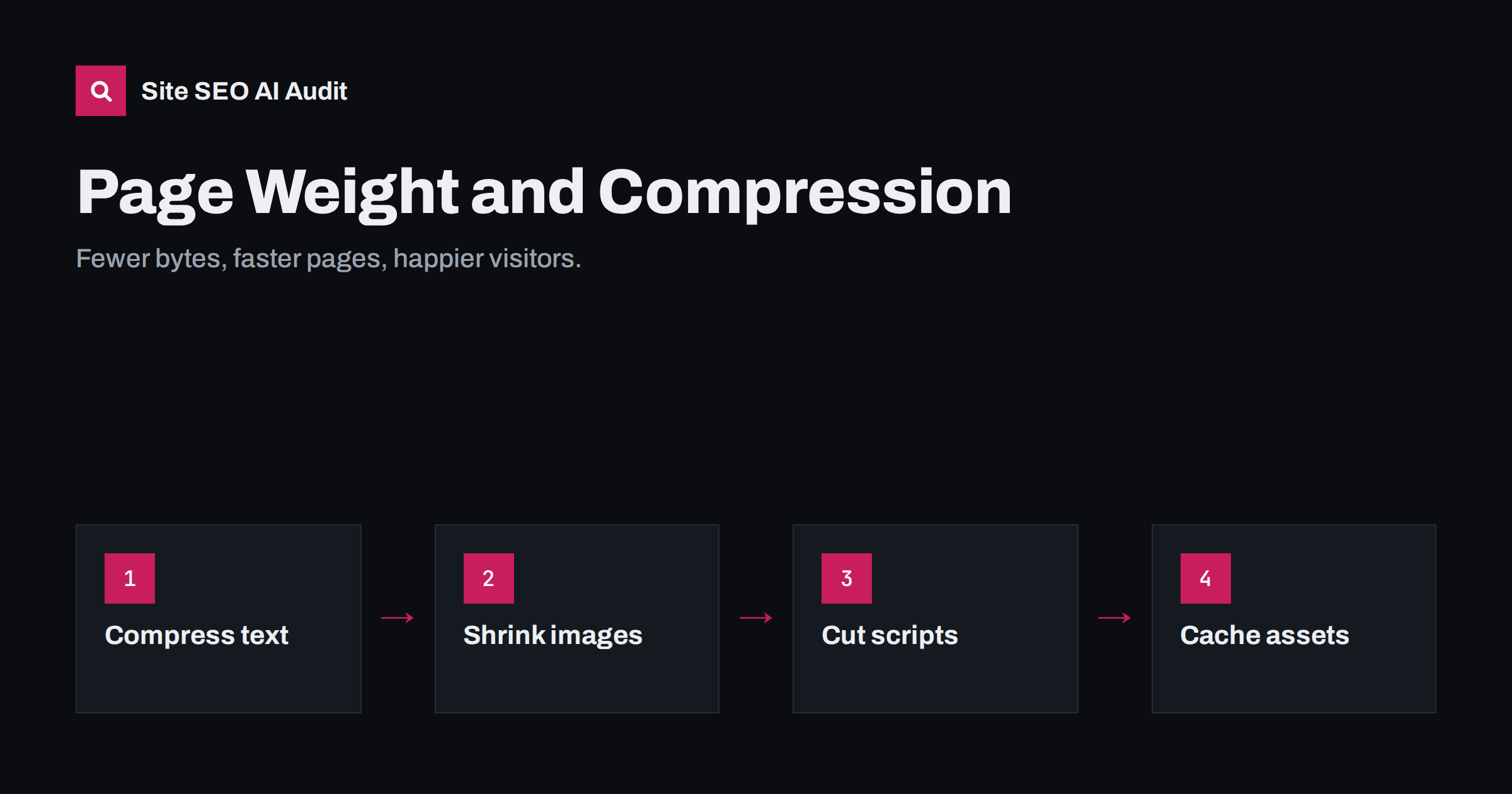
Short answer: page weight is the total number of bytes a browser downloads to show a page: HTML, CSS, JavaScript, images, fonts and anything else. Lighter pages load faster, especially on mobile networks. The biggest savings usually come from resizing and converting images, removing unused JavaScript and CSS, and enabling Brotli or gzip compression for all text files; long cache lifetimes make repeat visits lighter still.
What page weight is and why it matters
Every page is made of many files. The HTML document is only the start; it references stylesheets, scripts, images, fonts, icons, videos and third-party resources, each downloaded separately. Page weight is their sum, usually measured as bytes transferred over the network.
Weight matters because bytes take time to travel, and that time is far from equal for all visitors. A page that loads in a second on office fibre can take many seconds on a busy mobile network, and data costs real money for some visitors. Heavy pages tend to have slower LCP, and heavy JavaScript also hurts INP because the browser must parse and run it. Search engines also fetch these resources when rendering, so bloated pages cost crawl resources too.
There is no official page weight limit, and a large page is not automatically slow if the heaviest parts load after the visible content. But weight is a useful warning signal, and reducing it almost always helps.
Where the weight usually comes from
On typical business websites and shops, weight comes from a few predictable sources:
- Images are usually the largest part: oversized photos, PNG screenshots that should be JPEG or WebP, and sliders that load every slide at full size.
- JavaScript from themes, page builders, plugins, frameworks and third parties such as analytics, ads, chat and embeds.
- CSS from full frameworks and page builders, much of it unused on any given page.
- Web fonts, especially when many weights and styles are loaded, or icon fonts are used for a handful of icons.
- Video, especially autoplaying background videos.
- Uncompressed text: HTML, CSS, JavaScript, SVG and JSON served without compression can be several times larger than necessary.
How to measure page weight
- Browser DevTools, Network panel. Reload with the cache disabled and read the total transferred at the bottom. Sort by size to find the biggest files.
- PageSpeed Insights reports total byte weight and lists specific savings, such as images that could be smaller or unused JavaScript.
- A site crawl shows the HTML size and often resource sizes for every page, which reveals heavy templates and outliers you would never check by hand.
Measure the main templates on mobile: home, category or listing, product or service, article, and any landing page used in ads.
Text compression: gzip and Brotli
HTML, CSS, JavaScript, SVG, JSON and XML are text, and text compresses very well. Servers can compress these files before sending them, and browsers decompress them automatically. Two algorithms are widely supported:
| gzip | Brotli | |
|---|---|---|
| Browser support | Universal | All modern browsers, over HTTPS |
| Compression ratio | Good | Typically better than gzip for text |
| Best use | Fallback, dynamic responses | Static assets and HTML where supported |
| Header | Content-Encoding: gzip |
Content-Encoding: br |
The browser announces what it supports in the Accept-Encoding request header, and the server chooses. The usual setup is Brotli when supported, gzip otherwise. The mechanism is described on MDN’s HTTP compression page.
To check whether a page is compressed, run curl -sI -H "Accept-Encoding: br, gzip" https://www.example.com/ and look for a Content-Encoding header. Check CSS and JavaScript files too, not just the HTML. Common gaps are CDNs or servers that compress HTML but not JSON or SVG, and responses from plugins or APIs that bypass the server’s compression settings.
Do not compress images, video or fonts in WOFF2 format this way: they are already compressed, and recompressing wastes CPU for no gain.
Images: the biggest win on most sites
- Resize to display size. Upload photos at a sensible maximum width and let the CMS generate smaller sizes. A 5000-pixel camera photo displayed at 800 pixels is mostly wasted bytes.
- Use responsive images with
srcsetandsizesso phones download small versions. - Use modern formats. WebP is widely supported and usually much smaller than JPEG and PNG at similar quality; AVIF can be smaller still.
- Choose the right format for the content: photos as JPEG, WebP or AVIF; logos and icons as SVG; screenshots with text as PNG or WebP.
- Lazy-load images below the fold with
loading="lazy", but never the main image at the top. - Replace sliders with a single strong image where possible.
JavaScript and CSS: remove before you optimise
Minification and bundling help a little. Removing code helps a lot. Work in this order:
- List every script and stylesheet on your main templates and find out where each comes from.
- Remove what is not used: old tracking pixels, plugins for features that no longer exist, duplicate libraries loaded by different plugins.
- Load assets only where needed. A slider script is not needed on pages without a slider; a form script only on pages with a form.
- Delay third parties such as chat and social embeds until interaction or after load.
- Then minify and compress what remains.
PageSpeed Insights’ “reduce unused JavaScript” and “reduce unused CSS” diagnostics point to the largest candidates.
Third-party weight you do not control
On many sites, a large share of the bytes does not come from the site itself. Tag managers, analytics, advertising, heatmaps, chat widgets, review badges, social embeds, video players and consent tools all load their own scripts, styles and images, and they often load further resources in turn. You cannot compress or minify these files yourself, so the only real levers are whether, where and when they load:
- Make an inventory. In the Network panel, group requests by domain. Every third-party domain should have a named owner and a reason to exist.
- Remove tools that are no longer used. Old pixels from past campaigns and trial tools that were never uninstalled are common.
- Load per page type. A review widget may only be needed on product pages, a map only on the contact page.
- Use click-to-load for chat, maps and video embeds, showing a lightweight placeholder until the visitor asks for the real thing.
- Review the tag manager regularly. It is easy for marketing tags to accumulate over the years without anyone checking their weight.
Removing a single heavy third-party widget can save more bytes than a week of optimising your own code.
Fonts, video and caching
- Fonts: use WOFF2, load only the weights you use, consider a variable font if you need many weights, and replace icon fonts with inline SVG icons.
- Video: avoid autoplaying background video on mobile; for embedded videos, show a lightweight preview that loads the player on click.
- Browser caching: give static assets long cache lifetimes with
Cache-Control: max-ageand change file names or versions when they change. Repeat visitors then download almost nothing but the HTML.
A practical order of work
- Turn on Brotli or gzip for all text types and verify with curl.
- Fix the five largest images on each main template.
- Enable automatic resizing and WebP conversion for all uploads.
- Remove unused plugins, scripts and third-party tags.
- Load remaining scripts only where needed and defer them.
- Trim fonts to what the design uses.
- Set long cache lifetimes for versioned static files.
- Crawl again and compare page weight per template.
How Site SEO AI Audit checks weight and compression
The speed and Core Web Vitals area of the audit checks compression and page weight on every page the crawler fetches, next to server response time and Google PageSpeed data including LCP and CLS. Heavy templates and missing compression are listed with the affected pages and weighted by how much of the site they touch, so you know which fix saves the most. You can start with a free audit.
Related reading
- Server response time and TTFB: how to speed up your server
- How to fix a slow Largest Contentful Paint (LCP)
- Interaction to Next Paint (INP): how to find and fix delays
The bottom line
Lighter pages load faster for everyone and especially for mobile visitors. Compress every text response with Brotli or gzip, resize and convert images, remove scripts and styles that do not earn their place, load fonts sparingly and cache static files for a long time. Measure per template, fix the biggest files first, and check again after each change.
DUK
What is a good page weight?
There is no official limit. Many fast pages stay well under a few megabytes, and simple content pages can be far lighter. What matters most is how quickly the visible content loads, but lighter pages make that much easier.
Should I use Brotli or gzip?
Use Brotli where the server or CDN supports it, because it typically compresses text better, and keep gzip as a fallback. Browsers tell the server which formats they accept, so both can be enabled at once.
How do I know if compression is enabled?
Request a page or file with an Accept-Encoding header, for example with curl, and look for a Content-Encoding response header of br or gzip. Browser DevTools also show the encoding in the Network panel.
Does minifying CSS and JavaScript help much?
It helps a little, especially combined with compression. Removing unused code and scripts usually saves far more than minifying the code that remains.
Should images be compressed with gzip too?
No. Image formats like JPEG, PNG, WebP and AVIF are already compressed, so gzip or Brotli adds CPU work without real savings. Optimise images by resizing and choosing better formats instead.


