 ENEnglish
 LTLietuviškai
 DEDeutsch
 FRFrançais
 RUРусский
 ESEspañol
 PLPolski
 ITItaliano
 UKУкраїнська
 CSČeština
 PTPortuguês
 JA日本語
JA日本語 LVLatviešu valoda
 ETEesti
 HUMagyar
 IDBahasa Indonesia
 TRTürkçe
 HIहिन्दी
 ELΕλληνικά
 ARالعربية
 THไทย
THไทย VITiếng Việt
 RORomână
 MSBahasa Melayu
 BNবাংলা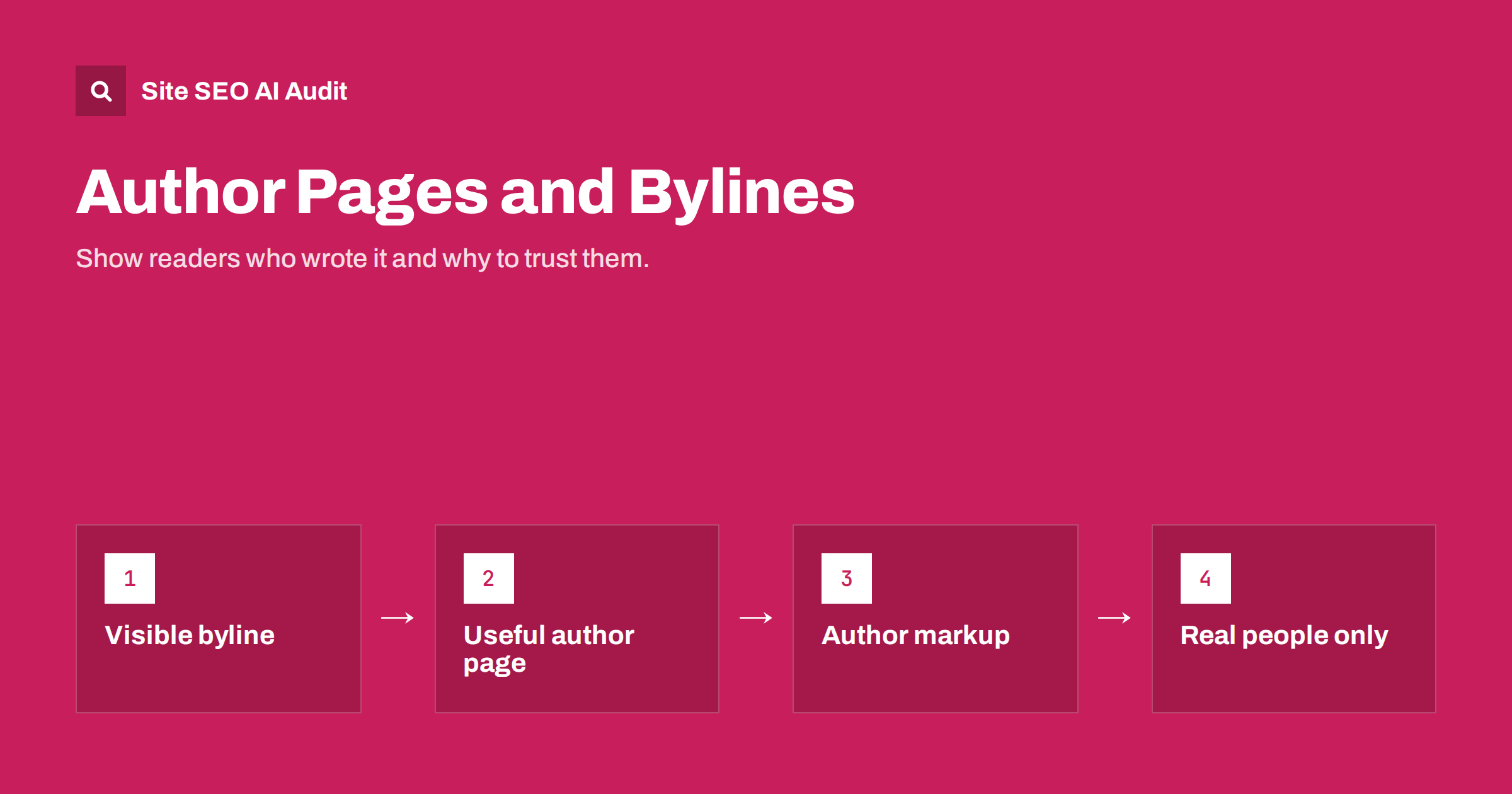
Short answer: a byline tells readers who wrote a page, and an author page tells them why that person is worth listening to. Show a real name on every article, link it to an author page with relevant experience, a photo, contact or profile links and a list of that person’s articles, and add author information to your Article structured data. This does not guarantee rankings, but it supports the trust signals search engines look for and makes content more credible to readers and AI systems that cite sources.
Why authorship matters for SEO
Google’s guidance on creating helpful, people-first content asks site owners to consider “who, how and why”: is it clear who created the content, how it was produced and why it exists? Showing authorship is one of the most direct ways to answer the “who” question. Google describes this as something readers expect, particularly where trust matters.
There is no single “author score” that lifts rankings. Authorship matters in less direct ways:
- Readers trust named experts more than anonymous text, which affects how long they stay, whether they share and whether they buy.
- Quality evaluation considers experience and expertise. A byline linked to a page showing ten years as a tax adviser makes a tax article more credible than one signed “admin”.
- AI answers prefer attributable sources. Pages with clear authors, dates and organisations are easier to cite with confidence. Our article on E-E-A-T and AI search covers this link in depth.
- Author entities build over time. A person who writes consistently on a topic, with profiles elsewhere that match, becomes recognisable across the web.
Authorship matters most for topics where mistakes hurt: health, money, legal questions, safety, and technical advice people act on. For a product changelog or a simple announcement, a company byline is fine.
What a good byline includes
The byline is the small line near the title, and it does more than decoration:
- The author’s real name, as they use it professionally.
- A link to their author page, so readers can check who they are.
- A short role or credential where it helps, such as “Certified accountant” or “Technical SEO consultant”.
- Published and updated dates, shown honestly. Only change the updated date when the content meaningfully changes.
- A reviewer, if there is one, such as “Reviewed by” a qualified expert for medical or financial articles, with a link to their profile too.
Place the byline near the top, where readers look for it, rather than only at the bottom. A short author box at the end of the article can repeat the bio and link to more articles.
What to put on an author page
An author page answers the reader’s question: why should I trust this person on this topic? A useful page includes:
- A clear photo of the real person.
- A bio of a few paragraphs focused on relevant experience: what they have done, for how long, for whom, and what they specialise in.
- Qualifications, certifications or memberships that matter for the topics they write about.
- Links to professional profiles, such as LinkedIn, a personal site, conference talks or published work elsewhere.
- A way to contact them or the editorial team.
- A list of their articles, ideally grouped by topic, with pagination if the list is long.
Avoid inflated or vague bios (“passionate about digital excellence”). Specific, checkable facts carry more weight with readers. Compare “Maria has written about finance for years” with “Maria is a chartered accountant who has run a small-business practice since 2012 and advises around forty clients on VAT and payroll”. The second tells the reader exactly why her article on VAT registration is worth reading, and every part of it can be verified. Keep bios current, too: an author page that still lists a job from five years ago raises doubts about everything else on the site. If you describe the company as a whole on an about page, link from author pages to it; our guide to about page SEO explains what that page should contain.
Author structured data
Structured data helps search engines connect an article to its author without ambiguity. In Article or BlogPosting markup, the author property should describe a Person (or an Organization, for company-authored pages). Google’s Article structured data documentation recommends including the author’s name and a url pointing to a page that identifies them, such as the author page.
| Property | What to put in it | Tip |
|---|---|---|
author.@type |
Person for a named writer, Organization for company content |
Do not put the company in a Person field |
author.name |
The name exactly as shown in the byline | Only the name, without job titles or “by” |
author.url |
The author page on your site | Use the same URL everywhere the author appears |
sameAs (on the author page’s Person markup) |
Links to the author’s profiles elsewhere | Only profiles that are clearly the same person |
| Multiple authors | An array of Person objects | List each author separately, not in one name string |
Most SEO plugins and many themes generate this markup automatically from the post author. The job is usually to check that it names the right person and links to a real author page, not to write it by hand.
Setting up authors in WordPress
WordPress has authorship built in, but the defaults need a few adjustments:
- Display name: in Users, set “Display name publicly as” to the author’s real name, not their username.
- Biographical info: fill in the bio field, which many themes show in the author box and on the author archive.
- Author archive URL: by default, author archives live at
/author/username/, which reveals the login name. Many site owners change the author slug (nicename) so it shows a public name instead. - Author archive content: a default archive shows only a list of posts. Add a proper bio, photo and links through the theme or an SEO plugin, so the page is worth indexing.
- Single-author sites: SEO plugins often offer to disable author archives because they duplicate the blog archive. That is reasonable, but then link the byline to the about page instead.
- Guest authors: create a user or guest author profile for each person rather than publishing their work under your own account.
For other WordPress settings that affect on-page SEO, see our guide to WordPress on-page SEO settings and habits.
Common authorship mistakes
These are the problems most often found when auditing blogs and resource sections:
- “admin” or “Editorial team” on expert content, when a named person actually wrote it.
- Fake or invented authors, including personas with stock or generated photos. Beyond being misleading, they cannot be verified anywhere else, which undermines the trust they were meant to create.
- Author pages with no content, just a name and a list of posts, often reported as thin or duplicate pages.
- Bylines that do not match the markup, for example the byline shows one person and structured data names another or the company.
- Departed authors whose pages were deleted, leaving bylines linking to 404 pages. Keep their author pages, noting that they previously wrote for you.
- Expertise mismatch, such as a marketing intern signing medical advice. Either involve a qualified reviewer or change who writes on that topic.
Authorship for AI-assisted content
Many teams now draft with AI tools and edit afterwards. The byline should name the person who is responsible for the content: the one who checked facts, added experience and approved it for publication. If AI tools were used substantially, being transparent about the process, for example in an editorial policy page, is consistent with Google’s “how” question. What does not work is attaching an impressive name to unreviewed text; the credibility of the author and the site both suffer when errors appear.
Checking authorship across your site
On a site with hundreds of articles, gaps are hard to see one page at a time. Site SEO AI Audit checks Schema.org markup on every page, flags invalid JSON-LD, and reports thin and duplicate pages, which often include empty author archives. On WordPress, each issue comes with fix steps in wp-admin and your SEO plugin. Run a free audit to see where your article markup and archive pages stand.
Related reading
- Organization Schema: Telling AI Systems Who You Are
- Content Dates and Freshness: Why AI Answers Care
- Blog Category and Tag Pages: How to Make Them Useful for SEO
The bottom line
Put a real name on every article that deserves one, link it to an author page that shows relevant experience, keep structured data consistent with the visible byline, and fix WordPress defaults such as display names and empty author archives. Authorship is not a ranking trick; it is a way of showing readers and search engines that real, qualified people stand behind your content.
BUJ
Do author bylines help SEO?
Not as a direct ranking factor. They support trust with readers and help search engines and AI systems understand who created the content, which matters most for topics where accuracy is important.
Should author archive pages be indexed?
Index them if they have real content, such as a bio, photo and a useful list of articles. On single-author sites, where the archive duplicates the blog, many owners disable or noindex it and link bylines to the about page.
Can I use a company name instead of a person as the author?
Yes, for announcements, product updates and general company content. For expert advice, a named person with relevant experience is more credible, and the markup should then use Person rather than Organization.
What author markup does Google recommend?
Google recommends including the author’s name and a url that identifies them, such as an author page, in Article structured data. Multiple authors should be listed as separate entries.
Is it acceptable to use a pen name?
A consistent pen name is used in many fields, but it cannot carry verifiable credentials. For advice where expertise matters, a real name with checkable experience builds far more trust.


