 ENEnglish
 LTLietuviškai
 DEDeutsch
 FRFrançais
 RUРусский
 ESEspañol
 PLPolski
 ITItaliano
 UKУкраїнська
 CSČeština
 PTPortuguês
 JA日本語
JA日本語 LVLatviešu valoda
 ETEesti
 HUMagyar
 IDBahasa Indonesia
 TRTürkçe
 HIहिन्दी
 ELΕλληνικά
 ARالعربية
 THไทย
THไทย VITiếng Việt
 RORomână
 MSBahasa Melayu
 BNবাংলা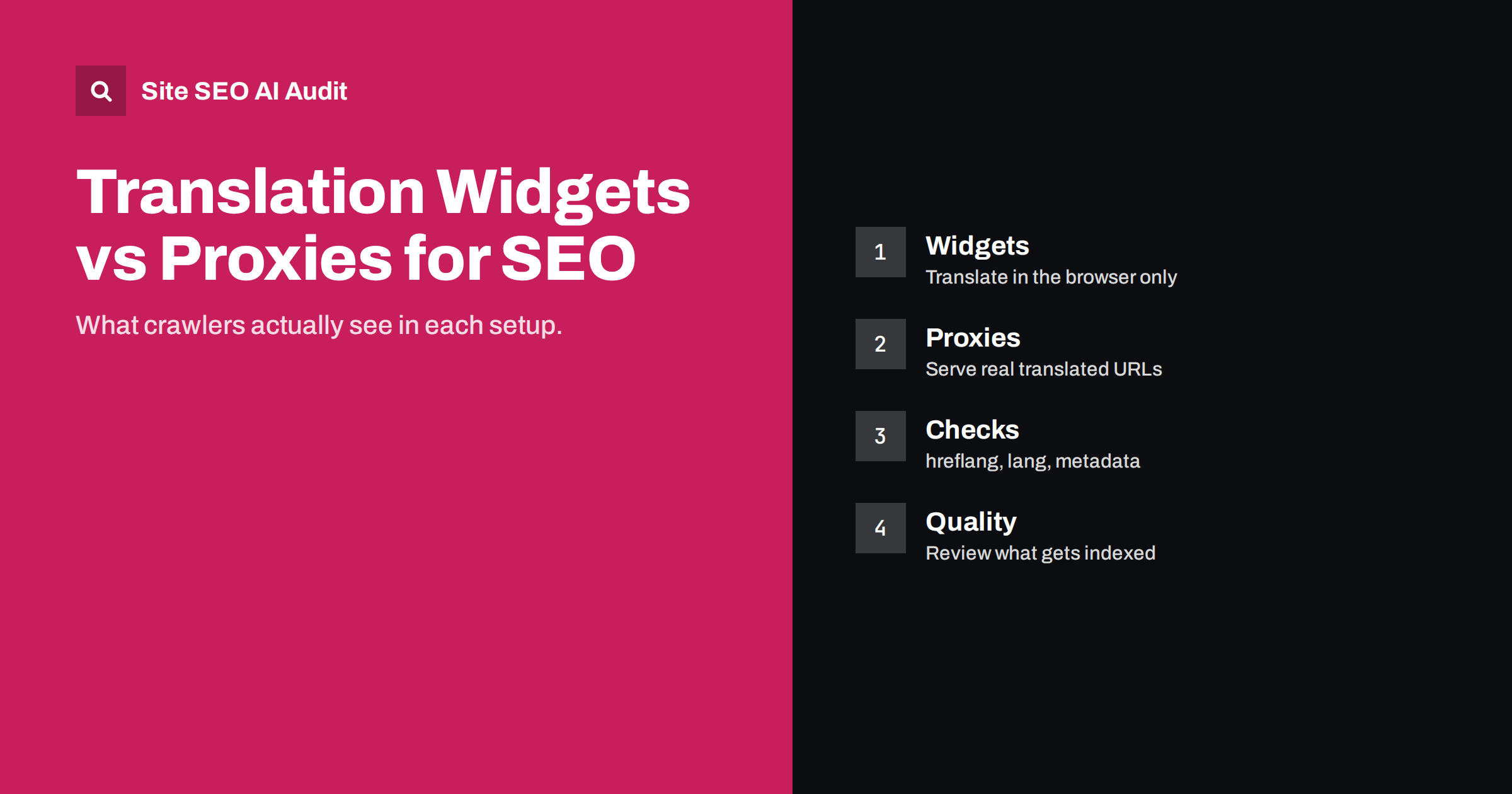
Short answer: A translation widget that translates text in the visitor’s browser does not create pages that search engines can index, so it adds no international search visibility. A translation proxy, which serves translated HTML on its own URLs such as a subfolder or subdomain, can rank like any other language version if it is set up correctly. With a proxy you still need separate URLs, hreflang, translated metadata, the right lang attribute and a review process for the text that gets indexed.
Two very different technologies
Website owners who want another language quickly usually find two kinds of products. They are often marketed with similar words, “translate your website in minutes”, but they work in completely different ways.
- Client-side translation widgets add a script and a language menu to your pages. When a visitor chooses a language, the script sends the visible text for translation and replaces it in the browser. The URL does not change and the server still sends the original language.
- Translation proxies sit between visitors and your server. A request for a translated URL, for example
/de/orde.example.com, is passed to your site, the HTML is translated using stored or machine translations, and the translated HTML is sent back. Each language has its own URLs and its own server response.
Browsers also have built-in translation, which visitors can use on any site. It behaves like a widget from an SEO point of view: nothing new is published.
What search engines see with a browser widget
Crawlers request your URL and receive the HTML your server sends, in the original language. Even when a search engine renders JavaScript, it does not click a language menu, so the translated version never exists for it. The consequences follow directly:
- There are no translated URLs to index or to list in a sitemap.
- You cannot add hreflang, because hreflang connects separate URLs and there is only one.
- Titles, meta descriptions and structured data stay in the original language in search results.
- Searchers in other languages will rarely find the page, because the indexed text does not contain their words.
Widgets can still be useful as a courtesy for visitors who arrive anyway, for example on a support page or for a small audience that reads your main language poorly. Just do not expect them to bring new visitors from search. Our guide on hreflang on JavaScript sites explains why content that exists only after client-side changes is fragile for search in general.
What search engines see with a translation proxy
A proxy creates what search engines need: a stable URL per language that returns translated HTML with status 200. From the crawler’s point of view, this is a normal multilingual site. That also means every normal multilingual requirement applies:
- URL structure: subfolders or subdomains per language, chosen deliberately. The trade-offs are covered in ccTLD vs subdomain vs subfolder.
- hreflang: each language version must list all alternatives, including itself, with return links. Many proxy services can insert these tags automatically; check that they do.
- Canonical tags: each translated page should be canonical to itself, not to the original language page.
- lang attribute: the
<html lang>value must change with the language. See the HTML lang attribute for details. - Metadata: titles, meta descriptions, image alt text and Open Graph tags must be translated, not just the visible body.
- Sitemaps: translated URLs should appear in an XML sitemap, which some proxies generate and others do not.
Widget vs proxy: a side-by-side view
| Aspect | Browser widget | Translation proxy |
|---|---|---|
| Separate URLs per language | No | Yes |
| Indexable translated text | No | Yes |
| hreflang possible | No | Yes |
| Translated titles in results | No | Yes, if configured |
| Setup effort | Very low | Low to medium |
| Control over quality | None | Depends on review workflow |
| Dependency on a vendor | Low | High: translated pages live on their service |
Quality risks with automatic translation
Once translated pages are indexable, their quality matters. Proxies commonly start with machine translation and let you edit strings afterwards. Machine translation has improved a lot, but publishing unreviewed output at scale can still produce pages with wrong terminology, awkward product names or legal texts that say something different from the original.
Search engine guidelines do not ban machine translation. The concern is content produced at scale without adding value for users. A practical approach:
- Review the most important pages first: home page, main service or category pages and top products.
- Build a glossary of brand terms, product names and phrases that must not be translated.
- Check titles and meta descriptions in the target language separately; they are short and easy to get wrong. The guide on translating title tags and meta descriptions has examples.
- Exclude pages that do not make sense in the target market, such as local job offers or region-specific promotions.
- Keep legal pages under human review or clearly mark which version is binding.
Our guide on machine translation and SEO goes deeper into what is safe to publish unreviewed.
Technical checks after switching on a proxy
Proxies rewrite HTML on the fly, which introduces problems that do not exist on a normally built multilingual site. After launch, check a sample of translated pages directly in the page source, not only in the browser.
- Internal links: links on a German page should point to German URLs. If they point back to the original language, crawlers and users keep leaving the language version.
- Canonical and hreflang: verify that both are present in the translated HTML and use the translated URLs.
- Dynamic content: text loaded by JavaScript after the page arrives, such as prices, reviews or filters, may not be translated by the proxy.
- Structured data: JSON-LD may stay in the original language unless the service translates it.
- Speed: the extra hop adds latency. Check server response times for translated URLs, not just the original ones.
- Robots and noindex: make sure translated pages inherit the correct directives and that staging or preview hosts of the proxy are not indexable.
- Language switcher: it should link to the equivalent page in each language, not to the home page of that language.
Questions to ask before choosing a proxy service
Because translated pages live on the service rather than in your CMS, the contract and the technical details matter more than the demo. Before committing, ask the vendor or test in a trial:
- Who owns the translations? Can you export all strings, including your manual edits, in a standard format if you leave?
- What happens to URLs if you cancel? If the translated URLs stop working, you lose their rankings and need a plan for redirects or a replacement.
- Are slugs translatable? Some services keep original-language slugs; decide whether that is acceptable for your markets.
- How are new and changed pages handled? Find out whether new content is translated automatically, queued for review or left in the original language.
- How is pricing calculated? Word or page limits can grow quickly on shops with large catalogues, and pages beyond the limit may stay untranslated.
- Can you exclude parts of a page? Brand names, code snippets and legal notices often need to stay unchanged.
A short pilot with one language and a few dozen pages usually reveals more than any feature list.
When each option makes sense
Choose a browser widget when you only want to offer convenience to existing visitors and have no plans to win search traffic in other languages.
Choose a translation proxy when you want indexable language versions quickly, your CMS makes multilingual publishing hard, and you accept the dependency on a service for those pages. Plan how you would move the translations if you ever leave the service.
Choose a native multilingual setup in your CMS when international search is a core channel, you need full control over URLs, templates and content per market, or the languages differ substantially in what they offer.
How Site SEO AI Audit helps
Whatever technology produces your language versions, Site SEO AI Audit crawls the HTML that is actually served. Its Languages area checks hreflang return links, broken language versions, x-default and lang attributes, and the on-page checks show missing or duplicate titles and descriptions across all URLs. That quickly shows whether a proxy is producing complete, correctly linked language versions or pages that only look translated. You can start with a free audit of your website.
Related reading
- Multilingual WordPress SEO: A Checklist for Translated Sites
- Language Switcher Best Practices for SEO and Usability
- What Is hreflang? A Plain-English Guide for Site Owners
The bottom line
If a translation exists only in the visitor’s browser, search engines never see it. Widgets are a convenience, not an international SEO strategy. Proxies can produce rankable language versions, but only if each language has its own URLs, hreflang, translated metadata, correct internal links and reviewed content. Audit the served HTML after launch to make sure the setup works as advertised.
BUJ
Does a translation widget help SEO?
No. It changes text in the visitor’s browser without creating new URLs, so search engines only index the original language. It can improve the experience for visitors, but it does not bring search traffic in other languages.
Can a translation proxy rank in Google?
Yes. A proxy serves translated HTML on separate URLs, which search engines can crawl and index. It needs the same setup as any multilingual site: hreflang, self-referencing canonicals, translated metadata and correct internal links.
Is machine-translated content penalised?
Machine translation itself is not forbidden, but low-quality content produced at scale without value for users can perform poorly. Review important pages, titles and descriptions before relying on them in search.
Should I use a subfolder or subdomain with a translation proxy?
Both can work. Subfolders keep all languages on one host, while subdomains are sometimes easier for proxy services to set up. Choose based on your long-term structure, because changing it later means redirects.
How do I check what a proxy actually serves?
Open the page source of a translated URL, or use the URL Inspection tool, and check the lang attribute, title, canonical, hreflang and internal links. A crawl of all language versions shows problems at scale.


