ENEnglish
 LTLietuviškai
 DEDeutsch
 FRFrançais
 RUРусский
 ESEspañol
 PLPolski
 ITItaliano
 UKУкраїнська
 CSČeština
 PTPortuguês
 JA日本語
JA日本語 LVLatviešu valoda
 ETEesti
 HUMagyar
 IDBahasa Indonesia
 TRTürkçe
 HIहिन्दी
 ELΕλληνικά
 ARالعربية
 THไทย
THไทย VITiếng Việt
 RORomână
 MSBahasa Melayu
 BNবাংলা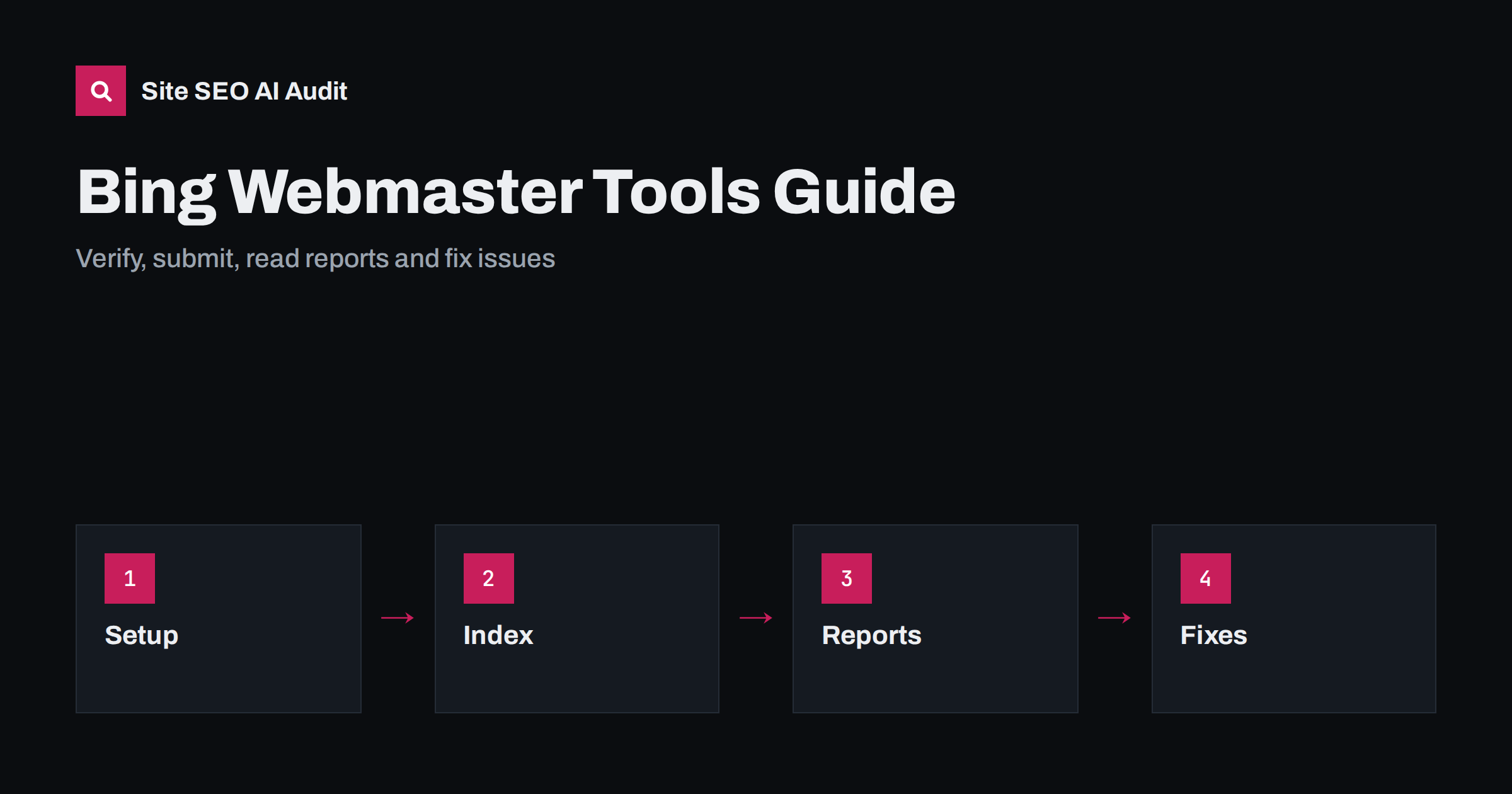
Short answer: Bing Webmaster Tools is a free service from Microsoft that shows how Bing crawls, indexes and displays your site. Add and verify your site, either by importing it from Google Search Console or with a file, tag or DNS record, submit your XML sitemap, check which URLs are indexed, read the search performance report and review crawl, markup and security notices. It matters because Bing data also feeds other search products and assistants, and because it supports instant notification of changes.
Many site owners watch only one search engine, then discover that traffic from others is small but steady, and that some of their pages are not indexed there at all. Bing Webmaster Tools gives you a second set of data that often points to issues Google reports differently. It also covers settings that are not available elsewhere, such as a simple way to ping search engines about changed pages. Setting it up takes about fifteen minutes, and a quick check every month will keep surprises away. This guide explains the setup and the reports that matter, with the actions to take. For the relationship between indexing and AI answers, read Bing indexing and AI search.
Why Bing data is worth having
Bing powers its own search results and supplies data to several other products and services, so being indexed there can extend your reach beyond one website. In many markets and on many devices, a share of your audience uses it by default, such as people on work computers. The data is also a useful cross-check: a page that is indexed in one search engine and not in another points to a technical or quality difference worth understanding. Finally, Bing supports a protocol for notifying search engines about new and changed URLs, which can speed up discovery. The wider landscape is covered in international search engines beyond Google.
Add and verify your site
Sign in with a Microsoft account and add your site’s address, using the exact version you prefer, with or without www and with HTTPS. You can import sites that are verified in Google Search Console, which is the fastest option and also brings your sitemaps. Otherwise, verify ownership with an XML file placed in the root, a meta tag in the home page head or a DNS record. The DNS record is the most durable because it survives theme changes and redesigns. Add every property you need, including subdomains that you treat as separate sites, and add colleagues with the right permissions instead of sharing one login. If you are new to the equivalent process elsewhere, see the Search Console setup guide.
Submit sitemaps and check indexing
Submit your XML sitemap under the sitemaps section and confirm that its status is successful and that the number of discovered URLs is close to what you expect. Fix errors, such as addresses that redirect, return errors or are blocked, before resubmitting. Use the URL inspection feature to check a single page: whether it is indexed, when it was last crawled and how it looked to the crawler, and to request indexing for important changes. Make sure the sitemap lists only canonical, indexable addresses, as described in XML sitemap best practices. If numbers differ widely from Google’s, compare them page by page to find the cause.
Keep one more point in mind: Bing treats HTTPS, language and mobile settings the same way other search engines do, so the same hygiene helps in both. Use consistent canonical addresses, correct language attributes and responsive pages. When you see a mismatch between the engines, such as a duplicate that one chooses and the other ignores, a clear canonical and consistent internal links usually bring them into line, as shown in canonical tags explained.
Use IndexNow for faster updates
IndexNow is an open protocol that lets your site tell participating search engines when a URL is added, changed or removed. You generate a key, place it on the site and send a simple request, or use a plugin or a content delivery network feature that does it automatically. It does not guarantee indexing or ranking, but it removes waiting for the next crawl, which is useful for news, prices, stock and fast-changing pages. Send notifications only for real changes, not repeatedly for the same URL. The details are in the IndexNow guide.
Read the search performance report
The search performance report shows clicks, impressions, average position and click-through rate by query, page, country and device, with date ranges that allow comparison. Use it as you would the equivalent report in Google, but expect smaller numbers and some differences. Look for queries with many impressions and few clicks, which may call for better titles and descriptions, pages that rank at the bottom of the first page and could gain from improvements, and countries where interest is growing. Export the data regularly because the history is limited. Cross-reading both sources teaches you what is specific to one engine and what is common. For an approach to analysis, see the performance report guide.
Review crawl and diagnostic tools
Several features help find technical problems. The crawl information shows how often Bing visits, which pages return errors and whether robots.txt blocks anything important. The site scan feature reports on-page issues such as missing titles, long descriptions and missing alt text. The markup validator and the robots.txt tester let you check changes before they go live. You can also set crawl control to limit visits during busy hours if the server is under strain, though the default is usually best. Treat all recommendations as prompts for review, not orders, and apply them where they help visitors. See the robots.txt guide for safe rules.
Handle URL removal, security and notifications
Bing Webmaster Tools lets you block a URL from appearing for a limited time, and it reports security problems such as malware. Use removal tools for urgent cases, such as exposed private pages, and also fix the cause: delete the page, return the right status code or add noindex, since temporary blocks expire. Turn on email notifications so that you hear about crawl errors, security issues and policy messages without logging in. If you receive a security warning, treat it as an incident, clean the site and request a review. More on removal is in how to remove a page from Google, and the same principles apply.
Pay attention to geographic and language settings too. If your site serves several countries, check which regions send impressions and whether the right language version appears for each. Mismatches are a clue that language annotations, canonical tags or internal links need work, and the search performance report by country is a fast way to see them. Keep notes on what you change, since results from different engines arrive at different speeds, and compare after a few weeks.
Connect Bing data to AI search visibility
Because Bing’s index feeds several assistants and search features, a page that is missing there may also be missing from the answers they give. If you find that important pages are not indexed, look for the usual causes: a noindex directive, a robots.txt block, a canonical pointing elsewhere, duplicate or thin content, slow or unreliable responses and no internal links. Fix the cause, then request indexing for the highest-value pages and wait for the next crawl. Also check that your firewall or content delivery network does not block Bing’s crawler by mistake, a common error after a security tightening. You can verify crawler requests in your server logs, as explained in AI crawlers in server logs. When your pages appear in the index with correct titles and descriptions, assistants have what they need to quote and link to you.
Build a simple monthly routine
Once the tool is set up, keep the routine light. Each month, open the dashboard, check that the sitemap is processed, scan the indexed page count for sudden changes, look at crawl errors and security messages, review the top queries and pages and note anything unusual. Compare the numbers with Google’s for the same period. After a migration, redesign or template change, check more often for a few weeks. Record what you changed and when, so that later movements can be explained. A fifteen-minute review is enough to catch most problems early, such as a robots.txt change that blocks the crawler or a sitemap that stopped updating.
Site SEO AI Audit does not replace search engine webmaster tools. It crawls your site like a search engine, checks status codes, sitemaps, robots rules, titles, structured data and speed on each page, and ranks fixes by the points they add. The first audit of up to 200 pages is free; larger sites can see the pricing page.
Related reading
- Bing Indexing and AI Search
- IndexNow Explained
- Search Console Setup Guide
- XML Sitemap Best Practices
The bottom line
Bing Webmaster Tools is a free second view of how your site is crawled and indexed. Verify the site, submit the sitemap, check indexing, consider IndexNow, read the performance data and review notices once a month.
FAQ
Is Bing Webmaster Tools free?
Yes. You need a Microsoft account to sign in, add your site and verify ownership, and there is no charge for the main features.
Can I import my site from Google Search Console?
Yes. After you connect the accounts, you can import verified sites and their sitemaps, which is the fastest way to set up.
Does submitting a sitemap guarantee indexing?
No. It helps discovery, but indexing depends on quality, accessibility and other signals. Use the inspection tool to see the status of individual pages.
Do I need IndexNow if I have a sitemap?
It is optional. A sitemap lists pages, while IndexNow announces changes quickly. It suits sites whose content changes often.
Why are my numbers different from Google’s?
Search engines have different audiences, crawling and ranking systems, so clicks, impressions and indexed pages differ. Compare trends and look for large unexplained gaps.