 ENEnglish
 LTLietuviškai
 DEDeutsch
 FRFrançais
 RUРусский
 ESEspañol
 PLPolski
 ITItaliano
 UKУкраїнська
 CSČeština
 PTPortuguês
 JA日本語
JA日本語 LVLatviešu valoda
 ETEesti
 HUMagyar
 IDBahasa Indonesia
 TRTürkçe
 HIहिन्दी
 ELΕλληνικά
 ARالعربية
 THไทย
THไทย VITiếng Việt
 RORomână
 MSBahasa Melayu
 BNবাংলা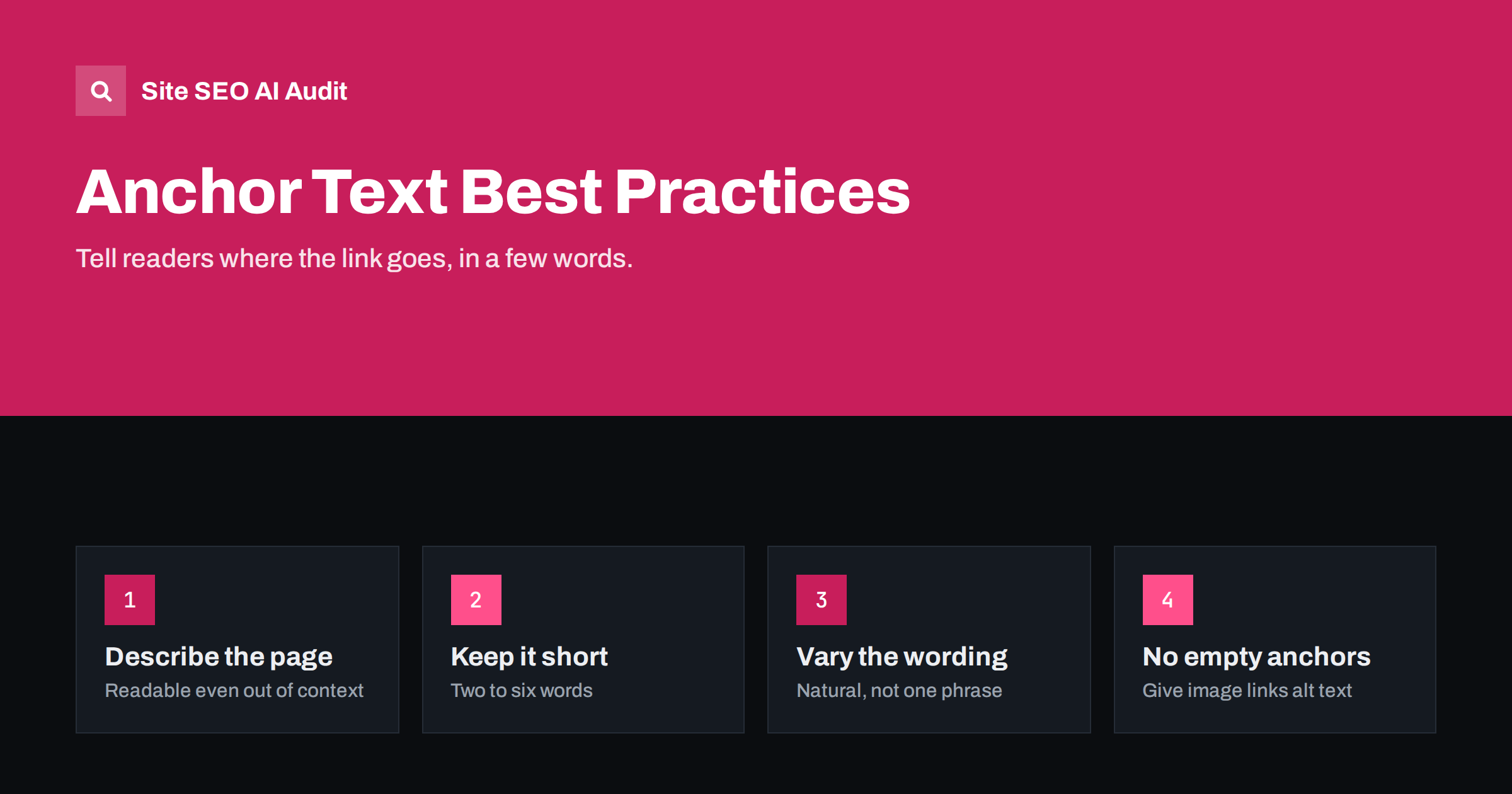
Short answer: Anchor text is the clickable text of a link, and good anchor text tells readers and search engines what they will find on the linked page. Use short, descriptive phrases that name the destination’s topic, vary the wording naturally, and avoid generic anchors such as “click here”, “read more” and empty image links without alt text. For internal links, descriptive anchors are one of the simplest ways to help search engines understand your pages.
What anchor text is
In HTML, a link looks like this: <a href="/meta-description-writing-guide/">how to write meta descriptions</a>. The words between the tags, “how to write meta descriptions”, are the anchor text. It is what the reader sees and clicks.
Anchor text matters for three reasons:
- Readers use it to decide whether to click. Clear anchors set expectations; vague ones make people hesitate or skip the link.
- Screen reader users often list all links on a page to navigate. A list of ten “click here” links tells them nothing.
- Search engines use anchor text as a hint about what the linked page is about. This was one of the earliest signals search engines used, and it still helps them understand pages, especially when many links describe a page in similar terms.
Types of anchor text
| Type | Example (linking to a meta description guide) | Verdict |
|---|---|---|
| Descriptive | how to write meta descriptions | Best for most links |
| Exact match | meta description | Fine in moderation, especially internally |
| Partial match | tips for better search snippets | Natural and useful |
| Branded | Brandname’s guide | Normal for links to a home page or product |
| Naked URL | example.com/meta-description-writing-guide/ | Acceptable in references, poor in body text |
| Generic | click here, read more, this article | Avoid: says nothing about the destination |
| Empty | Image link with no alt text, icon link with no label | Fix: no information at all |
How to write good anchor text
Describe the destination
The anchor should tell the reader what they will get. “Our guide to image alt text” is clearer than “this guide”. If you had to read the anchor on its own, out of context, would you know where it leads? That is the test screen reader users effectively apply.
Keep it short
Two to six words are usually enough. Linking a whole sentence dilutes the meaning and makes the link visually heavy. Choose the words in the sentence that best describe the linked page and link those.
Fit it into the sentence
Good anchors read naturally as part of the text. Compare:
- Awkward: “For more on meta descriptions best meta description tips click here.”
- Natural: “If your snippets look generic, learn how to write meta descriptions that earn the click.”
Vary the wording
If fifty pages link to your title tag guide, they do not all need the same anchor. “Title tag guide”, “how to write title tags”, “writing better page titles” and “title length and wording” all describe it well. Variation looks natural and covers the different ways people describe the topic.
Match the anchor to the page
Do not use the anchor “pricing” to link to a blog post, or “free guide” to link to a sales page. Misleading anchors frustrate readers and send mixed signals about the linked page.
Internal vs external anchor text
The advice differs slightly depending on whether the link points to your own site or comes from someone else’s.
Internal links are fully under your control, and search engines do not treat descriptive internal anchors with suspicion. Using the topic phrase of the destination page in your anchor text is normal and helpful. It is one of the easiest improvements you can make across a site.
External links pointing to you are a different matter. Links from other sites with the exact same keyword-rich anchor, over and over, can look manipulative, because natural links rarely look like that. Most natural links use your brand name, the page title or a descriptive phrase chosen by the linking author. If you are ever asked what anchor to use, suggest the page title or brand rather than a keyword.
External links from your pages should follow the same descriptive principles: tell the reader what they will find on the other site.
Image links and empty anchors
When an image is used as a link, its alt text becomes the anchor text. An image link with no alt text is an empty anchor: search engines and screen readers get no information about the destination. Common examples:
- Logo links to the home page with no alt text.
- Product thumbnails in category grids linking to product pages.
- Social media icons with no accessible label.
- Banner images linking to promotions.
The fix is simple: give linked images alt text that describes the destination or action, such as “Brandname home page” or “Trail Runner 3 waterproof shoe”. For icon links built with CSS or SVG, add an accessible label such as aria-label="Follow us on LinkedIn".
The “read more” problem on blogs and stores
Blog listings and product grids often end every card with “Read more”, “Learn more” or “View product”. On a page with twenty cards, that is twenty identical anchors pointing to twenty different pages. It is not a disaster, particularly if the card title is also a link, but it is a missed opportunity and a nuisance for screen reader users.
Better options:
- Make the card title the main link, so the anchor is the post or product name.
- If you keep a “Read more” button, add visually hidden text so it reads as “Read more about title tag length” to assistive technology.
- Avoid linking the same destination three times in one card (image, title and button) unless each link has meaningful text.
The text around the link matters too
Anchor text does not work alone. Search engines also read the words around a link to understand why it is there, and readers use the surrounding sentence to decide whether it is worth following. A descriptive anchor inside a relevant paragraph is much stronger than the same anchor in a list of unrelated links at the bottom of a page.
That has practical consequences for how you add links:
- Link where the topic comes up. A link to your guide on title tags belongs in the paragraph that discusses titles, not in a generic “useful resources” box.
- Explain the benefit. A sentence such as “if your titles are getting cut off, our title tag guide explains how long they should be” gives the reader a reason to click and gives search engines extra context.
- Do not stack links. Three links in a row separated by commas are hard to tell apart and hard to tap on a phone. Spread them out where each one fits.
- Link once per destination per section. Repeating the same link several times in a short passage adds nothing for the reader.
- Keep links visible. Links should look like links. Styling them the same as body text hides them from sighted readers and helps nobody.
Thinking about the sentence first and the anchor second usually produces better anchors automatically, because the natural words for the link are already there.
Auditing anchor text across a site
Anchor problems are usually template problems: a theme’s “Read more” buttons, a logo without alt text, social icons without labels. They repeat on every page, which makes them worth finding with a crawl rather than by eye.
When reviewing a crawl, look for:
- Empty anchors: links with no text and no alt text.
- Generic anchors: the most common anchor texts on the site, which are often “read more” or “here”.
- Anchors to important pages: what words other pages use to link to your key pages, and whether they describe them well.
- Mismatched anchors: links whose text does not match the destination, often left over from old content.
Site SEO AI Audit checks links as one of its seven scored areas and flags empty anchors along with broken links, links to redirects, weakly linked pages and nofollow links. Each issue is weighted by the number of pages it affects, so a template-level problem appears before one odd link. On WordPress sites it lists the steps in wp-admin. You can run a free audit of your site to see where anchors need work.
Related reading
- Internal Linking Strategy: A Step-by-Step Guide for SEO
- Image Alt Text: How to Write It for SEO and Accessibility
- Orphan Pages: How to Find Them and What to Do With Each
The bottom line
Anchor text is a small detail with a wide reach. Describe the destination in a few natural words, vary the wording, avoid generic and empty anchors, and give linked images meaningful alt text. Internal anchors are fully in your control and easy to improve; fix template-level problems such as “Read more” buttons and unlabeled icons first, then improve the anchors pointing to your most important pages.
FAQ
Does anchor text still matter for SEO?
Yes. Search engines still use anchor text as one of the hints about what a linked page is about. It also matters for usability and accessibility, which is reason enough to get it right.
Is it bad to use exact-match keywords in internal links?
No. Descriptive internal anchors that include the destination’s topic are normal and helpful. Vary the wording naturally rather than repeating one phrase on every link.
Are “click here” links harmful?
They are not penalized, but they waste an opportunity and make pages harder to navigate for screen reader users. Replacing them with descriptive anchors is an easy improvement.
What is an empty anchor?
A link with no text that search engines or screen readers can read, such as an image link without alt text or an icon without a label. It tells nobody where the link goes and should be fixed.
How long should anchor text be?
Usually two to six words. Enough to describe the destination, short enough to read as a natural part of the sentence.


