ENEnglish
 LTLietuviškai
 DEDeutsch
 FRFrançais
 RUРусский
 ESEspañol
 PLPolski
 ITItaliano
 UKУкраїнська
 CSČeština
 PTPortuguês
 JA日本語
JA日本語 LVLatviešu valoda
 ETEesti
 HUMagyar
 IDBahasa Indonesia
 TRTürkçe
 HIहिन्दी
 ELΕλληνικά
 ARالعربية
 THไทย
THไทย VITiếng Việt
 RORomână
 MSBahasa Melayu
 BNবাংলা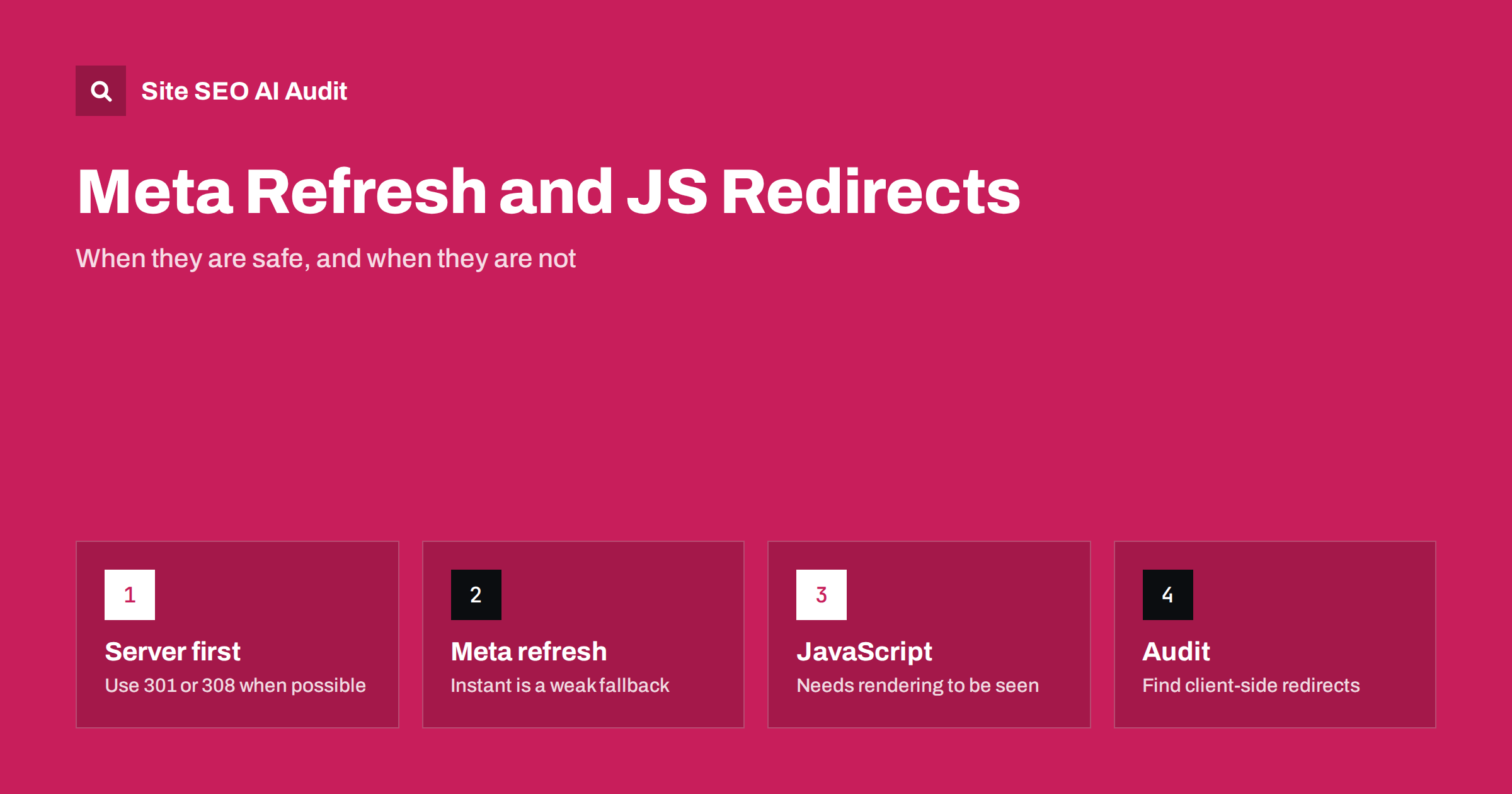
Short answer: A meta refresh redirect is an HTML tag that sends the browser to another URL, and a JavaScript redirect does the same with a script. Search engines can often follow both, but they are slower, less reliable and easier to misread than a server-side redirect such as a 301. Use them only when you cannot configure the server, keep them instant, never chain them and replace them with proper redirects as soon as you can.
Most site owners know that moving a page means adding a redirect. What fewer people notice is that redirects come in several technical forms. Your server can answer with a status code and a new address, your HTML can contain a refresh instruction, or a script can change the browser location after the page loads. All three look the same to a visitor, who simply lands on a new page. For search engines and other crawlers they are very different. This guide explains how each type works, what to expect from search engines, and how to decide whether the client-side kind is acceptable on your site.
Three ways to redirect a visitor
A server-side redirect happens before any page content is sent. The server replies with a status code in the 3xx range, such as 301 or 308 for a permanent move and 302 or 307 for a temporary one, plus a Location header with the new address. Crawlers see the instruction in the first response and do not need to read any HTML. The difference between the codes is covered in the guide to 301 and 302 redirects.
A meta refresh redirect is a tag in the head of an HTML page, written as a meta element with an http-equiv value of refresh and a content value that holds a delay in seconds and a target address. The page itself loads with a normal 200 status, and the browser then follows the instruction.
A JavaScript redirect assigns a new value to the browser location, for example with window.location.replace or window.location.href. It only works when the script runs, so the client has to download, parse and execute code first.
How search engines treat client-side redirects
Google’s documentation lists meta refresh and JavaScript redirects as options, but it recommends server-side redirects whenever possible. In practice, Google can follow instant meta refresh tags when it fetches the page, and it can follow JavaScript redirects after it renders the page. Both steps take longer than reading a status code. A delayed meta refresh, for instance one that waits several seconds, is a weaker and more ambiguous signal than an instant one. A JavaScript redirect depends on the rendering queue, which can add delay and, in some cases, fail.
Other crawlers are less capable. Many bots, including a large share of AI crawlers, fetch raw HTML and do not run scripts; the article on JavaScript content and AI crawlers explains why this matters. For these bots a JavaScript redirect is simply invisible: they see the page that contains the script, not the destination. A meta refresh is visible in the HTML, but not every crawler treats it as a redirect.
The result is uncertainty. A server redirect passes a clear message: this URL moved here, for good or for now. A client-side redirect leaves search engines to infer the message, and old URLs may stay in results longer than you expect.
When a client-side redirect is acceptable
There are honest reasons to use them. The most common is a hosting platform that gives you no control over server configuration. Some website builders, static hosts and shared environments let you edit page content but not response headers or rewrite rules. In that case an instant meta refresh or a short script is better than a dead page.
- Locked platforms: you can edit pages but not the server, and no redirect feature exists.
- Short-lived campaigns: a temporary landing page forwards to the current offer, and you do not need the old URL to keep ranking.
- Interface behaviour: after a form is submitted or a user signs in, a script sends the person to a confirmation or account page. These pages are not meant to be indexed.
- Single-page applications: client-side routing changes the visible URL as the user navigates, which is not a redirect in the SEO sense, as long as each route can also be requested directly.
For pages that carry search traffic or backlinks, the answer is stricter. If the old URL ranks, has links or appears in sitemaps, use a server-side redirect. Moving such a page with a script risks losing some of the equity it earned.
How to make a meta refresh as safe as possible
If you must use one, follow a few rules.
- Use a delay of zero. A refresh that waits several seconds is more confusing for users and weaker as a signal.
- Point to the final URL. Do not send visitors to an address that redirects again; see redirect chains and loops.
- Add a visible link. Put a normal link in the body of the old page, so that people and crawlers have a fallback if the tag fails.
- Set a canonical tag on the old page that points to the new address, which reinforces the message.
- Do not use it for everything. A whole site that relies on refresh tags is fragile and slow.
Also avoid using a refresh tag to reload the same page at intervals. Auto-refreshing pages can distract users, use extra bandwidth and confuse crawlers.
How to make a JavaScript redirect as safe as possible
When a script is your only option, make it simple and early. Place the redirect in the head or at the very top of the body, so that the browser does not paint content that it then discards. Use location.replace rather than assigning to href, because replace does not add the old page to the browser history and the back button does not trap the visitor. Keep the destination absolute and final.
Do not block the script file in robots.txt. If Google cannot fetch the script, it cannot follow the redirect. Check this together with the rules in the robots.txt guide. Add a noscript fallback with a regular link for the rare visitor or bot that does not run scripts. And do not redirect only some visitors, such as search engines, to a different page than users receive. Showing crawlers something different from visitors is cloaking, and it can lead to penalties.
Redirects based on location or language
A common form of JavaScript redirect sends visitors to a country or language version according to their browser settings or IP address. This is risky for SEO, because crawlers usually do not behave like a visitor from each country and may never see the other versions. It can also trap users on a version they did not choose. A better pattern is a visible banner that suggests another version and lets the visitor decide. The article on language redirects goes into this in detail.
Comparison of the three redirect types
| Type | Where it happens | Seen without running scripts | Recommended for |
|---|---|---|---|
| Server-side (301, 302, 307, 308) | Server response | Yes | All pages with traffic or links |
| Meta refresh | HTML head | Yes, but interpreted less clearly | Locked platforms, only as a fallback |
| JavaScript | Browser, after loading code | No | Interface flows and non-indexed pages |
How to find client-side redirects on your site
Client-side redirects are easy to miss, because the page returns a normal 200 status and looks fine in a quick check. Start with a crawl that records the HTML. Search for refresh tags in the head and for location assignments in scripts. Look at pages that have almost no content, since a stub page that exists only to forward visitors is typical. Compare the URL a crawler requested with the URL a browser ends up on; a difference with a 200 status is a sign of a client-side redirect.
Check your sitemap too. If it lists URLs that forward visitors, you are asking search engines to index pages that do not stay put; remove them and list the final addresses instead. Internal links deserve the same treatment: link directly to the final URL, as in the broken links guide, so that visitors and bots do not take an extra step.
Site SEO AI Audit crawls your site, checks status codes, redirects, canonicals and the sitemap, and ranks the fixes by how many points each adds to your score. The first audit of up to 200 pages is free, and the pricing page shows how to re-check after you replace a redirect.
Replacing client-side redirects with server rules
Once you have the list, move each redirect to the server wherever possible. On Apache this is a rewrite rule or a redirect directive, on Nginx a return or rewrite statement, and on most hosting panels a built-in redirect tool. Many content management systems and plugins also manage redirects. Map each old URL to the most relevant new URL, not to the home page, and test the result with a header check. When a whole site moves, the migration checklist lists the steps. After the change, remove the refresh tags and scripts, since leaving both in place can create duplicate hops.
Related reading
- 301 vs 302 Redirects: Which One to Use and When
- Redirect Chains and Loops: How to Find and Fix Them
- JavaScript SEO Basics: Make Sure Search Engines See Your Content
- HTTP Status Codes for SEO: What Each One Means
The bottom line
Server-side redirects are the clear first choice, because every crawler understands them instantly. Meta refresh and JavaScript redirects have a place on locked platforms and in interface flows, but they are slower, less certain and invisible to many bots. Keep them instant, link to the final URL, never chain them and replace them with server rules when you can.
FAQ
Does Google follow meta refresh redirects?
Google can follow them, especially instant ones. It still recommends server-side redirects, because they are faster and send a clearer signal.
Do JavaScript redirects pass ranking signals?
They can, when Google renders the page and follows the script. The process is slower and less reliable than a 301, so important pages should not depend on it.
Can I use a meta refresh with a delay?
You can, but it is a weaker signal and a poorer experience. Use a delay of zero, or better, use a server redirect.
Will AI crawlers see a JavaScript redirect?
Many do not run scripts, so they will not see it. They read the page that contains the script instead of the destination.
How do I know if a page uses a client-side redirect?
Crawl the site and look for refresh tags and location assignments in scripts. A page that returns a 200 status but ends up on a different URL is a strong hint.