 ENEnglish
 LTLietuviškai
 DEDeutsch
 FRFrançais
 RUРусский
 ESEspañol
 PLPolski
 ITItaliano
 UKУкраїнська
 CSČeština
 PTPortuguês
 JA日本語
 LVLatviešu valoda
 ETEesti
 HUMagyar
 IDBahasa Indonesia
 TRTürkçe
 HIहिन्दी
 ELΕλληνικά
 ARالعربية
 THไทย
 VITiếng Việt
 RORomână
 MSBahasa Melayu
 BNবাংলা
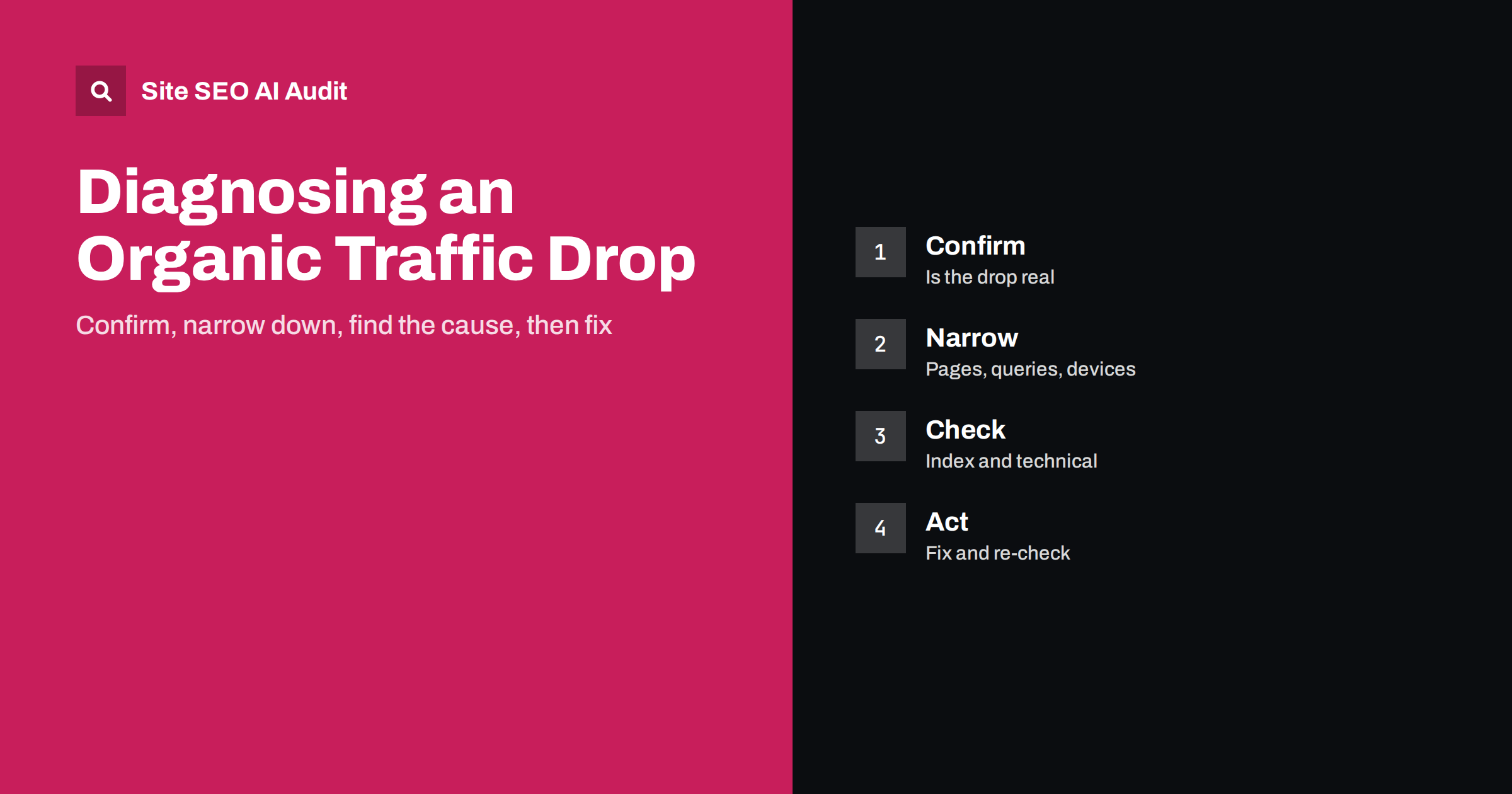
Short answer: When organic traffic falls, do not change things at random. First confirm the drop in more than one data source and rule out tracking faults and normal seasonality. Then narrow it down by date, pages, queries, countries and devices. Check indexing and technical changes, review updates to search engines and your own releases, compare competitors and look at AI answers. Fix the identified cause, record what you did and verify the recovery with a re-check.
A sudden fall in visitors is stressful, and the temptation is to react at once: rewrite titles, remove links, blame the latest search update. Those reactions often make things worse, because they change the evidence before you understand it. A calm, ordered investigation takes a few hours and usually finds either the cause or a short list of likely causes. This guide gives you the order of checks, what to look for in each and how to decide when to act. For one specific cause, see the article on traffic drops linked to AI Overviews, and for update-related falls, the guide to core update recovery.
Step 1: confirm that the drop is real
Start with tracking. Compare analytics with Search Console clicks for the same period and pages. If analytics shows a fall but Search Console does not, the likely cause is a broken tag, a consent banner change or a filter, not a loss of visitors. Check that the tracking code is present on all templates, that it has not been blocked by a script change, and that internal traffic filters have not been altered.
Then compare equivalent periods: the same days of the week, and the same period last year, to account for seasonality. A shop that always dips after a holiday is not in trouble when it dips after a holiday. Look at the shape of the fall too. A cliff on a single day suggests a technical change or an update; a slow slide suggests growing competition, ageing content or lost demand.
Step 2: find out when it started
Pin down the first day of the drop in Search Console’s performance report, using daily data. Write the date next to a list of everything that changed around it: releases, plugin updates, content changes, redirects, server moves, DNS changes, robots.txt edits, new templates, and public announcements of search updates. A change log makes this step quick; if you do not keep one, ask developers and editors what they touched. The habit is described in the article on SEO changelogs.
Be wary of coincidences. A drop that starts on the day of a search update may still be caused by your own release a day earlier. Treat the date as a clue, not a verdict.
Step 3: narrow down the scope
Break the traffic down to see where it fell. Compare the periods before and after by page, by query, by country, by device and by search type, such as web, images or news. Each pattern points to different causes.
| Pattern | Likely direction |
|---|---|
| Whole site, all queries, one day | Technical fault, indexing change or manual action |
| One section or template | Release, markup or internal linking change |
| Mobile only | Mobile rendering, speed or interstitial problem |
| One country or language | Hreflang, redirects or geo-targeting issue |
| Informational queries, impressions steady, clicks down | More answers shown in the results page, including AI answers |
| Branded queries only | Demand, brand or reputation change |
Impressions and clicks tell different stories. If impressions fall, you are shown less; if clicks fall while impressions hold, the results page or your snippet changed.
Step 4: check indexing and crawling
If you only have time for one technical check, make it this one, because indexing problems explain a large share of sudden drops.
Open the indexing reports and look for sudden increases in excluded pages, noindex, blocked by robots.txt, soft 404, server errors and redirect errors. Inspect a few key URLs with the URL inspection tool and confirm that they are indexed, crawlable and that the canonical is what you expect. Check the crawl statistics for a fall in requests or a rise in errors and slow responses.
Open your robots.txt and a page source and look for stray noindex tags, canonical changes and blocked resources. The causes in this step are the most frequent and the most fixable. If you suspect a release, the process in the guide to pages indexed though blocked by robots.txt may help.
Step 5: check technical changes and site health
Look for redirects that now point wrongly, lost redirects after a migration, new redirect chains, changed URLs, removed pages, slower server responses, expired certificates, hosting outages and changes to the content delivery network or firewall that might block crawlers. Run a crawl and compare it with an earlier one if you have it. Site SEO AI Audit examines status codes, canonicals, titles, links, structured data, speed and AI visibility settings, and the first audit of up to 200 pages is free.
Also check that important templates still contain headings, text and internal links in the HTML, and that scripts have not hidden content from crawlers. A redesign that moves text into images or loads it after interaction can remove it from the index quickly.
Step 6: consider updates, competitors and results pages
If the technical checks are clean, look outside the site. Compare the drop with known search updates, but read what the announcement says before assuming it applies. Look at the results pages for your main queries: who now ranks above you, what kinds of pages, and have new features such as AI answers, videos or shopping boxes pushed organic results down?
Ask honestly whether your content is the best answer. Are competitors fresher, more complete or more trustworthy? Have you removed or merged pages that earned traffic? Did a page lose links from important sources? The goal is to find a cause you can act on, not to assign blame.
Step 7: decide what to fix, and in what order
Investigation ends when you can state a cause, or a short list of causes, with evidence for each. Write that statement down before you start changing anything, so that the fix is tied to a reason.
Rank the causes by evidence and by cost. Fix clear faults first: an accidental noindex, a broken redirect, a blocked directory, a server error. Then address content and relevance problems that match your findings. Avoid mass changes made in panic, and make one group of changes at a time, so you can see what helped.
Record each action with the date. After technical fixes, request reindexing for key pages where it is appropriate, and wait for crawlers to return. For quality-related falls, remember that recovery can take months, and that improvement requires real changes in value, not tweaks.
Common mistakes during an investigation
The first is trusting a single chart. Analytics, Search Console and server logs measure different things, and a conclusion that holds in only one of them is weak. The second is changing many things at once. If you rewrite titles, move pages and remove links in the same week, you will never know which step helped or hurt. The third is blaming the latest update by default; announcements are broad, and many drops that coincide with them have technical or content causes.
A fourth mistake is ignoring pages that gained traffic. A fall on some pages and a rise on others can mean that visitors have moved within your site, for example because of a changed internal link, a merge of two pages or a redirect. Total traffic hides this. A fifth is forgetting to involve the people who made changes. Developers, editors and marketers often remember a small release that nobody wrote down, and five minutes of conversation can save a day of analysis.
Finally, do not expect an instant return. Even after a clear fix, crawlers need time to revisit pages, and rankings take time to settle. Set expectations with colleagues and clients, and show progress through leading indicators such as the number of indexed pages and restored impressions.
Step 8: verify recovery and prevent a repeat
Track clicks and impressions for the affected pages, and compare them with the pre-drop level. Re-crawl the site to confirm that the technical issues are gone. Set up alerts in Search Console and in your audit tool so that the next problem is detected within days. Add automated checks for noindex, robots.txt and canonical changes to the release process.
Finally, write a short post-mortem: what happened, how it was found, what fixed it and how it will be prevented. The document turns an unpleasant event into a lasting improvement.
Related reading
The bottom line
Confirm the drop, date it, narrow its scope, check indexing and technical changes first, then fix causes in order and verify recovery.
FAQ
How long should I wait before reacting to a drop?
Investigate at once, but avoid large changes until you have a hypothesis. A few days of data often clarifies the pattern.
Is a traffic drop always a penalty?
No. Most drops come from technical changes, seasonality, tracking faults, competition or changes in the results page.
Which tool should I check first?
Compare analytics with Search Console, then use the indexing and crawl reports for technical causes.
Can an audit help find the cause?
Yes. A crawl shows status codes, canonicals, noindex, broken links and other changes that match the date of the drop.
How do I know the fix worked?
Watch clicks and impressions for the affected pages and re-crawl the site to confirm that the issues are resolved.


