 ENEnglish
 LTLietuviškai
 DEDeutsch
 FRFrançais
 RUРусский
 ESEspañol
 PLPolski
 ITItaliano
 UKУкраїнська
 CSČeština
 PTPortuguês
 JA日本語
JA日本語 LVLatviešu valoda
 ETEesti
 HUMagyar
 IDBahasa Indonesia
 TRTürkçe
 HIहिन्दी
 ELΕλληνικά
 ARالعربية
 THไทย
THไทย VITiếng Việt
 RORomână
 MSBahasa Melayu
 BNবাংলা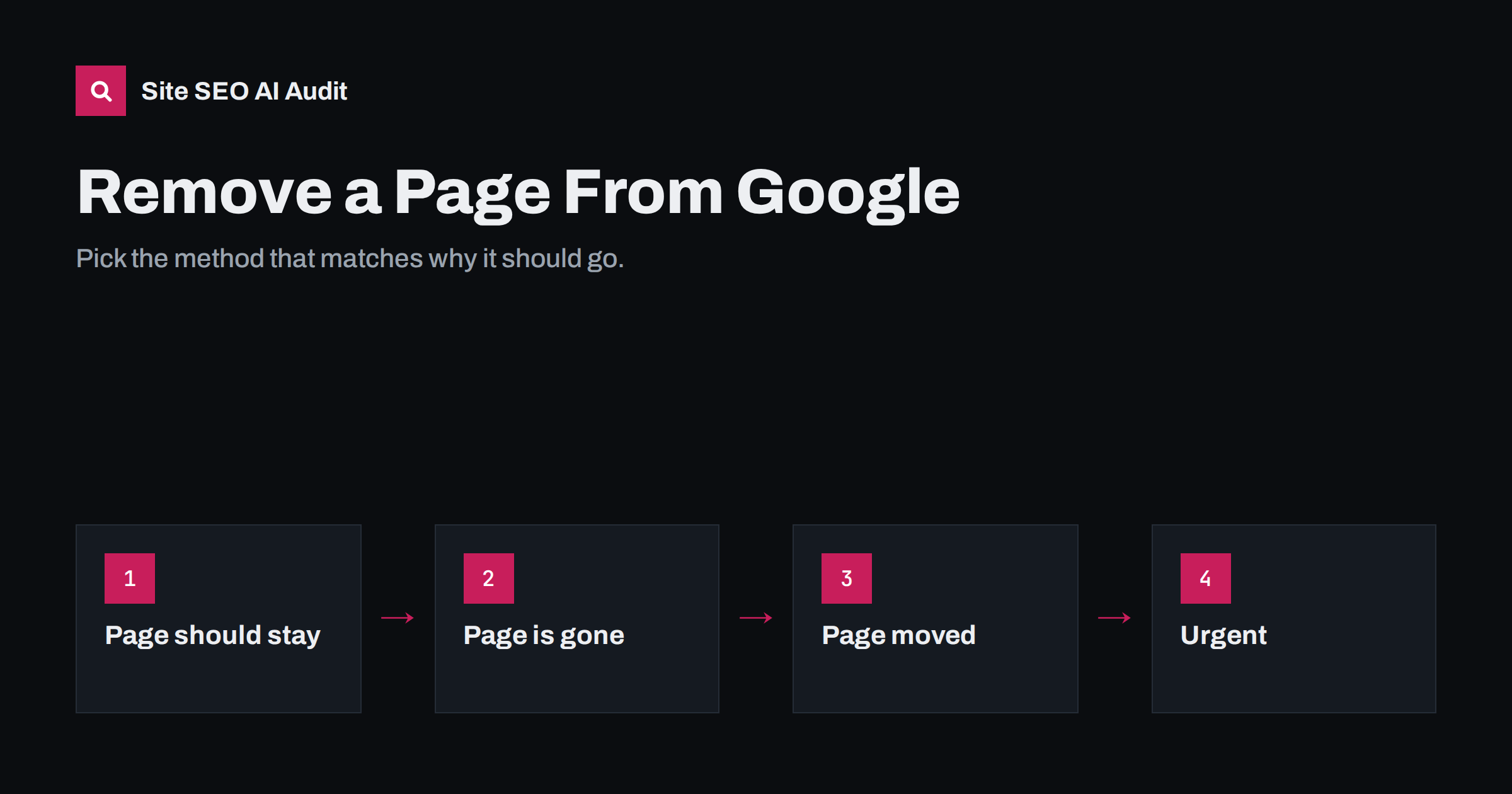
Short answer: to remove a page from Google permanently, either keep it live with a noindex directive, delete it so it returns 404 or 410, or redirect it with a 301 if it has a replacement. The page must be crawlable for Google to see the change. For urgent cases, Search Console’s Removals tool hides a URL for about six months while the permanent fix takes effect. Robots.txt alone does not remove pages.
First decide why the page should go
The right method depends on what you want to happen to the page itself:
| Situation | Best method |
|---|---|
| Page should stay for visitors but not appear in search | noindex (meta tag or X-Robots-Tag header) |
| Page is deleted with no replacement | Return 404 or 410 |
| Page is replaced by another page | 301 redirect to the replacement |
| Page is a duplicate of another page | Canonical tag or 301 redirect |
| Private or sensitive content exposed | Password protect or delete, plus the Removals tool |
| Outdated result for a page you do not own | Refresh Outdated Content tool |
Before you remove anything
Removing pages is easy to do and sometimes hard to undo, so a few checks first save trouble:
- Check traffic. Look at Search Console and analytics for the URL over the last year. A page that seems unimportant may still bring steady visits for long-tail searches.
- Check backlinks. If other sites link to the page, a redirect to a relevant page keeps that value; a 404 throws it away.
- Check internal dependencies. Menus, related-post blocks and other pages may link to it, and forms or campaigns may send visitors there.
- Consider improving instead. An outdated article can often be updated or merged into a stronger guide rather than deleted.
- Record what you did. Keep a list of removed URLs, the method and the date, so later traffic changes can be explained.
The four removal methods
Each method sends Google a different message about the page. Choosing the one that matches reality avoids contradictions and makes the removal stick.
Method 1: noindex for pages that stay live
Use noindex for thank-you pages, internal search results, thin archives, login pages and similar pages visitors need but searchers do not. Add to the page head:
<meta name="robots" content="noindex">Or send the equivalent HTTP header for files such as PDFs:
X-Robots-Tag: noindexOn WordPress, SEO plugins offer a setting per post and per content type to add noindex. After adding it:
- make sure the URL is not blocked in robots.txt, so Google can crawl it and see the tag;
- remove the URL from your XML sitemap;
- request a recrawl with URL Inspection if you want it to happen sooner.
Google explains the directive in its documentation on blocking indexing with noindex.
Method 2: 404 or 410 for deleted pages
When a page no longer exists and there is nothing equivalent, let it return 404 (not found) or 410 (gone). Google drops such URLs from the index after recrawling them. A 410 signals deliberate, permanent removal and may be processed slightly faster, but both work.
- Remove internal links to the deleted page, so visitors and crawlers do not keep hitting it.
- Remove it from the sitemap.
- Make sure the error page really returns a 404 or 410 status, not a 200 page that says “not found”.
- Check whether the page had backlinks or traffic; if it did, a redirect to a close equivalent may be better.
Method 3: 301 redirect for replaced pages
If the content moved or a better page covers the same topic, redirect the old URL with a 301 to the replacement. Google will replace the old URL with the new one in results and pass signals along. Redirect only to a genuinely related page; mass redirects to the home page are often treated as soft 404s, and the old URL then drops out without passing anything on.
Method 4: the Removals tool for urgent cases
Search Console’s Removals tool hides a URL, or all URLs with a given prefix, from Google results for about six months. It works fast, often within a day. Important details:
- It is temporary. If you do not also apply noindex, a 404/410 or password protection, the page can reappear after the period ends.
- It hides the page from results but does not remove it from the index or stop crawling.
- You must have verified ownership of the site in Search Console.
- It also offers “clear cached URL”, which removes the current snippet until the page is recrawled, useful when you have removed sensitive text from a page that stays live.
Use it when something must disappear quickly: personal data published by mistake, a confidential document, a staging site, or a page with legal issues.
When the content is sensitive, remember that search results are only one place it may have spread. Remove or protect the file on the server itself, check whether it is linked from other pages or e-mails, and clear any CDN cache that may still serve it. Hiding a URL in Google while the file stays publicly accessible solves only part of the problem.
Why robots.txt does not remove pages
Blocking a URL in robots.txt stops Google from crawling it, but not from indexing it. If other pages link to it, the URL can stay in results, usually with no description. Worse, if the page carries a noindex tag, blocking it prevents Google from ever seeing that tag. Robots.txt is for managing crawling, not for removal.
Removing many pages at once
For bulk removals, such as thousands of thin tag pages, old product URLs or parameter duplicates, work at the pattern level:
- Define the pattern of URLs to remove and confirm it does not catch pages you want to keep.
- Apply the signal at template or server level: noindex on the template, 410 for the path pattern, or pattern redirects.
- Remove the URLs from sitemaps and internal links.
- Keep them crawlable until they have dropped out.
- Use a prefix removal in the Removals tool only if the whole folder should be hidden quickly.
- Monitor the page indexing report for the pattern over the following weeks.
Only once they are gone from the index, if the URLs still consume crawling, consider blocking the pattern in robots.txt.
Content on other websites
You can only use these methods on sites you control. For pages on other sites:
- ask the site owner to remove or update the content; that is the only way to change the page itself;
- if the page has already been removed or changed but Google still shows the old version, use Google’s Refresh Outdated Content tool to request an update of the result;
- for personal information, legal issues or copyright, Google offers specific removal request processes.
How long removal takes
It depends on the method and on how often Google crawls the URL:
- Removals tool: typically within a day, temporarily.
- noindex, 404, 410 or 301: after the next crawl. Frequently crawled pages can drop out in days; rarely crawled pages can take weeks.
- Requesting indexing for individual URLs through URL Inspection can speed up the recrawl.
Mistakes that keep pages in Google
- Blocking the page in robots.txt instead of, or in addition to, noindex.
- Deleting the page but serving a 200 “not found” page.
- Leaving the URL in the XML sitemap.
- Keeping internal links to the removed page.
- Relying only on the Removals tool, then seeing the page return six months later.
- Adding noindex through JavaScript that runs too late or not at all for crawlers.
How Site SEO AI Audit helps
After removing pages, an audit confirms the cleanup is consistent. SEOAuditBot reports noindex pages still listed in the sitemap, internal links pointing to removed or error URLs, redirects that chain or lead to irrelevant pages, and canonicals pointing to missing pages. Each issue lists the affected URLs. See plans for re-audits after changes.
Related reading
- Noindex vs Disallow: how to keep pages out of search
- X-Robots-Tag: how to control indexing with HTTP headers
- HTTP status codes for SEO: the ones that actually matter
- Staging site indexed by Google? How to fix and prevent it
The bottom line
Match the method to the reason: noindex for pages that stay live, 404 or 410 for deleted pages, 301 for replaced ones, and the Removals tool for urgent temporary hiding. Keep the URLs crawlable so Google sees the change, clean up sitemaps and internal links, and never rely on robots.txt to remove anything.
FAQ
How do I remove a page from Google quickly?
Use the Removals tool in Search Console to hide it temporarily, usually within a day. At the same time, add noindex, delete the page with a 404 or 410, or password-protect it, so the removal becomes permanent.
Does deleting a page remove it from Google?
Yes, once Google recrawls the URL and receives a 404 or 410 status. Make sure the server returns a real error status, not a normal page saying the content is missing.
Can I remove a page with robots.txt?
No. Robots.txt blocks crawling, not indexing, and blocked URLs can stay in results. It also stops Google from seeing any noindex tag on the page.
How long does the Removals tool hide a page?
About six months. After that, the page can reappear unless you have applied a permanent method such as noindex, deletion or password protection.
Can I remove someone else’s page from Google?
You cannot remove it directly. Ask the site owner to change or remove it, use the Refresh Outdated Content tool if it has already changed, or use Google’s legal and personal information removal processes where they apply.


