ENEnglish
 LTLietuviškai
 DEDeutsch
 FRFrançais
 RUРусский
 ESEspañol
 PLPolski
 ITItaliano
 UKУкраїнська
 CSČeština
 PTPortuguês
 JA日本語
 LVLatviešu valoda
 ETEesti
 HUMagyar
 IDBahasa Indonesia
 TRTürkçe
 HIहिन्दी
 ELΕλληνικά
 ARالعربية
 THไทย
 VITiếng Việt
 RORomână
 MSBahasa Melayu
 BNবাংলা
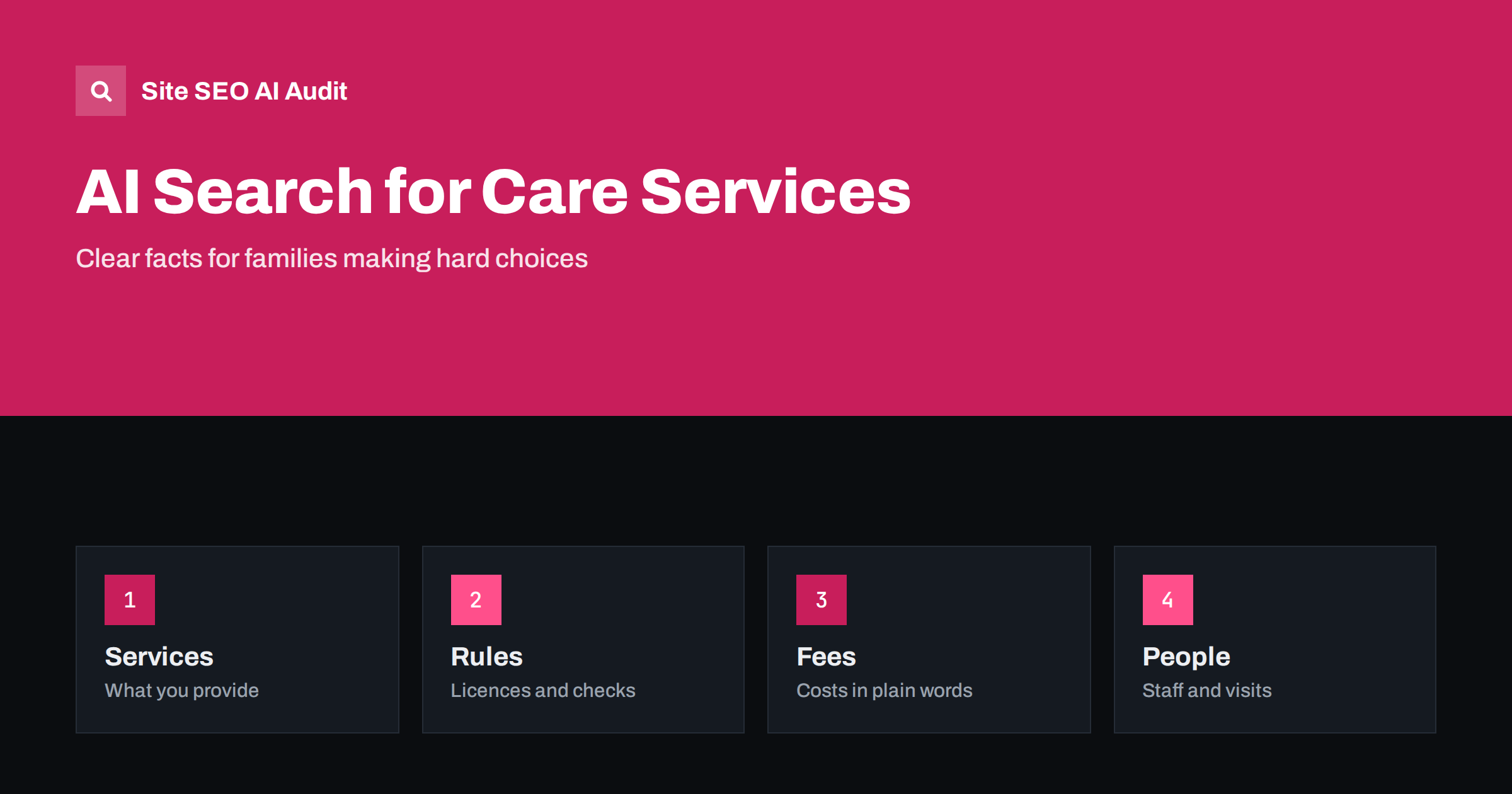
Short answer: Families who look for a care home, home care, a nursery or a social service are making a serious decision, and many now ask AI assistants for help. To be named, a provider needs clear descriptions of services, who they are for, licences and inspection results, fees and what they include, staff qualifications, how visits and trial periods work and genuine, responsibly handled reviews. Accuracy and trust matter more here than in almost any other field.
Choosing care is emotional and often urgent. A daughter looks for help for a parent after a hospital stay, a parent needs a nursery place before returning to work, a family seeks support for a person with a disability. They ask questions that mix practical and personal worries: what level of care is available, what it costs, whether the place is safe, how staff are checked and how to arrange a visit. AI assistants answer with short lists and summaries, so the facts on your website matter. This guide shows how care providers can present them well. For the general principles for sensitive subjects, see the guide to YMYL topics and AI search.
How families ask
Questions fall into groups. Some are about types of care: what is the difference between assisted living and nursing care, or whether a child can start at a nursery at a certain age. Some are about quality and safety: how inspections work, what ratios apply, how medicines are handled. Some are about money: fees, what is included, what support is available and how to apply. Others are about daily life: meals, activities, visiting hours, communication with relatives and what happens in an emergency.
A provider that answers these questions clearly, calmly and without pressure is both more useful to families and more likely to be cited. Avoid vague marketing phrases such as the best care in the area, because they say nothing that can be verified.
Describe services precisely
For each service, say what it is, who it is for, what is included and what is not. For a care home, state the types of care offered, the level of medical support, whether you accept people with specific conditions and how care plans are made. For a nursery, state the ages, hours, group sizes, languages, outdoor space and daily routine. For a social service, state who is eligible, how to apply, the expected waiting time and what happens after the first contact.
Give each service its own page with a stable address and a short answer at the top. Use the same names in all places. See the guide to service pages and the guide to answer-first introductions.
Show licences, inspections and rules
Trust is built by facts that can be checked. Publish your registration or licence number, the authority that issued it and the date of the last inspection, with a link to the official report where one exists. Explain staff checks, training, ratios and safety rules in plain words. Do not overstate: only mention certificates and ratings you hold, and remove them when they expire.
If an inspection pointed out problems, explain what you changed. Honest handling of criticism often increases trust, and assistants may find the report anyway. For the principles of expertise, experience and trust, see the guide to E-E-A-T and AI search.
Be open about fees and costs
Cost is one of the main worries, and a page that hides it will often lose to one that explains it. State the fee structure clearly: base fees, what extra services cost, deposits, notice periods, how increases are decided and what public or insurance support may apply, where this is accurate and current. If prices depend on assessment, explain how the assessment works and give typical ranges only if you can stand behind them. Dated information is important, because costs change.
See the guide to pricing pages for ideas on structure. Never invent offers or imply that support is guaranteed.
Introduce people and daily life
Families want to know who will be with their relative or child. Introduce the manager and key staff with their roles and qualifications, subject to privacy and consent. Describe a typical day, meals, activities, outings and how you communicate with families. Use real photos, with permission, and avoid identifying residents or children without proper consent. Explain how visits, trial days and settling in work, and how to book them.
Describe how you handle concerns and complaints, and publish a clear contact path. This also supports the author and staff signals described in the guide to author pages and bylines.
Reviews and reputation
Reviews from families are valuable but sensitive. Ask for feedback in a way that respects privacy, never pressure people and never write or buy reviews. Reply politely and without sharing personal details, and take real criticism seriously. If you mark up reviews, they must be genuine and visible, as explained in the guide to reviews and AI recommendations.
Check the main review and directory sites in your area for your name, address, phone number, opening hours and services. Wrong or outdated details are common and confuse both families and assistants. See the guide to business profile and website alignment.
Local pages and contact details
Most families search by place. Give every location its own page with the address, a map, transport and parking, the services available at that site and local contact details. Do not copy the same text for each location. For several sites, follow the guidance in the guide to location pages. Make the contact page easy: phone, e-mail, a form that does not ask for more data than needed, response times and emergency information. See the guide to contact pages.
Include accessibility information for the building and the website itself. Clear text, good contrast and simple navigation help older visitors and carers, who often use a phone under stress.
Privacy and responsible language
Care websites handle sensitive information. Publish a clear privacy notice, explain what you do with enquiry data and avoid collecting health details in open forms. Do not use stories about residents or children without explicit permission. Choose respectful language: avoid terms that stigmatise age, disability or family situations, and use the words that the people you serve prefer.
Do not give medical or legal advice beyond your qualifications. Where you explain general information, say who wrote it, when it was reviewed and where to find professional advice.
Help for relatives who are deciding
Many visitors arrive without knowing the vocabulary. Provide a short guide that explains the types of care, the steps from first contact to move-in or first day and the questions worth asking on a visit. A checklist for a first visit, written honestly and without pressure, is useful to families and is the kind of content that assistants quote. Add a plain explanation of how to compare providers, including what to look for in inspection reports, because informed families are better customers and make fewer regrets.
Also explain what happens when needs change. A family wants to know whether a person can stay if their health declines, whether a child can keep a place when working hours change and how notice periods work. Clear answers to these questions reduce anxiety and reduce the number of calls that your staff must answer.
Care services change often: vacancies, staff, prices, opening hours and rules. Assign someone to review the main pages every month and to update the date shown. If you publish waiting times or availability, state the date, or avoid publishing them if you cannot keep them current. Remove outdated news and offers, and keep old addresses redirecting to the right page. An assistant that quotes a closed service or a wrong phone number damages trust in a field where trust is everything.
When something goes wrong, such as a temporary closure or an incident that is public, publish a short, calm statement on your site with the facts and contact information. It helps families, and it gives search engines and assistants an accurate source.
Here is a short example. A home care agency described its services as personal and professional care for everyone. Assistants had little to quote. The agency rewrote its pages to state the types of support, the areas covered, the registration number, how assessments work, typical response times and how fees are calculated. It added a page about complaints and a guide for relatives on how to start. Enquiries became better informed and more qualified.
A second example is a nursery that published its daily routine, staff ratios and inspection report, and answered common questions about settling in. It began to be named for local searches about places for toddlers.
Site SEO AI Audit crawls your website and checks status codes, titles, descriptions, duplicate and thin content, broken links, structured data, page speed and AI visibility settings, which helps you find weak or outdated service and location pages. It does not inspect your care quality or check licences. The first audit of up to 200 pages is free, and larger sites can see the pricing page.
Related reading
- AI Search for Healthcare and Clinics
- AI Search for Schools and Education Providers
- AI Search for Nonprofits
The bottom line
Give families clear, checkable facts about services, safety, costs and people, and handle reviews and privacy with great care.
FAQ
Why is trust so important for care providers?
Families make serious decisions about people they love, so assistants and readers favour sources with verifiable facts and responsible content.
Should I publish my fees?
Yes, as clearly as you can. If prices depend on an assessment, explain how it works and keep the information dated.
Can I show inspection results?
Yes. Link to the official report, state the date and explain any changes made after earlier findings.
How should I handle reviews?
Ask families for honest feedback, never fake or buy reviews, reply politely without personal details and take criticism seriously.
Can I use photos of residents or children?
Only with clear, documented consent, and never in a way that identifies people who have not agreed.