ENEnglish
 LTLietuviškai
 DEDeutsch
 FRFrançais
 RUРусский
 ESEspañol
 PLPolski
 ITItaliano
 UKУкраїнська
 CSČeština
 PTPortuguês
 JA日本語
 LVLatviešu valoda
 ETEesti
 HUMagyar
 IDBahasa Indonesia
 TRTürkçe
 HIहिन्दी
 ELΕλληνικά
 ARالعربية
 THไทย
 VITiếng Việt
 RORomână
 MSBahasa Melayu
 BNবাংলা
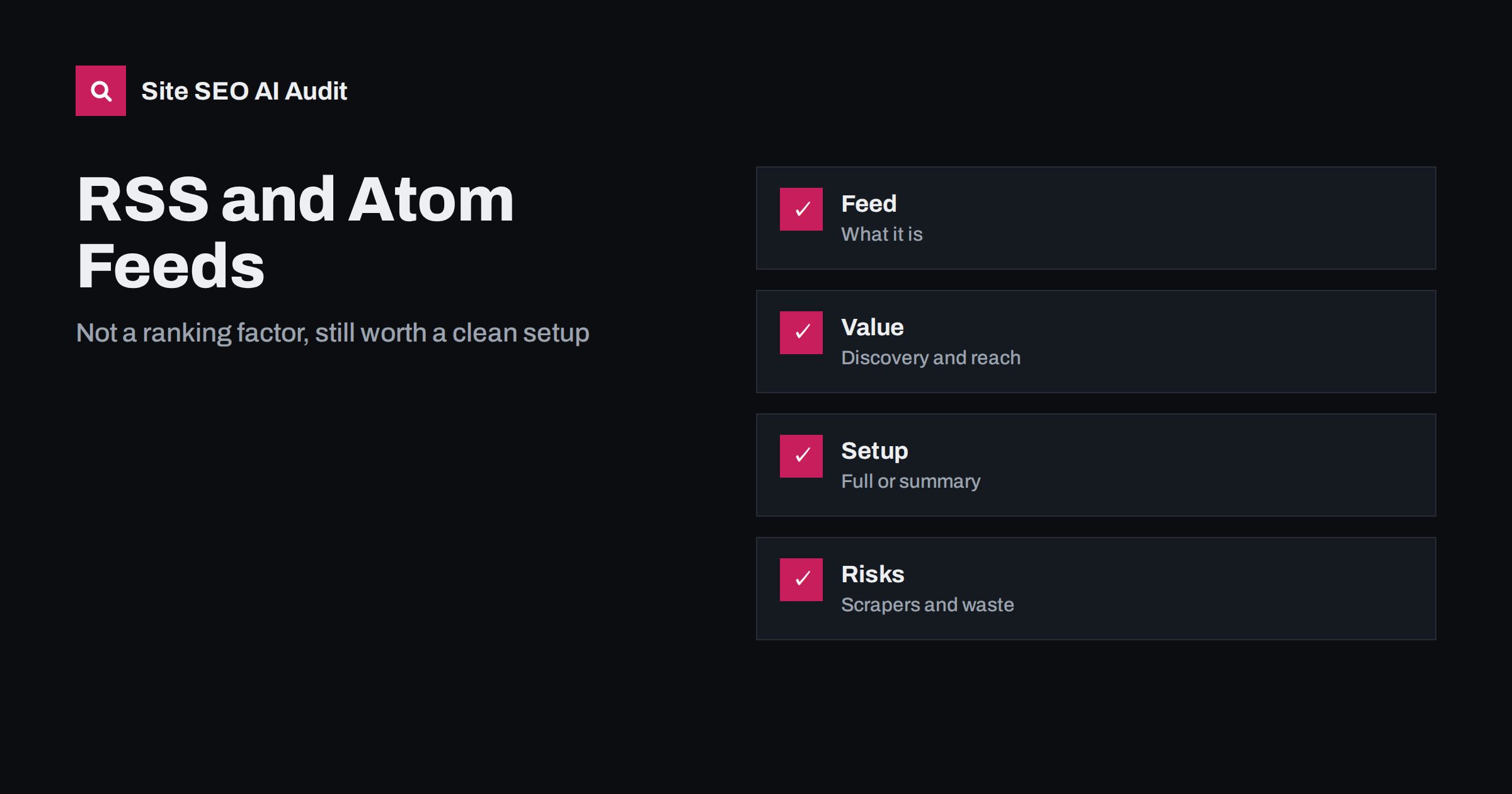
Short answer: RSS and Atom feeds are not a ranking factor, and adding one will not lift your pages in search results. They still have real uses: readers and apps follow them, other sites and tools can pick up your posts, search engines can use them for discovery and some platforms use feeds to publish your content elsewhere. A good feed lists only valuable posts with accurate dates and links back to the original, while extra feeds for comments, tags and search results can waste crawling and attract scrapers.
Feeds were a central part of the early web. A reader app checked a feed and showed new posts from many sites in one place. Today many people use social networks and newsletters instead, and some site owners wonder whether feeds still matter. The answer is that they matter less for the general public and more for tools, automation and audiences who care about control. For SEO, the question is practical: what should your feeds contain, how do they relate to the sitemap and what risks do they bring? This guide gives clear answers.
What RSS and Atom are
RSS and Atom are two formats for the same idea: a structured list of recent items, each with a title, a link, a date, an author, a summary or full text and sometimes images and categories. A reader, an app or a program fetches the feed regularly and shows the new items. Most blogs and content management systems create feeds automatically, usually at an address that ends with feed or feed.xml, and many link to them from the page head with an alternate link tag so that tools can find them.
The difference between the two formats is mostly technical. Both are widely supported. If you have a choice, one standard feed for the main blog is enough, and the format matters less than the content and accuracy of the items.
Do feeds affect rankings?
No. Search engines do not rank pages higher because a feed exists, and a feed has no direct effect on position. Subscribers, however, are real people: if a feed brings loyal readers who visit, share and link, you may gain indirectly through traffic, mentions and links. This is the same logic as for an email newsletter or a social account, as discussed in the guide to social media and SEO.
Feeds can also help in discovery. Search engines accept RSS or Atom feeds as a kind of sitemap in Search Console, which can be useful on a platform where creating a sitemap is hard, and some crawlers and aggregators find new content through feeds. Do not rely on a feed for indexing: a proper XML sitemap and good internal links remain the foundation, as covered in the guide to XML sitemaps.
Where feeds are still useful
Feeds power several real uses. Readers and some browser extensions let people follow your blog. Newsletter tools can send an email when a new post appears. Automation platforms can post to social profiles or chat channels from a feed. Podcast directories require a feed for episodes, and the principles in the guide to podcast SEO and transcripts apply. Partners and communities can show your latest headlines on their sites, with a link to you. Professional readers in research, journalism and industry monitoring still rely on them.
If your audience includes people who track many sources, a clean feed is a service. It costs very little and respects those who prefer to read in their own way. You can promote it with a small link in the footer or on the blog page, without a prominent banner.
Full text or summary?
You must decide how much of each post to include. A full-text feed is convenient for readers, but it makes it easy for others to copy your content, and readers may not visit your site. A summary feed, with the title, the first paragraph and a link, brings readers to your pages and reduces the value of scraping. Many sites choose a short summary of a few hundred characters with a clear link to continue reading. Think about your goals: visits, brand and monetisation favour summaries, while access and goodwill may favour full text.
Whichever you choose, make sure that the feed contains the correct canonical address of each post, an accurate publication date and modification date, the author and the main image. If someone republishes your item, the link back should point to the original. For wider syndication, see the guide to content syndication.
What should be in the feed
Include only content you want to be found: your posts and perhaps selected news items. Exclude pages that are thin, drafts, test posts and private items. Limit the number of items to the most recent ones, typically ten to twenty, so that the file stays small. Keep the dates correct and do not change them to look fresh, as explained in the guide to content dates and freshness. Check that images have complete addresses and that characters are encoded properly, as discussed in the guide to character encoding.
Validate the feed with a feed validator and open it in a reader to see what subscribers see. Errors such as invalid characters, wrong dates or relative links can break the feed in some apps.
Extra feeds that cause waste
Many platforms create more feeds than you need: a feed of comments, feeds for each category, tag or author, and sometimes a feed for search results. Each of these is an address that crawlers may fetch. They rarely help visitors, they can duplicate content and they take crawl capacity. The topic is discussed in the guide to WordPress crawl waste. Decide which feeds to keep, disable the others and make sure the ones you keep are not blocked by accident if you want them to work.
Do not use a noindex tag on a feed in the way you would on a page. Feeds are not designed to appear in search results, and the usual approach is to leave the main feed available, remove unneeded ones and link feeds from pages with the alternate link element only for the main feed. Avoid linking to the feed addresses in the visible body of articles as internal links.
Scrapers and protection
Feeds are one of the easiest ways for scrapers to take your content, since they provide clean text in a standard format. Some sites copy posts automatically and publish them elsewhere. You cannot prevent every copy, but you can reduce the damage. Use a summary feed, include a link back and a short credit line in each item, keep your own site fast and well structured so that the original is clearly the source, and use the steps in the guide to content scrapers if the copying becomes harmful.
Consider a delay between publication and appearance in the feed for valuable posts if scraping is a serious problem, but be aware that the delay also affects legitimate subscribers.
Feeds, speed and caching
A feed is requested by many apps at fixed intervals, so a slow or heavy feed can put a load on the server. Keep the file small, set a short cache lifetime so that readers get new posts quickly but the server is not asked to rebuild the file every second, and support conditional requests with the usual validation headers, so that apps that already have the latest version receive a short answer. If your site sits behind a content delivery network, make sure the feed is cached there as well. Watch the server log for aggressive readers, and limit them if necessary, as described in the guide to HTTP caching headers.
Also check that the feed is not blocked for visitors by a firewall or security rule, which can happen when a tool treats automated requests as suspicious. A feed that works in your browser but fails in a reader app is a common problem after a security update.
Practical setup checklist
Keep one main feed at a stable address and link to it in the head of your pages. Choose summary or full text on purpose. Make sure each item has the canonical link, correct dates, author and image. Disable feeds for comments, tags and search unless you need them. Submit the main feed to Search Console only if it adds discovery beyond your sitemap. Test the feed in two or three readers, and check it after theme or plugin changes. If you move to a new domain, redirect the old feed address, since existing subscribers use it.
Here is a short example. A WordPress blog exposed a feed for each of its hundreds of tags and for every post’s comments, and its logs showed many requests to them. The owner disabled the extra feeds, kept the main feed in summary mode and added a canonical link in each item. Crawl requests concentrated on posts, and copies of full articles on scraper sites decreased.
Site SEO AI Audit crawls your website and reports status codes, noindex and sitemap issues, redirect chains, broken links, duplicate content and AI visibility settings, which helps you spot waste and errors around your blog. It does not validate or publish your feeds. The first audit of up to 200 pages is free, and larger sites can see the pricing page.
Related reading
The bottom line
Keep one clean feed for people and tools, switch off the rest and do not expect it to move rankings.
FAQ
Do I need an RSS feed for SEO?
No. It is not a ranking factor. It is useful for readers, tools and syndication, and as an extra discovery signal.
Should my feed show full posts?
A summary with a link brings readers to your site and makes scraping less useful. Full text is more convenient for readers. Choose on purpose.
Can I submit a feed to Search Console?
Yes, an RSS or Atom feed can be submitted like a sitemap, but it should not replace a proper XML sitemap.
Should I disable comment feeds?
Usually yes, unless you want people to follow discussions. They add many crawlable addresses with little value.
What if scrapers copy my feed?
Use summaries, add a source link in each item and make sure your original pages are fast and clear. Take further steps if the copying is harmful.