 ENEnglish
 LTLietuviškai
 DEDeutsch
 FRFrançais
 RUРусский
 ESEspañol
 PLPolski
 ITItaliano
 UKУкраїнська
 CSČeština
 PTPortuguês
 JA日本語
JA日本語 LVLatviešu valoda
 ETEesti
 HUMagyar
 IDBahasa Indonesia
 TRTürkçe
 HIहिन्दी
 ELΕλληνικά
 ARالعربية
 THไทย
THไทย VITiếng Việt
 RORomână
 MSBahasa Melayu
 BNবাংলা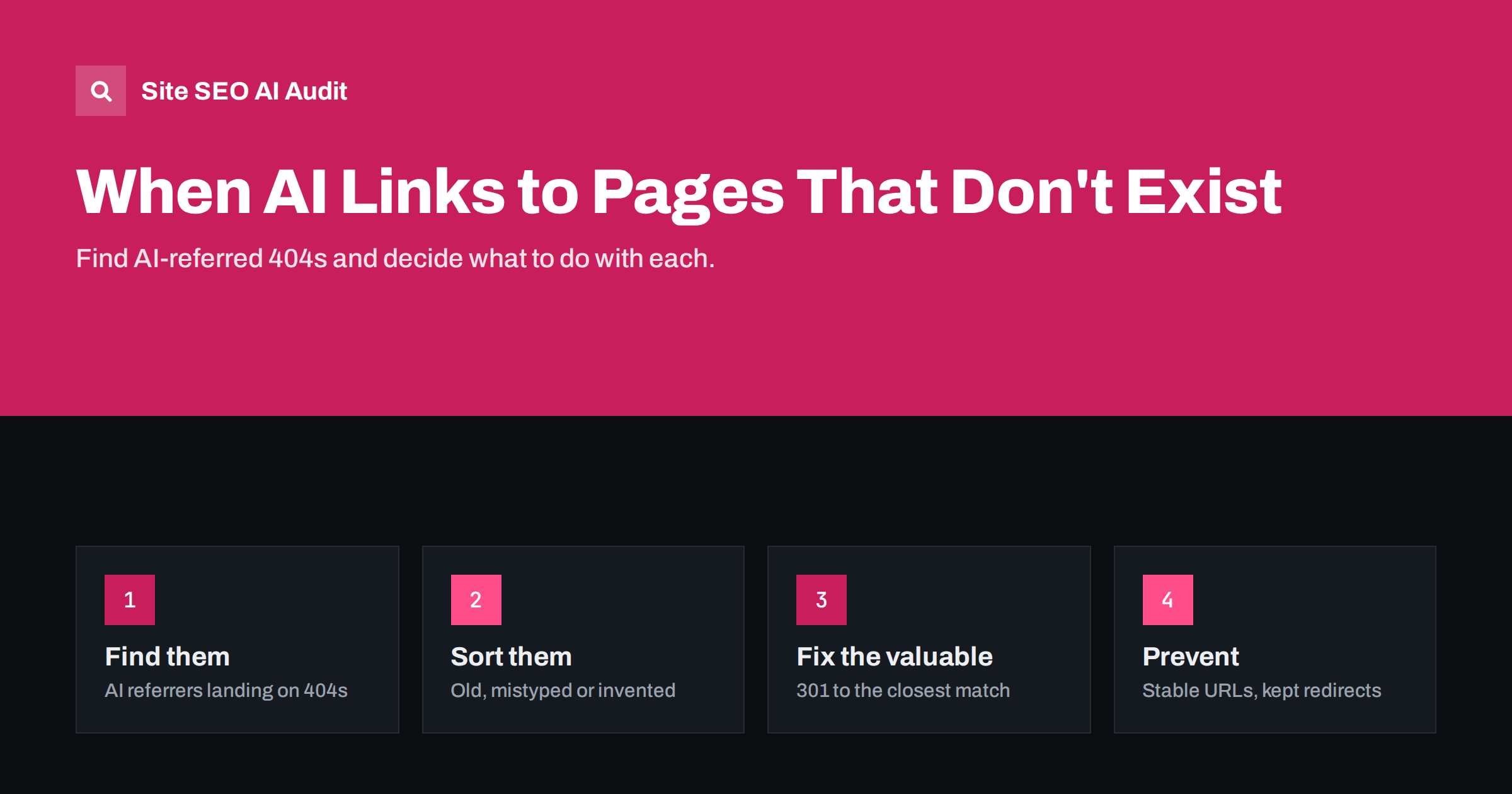
Short answer: AI assistants sometimes cite URLs on your site that do not exist, either because they reconstruct a plausible-looking address or because they remember an old URL from before a redesign. Visitors who click land on a 404 page. Find these hits by combining AI referrers with 404 responses in analytics or server logs, redirect the valuable ones with a 301 to the closest matching page, create content where there is real demand, and keep old redirects in place for the long term.
Why AI answers point to URLs that do not exist
Search engines only show URLs they have crawled. AI assistants work differently. Some answers are grounded in live search results and link to pages that were just retrieved. Others are written partly from what the model learned during training, and the links in those answers can be reconstructed rather than copied. The result is a link that looks right but returns a 404.
In practice these broken links usually fall into a few groups:
- Outdated URLs: the page existed, but it moved during a redesign or migration and the redirect was removed or never created. The model still knows the old address.
- Plausible guesses: the assistant combines your domain with a logical path, such as
/pricing-plans/or/blog/how-to-choose-a-plan/, that follows common patterns but not yours. - Slight variations: a missing trailing slash, a different word order in the slug, a singular instead of a plural.
- Wrong domain or language version: for example a country domain you do not own, or a language folder you never launched.
Only the first two groups are within your control, but all of them affect how visitors experience your brand after an AI recommendation.
Why these 404s are worth your attention
A visitor who clicks a link in an AI answer is usually well informed and often close to a decision. Landing on an error page wastes that intent. Many users will not search your site; they return to the assistant and pick another option.
There is also a data problem. These visits rarely show up as a problem in standard SEO reports, because the broken URLs are not linked from anywhere a crawler could find. Search Console will not report them unless search engines also discover them. You have to look for them deliberately.
The good news is that the volume is usually small and concentrated. A handful of wrong URLs typically account for most of the lost visits, which makes this one of the cheaper AI search problems to fix.
How to find AI-referred 404s
You need two pieces of information: the visit came from an AI assistant, and the page returned a 404. There are two practical ways to connect them.
- Analytics. Make sure your 404 template has a recognisable page title, such as “Page not found”. In Google Analytics 4, build an exploration with page title and page path as dimensions, filtered by sessions whose source matches known AI referrers. Our guide on tracking AI referral traffic in GA4 shows how to define those sources.
- Server logs. Filter requests with status 404 and a referrer from AI assistant domains. Logs are more complete than analytics, because they include visitors who block tracking scripts. The same log skills described in finding AI crawlers in server logs apply here.
Not every assistant passes a referrer, and some visits appear as direct traffic. Treat the numbers as a lower bound. Look at the paths rather than the totals: the list of requested URLs is the valuable part.
A third, manual method complements the data. Ask the main assistants the questions your customers typically ask, such as “which plan should I choose” or “how do I contact them”, and click every link to your site in the answers. This takes half an hour, shows you the problem from the visitor’s side and often reveals patterns before they appear in reports. Repeat it after any larger change to your URL structure.
Sort each URL before fixing it
Once you have a list, decide what each URL deserves. A simple table keeps the decisions consistent.
| What the URL is | Example | Best action |
|---|---|---|
| Old URL of a page that moved | /services/seo-audit.html | 301 to the current page |
| Close variation of a real URL | /pricing-plans/ instead of /pricing/ | 301 to the real page |
| Invented page on a topic you cover | /blog/choose-seo-audit-tool/ | 301 to the best matching article |
| Invented page on a topic you should cover | /guides/shopify-migration/ | Consider creating the page |
| Invented page with no relevant match | /careers/remote-designer/ | Leave as 404 with a helpful error page |
The key rule is relevance. A redirect should take visitors to a page that satisfies what the link promised. Redirecting everything to the home page is tempting but unhelpful, and search engines tend to treat irrelevant redirects like soft 404s.
Redirects: the right way to fix valuable URLs
For URLs worth fixing, use a permanent 301 redirect straight to the final destination. The differences between redirect types are explained in 301 vs 302 redirects. A few practical points:
- Redirect individual URLs, or tight patterns, rather than broad wildcards that catch unrelated paths.
- Avoid chains: the redirect should point to the live URL, not to another redirect.
- Keep a simple log of AI-driven redirects with the date and reason, so that future site changes do not remove them by accident.
- Recheck the list every month or quarter. New patterns appear as assistants update, and some old ones stop mattering.
Because these URLs are not linked anywhere on your site, the redirects do not create crawl waste. They simply catch visitors who would otherwise be lost.
When an invented URL reveals real demand
Sometimes the wrong link is a signal. If assistants repeatedly send people to a page about a topic you do not cover, users are asking about it and the assistant associates the question with your brand. That can be worth a page.
Before creating one, check the usual things: is there search demand, does the topic fit your offer, and can you write something genuinely useful? If yes, publishing a real page at that URL, or at a better URL with a redirect, turns a broken experience into a new entry point. If the topic does not fit, a helpful 404 page is the honest answer.
Make your 404 page useful for AI visitors
You will never catch every wrong link, so the error page matters. A good 404 page for this situation should:
- Return a real 404 status code, not 200.
- Say clearly that the page does not exist, without blaming the visitor.
- Offer a search box and links to your most important pages: main services or categories, pricing, contact.
- Keep your normal navigation, so the visitor can continue.
- Load quickly and look like the rest of your site, because it is often the first impression for an AI-referred visitor.
Prevent the problem at the source
Some habits make wrong links less likely and less damaging:
- Keep redirects from every redesign for years, not months. Models and search indexes remember old URLs for a long time. The website redesign guide covers how to map them.
- Use short, predictable URLs that match the page topic. The more logical your structure, the more often a reconstructed link is actually correct.
- Keep one URL version: consistent trailing slashes, lowercase paths and redirects between variants.
- Make your real pages easy to cite. Clear titles, specific headings and crawlable HTML increase the chance that assistants retrieve and link the actual page rather than guessing.
How Site SEO AI Audit helps
Site SEO AI Audit cannot see which URLs an assistant invents, because those links exist only in the answers. What it does check is the other half: status codes on every crawled page, broken internal links, links that point to redirects, redirect chains and loops, and whether AI crawlers may read your site at all. After you add redirects for AI-referred URLs, a new audit confirms that nothing in your own structure is broken or chained. You can start with a free audit of your website.
Related reading
- Broken Links: How to Find and Fix Them Across Your Site
- When AI Gets Your Business Wrong: How to Fix It
- Redirect Chains and Loops: How to Find and Fix Them
The bottom line
AI assistants sometimes send ready-to-act visitors to pages that do not exist. Find these cases by combining AI referrers with 404 responses, redirect the valuable URLs to the closest relevant page, create content where the demand is real and keep a helpful 404 page for the rest. Keeping old redirects and a predictable URL structure prevents many of these errors from happening at all.
SSS
Why does ChatGPT link to pages on my site that do not exist?
Assistants sometimes reconstruct URLs from patterns or remember old addresses from before a site change. The link looks plausible but was never retrieved from your live site, so it can lead to a 404.
Should I redirect every 404 from AI assistants?
No. Redirect only URLs that have a clearly relevant destination and bring real visits. Irrelevant redirects confuse visitors and are often treated like soft 404s by search engines.
Can I redirect all unknown URLs to my home page?
It is not recommended. Visitors expected specific content, and a home page rarely answers their question. A helpful 404 page with search and key links usually serves them better.
How do I see which 404 pages AI visitors hit?
Filter analytics sessions from AI referrers by your 404 page title, or filter server logs for status 404 with AI assistant referrers. Logs are more complete, while analytics is easier to explore.
Do these 404 errors hurt my rankings?
Not directly. URLs that were never linked on your site do not harm how search engines assess it. The real cost is lost visitors and a poor first impression.


