ENEnglish
 LTLietuviškai
 DEDeutsch
 FRFrançais
 RUРусский
 ESEspañol
 PLPolski
 ITItaliano
 UKУкраїнська
 CSČeština
 PTPortuguês
 JA日本語
JA日本語 LVLatviešu valoda
 ETEesti
 HUMagyar
 IDBahasa Indonesia
 TRTürkçe
 HIहिन्दी
 ELΕλληνικά
 ARالعربية
 THไทย
THไทย VITiếng Việt
 RORomână
 MSBahasa Melayu
 BNবাংলা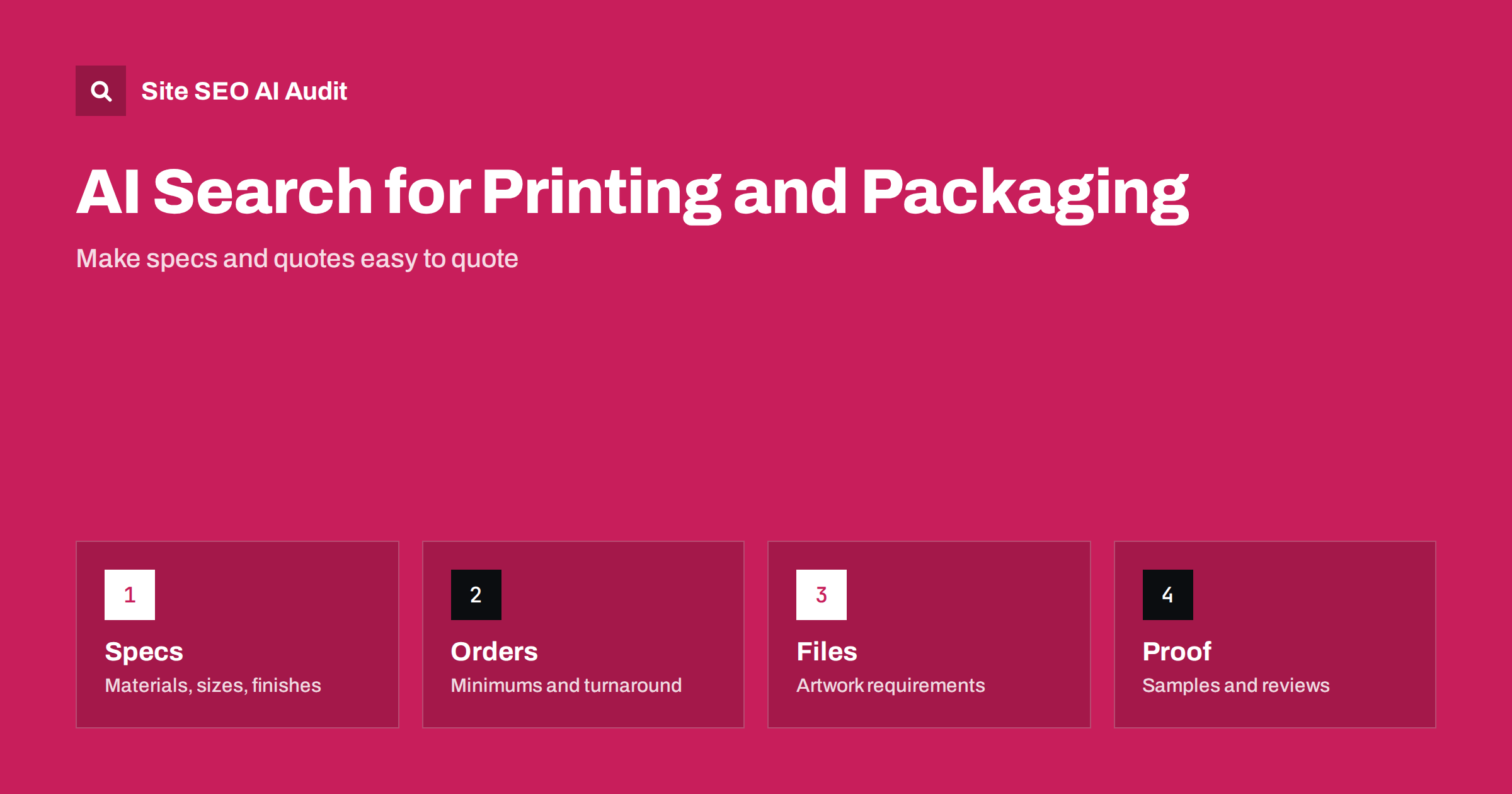
Short answer: Printing, packaging and sign businesses win AI answers when their pages state the facts a buyer needs in plain text: products, materials, sizes, finishes, minimum order quantities, turnaround, price factors, artwork rules and delivery areas. Put these on crawlable pages, not only inside a quote tool or a PDF, add Product, LocalBusiness and FAQ markup that matches the visible text, show real samples and reviews, and keep every page current so that an assistant can quote you without guessing.
People who need printed boxes, labels, banners or shop signs used to compare a few supplier sites. Now many start by asking an assistant a question such as who prints small runs of custom boxes, what a vinyl banner costs, or how long window graphics take to make. The answer names a few suppliers and summarises their offer. If your site hides its details behind a form or a catalogue download, an assistant has nothing solid to repeat, and a competitor with a clear page gets the mention. This guide shows what to publish and how to structure it. For the wider picture, see AI search for manufacturers.
How buyers ask about print and packaging
Questions in this field are specific. Buyers ask for a material, a quantity and a deadline: rigid boxes in a small run, recyclable mailers, roll labels for bottles, a large outdoor sign that survives rain. They also ask comparison questions, such as digital versus offset printing for a short run, or which finish suits a premium product. An assistant answers by pulling together pages that state those details clearly. Make a list of the twenty questions your sales team hears most often and check whether each has a direct answer on your site. Each gap is a missed chance to be named.
Publish one clear page per product family
Give every product family its own page: folding cartons, corrugated boxes, labels, flyers, banners, vehicle graphics, shop signs. Start with a plain description of what the product is and who uses it. Then list the options in a short table or list: available materials, standard and custom sizes, print methods, finishes such as matt, gloss or foil, and any limits. Avoid vague claims such as high quality or best prices, which no one can quote. Use the same names for materials and finishes everywhere on the site, because consistent wording helps both readers and machines match your page to a question.
State minimums, turnaround and price factors
Buyers decide quickly, and an assistant is more likely to mention a supplier whose terms are visible. Say what the minimum order is, how long a typical job takes from approved artwork to delivery, and which services are faster or slower. You do not need to publish a full price list. Explain what moves the price: quantity, size, material, number of colours, finishing and delivery. If you can, give a realistic example, such as the typical range for a standard job, and say that the final quote depends on the specification. Only publish figures you are ready to stand behind, and update them when they change.
Explain artwork and file preparation
A guide to preparing files is useful to buyers and often gets quoted. Cover accepted file formats, the resolution expected for print, bleed and safe margins, colour modes, how to handle fonts and how to mark cut lines, folds and varnish areas. Add a downloadable template if you have one, but also write the key points as normal page text, because a template file alone cannot be read as an answer. A good page like this reduces support questions and shows that you know the craft, which supports the expertise signals described in E-E-A-T and AI search.
Make quote tools and configurators crawlable
Many print shops use an online configurator where visitors pick a size, a material and a quantity. These tools often load their content with scripts, so the options never appear in the page text that crawlers read. Make sure that each product page contains the main options and typical prices as ordinary HTML, even if the live calculator sits on top. Give each product a stable address and avoid creating an endless set of parameter addresses for every combination. The reasons crawlers miss script-built content are explained in why AI crawlers miss JavaScript content.
Show real work, samples and reviews
Proof matters in a trade where quality is visible. Publish photos of finished jobs with short captions that say what was made, the material, the size and the method. Use descriptive file names and alt text that describe the item, not the keyword. Offer a sample pack or a proof process and describe how it works. Collect reviews from customers and show them on the site, with the permission you need to publish them. Be careful with client names and logos: only show them with consent. Reviews and sentiment influence the way assistants describe suppliers, as discussed in reviews and reputation in AI recommendations.
Add structured data that matches the page
Structured data gives machines a tidy summary of what is already visible. Use LocalBusiness or Organization markup with your name, address, phone number, opening hours and service area; Product markup for items where you can state a clear offer; and FAQ markup for questions answered on the page. Do not add prices, ratings or availability that a visitor cannot see on the page. Markup that contradicts the text causes errors and loses trust. The details for local markup are in the LocalBusiness schema guide.
Cover delivery areas, sustainability claims and certifications
State where you deliver and how: local courier, national freight or international shipping, and whether you offer collection. Buyers of packaging often care about recyclable or certified materials, so describe what you actually offer and name any certification you hold, with a way to check it. Do not make general environmental claims that you cannot support, because both readers and regulators expect evidence. If you serve several countries, give each market its own page with the right language, units and currency, following the advice in international ecommerce SEO.
Keep the site current
An assistant that quotes an old minimum order or a discontinued material damages your reputation. Review product pages every quarter, show a visible updated date on guides and remove or redirect items you no longer make. Check that the contact details and business profile match the website. A short review routine is cheaper than losing leads because of wrong information, and it keeps your pages fresh, which AI answers tend to favour, as explained in content dates and freshness.
Also check the basics that every supplier site needs. Product pages should return a normal status code, be allowed in the robots file, carry a clear title and one main heading, and link to related products. Compressed, correctly sized photos keep pages fast, which matters because print sites are image heavy. A clean site structure helps visitors move from a general product family to a specific item, and it helps crawlers find every product without hunting.
A simple plan for the first month works well. Start with the pages that bring the most enquiries. In week one, list your top five products and rewrite each page so that materials, sizes, finishes, minimums and turnaround are stated in plain text. In week two, write the artwork guide and a short page about delivery areas and collection. In week three, add captions and alt text to your best photos, ask recent customers for reviews and fix contact details so that they match your business profile everywhere. In week four, add structured data to the pages you have improved, then ask an assistant the questions your buyers ask and note whether your business appears. Repeat the test every month and adjust the pages that are missing.
Keep the tone practical and honest. Buyers of print and signage compare suppliers on reliability as much as price, so mention how you handle mistakes, reprints and delays, and what proofing you offer before a job goes to press. A short, factual policy page on these points is often quoted, and it reduces disputes later. Avoid copying descriptions from suppliers or from other print shops, since duplicate text gives an assistant no reason to prefer your page.
Site SEO AI Audit crawls your whole site and checks status codes, robots.txt rules, AI crawler access, llms.txt, titles, descriptions, headings, image alt text, broken links, speed and structured data, so you can see which product pages are hard to read for search engines and AI tools. It does not write your product pages or run a print shop. The first audit of up to 200 pages is free; larger sites can see the pricing page.
Related reading
- AI Search Visibility Checklist
- Product Pages for AI Shopping Answers
- AI Search for Wholesalers and Distributors
- Product Schema Guide
The bottom line
Print, packaging and sign shops get named in AI answers when their pages give buyers facts: materials, sizes, minimums, turnaround, price factors, artwork rules and real samples. Make them crawlable, mark them up honestly and keep them current.
SSS
Should a print shop publish prices online?
Publish what you can stand behind: starting points, typical ranges and the factors that change the price. Say that the final quote depends on the specification.
Does an online quote tool hurt visibility?
Not if the main options and typical prices also appear as normal text on the product page. Crawlers may not read content that only loads inside a script-driven tool.
Are PDF catalogues enough for AI search?
No. A catalogue can supplement a page but is a weak substitute. Put the key facts in HTML on a page with its own address.
Which structured data suits a packaging supplier?
LocalBusiness or Organization for company details, Product where a clear offer exists and FAQ for visible questions. Every value must match the page.
How often should product pages be reviewed?
At least every quarter, and whenever materials, minimums, turnaround or delivery terms change.