 ENEnglish
 LTLietuviškai
 DEDeutsch
 FRFrançais
 RUРусский
 ESEspañol
 PLPolski
 ITItaliano
 UKУкраїнська
 CSČeština
 PTPortuguês
 JA日本語
JA日本語 LVLatviešu valoda
 ETEesti
 HUMagyar
 IDBahasa Indonesia
 TRTürkçe
 HIहिन्दी
 ELΕλληνικά
 ARالعربية
 THไทย
THไทย VITiếng Việt
 RORomână
 MSBahasa Melayu
 BNবাংলা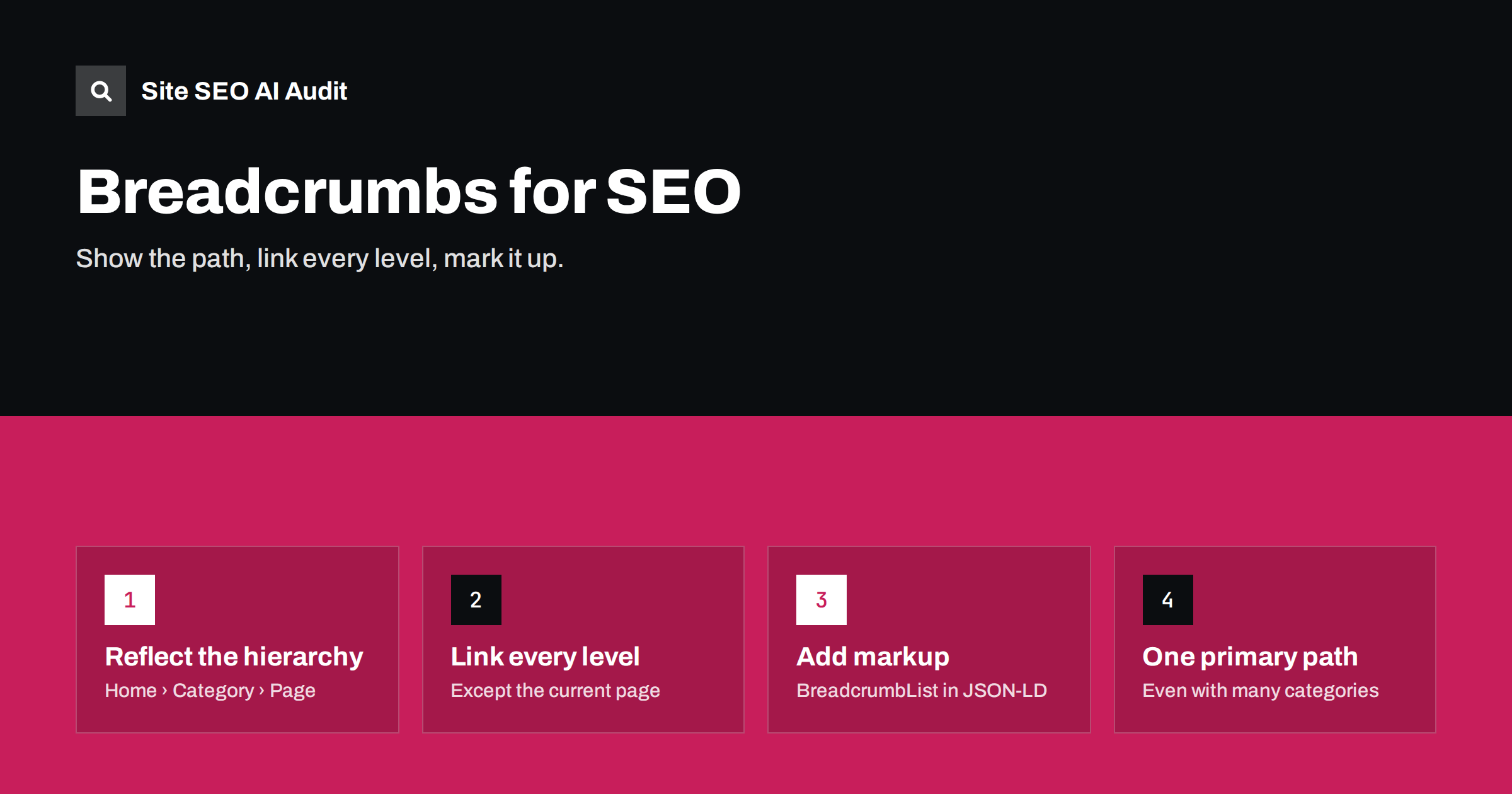
Short answer: breadcrumbs are a small trail of links, such as Home › Running shoes › Trail running, that shows where a page sits in the site’s structure. They help visitors move up a level, give search engines extra internal links and context, and, with BreadcrumbList structured data, can make the page eligible for a breadcrumb-style display in search results. Show one clear hierarchical path, link every level except the current page, and keep the visible trail and the markup identical.
What breadcrumbs do
Breadcrumbs answer the question “where am I on this site?”. They are especially useful on sites with several levels: shops, documentation, blogs with categories and service businesses with many sub-pages. Their benefits are practical:
- Navigation: visitors who land deep in the site from search can move up to the category with one click instead of using the menu or the back button.
- Internal links: every page links to its parents, which strengthens category and hub pages and gives crawlers clear paths through the structure.
- Context for search engines: the trail shows how pages relate, helping them understand the site’s hierarchy.
- Search appearance: with structured data, search engines can show a breadcrumb path instead of, or alongside, the URL in results.
Google documents the markup in its guide to breadcrumb structured data.
Types of breadcrumbs
| Type | Example | Best for |
|---|---|---|
| Hierarchy-based | Home › Shoes › Running › Trail X | Most sites: shops, blogs, documentation |
| Attribute-based | Shoes › Brand: X › Colour: black | Filtered listings, shown as filter chips |
| History-based | Pages the visitor viewed | Rarely useful; the back button already does this |
For SEO, hierarchy-based breadcrumbs are the ones that matter. They reflect the site’s permanent structure, not the visitor’s session. Attribute-based trails can still be useful for visitors on filtered listings, but they should not generate new crawlable URLs for every combination, and they are not what search engines expect in BreadcrumbList markup. History-based trails change from visit to visit, which makes them useless as a structural signal and confusing when a visitor arrives directly from search.
Designing good breadcrumbs
- Place them near the top of the content, above the main heading, where people expect them.
- Start with the home page, often shown as “Home” or a small house icon with an accessible label.
- Link every level except the current page, which is shown as plain text.
- Use short, clear names matching the category or page names, not full SEO titles.
- Use a simple separator such as › or /, added with CSS or as decorative text.
- Keep them on mobile. They can be shortened or scroll horizontally, but should not disappear, because the mobile version is what search engines index.
- Use a
navelement with anaria-labelsuch as “Breadcrumb” for accessibility.
BreadcrumbList structured data
To make the trail machine-readable, add BreadcrumbList markup. JSON-LD is the easiest format:
<script type="application/ld+json">
{
  "@context": "https://schema.org",
  "@type": "BreadcrumbList",
  "itemListElement": [
    {"@type": "ListItem", "position": 1, "name": "Shoes",
     "item": "https://www.example.com/shoes/"},
    {"@type": "ListItem", "position": 2, "name": "Running",
     "item": "https://www.example.com/shoes/running/"},
    {"@type": "ListItem", "position": 3, "name": "Trail X"}
  ]
}
</script>
Key rules:
- Positions start at 1 and increase in order.
- Each item has a
name; all items except the last have anitemURL. - URLs are absolute and canonical, returning 200 without redirects.
- The markup must match the breadcrumb visible on the page.
- Whether to include the home page as the first item is optional; many implementations do.
Products in several categories
Shops often place one product in several categories: a jacket under “Men”, “Outdoor” and “Sale”. Which breadcrumb should it show? Options:
- A primary category set per product, used for the breadcrumb and usually for the product’s canonical URL path. This is the most common and clearest approach.
- Multiple breadcrumb trails in the markup, which structured data allows, but visitors should still see one clear trail.
- Path-based breadcrumbs that change depending on how the visitor arrived. They can confuse search engines if they generate different URLs for the same product; avoid them unless the product URL stays the same.
WooCommerce and SEO plugins often let you choose a primary category for each product for exactly this reason.
Breadcrumbs and URL structure
Breadcrumbs and URLs often mirror each other, as in /shoes/running/trail-x/ with the trail Home › Shoes › Running › Trail X. That is convenient but not required. Breadcrumbs describe the logical hierarchy; URLs can be flatter. Many shops use short product URLs such as /product/trail-x/ while the breadcrumb still shows the category path, and that works well.
What matters is that each level in the trail is a real, indexable page with its own canonical URL. If your URL contains folders that do not exist as pages, for example /shoes/ returning a 404, do not show that level as a link. Either create a useful page for it or leave it out of the breadcrumb. Changing URLs just to match breadcrumbs is rarely worth the migration risk.
Breadcrumbs on blogs and service sites
Breadcrumbs are most often discussed for shops, but they help other sites too:
- Blogs: Home › Category › Article gives every article a link to its category, turning categories into real hub pages rather than forgotten archives. Choose a primary category for posts filed in several.
- Service businesses: Home › Services › Web design › E-shop development shows how specialised services relate to broader ones and links sub-services back to their parent service page.
- Documentation and help centres: deep hierarchies make breadcrumbs almost essential; readers often arrive on a specific article from search and need context.
- Local businesses with location pages: Home › Locations › City gives location pages a clear parent that lists all locations.
In each case, the breadcrumb only works if the parent pages are genuinely useful. A category page that is an empty list of links does little for visitors; one with a short introduction and well-organised content becomes a page worth linking to.
Common breadcrumb mistakes
- Breadcrumbs that do not match the real structure, for example always showing Home › Blog › Post, even for service pages.
- Linking to non-canonical or redirecting URLs, such as category URLs with parameters or old paths.
- Levels that are not real pages: a middle level shown as a link that leads to a 404 or an empty archive.
- Markup that differs from the visible trail, or markup present only on desktop templates.
- Duplicate BreadcrumbList markup from both the theme and an SEO plugin, sometimes with different paths.
- Using breadcrumbs as keyword lists, stuffing long descriptive names into each level.
- Hiding breadcrumbs on mobile and losing the internal links in the indexed version.
How to add and test breadcrumbs
Implementation depends on the platform, but the checks afterwards are the same everywhere. Add the trail through your theme or SEO plugin, then verify both what visitors see and what the markup says, on every template that uses breadcrumbs.
Adding breadcrumbs on WordPress
Many themes include breadcrumbs, and most SEO plugins offer a breadcrumb feature that outputs both the visible trail and the BreadcrumbList markup, usually added to the theme with a block, shortcode or template function. Choose one source for both. If the theme shows breadcrumbs and the SEO plugin also outputs breadcrumb markup, check that both describe the same path, or disable one. For posts in several categories, set the primary category so the breadcrumb is predictable.
Testing checklist
- Check the visible trail on each template: home, category, subcategory, product, article, service page.
- Click every level and confirm it leads to a live, canonical page.
- Run a few URLs through the Rich Results Test and check for BreadcrumbList errors.
- Review Search Console’s breadcrumb enhancement report, if present, for site-wide issues.
- Crawl the site to confirm breadcrumb links do not point to redirects or error pages.
How Site SEO AI Audit helps
The audit checks Schema.org markup on every page, including invalid JSON-LD, and the links area reports internal links that point to redirects or broken pages, which is where faulty breadcrumb links show up. The crawl also measures click depth, so you can see whether breadcrumbs and category links keep important pages close to the home page. You can run a free audit.
Related reading
- Click depth in SEO: why buried pages struggle to rank
- Structured data errors: how to find and fix invalid schema
- Internal linking strategy: a step-by-step guide
The bottom line
Breadcrumbs are a small feature with several benefits: easier navigation, stronger internal links to parent pages and clearer structure for search engines. Show one hierarchical trail on every template, link each level to its canonical page, keep them on mobile and add BreadcrumbList markup that matches exactly what visitors see.
SSS
Do breadcrumbs help SEO?
Yes, indirectly. They add internal links to parent pages, clarify site structure and can make pages eligible for breadcrumb display in search results. They also help visitors navigate.
Should breadcrumbs include the current page?
Usually yes, as the last item in plain text without a link. In structured data, the last item can omit the URL.
Do I need BreadcrumbList markup if I have visible breadcrumbs?
The markup is optional but recommended. It makes the trail machine-readable and is required for search engines to show breadcrumb-style paths in results.
What breadcrumb should a product in several categories show?
Choose a primary category for each product and use it for the breadcrumb. It gives visitors and search engines one clear path.
Are breadcrumbs useful on small sites?
On very flat sites with only a few pages, they add little. They become valuable once a site has categories, sub-pages or more than two levels.


