 ENEnglish
 LTLietuviškai
 DEDeutsch
 FRFrançais
 RUРусский
 ESEspañol
 PLPolski
 ITItaliano
 UKУкраїнська
 CSČeština
 PTPortuguês
 JA日本語
JA日本語 LVLatviešu valoda
 ETEesti
 HUMagyar
 IDBahasa Indonesia
 TRTürkçe
 HIहिन्दी
 ELΕλληνικά
 ARالعربية
 THไทย
THไทย VITiếng Việt
 RORomână
 MSBahasa Melayu
 BNবাংলা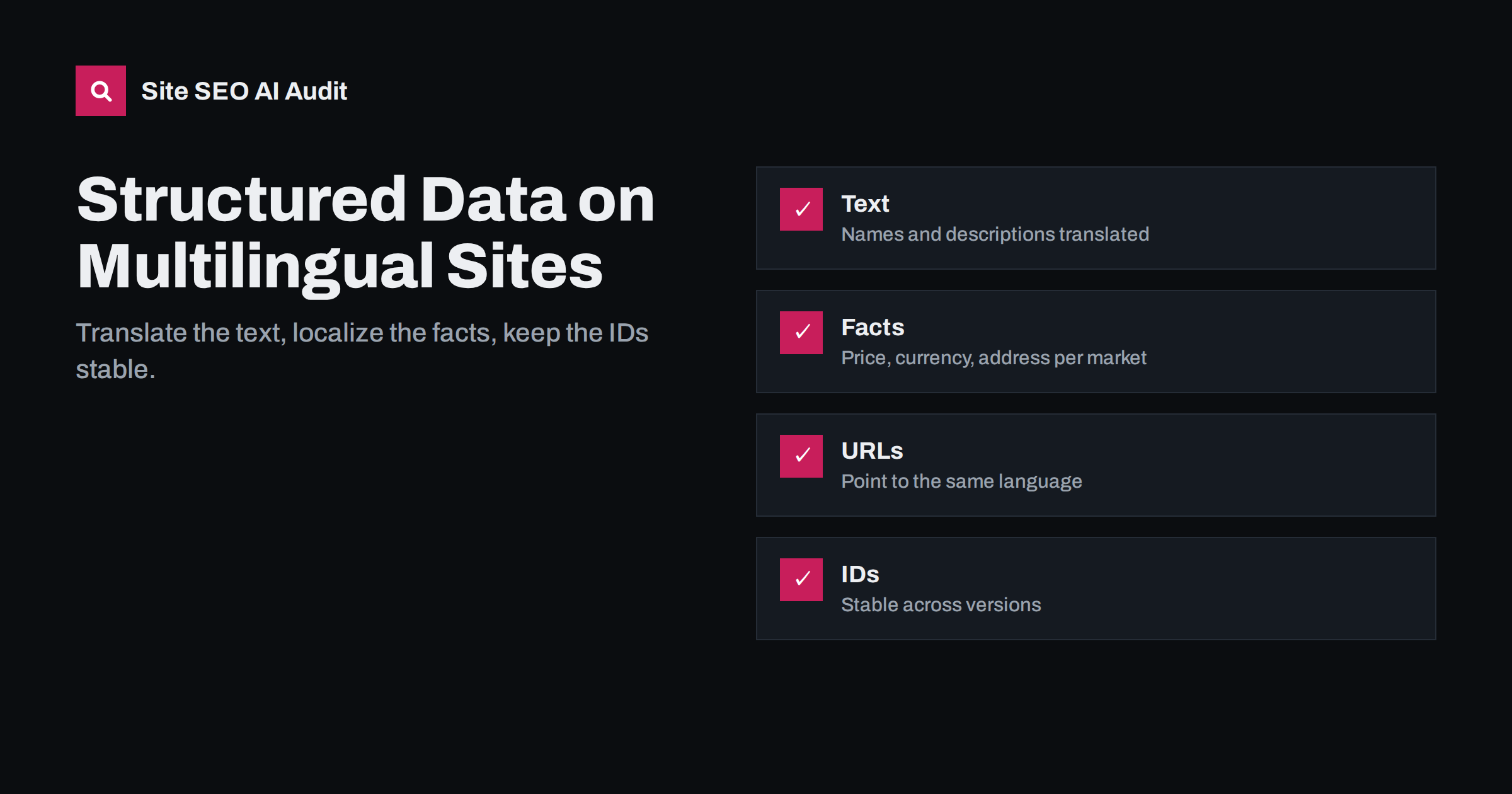
Short answer: Structured data on a translated page should describe that page, in its language. Translate text fields such as names, descriptions and FAQ answers; localize facts such as price, currency, availability, address and phone number for each market; point URLs to the same language version; and set inLanguage where the type supports it. Keep identifiers such as SKUs and organisation IDs stable across versions. The most common problem is markup copied from the original language, which then contradicts the visible page.
Why structured data needs attention on multilingual sites
Structured data, usually written as JSON-LD, describes a page in a machine-readable way: this is a product with this price, this is an article by this author, this is an FAQ with these questions. Search engines use it to understand pages and to show rich results, and a growing number of other systems, including AI assistants, read it too.
The core rule is simple: markup must reflect what the page shows. Google’s structured data guidelines require that the content in markup is visible to users and represents the page accurately. On a single-language site, that is usually easy. On multilingual sites, it breaks often, because markup is generated by templates, plugins or feeds that do not always know which language or market the page belongs to.
A German product page whose markup has an English name, a price in pounds and a URL pointing to the UK store is not just unhelpful. It contradicts the visible page and may make the page ineligible for rich results.
What to translate: text fields
Any property that contains human-readable text should be in the page’s language:
- name and headline: product names, article headlines, event names.
- description: product and organisation descriptions.
- FAQPage questions and answers, which must match the visible FAQ on that page exactly.
- HowTo steps, recipe instructions and similar step texts.
- Breadcrumb names in BreadcrumbList, matching the translated breadcrumb trail.
- Review text, which should be shown and marked up in the language it was written in, or clearly marked as translated in the visible content.
Brand names, model numbers and proper names usually stay the same across languages, just as they do on the visible page.
What to localize: facts that differ by market
Some properties describe facts that change by country rather than by language:
| Property | Localize to | Example |
|---|---|---|
| price and priceCurrency | The price shown in this store | 49.90, EUR |
| availability | Stock status in this market | InStock or OutOfStock |
| shipping details | Delivery to this country | Shipping rate and destination |
| return policy | Return terms for this country | Return window and method |
| address, telephone | Local office or contact, if shown | Local phone with country code |
| openingHours | Local hours and time zone | Local business hours |
If a multilingual site is not multi-regional, for example one Spanish version for all Spanish speakers with prices in one currency, the facts stay the same across languages and only the text is translated.
URLs, IDs and inLanguage
Structured data often contains URLs and identifiers. They need a consistent approach:
- url properties should point to the page in the same language, usually the page’s own canonical URL. A German product’s markup should not link to the English product page.
- @id values identify entities across a site. For entities that are the same across languages, such as your organisation, using one stable identifier helps search engines understand that all language versions describe the same organisation. For page-level entities, many sites use the page URL plus a fragment.
- Product identifiers such as sku, gtin and mpn stay the same across languages when the product is the same.
- inLanguage, supported by types such as Article, WebPage and CreativeWork, can state the language of the content, for example
"inLanguage": "de". It is a helpful, explicit hint, though search engines still judge language from the visible text. - sameAs links to your social profiles and other authoritative references can stay the same across languages unless you have separate local profiles.
Common mistakes on translated pages
- Copied markup. Markup is generated from the original post and not updated when the page is translated, so names and descriptions stay in the original language.
- Wrong currency. The shop shows euros on the German store, but markup carries the default currency of the platform.
- FAQ mismatch. The visible FAQ is translated, but the FAQPage markup still contains the original questions, or the reverse.
- Cross-language URLs. Markup points to the original-language URL, contradicting canonical and hreflang.
- Duplicate markup. A theme and a plugin both output markup, one translated and one not.
- Invalid JSON after translation. Quotation marks or special characters in translated text break the JSON-LD syntax, and the whole block is ignored.
The last one deserves attention. Some languages use characters or quotation styles that, if inserted without escaping, produce invalid JSON. Generate JSON-LD with a proper encoder rather than by concatenating strings.
How structured data is usually generated
On most sites, markup comes from one of three sources, and each has its own multilingual pitfalls:
- SEO or schema plugins generate markup from post fields. They work well when the multilingual plugin exposes translated fields; they fail when they read from the original post.
- Theme templates sometimes hard-code parts of the markup, such as organisation details in English.
- Shop platforms and feeds generate product markup from catalog data. They must read the price, currency and availability of the current store view.
Find out which source outputs each block on your site before you try to fix it. Fixing the source once repairs every page in that language.
How to check markup across languages
For individual pages, a rich results test or schema validator shows what markup a page contains and whether it is valid. Test a sample of pages in every language, and compare them side by side with the original: names, descriptions, prices, currency, URLs and FAQs should all be localized.
For whole sites, a crawler is faster. Site SEO AI Audit checks structured data on each crawled page, including invalid JSON-LD, Open Graph and share images, and checks hreflang, x-default and lang attributes in its Languages area. Seeing both in one report makes it easy to spot languages where markup was never localized. The first audit is free.
Organisation and local business markup per country
Businesses with offices, shops or support teams in several countries often wonder how to mark them up. The clearest approach is to separate the organisation from its local branches:
- One Organization entity for the company as a whole, with a stable identifier, the legal name, logo and sameAs links. The same entity can be referenced from every language version, with the description translated where it is shown.
- A LocalBusiness or more specific type for each physical location, marked up on the page that presents that location, with its own address, phone number, opening hours and geographic details.
- Links between them, for example with parentOrganization on each location, so search engines understand that the branches belong to the same company.
Avoid putting every branch’s address into the organisation markup on every page, and avoid marking up a local address on pages in a language or market that the location does not serve. A German contact page should carry the German office’s details; the French contact page, the French office’s.
If you have no local offices and serve all markets from one location, keep a single address in the organisation markup on all language versions. Do not invent local addresses to look more local; markup must describe real, visible facts, and a fake address can mislead customers as well as search engines.
A short checklist per language
- JSON-LD is valid on every template in this language.
- Names, descriptions, FAQs and breadcrumbs are translated and match the visible page.
- Prices, currency, availability, shipping and returns match this market.
- URLs in markup point to pages in this language.
- Stable IDs are used for the organisation and products across languages.
- Only one source outputs each type of markup.
Related reading
- Structured data errors: how to find and fix invalid schema
- International ecommerce SEO: selling in several countries
- Translation vs localization for SEO: what actually changes
The bottom line
Structured data on a translated page must describe that page in its language and for its market. Translate text fields, localize prices, currency, availability and contact details, keep URLs in the same language, use stable identifiers across versions and generate valid JSON with a proper encoder. Then check every language, because markup is one of the easiest things to forget when a site is translated.
SSS
Should structured data be translated?
Yes. Text fields such as names, descriptions and FAQ answers should be in the page’s language and match the visible content. Identifiers such as SKUs stay the same.
Is inLanguage required on multilingual pages?
No, it is optional. It is a helpful explicit statement of the content language for types that support it, but search engines still judge the language from the visible text.
Can I use the same organisation markup on all language versions?
Yes, with a stable identifier. You can translate the description and adapt local contact details where they differ, while keeping the same organisation ID and sameAs links.
What happens if markup prices do not match the page?
Mismatched prices contradict the visible page and can make the page ineligible for product rich results. Generate markup from the same data that renders the price.
Do FAQ answers in markup need to match the visible text exactly?
They should match the visible questions and answers on that page. On translated pages, both the visible FAQ and the markup must be translated together.


