 ENEnglish
 LTLietuviškai
 DEDeutsch
 FRFrançais
 RUРусский
 ESEspañol
 PLPolski
 ITItaliano
 UKУкраїнська
 CSČeština
 PTPortuguês
 JA日本語
JA日本語 LVLatviešu valoda
 ETEesti
 HUMagyar
 IDBahasa Indonesia
 TRTürkçe
 HIहिन्दी
 ELΕλληνικά
 ARالعربية
 THไทย
THไทย VITiếng Việt
 RORomână
 MSBahasa Melayu
 BNবাংলা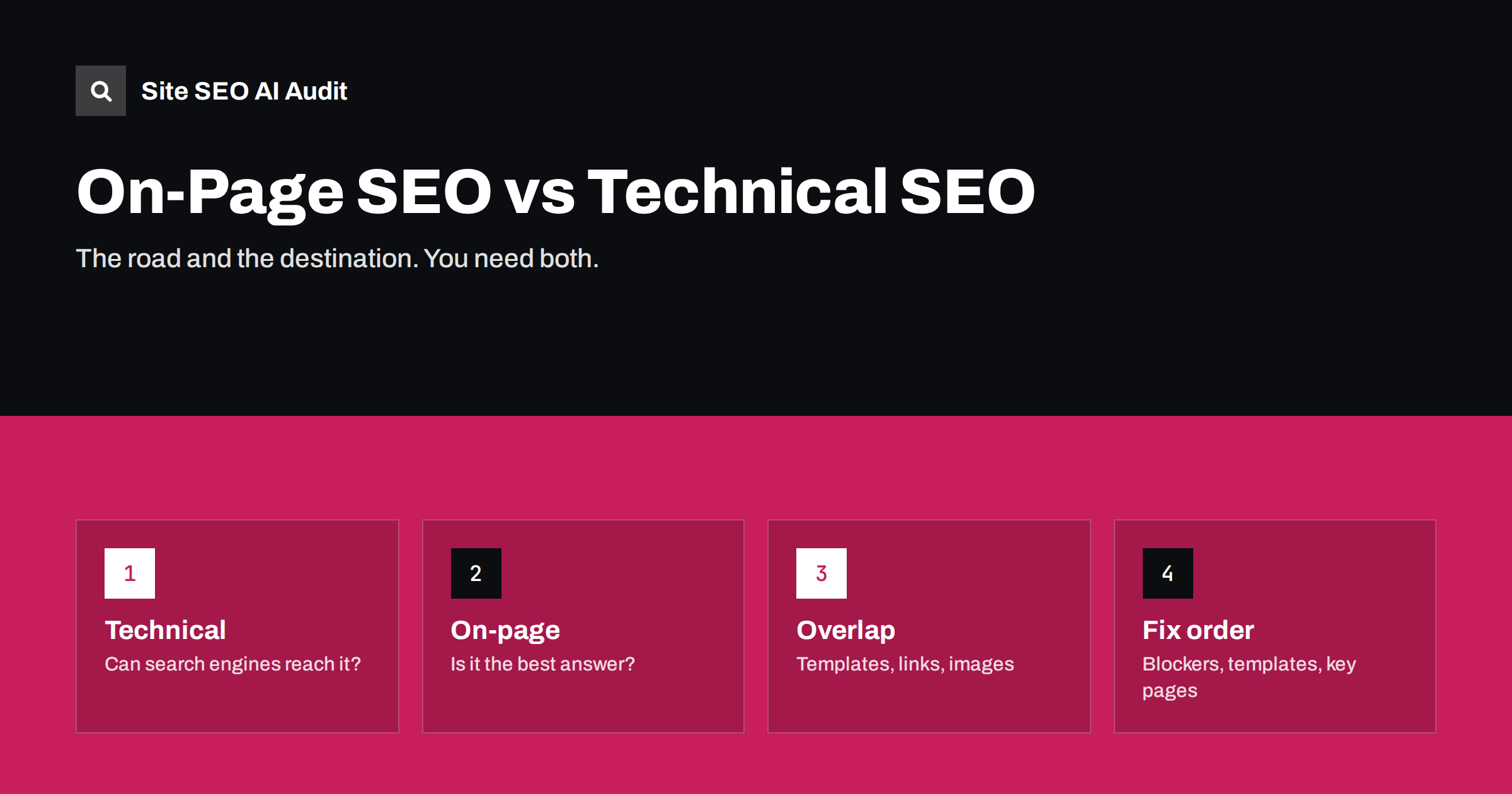
Short answer: Technical SEO makes sure search engines can crawl, render and index your pages; on-page SEO makes sure each page clearly and convincingly answers the search it targets. Technical work is mostly site-wide and done once with occasional maintenance; on-page work happens page by page and never really ends. You need both: a technically perfect site with vague pages will not rank, and great pages that cannot be indexed will not be seen.
Two halves of the same job
Search engine optimization is often split into three areas. Off-page SEO is about signals from outside your site, mainly links and mentions. The other two, technical and on-page, are entirely in your hands, and people often confuse them or argue about which matters more.
A useful way to separate them is to ask what question each one answers:
- Technical SEO: “Can search engines find, access, render and index this page, and understand how it fits in the site?”
- On-page SEO: “Once they read this page, will they understand what it is about, and is it the best answer for the searcher?”
Both areas matter for every kind of site, but the balance shifts with size. On a ten-page brochure site, technical SEO is often a short list of checks, and almost all the remaining work is on-page. On a store with fifty thousand URLs, technical decisions about filters, pagination and duplicates can matter as much as the words on any single page.
Technical SEO is the road; on-page SEO is the destination. A well-built road to an empty building is useless, and so is a beautiful building nobody can reach.
What technical SEO covers
Technical SEO deals with the infrastructure of the site. Typical areas:
- Crawling: robots.txt, internal link paths, crawl depth, orphan pages, server errors.
- Indexing: noindex tags, canonical tags, duplicate URLs, XML sitemaps, status codes.
- Redirects: 301 and 302 use, redirect chains and loops, migrations.
- Rendering: content that depends on JavaScript, blocked resources.
- Speed and Core Web Vitals: server response time, page weight, layout stability, responsiveness.
- Mobile: responsive layouts, content parity between mobile and desktop.
- Security: HTTPS, mixed content.
- Structured data validity and international setup such as hreflang.
Most technical problems are caused by settings, templates, server configuration and code, so they are usually fixed by developers or site administrators, once, for the whole site.
What on-page SEO covers
On-page SEO deals with the content and HTML of individual pages:
- Search intent: is this the right type of page for the query?
- Title tags and meta descriptions: unique, specific, the right length.
- Headings: one clear H1, logical H2 and H3 structure.
- Content: accuracy, depth, originality, readability, the direct answer near the top.
- Images: alt text, file names, relevance.
- Internal links and anchor text: connecting related pages with descriptive links.
- URLs: short, readable slugs.
- Thin and duplicate content: pages that add too little or repeat others.
On-page work is usually done by content writers, editors, marketers and site owners, page by page, and it continues as long as the site publishes and updates content.
Side by side
| Teknik SEO | Sayfa içi SEO | |
|---|---|---|
| Main question | Can search engines access and index the page? | Is the page the best answer for the search? |
| Scope | Mostly site-wide | Mostly page by page |
| Typical owner | Developer, administrator | Writer, editor, marketer, owner |
| Typical tools | Crawlers, Search Console, server logs, speed tests | Crawlers, Search Console queries, the results page itself |
| Rhythm | Set up, then monitor and fix regressions | Ongoing with every new or updated page |
| Failure looks like | Pages missing from the index, slow site, errors | Pages indexed but ranking poorly or not clicked |
Where they overlap
The line is not always sharp. Some issues belong to both worlds:
- Duplicate titles look like an on-page problem, but they are usually caused by a template, which is technical.
- Thin content is on-page, but thousands of thin tag or filter pages are often a technical indexing decision.
- Internal links are on-page when you add a contextual link, and technical when you design navigation, breadcrumbs and crawl depth.
- Images need alt text (on-page) and sensible file sizes (technical, for speed).
- Canonical tags are technical, but choosing which page should be the main version is a content decision.
In practice, it is more useful to fix issues by cause than to argue about the label. If a problem repeats across hundreds of pages, look for a template or setting. If it is specific to one page, it needs an editorial fix.
Signs your main problem is technical
When traffic is disappointing, the first diagnostic question is whether search engines can see your pages at all. These symptoms point to technical causes:
- Important pages are missing from the index. Search Console’s page indexing report lists them as excluded, for example “Crawled, currently not indexed”, “Excluded by noindex tag” or “Blocked by robots.txt”.
- The wrong URLs appear in search: HTTP instead of HTTPS, parameter versions, old URLs after a redesign, or a staging domain.
- Traffic dropped suddenly across the whole site on a specific date, often after a release, migration or plugin update.
- Search Console shows spikes in server errors or redirect problems.
- Pages rendered by JavaScript appear empty in the URL Inspection tool’s rendered HTML.
- New pages take a very long time to be discovered, suggesting weak internal links or sitemap problems.
Technical problems tend to affect many pages at once and often have a clear start date. That is the main clue that separates them from content problems.
Signs your main problem is on-page
If pages are indexed but still not performing, look at the pages themselves. These symptoms point to on-page causes:
- Pages are indexed and get impressions, but rank on page two or lower for their main queries.
- Pages rank but get few clicks, often because titles are vague, duplicated or rewritten.
- The wrong page from your site ranks for a query, or rankings swap between two of your pages.
- Visitors leave quickly without engaging, suggesting the page does not match what they searched for.
- The pages that outrank you are a different type: guides where you have a sales page, or product lists where you have an article.
- Performance declines slowly over months as competitors publish better or fresher answers.
On-page problems usually show up gradually and page by page. Comparing your page honestly with the top results for its main query is often the fastest way to find the cause.
Which should you fix first?
A reasonable order for most sites:
- Critical technical blockers. Pages accidentally set to noindex, important sections blocked in robots.txt, a site-wide redirect error, a staging site indexed instead of the live one. These can make everything else irrelevant.
- Site-wide template issues. Duplicate or missing titles, missing H1s, broken canonicals. One fix improves many pages.
- Important pages, on-page. Intent, titles, content depth and internal links on the pages that matter most to your business.
- Performance and remaining technical debt. Speed improvements, redirect chains, structured data errors.
- Ongoing on-page work. Refreshing content, improving pages that sit just below the top results, publishing new pages for real searches.
The biggest mistake is spending weeks polishing technical details on a site whose pages do not answer what people search for, or writing great content for a site that search engines cannot index properly.
How an audit covers both
A good audit looks at both halves together, because they interact. Site SEO AI Audit crawls your whole site like a search engine and scores it across seven areas: crawl and index, on-page, links, speed and Core Web Vitals, structured data, languages and AI visibility. Crawl and index carry the largest weight in the score, on-page the second largest. Each issue is weighted by how many pages it affects, and the fix list is ordered by how many points each fix adds, so you can see whether your biggest problems are technical, on-page or both. The first audit of every website is free; plans are on the pricing page.
Related reading
- What Is On-Page SEO? The Elements That Actually Matter
- What Is Technical SEO? A Plain Guide for Site Owners
- On-Page SEO Checklist: What to Check on Every Page
- Technical SEO Audit Checklist: 40 Checks in the Right Order
The bottom line
Technical SEO decides whether search engines can reach and index your pages; on-page SEO decides whether those pages deserve to rank and get clicked. Fix critical technical blockers first, then site-wide template issues, then the on-page quality of your most important pages, and keep both under review. Label problems by cause rather than category, and treat the two as one job with two sides.
SSS
Is on-page SEO more important than technical SEO?
Neither is more important in general; they fail in different ways. A site with serious technical problems may not be indexed at all, while a technically sound site with weak pages is indexed but does not rank. Most sites need attention on both.
Can I do on-page SEO without a developer?
Mostly, yes. Titles, descriptions, headings, content, alt text and internal links can usually be edited in your content management system. Template-level problems may need a developer or theme settings.
Is internal linking on-page or technical?
Both. Contextual links in content are usually treated as on-page work, while navigation, breadcrumbs and site architecture are technical. Together they decide how well pages are connected.
How often should I check technical and on-page SEO?
Run a full audit every few months and after major changes such as redesigns, migrations or plugin updates. Check on-page elements for every new page before publishing and review important pages at least yearly.
What about off-page SEO?
Off-page SEO covers links and mentions from other sites. It matters, but it builds on the other two: links to pages that cannot be indexed or do not answer the search bring little benefit.


