 ENEnglish
 LTLietuviškai
 DEDeutsch
 FRFrançais
 RUРусский
 ESEspañol
 PLPolski
 ITItaliano
 UKУкраїнська
 CSČeština
 PTPortuguês
 JA日本語
JA日本語 LVLatviešu valoda
 ETEesti
 HUMagyar
 IDBahasa Indonesia
 TRTürkçe
 HIहिन्दी
 ELΕλληνικά
 ARالعربية
 THไทย
THไทย VITiếng Việt
 RORomână
 MSBahasa Melayu
 BNবাংলা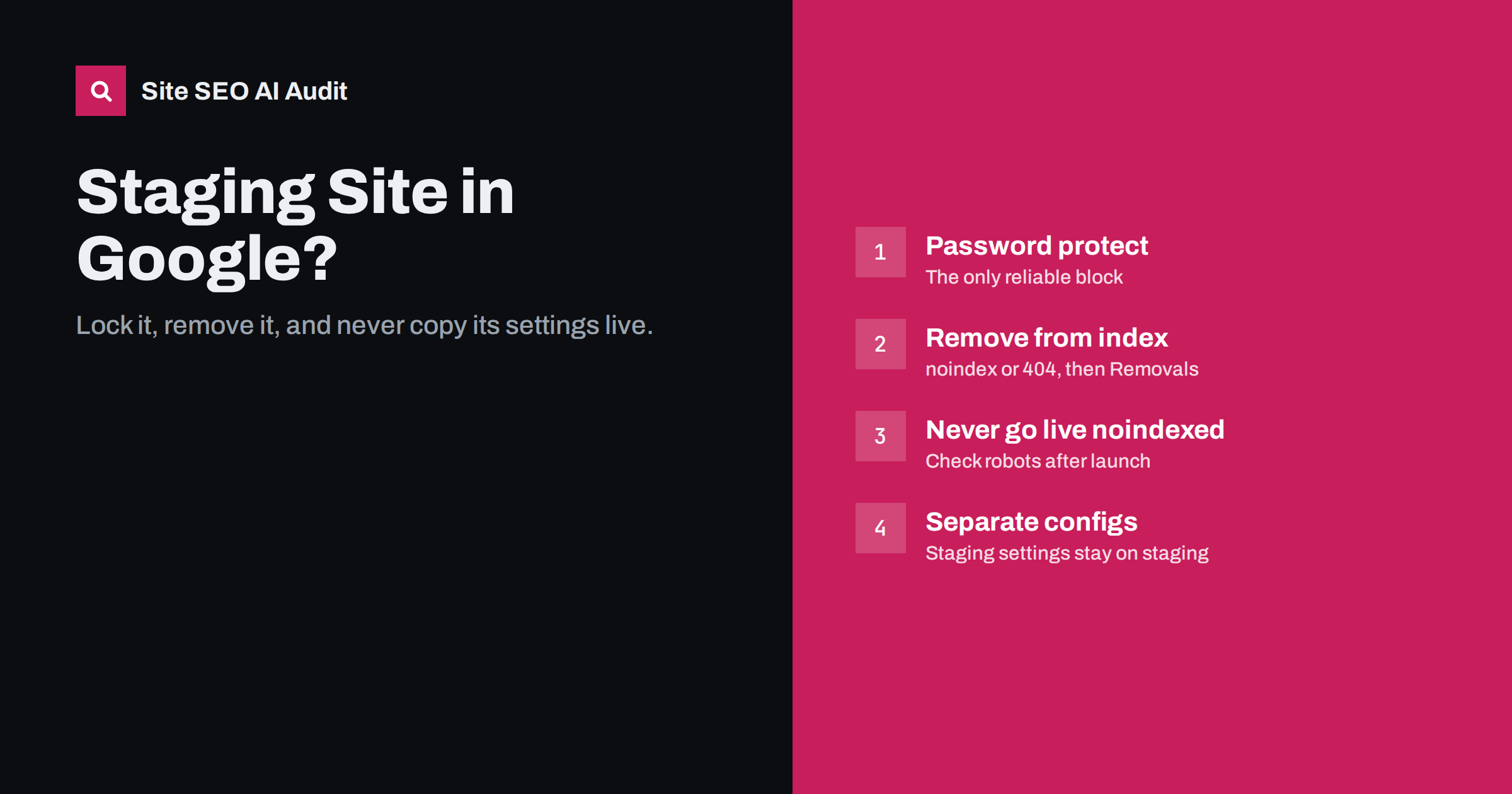
Short answer: if a staging or development copy of your site appears in Google, protect it with a password or IP restriction, make it return noindex or errors so indexed URLs drop out, and use Search Console’s Removals tool for a fast temporary hide. Relying on robots.txt alone does not work, because blocked URLs can stay indexed. Equally important is the reverse problem: never let staging’s noindex or Disallow: / settings reach the live site at launch.
Why staging sites get indexed
Staging sites are copies of a website used to test changes before they go live. They often sit on addresses like staging.example.com, dev.example.com or a hosting provider’s temporary domain. They get indexed more often than people expect, for simple reasons:
- They are publicly reachable with no password, so any crawler that finds a link can fetch them.
- Links leak: a developer pastes a staging URL into a public ticket, a test e-mail, a forum post or the live site itself.
- Browsers and tools report URLs: shared links and some browser features can expose addresses.
- Protection is only in robots.txt, which stops compliant crawlers from fetching pages but does not stop URLs from being indexed from links.
- Sitemaps and canonicals point to staging, because the copy was generated with the staging host as site URL.
Temporary hosting addresses deserve a special mention. Many hosts give each new site a technical domain or subdomain that works before the real domain is connected. Sites built there for weeks, then moved to the real domain, often leave the temporary address fully working afterwards, serving an exact copy of the live site. It is worth checking whether yours still responds and, if it does, redirecting it to the real domain or switching it off.
Why it matters
- Duplicate content. A full copy of your site competes with the real one. Usually search engines pick the live site as canonical, but not always, especially if the staging copy has newer content.
- Confused visitors. People who land on staging see unfinished changes, test products or broken checkout.
- Security and privacy. Staging copies sometimes contain test data, debug output or admin areas with weaker protection.
- Brand and trust. Placeholder text and test pages in search results look unprofessional.
- Wrong data in results. Staging may show test prices, old opening hours or unpublished offers, and a searcher who lands there may act on information that is not true on the live site.
How to check whether staging is indexed
- Search Google with the
site:operator and your staging host, for examplesite:staging.example.com. Results show at least some indexed URLs. - Search for a distinctive sentence from your site in quotes and see whether a non-production host appears.
- If you have Search Console access to the staging host, check its page indexing report.
- Check your live site’s source and sitemap for any staging URLs in links, canonicals, images or structured data.
How to remove an indexed staging site
The order of steps matters. Blocking crawling too early prevents search engines from seeing the signals that remove pages.
- Stop new leaks. Remove staging URLs from the live site, sitemaps and public documents.
- Choose the removal signal. Either password-protect the staging site (crawlers get a 401 and eventually drop the URLs), or keep it reachable briefly with a
noindexon every page or anX-Robots-Tag: noindexheader for all responses. Password protection is simpler and also solves the privacy problem. - Make sure robots.txt does not block crawling while you rely on noindex. The crawler must be able to fetch pages to see it.
- Use Search Console’s Removals tool on the staging property for a fast temporary hide of the whole host while the permanent signal takes effect. Verify the staging host in Search Console first if needed.
- Consider redirects only if the staging URLs have picked up real traffic or links. A 301 from each staging URL to the matching live URL moves visitors and signals to the right place, but then staging must move to a different host.
- Monitor with
site:searches and Search Console until the URLs are gone.
How to protect staging properly
| Method | Keeps it out of search? | Keeps people out? | Notes |
|---|---|---|---|
| HTTP authentication (password) | Yes | Yes | Simple, reliable, recommended |
| IP allow list or VPN | Yes | Yes | Good for teams with fixed IPs |
| noindex header on all responses | Yes, once crawled | No | Easy to copy to live by mistake |
| robots.txt Disallow | No, URLs can still be indexed | No | Not sufficient alone |
| Obscure URL | No | No | Security through obscurity; leaks happen |
Many hosting panels and managed WordPress hosts can add password protection to a staging environment with one setting. It is the single most effective step.
The reverse disaster: staging settings on the live site
The more common and more damaging problem is the opposite: the new site launches with staging’s “do not index” settings still active. Typical forms:
- WordPress “Discourage search engines from indexing this site” left ticked in Settings, Reading, which adds noindex to every page.
Disallow: /in robots.txt copied from staging.- An
X-Robots-Tag: noindexheader set in server or CDN configuration that was cloned with the environment. - Canonicals, sitemaps or hreflang pointing to the staging host because the site URL setting was not updated.
- Password protection left on a subfolder or the whole site, returning 401 to crawlers.
Pages do not disappear instantly, which is what makes this dangerous. Rankings fade over days and weeks as pages are recrawled, and by the time someone notices, a large part of the site may have dropped out.
A launch-day checklist to prevent it
- Open
/robots.txton the live domain and confirm it contains production rules. - View the source of home, category, product and article pages and search for
noindex. - Check response headers with
curl -sIforX-Robots-Tag. - On WordPress, confirm “Discourage search engines” is unticked.
- Check canonicals, sitemap URLs and structured data URLs use the live host.
- Run URL Inspection on a few key pages to confirm indexing is allowed.
- Crawl the live site and search for any reference to the staging host.
Keeping environment-specific settings, such as noindex headers and robots.txt, in configuration that is not copied between environments prevents most of these accidents. Deploy code and content, not environment settings.
Recovering after launching with noindex
If the live site has already been running with noindex or a blocking robots.txt for a while, fix the setting first, then help search engines catch up:
- Remove the blocking setting and confirm on the live site, in the source and headers, that it is gone. Clear any page cache and CDN cache so crawlers do not keep receiving the old version.
- Resubmit the XML sitemap in Search Console, so the full list of pages is fetched again.
- Request indexing for the most important pages with URL Inspection: the home page, main categories or services, and top landing pages.
- Check the page indexing report over the following days. The count of “Excluded by noindex tag” or “Blocked by robots.txt” pages should start falling.
- Watch clicks and impressions for the affected pages. Recovery usually follows recrawling, so frequently crawled pages come back first and deep pages later.
If the noindex was live only for a short time, recovery is often quick. After a longer period, it can take several weeks for all pages to be recrawled and reindexed. There is no way to force it faster at scale, which is why the launch-day check is worth the ten minutes it takes.
How Site SEO AI Audit helps
An audit right after launch catches staging leftovers quickly. SEOAuditBot follows robots.txt, records noindex from meta tags and headers, and reports canonicals and links that point elsewhere, including to another host. A template-wide noindex or a blocked site shows up at the top of the fix list, because it affects every page. The first audit of each website is free; you can run one on launch day.
Related reading
- Noindex vs Disallow: how to keep pages out of search
- Website migration SEO checklist: before, during and after
- Robots.txt for SEO: what to block and what to leave open
The bottom line
Protect staging with a password or IP restriction, not robots.txt. If it is already indexed, lock it or noindex it, keep it crawlable until the URLs drop out, and use the Removals tool for a quick temporary hide. Most importantly, check robots.txt, noindex and site URL settings on the live site every time you launch.
SSS
Is robots.txt enough to keep a staging site out of Google?
No. Robots.txt stops compliant crawlers from fetching pages, but URLs can still be indexed if they are linked from anywhere. Use password protection or an IP restriction instead.
How do I remove a staging site from Google quickly?
Verify the staging host in Search Console and use the Removals tool to hide it temporarily. At the same time, add password protection or noindex so the URLs drop out permanently.
Can an indexed staging site hurt my main site?
It can create duplicate content and occasionally outrank the live pages, and it can confuse visitors. Search engines usually prefer the live site, but it is best not to rely on that.
What happens if I launch with noindex still on?
As search engines recrawl pages, they drop them from the index, and traffic falls over days or weeks. Remove the noindex immediately, then request indexing for the most important pages.
Should staging have its own robots.txt?
It can have a restrictive one as an extra layer, but it must never be copied to production, and it should not be the only protection. Keep environment-specific files out of deployments.


