 ENEnglish
 LTLietuviškai
 DEDeutsch
 FRFrançais
 RUРусский
 ESEspañol
 PLPolski
 ITItaliano
 UKУкраїнська
 CSČeština
 PTPortuguês
 JA日本語
 LVLatviešu valoda
 ETEesti
 HUMagyar
 IDBahasa Indonesia
 TRTürkçe
 HIहिन्दी
 ELΕλληνικά
 ARالعربية
 THไทย
 VITiếng Việt
 RORomână
 MSBahasa Melayu
 BNবাংলা
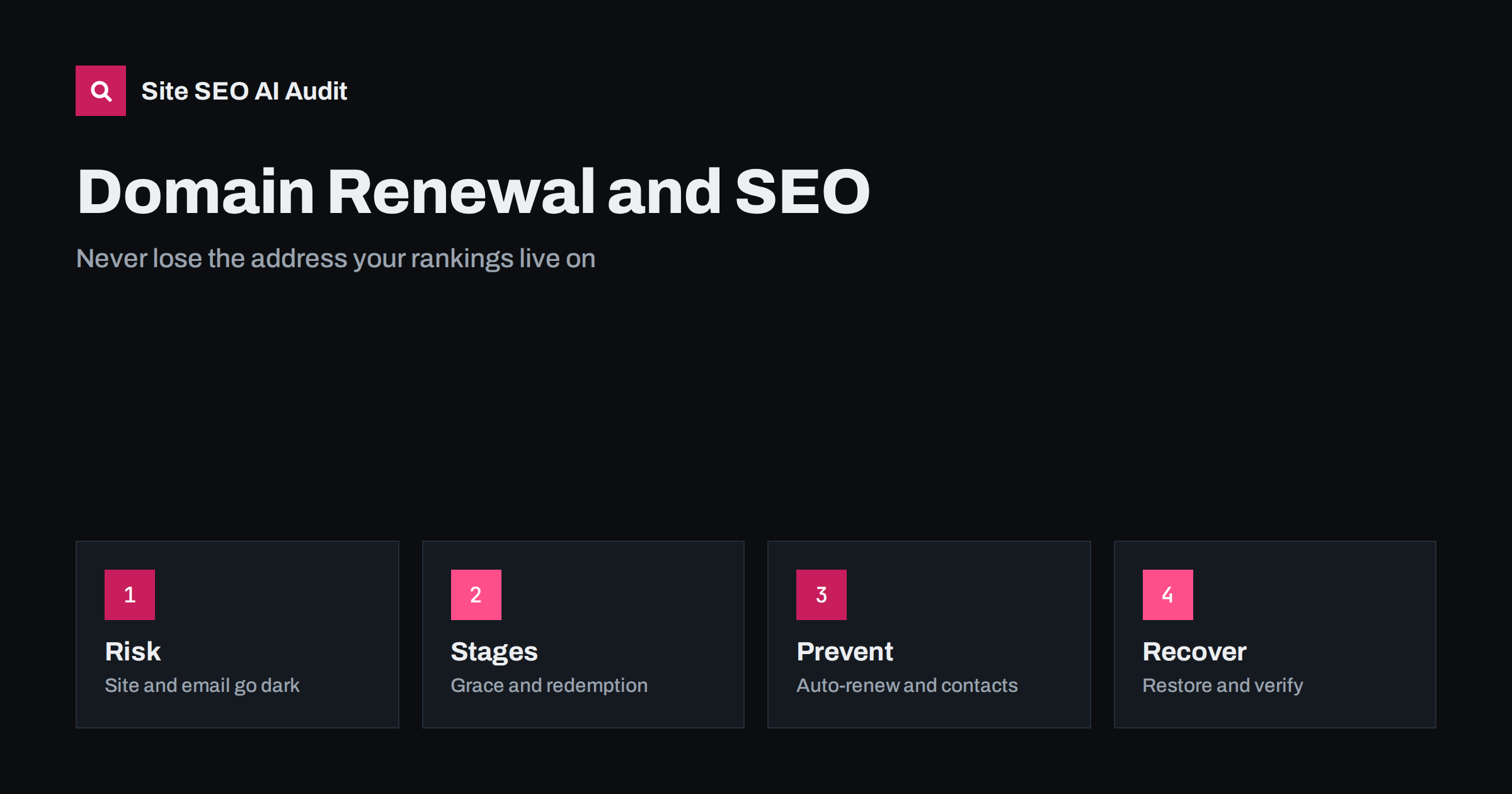
Short answer: If a domain expires, the website, email and any services tied to the name can stop working, and search engines will see errors where your pages used to be. Most registrars offer a grace period and a redemption period during which you can still recover the name, usually at a higher cost. The best protection is simple: turn on automatic renewal, keep contact details and payment methods current, renew for several years and treat the domain as a critical business asset, not an afterthought.
Domains look cheap, so they are often managed casually. The renewal email goes to a former employee, the card on file expires, or the registration sits in an agency’s account that nobody remembers. Then one day the site is gone, email bounces and customers see a parking page. For SEO the damage can be serious, because everything you have built, including links, history and trust, is attached to that address. This guide explains the stages of expiry, the specific risks, the habits that prevent a lapse and the steps to take if it happens. If you are changing domains deliberately, use the site migration checklist instead.
What happens when a domain expires
The exact process depends on the registry and the registrar, but most follow a similar pattern. On the expiry date the domain stops being renewed. Many registrars then show a parking page or switch off the name servers, so the website and email stop working. A grace period follows, often of a few weeks, in which you can renew at the normal price. After that a redemption period begins, often around a month, in which recovery is possible but includes an extra fee. Finally the domain is deleted and released, and anyone can register it.
Some registrars change the DNS records right away, so problems start on the day of expiry. Others leave the site working during the grace period. Do not assume; read the terms of your registrar and check what happens for your specific extension, because country domains have their own rules.
Risks for search and AI visibility
While the domain is down, crawlers receive connection errors, error pages or a registrar parking page. A brief interruption of a day may cause little lasting harm, but the longer it lasts, the more pages may be dropped from the index. If a parking page with advertising appears at your address, search engines may index that content for a while. Backlinks to the site point to a place that no longer answers, so links lose value in the meantime.
Email is another victim. Messages to your address bounce, password resets stop arriving and verification emails for services connected to the domain fail. Verification records in Search Console, analytics or advertising accounts may be lost if they depend on DNS entries. And if the name is deleted and registered by someone else, they could build a site that benefits from your old links, imitate your brand or redirect your traffic. AI systems that learned your address may then cite the new owner’s content. This danger is related to the risk covered in the guide to subdomain takeover and dangling DNS.
How to prevent a lapse
Prevention is easy and cheap. Turn on automatic renewal at the registrar and make sure the payment method is valid and has more than one backup. Renew for multiple years when the price is reasonable, which reduces the number of deadlines. Use a role-based email address for registration contacts, such as a shared mailbox, so that notices do not depend on one person. Add calendar reminders ninety, thirty and seven days before expiry as a second layer, and keep a register of every domain with its registrar, expiry date and owner.
Make sure your company, not an agency or freelancer, is the registrant of record. Ask for the login or transfer code if someone else holds it. Enable two-factor authentication and the registry lock if it is available for important names. Store the credentials in a shared password manager so that a change of staff does not cut access. These steps seem bureaucratic until the day they save the business.
Don’t forget related names and records
A business often owns several domains: the main one, country versions, old brands, misspellings and domains that redirect to the primary site. Each of these needs a renewal too. Redirects from old domains pass visitors and link signals to the current site, so letting them lapse breaks the chain. If you retired a domain, think carefully before dropping it; it may still receive links or traffic, and someone else could pick it up.
Also check the certificate. An expired security certificate produces browser warnings and crawl errors that look similar to a domain failure, as explained in the guide to SSL certificate expiry errors. Add certificate expiry to the same register and set the same reminders.
If your domain has already expired
Act immediately. Log in to the registrar and check the status. If you are in the grace period, renew right away. If you are in redemption, request restoration and pay the fee. Contact support if the account is locked or the contact email is out of date; a registrar can usually verify ownership with company documents. Once the name is active again, check that the DNS records, name servers and email settings are intact, and restore any that were removed.
Then verify the website: test the home page, key templates, redirects, sitemap and robots.txt. Confirm that no parking page is being served and that status codes are normal. Look in Search Console for a spike in errors and watch the recovery over the next days. If the domain was deleted and registered by someone else, you may need legal advice, a dispute procedure for the extension or a new address with redirects from every place you control. This is a bad situation, and it is far more costly than any renewal fee.
Build a simple domain register
A register can be a spreadsheet with one row per domain. Record the name, the registrar, the registrant, the expiry date, the renewal price, whether auto-renew is on, where the DNS is hosted, which services depend on the name and who is responsible. Add the certificates, the email provider and the analytics and Search Console properties that rely on each domain. Review it every quarter and after any change in staff or suppliers.
The register also helps in a crisis. If a domain stops working, you know within minutes who holds the account, where the records are and which systems are affected. For larger organisations, assign a named owner for every domain and a deputy, so that holidays and departures do not leave gaps.
Signs that something is wrong early
Several warning signs appear before a full failure. Renewal notices arrive at an address nobody reads. The registrar sends a message about failed payment or an expiring card. The domain shows as “pending” or “on hold” in the account. Name servers change without a decision from you. The website loads a registrar page for a few minutes during the day. Treat any of these as urgent and check the account at once; a quick fix at this stage costs only a few minutes.
Set up external monitoring that checks both the website and the domain registration data. Some tools send alerts when the expiry date is near or when registration details change unexpectedly. Combined with uptime checks and a review of key URLs, this gives you early notice and protects the organic traffic that took years to build.
Domain changes and ownership
Transfers between registrars, changes of registrant and updates to name servers are all moments of risk. Plan them with care, avoid doing them close to the expiry date, and check the status of the domain lock and the authorisation code beforehand. After any change, monitor the site and the DNS for a few days. For the technical side of such changes, see the guide to DNS changes and SEO.
When buying a used domain, check its history first. A name that was penalised or used for spam can carry problems, as explained in the guide to checking a domain’s history. When selling or closing a business, decide what should happen to the domain and who will pay for renewals.
Site SEO AI Audit crawls your website and checks status codes, redirects, canonicals, titles, descriptions, broken links, structured data and page speed, which helps you confirm that pages respond normally after a domain problem or a move. It does not monitor registrations or expiry dates. The first audit of up to 200 pages is free, and larger sites can see the pricing page.
Related reading
The bottom line
Treat every domain as a critical asset: auto-renew, keep contacts current and keep a register of expiry dates.
FAQ
How long do I have to renew after expiry?
It depends on the registrar and extension. There is usually a grace period of a few weeks and a redemption period with extra fees, but do not rely on it.
Will my rankings return after I recover the domain?
Often yes if the outage was short and the content is unchanged, but a long outage can cause pages to leave the index and need time to return.
Is auto-renewal enough?
It helps greatly, but payment methods fail. Keep backups, a shared contact email and calendar reminders as well.
Should I renew old redirecting domains?
If they still receive links or visitors, yes. Letting them lapse breaks redirects and may let someone else use them.
Who should be the registrant?
Your own company. Do not leave ownership with an agency, freelancer or former employee.


