 ENEnglish
 LTLietuviškai
 DEDeutsch
 FRFrançais
 RUРусский
 ESEspañol
 PLPolski
 ITItaliano
 UKУкраїнська
 CSČeština
 PTPortuguês
 JA日本語
 LVLatviešu valoda
 ETEesti
 HUMagyar
 IDBahasa Indonesia
 TRTürkçe
 HIहिन्दी
 ELΕλληνικά
 ARالعربية
 THไทย
 VITiếng Việt
 RORomână
 MSBahasa Melayu
 BNবাংলা
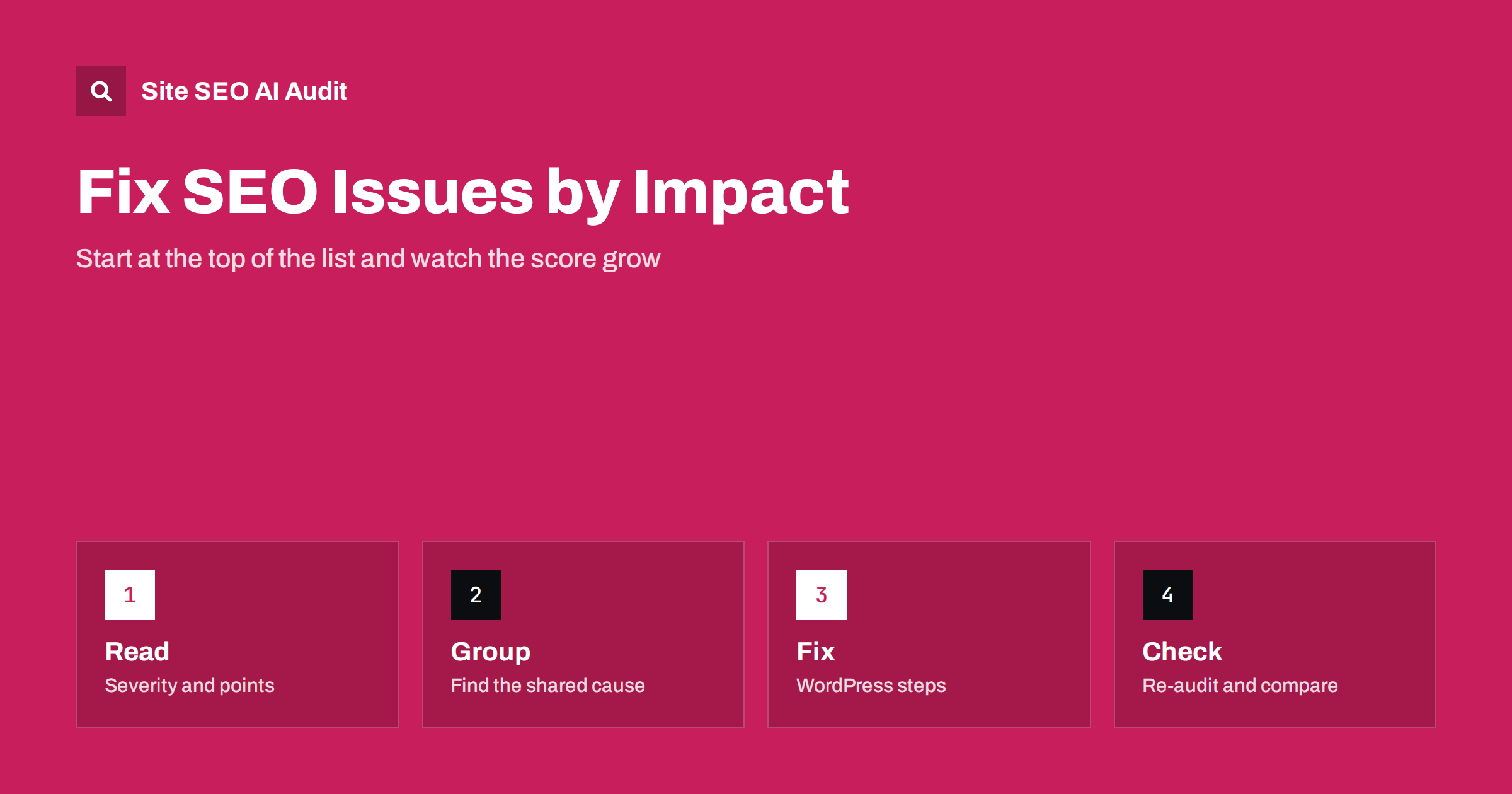
Short answer: A Site SEO AI Audit report ranks every issue by how many points fixing it adds to your score. The practical method is to start at the top of the list, look for the shared cause behind each issue (usually a template, a plugin setting or a rule), fix that cause, then re-check and watch the score grow. On WordPress sites, each issue comes with the exact steps in wp-admin and your SEO plugin. Paid plans add full details, all affected pages, re-checks and comparison between audits.
Getting an audit is the easy part. The harder part is deciding what to do on Monday morning when the report lists dozens of issues. Many people fix whatever looks simplest, or whatever they understand, and are surprised when the score hardly moves. The report in Site SEO AI Audit is designed to prevent that by ranking issues according to their impact. This article shows how to use that ranking in a repeatable routine: read, group, fix, check. For the logic behind the points, see how the audit score is calculated.
Read the list the way it is built
Each issue in the report has a severity label, a plain-language description, the number of affected pages and the points that fixing it would add. In the sample report on the product’s home page, a critical issue (a canonical tag that points to a redirected page) is worth nine points, a warning about duplicate titles on 64 pages is worth five, and a warning that AI assistants are blocked in robots.txt is worth two. The order is by points, not by the order in which a crawler happened to meet the problem.
Read the first five items before doing anything. Ask what each means for visitors and for search engines. A critical issue usually prevents pages from being indexed or sends signals in the wrong direction. A warning weakens pages. A notice is a tidy-up. This helps you resist the temptation to start with notices simply because they are easy.
Find the shared cause
Most issues that affect many pages come from one cause. Duplicate titles on sixty-four pages may come from a title template that uses only the site name; missing image descriptions from a theme that outputs images without alt text; canonical tags that point to redirects from a plugin set to the old address. Before you open a single page to edit, look at the list of affected pages and ask what they have in common: the same section, the same template, the same plugin, the same date range.
Fixing one cause may clear hundreds of URLs and produce a large jump in the next audit. Fixing pages one by one is slower and fragile, because new pages will repeat the problem. This habit is the heart of prioritisation, described in the guide to prioritising SEO fixes.
Use the details and affected pages
In the free audit, every issue is listed and the top three come with full details; you also see the first ten affected pages for each issue. That is enough to find the pattern for most problems. Paid plans unlock the full details for every issue, all affected pages and a full page list with filters, which is helpful when you need to hand a precise list to a developer or content editor.
When you pass work to someone else, give them the issue name, the explanation from the report, the list of affected pages and the expected result, for example “titles unique on every page of the blog section”. A clear request with an example of a correct page saves rounds of questions. If you run the site yourself, write the same notes for your future self.
Кроки виправлення у WordPress
On WordPress sites, each issue comes with the exact steps in wp-admin and in your SEO plugin, according to the product’s feature list. That means the report can tell you where to click to change a title template, a canonical setting or a sitemap option, instead of leaving you to search for instructions. These steps are listed among the benefits of the paid plans.
Even with steps, work carefully. Make a backup before changing global settings, change one thing at a time and check a few affected pages afterwards. If a setting belongs to a theme or plugin that you do not control, note it and ask the developer. For general WordPress guidance, see the WordPress on-page SEO guide.
Decide what not to fix
Not every finding needs action. A notice about a page you deliberately keep out of search, a warning on a legacy URL that receives no traffic or an issue that would cost more to fix than it gains can be left, with a note on why. Be careful with “fixes” that create new risks, such as deleting pages that have links, or removing a robots rule that protects a private area.
When two fixes add similar points, start with the one that affects pages that earn revenue or that you want to rank. The score is a guide to technical and on-page health. It does not know which pages matter most to your business, so apply your own judgement on top of the ranking.
Повторна перевірка і порівняння
After each round of changes, run the audit again. The point of the exercise is evidence: the issue should disappear and the score should rise by about the number shown. On paid plans, re-checks and comparison between audits are included, with Starter offering a monthly audit and a re-audit at any time. Pro adds weekly audits and email alerts, and the ability to compare audits over time.
If an issue remains after your change, look at why. The setting may not apply to all templates, a cache may still serve the old version or a second plugin may overwrite the first. Fix the cause, not the symptom. If the score drops after a change, compare the issue lists to see what is new; a redesign or plugin update often introduces fresh problems.
An example of a first week
Imagine a small shop with a score in the sixties. The top three items are a canonical problem on product pages, duplicate titles in the blog section and a robots.txt rule that blocks AI crawlers. On Monday you open the canonical issue, see that the affected pages share a product template and ask the developer to change the rule. On Tuesday you update the title pattern for the blog so that each title includes the article name. On Wednesday you decide, deliberately, whether to allow the crawlers and edit robots.txt. On Friday you run the audit again and compare the issue list with the previous one.
This is an illustration of the routine, not a promise of a particular result. What it shows is the rhythm: three changes, each aimed at a cause, each checked afterwards. The same rhythm works for a site of fifty pages or a few thousand, and it keeps the work visible to colleagues and clients because every change has a before and after.
Working with developers, editors and clients
Most sites involve several people. Developers handle templates and server settings, editors handle titles and content, and owners or clients decide about priorities and budget. Use the report as the common language. Share the issue description and the points with the person who must act, and agree on who does what by when. For agencies, sending the report with a short note on the top three actions is clearer than a long document.
Avoid blaming. Many issues come from decisions that were sensible at the time, such as a plugin installed years ago. Describe the effect and the fix, then check the result together. If a recommended change conflicts with a business need, record the decision and the reason, so that the next audit does not reopen the same debate without new information. The guide to SEO requirements for developers helps when the fix needs a precise specification.
A weekly routine that works
Set a regular slot, for example thirty minutes each week. Open the latest report. Pick the top issue that you can fix. Identify the shared cause and make the change. Re-check and note the points. Move on to the next one. For sites with frequent changes, a scheduled audit shows regressions early, and email alerts on the Pro plan tell you when something worsens, as in the technical SEO monitoring guide.
Keep a simple log with the date, the issue, the cause, the change and the result. After a few weeks you will see which kinds of problems keep returning, such as new pages without descriptions, and you can add a step to your publishing checklist to prevent them. That is the long-term benefit of an impact-ranked list: it teaches you where your process leaks.
Try it on your own site: run the first audit, up to 200 pages, for free, or compare the plans on the pricing page.
Related reading
The bottom line
Work from the top of the ranked list, fix shared causes first and confirm every change with a re-check.
FAQ
Where should I start in the report?
At the top. Issues are ranked by the points that fixing them adds to your score, so the first items give the biggest gain.
What do I see in the free audit?
The SEO score and all seven areas, every issue listed, full details for the top three and the first affected pages.
Are there instructions for WordPress?
Yes. On WordPress sites each issue comes with the exact steps in wp-admin and your SEO plugin on the plans that include fix steps.
Can I re-check after a fix?
Re-checks and comparison between audits are part of the paid plans, which also include scheduled audits.
Should I fix every issue?
Not necessarily. Prioritise by impact and by the importance of the affected pages, and note the reasons for leaving some alone.


