 ENEnglish
 LTLietuviškai
 DEDeutsch
 FRFrançais
 RUРусский
 ESEspañol
 PLPolski
 ITItaliano
 UKУкраїнська
 CSČeština
 PTPortuguês
 JA日本語
 LVLatviešu valoda
 ETEesti
 HUMagyar
 IDBahasa Indonesia
 TRTürkçe
 HIहिन्दी
 ELΕλληνικά
 ARالعربية
 THไทย
 VITiếng Việt
 RORomână
 MSBahasa Melayu
 BNবাংলা
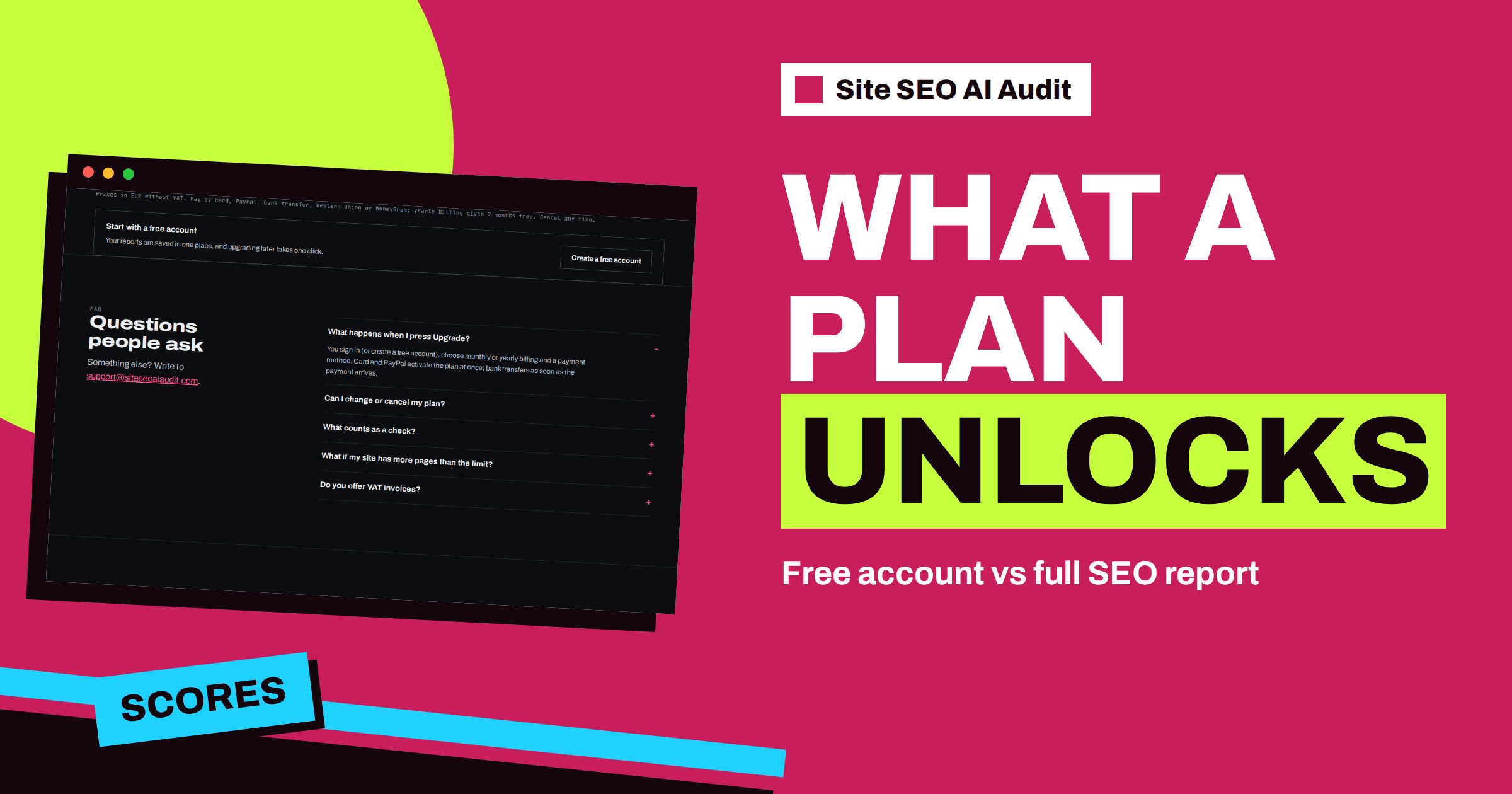
Short answer: A free Site SEO AI Audit account runs one check of your website, up to 10,000 pages, and keeps the report locked. When the crawl finishes you see that your report is ready, but the scores, the issue list, the affected pages and the fixes open only after you choose a plan. Starter, Pro and Agency unlock full reports, add more checks every month and bring re-checks, comparison, alerts and PDF reports on the higher plans.
Before you pay for any tool, you want to know what you are paying for. A locked report can feel like a closed door, so this article explains the design plainly: why the first check needs an account, what the free account does, what stays hidden until you pick a plan, and how to decide which plan opens the door in the most useful way. Everything here comes from the product’s home page and pricing page, so you can compare it with your own screen.
Why a check needs an account
A deep audit is not a quick lookup. The crawler, SEOAuditBot, reads your pages and your sitemap the way a search engine does, follows your robots.txt, makes about three requests per second and measures speed, links, structured data and AI visibility on every page. That costs real server time. The product asks you to create a free account before it starts, and the check begins right after sign-up.
The account has a second benefit: your reports are saved in one place. You can come back later, open the same report and see how the site looked on the day of the check. Upgrading later takes one click, and the saved report is there when you do.
What the free account does
The Free plan costs €0 and is described on the pricing page as “Run your first check.” It includes:
- One check in total, not one per month. Use it on the website that matters most to you.
- Up to 10,000 pages in that check. Most small and medium sites fit inside that number.
- A report preview that is locked. The report is created, the crawl is real, and the result is waiting for you, but it is shown locked.
You also receive a message when the check is complete, with a link to your report and a link to choose a plan. The crawl runs on the product’s servers, so you do not need to keep the page open.
What stays locked
The home page has a comparison of the free account and a paid plan. In the free column, the following items are marked as locked:
| Report item | Free account | Paid plan |
|---|---|---|
| Перевірки сайту | 1 | 5 or more per month |
| Сторінок за перевірку | 10,000 | 10,000 |
| SEO score and seven area scores | Заблоковано | Yes |
| Кожна проблема з виправленнями | Заблоковано | Yes |
| Залучені сторінки та повний список | Заблоковано | Yes |
| Повторна перевірка і порівняння | Not included | Yes |
Notice what does not change: the page limit is the same. A free account and a paid account both check up to 10,000 pages per check. The difference is whether you may read the result and how many times you can run it.
What a plan unlocks
As soon as you choose a plan, the report opens in full. You get the SEO score out of 100, the seven area scores, a “Top fixes by impact” list that shows how many points each fix adds, an issue card for every problem and the list of affected pages. Each issue card explains why the issue matters and how to fix it, and on WordPress sites it adds exact steps in wp-admin and your SEO plugin. The full page list shows each address with its status, whether it can be indexed, its click depth, how many internal links point to it, its word count and the length of its title, with filters.
The three paid plans differ mainly in how many checks you get and which extras come with them:
- Starter, €12 a month: 5 checks per month, full reports, every issue and affected page, the full page list with filters, re-check any time, one background check at once and WordPress fix steps.
- Pro, €29 a month: 20 checks per month, everything in Starter, e-mail alerts when the score drops, comparison of audits over time, two background checks at once and a PDF report.
- Agency, €79 a month: 100 checks per month, everything in Pro, a white-label PDF with your logo, an embeddable audit form for leads, ten background checks at once and priority support.
Prices are in euros without VAT. You can pay by card, PayPal, bank transfer, Western Union or MoneyGram. Yearly billing gives two months free, and you can cancel any time.
Choosing the right moment to unlock
The locked report is not a trap, but it does raise a practical question: when should you pay? Three situations come up most often.
You already know you need to fix things. If traffic dropped, a migration happened or a client asked for an audit, unlock at once. Waiting only delays the work. Starter is enough for one site, and you will probably use several of the five monthly checks while you fix and verify.
You are comparing tools. Use your free check on a real website, read the product’s home page and pricing page, and decide whether the depth fits what you need. The product checks about fifty things on every page across seven areas, including AI visibility, and ranks each fix by points. If that is what you were looking for, the paid plan is the natural step.
You manage several sites. Count your checks. One check per site per month is a sensible rhythm for a stable site, and extra checks go to sites under repair. A freelancer with five small sites may need Pro, and an agency running audits for many clients will look at Agency. The article on choosing a plan by the number of checks walks through this counting in detail.
What to do while the report is locked
You do not have to sit idle. The locked report still means your check ran, so you can prepare. Write down the questions you want the report to answer: which pages are not indexed, which fixes matter most, whether AI crawlers can read your site. Collect the access you will need for the repairs, such as the CMS login, the SEO plugin and the person who can change redirects. And read a general checklist like the technical SEO audit checklist, so that the issue names in the report are familiar when it opens.
When you unlock, start with the top of the fix list. How to prioritize SEO fixes describes the thinking: look for shared causes, fix templates before single pages and measure after each batch.
What the report looks like after unlocking
It helps to picture the end result. The top of the report shows the score as a ring, the date of the check, the number of pages crawled and a few key figures: indexable pages, critical issues, average click depth, URLs in the sitemap and whether AI crawlers are open or blocked. Below that, the “Top fixes by impact” list shows the five most valuable repairs. Then each of the seven areas has its own section with issue cards, and the page list closes the report. You can copy a link to the report to share it with a developer or a colleague.
Common questions about the locked report
People often ask whether the check is “real” if the report is locked. It is. The crawl, the analysis and the scoring all happen; the lock only controls what you may read. Another common question is whether the locked check uses up your free allowance. It does, since the free account has one check in total, so choose the website carefully.
A third question concerns time. A small site is finished in minutes, while a large one can take up to about twenty minutes. You do not have to watch the screen. And finally, people ask whether they can run the same check again for free. They cannot; re-checks belong to paid plans, because each deep crawl costs server time. That is the reason the pricing page gives for the lock: a deep crawl and the AI analysis need real resources, and plans are based on the number of checks.
If you are ready, create a free account and run your check, then compare the plans on the pricing page.
Related reading
- Technical SEO Audit Checklist: 40 Checks in the Right Order
- How to Prioritize SEO Fixes When Everything Looks Urgent
- How Often Should You Run an SEO Audit?
The bottom line
The free account runs one real check of up to 10,000 pages and keeps the report locked. A plan opens the scores, every issue, the affected pages and the fixes, and adds more checks every month. Choose the plan by how many checks you will really use.
FAQ
How many checks does a free account include?
One check in total, for up to 10,000 pages. The report is created and stays locked until you choose a plan.
Чому безкоштовний звіт заблоковано?
A deep crawl and the AI analysis take real server time. The pricing page explains that a free account runs one check and shows the report locked, and any plan unlocks it.
Does a paid plan check more pages?
No. Every plan checks up to 10,000 pages per check. Plans differ by the number of checks per month and the extra features.
Is my saved report lost if I wait?
No. Reports are saved in your account, and upgrading later takes one click.
Which plan should I choose first?
Starter fits one website that you want to repair and re-check. Choose Pro for alerts, comparison and PDF reports, and Agency for client work with your own logo.


