 ENEnglish
 LTLietuviškai
 DEDeutsch
 FRFrançais
 RUРусский
 ESEspañol
 PLPolski
 ITItaliano
 UKУкраїнська
 CSČeština
 PTPortuguês
 JA日本語
JA日本語 LVLatviešu valoda
 ETEesti
 HUMagyar
 IDBahasa Indonesia
 TRTürkçe
 HIहिन्दी
 ELΕλληνικά
 ARالعربية
 THไทย
THไทย VITiếng Việt
 RORomână
 MSBahasa Melayu
 BNবাংলা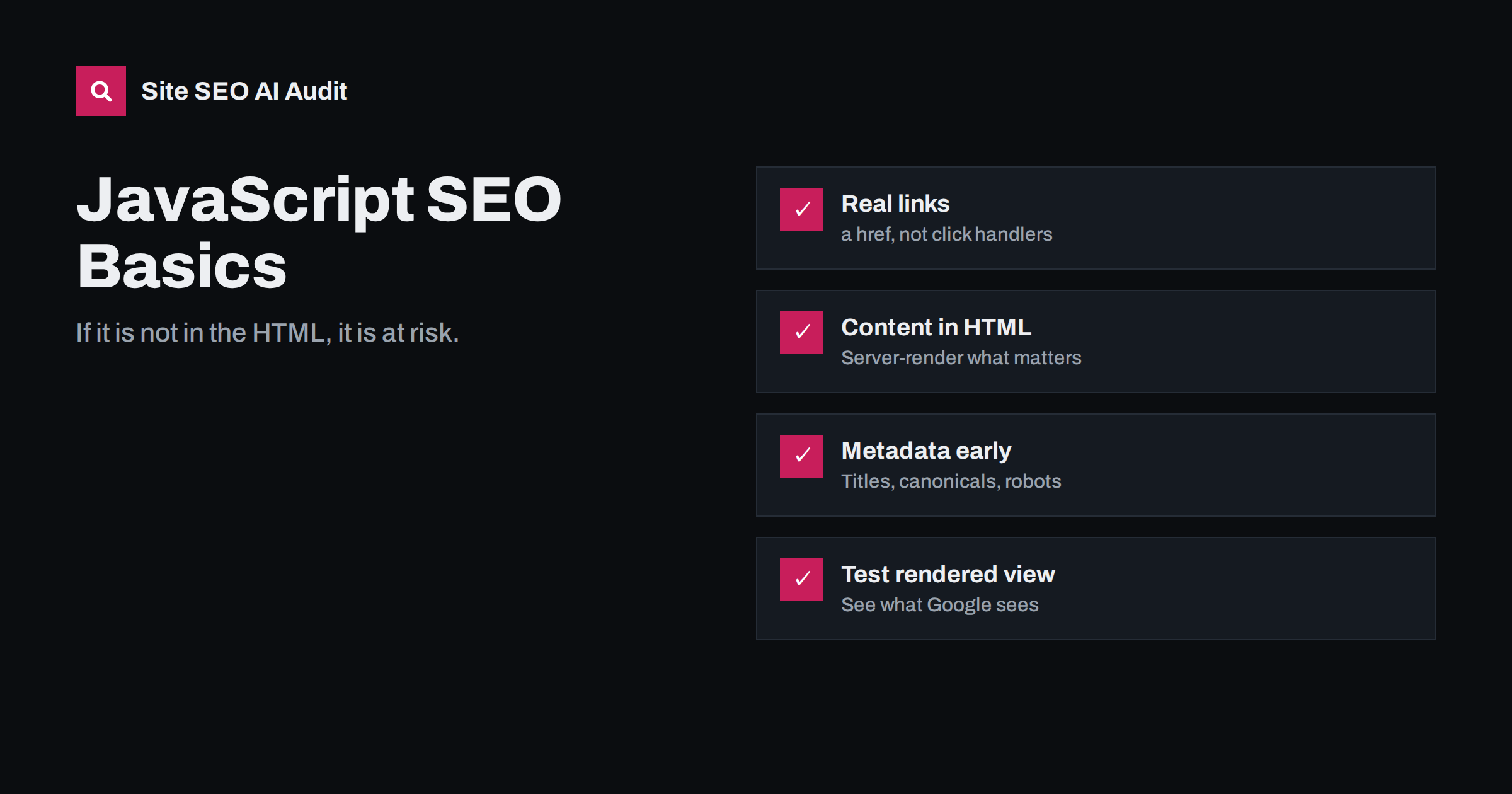
Short answer: Google can render JavaScript, but it does so in a second step that uses more resources and can fail or be delayed, and many other crawlers do not run JavaScript at all. Pages are safest when their main content, links, titles, canonical tags and robots directives are present in the initial HTML. Use real <a href> links, return proper status codes, avoid hiding content behind interactions, and check the rendered HTML with URL Inspection.
How Google processes JavaScript pages
Google describes three phases for JavaScript sites in its JavaScript SEO basics guide:
- Crawling. Googlebot fetches the URL and reads the raw HTML response. It checks robots.txt and extracts links from the raw HTML.
- Rendering. Pages are queued for rendering. A headless, up-to-date Chromium executes JavaScript and produces the rendered HTML. This can happen shortly after crawling or later, depending on resources.
- Indexing. Google uses the rendered HTML to understand content and discover more links.
For most modern sites this works. The risks lie in the gap between phases and in things rendering cannot do: it does not click buttons, scroll like a person, keep cookies or local state between visits, or wait forever for slow API calls.
Where JavaScript causes SEO problems
- Content missing from the initial HTML. If the main text only appears after scripts run and data is fetched, indexing depends entirely on rendering succeeding.
- Links that are not links. Navigation built with
onclickhandlers,<span>elements or buttons without anhrefis not followed by crawlers. Pages reachable only this way can become orphans. - Metadata set late. Titles, meta descriptions, canonicals and robots meta tags changed by JavaScript may be read inconsistently. A
noindexin the raw HTML can stop Google before rendering removes it. - Wrong status codes. Single-page applications often return 200 for every URL, including ones that do not exist, creating soft 404s.
- Blocked resources. If robots.txt blocks script or API URLs, rendering cannot complete.
- Content behind interactions. Text that loads only after a click, a tab switch that fetches data, or infinite scroll without paginated URLs may never be seen.
- Hash-based URLs. Routes like
/#/products/42are treated as one URL; the fragment is ignored for indexing. - Slow or failing APIs. If data takes too long or errors during rendering, the page is indexed incomplete or empty.
Not every crawler renders
Google and Bing render JavaScript. Many other systems that read your pages do not, or only partially: social media preview bots that read Open Graph tags, some SEO tools, and a number of AI assistants’ crawlers. For these, anything that needs JavaScript is invisible. This is one more reason to put important content and metadata into the server response, not only into the rendered DOM.
Rendering approaches compared
| Approach | Cách hoạt động | SEO risk |
|---|---|---|
| Server-side rendering (SSR) | Server sends complete HTML, JavaScript adds interactivity | Low |
| Static generation | HTML built at deploy time and served as files | Low |
| Hybrid / partial hydration | Server HTML plus client-side islands | Low to moderate |
| Client-side rendering (CSR) | Server sends an empty shell, browser builds the page | Higher |
| Dynamic rendering | Bots get pre-rendered HTML, users get CSR | Workaround, not recommended long-term |
Modern frameworks make server-side rendering and static generation straightforward, and they are the default recommendation for content that should rank. Client-side rendering is fine for logged-in dashboards and tools that do not need to be indexed.
Rules for JavaScript sites that rank
- Put primary content in the server HTML. Headings, body text, product details and prices should be in the response, not fetched later.
- Use real links. Every navigational link should be an
<a>element with a resolvablehrefURL. JavaScript can still handle the click for smooth routing. - Use clean URLs with the History API, not hash fragments, for pages that should be indexed.
- Set titles, canonicals and robots directives in the server response. Do not rely on client code to add or change them.
- Return correct status codes. Unknown routes should return 404 from the server. If that is impossible, add a
noindexmeta tag on the error view. - Do not block JavaScript, CSS or API endpoints needed for rendering in robots.txt.
- Make lazy loading crawlable. Load content as it enters the viewport using standard techniques, and give paginated content real URLs.
- Keep structured data in the HTML. JSON-LD injected by JavaScript can work for Google, but server output is more reliable.
- Keep bundles lean. Heavy JavaScript slows rendering for crawlers and hurts INP for users.
Infinite scroll, “load more” and lazy-loaded lists
Long lists are one of the most common places where JavaScript quietly hides content from search engines. Blog archives, category pages and search-like listings often load the first batch of items with the page and fetch more when the visitor scrolls or presses a “load more” button. Because crawlers do not scroll or click, only the first batch is visible to them. Every item beyond it depends on another path to be discovered.
The reliable pattern is to back the dynamic list with real paginated URLs:
- Each batch of items has its own URL, such as
/blog/page/2/or?page=2, which returns that batch in the server HTML. - The page contains normal links to the next page (and ideally to several page numbers), even if the visitor never sees them because JavaScript replaces them with a smooth scroll.
- As the visitor scrolls, the address bar can update to the current page URL using the History API, so sharing and reloading lead to the right place.
- Each paginated URL has a self-referencing canonical and is not blocked or noindexed.
The same principle applies to lazy-loaded sections inside a page, such as reviews, specifications or FAQs loaded when a tab is opened. If that content matters for search, include it in the HTML and use JavaScript and CSS only to show and hide it. Hidden-by-default content in the HTML can still be indexed; content that is never requested cannot.
How to test what search engines see
- Compare raw and rendered HTML.
curlshows the raw response; the browser’s “view source” does too. The Elements panel shows the rendered DOM. Content present only in the second is at risk. - URL Inspection in Search Console. Run a live test and view the rendered HTML, screenshot, JavaScript console messages and blocked resources.
- Rich Results Test also shows rendered HTML for any public URL, useful for sites you do not have Search Console access to.
- Disable JavaScript in the browser and load key pages. What remains is what non-rendering crawlers see.
- Crawl with and without rendering. Differences in discovered links, titles or word counts show where the site depends on JavaScript.
- Search for a unique sentence from a JavaScript-loaded section in Google with quotes, to check whether it was indexed.
Common framework pitfalls
A few patterns come up repeatedly with JavaScript frameworks:
- Router links rendered as buttons by component libraries. Check that the output is an anchor with an href.
- Metadata libraries configured only on the client, so the server HTML has the same generic title on every page.
- Hydration errors that make the client throw away server HTML and re-render, sometimes leaving blank sections if data fails.
- Cookie consent or geo gates that render nothing until a choice is made.
- Environment differences: the server render uses a different API URL that is not reachable, so the server HTML contains empty states while the browser fills them in.
How Site SEO AI Audit helps
The AI visibility area of the audit checks for content that needs JavaScript to appear, which is exactly the content that non-rendering crawlers miss and that Google must render to see. The crawl, on-page and links areas show missing titles, missing canonicals, weakly linked pages and orphans, which on JavaScript sites often point to links and metadata that exist only after rendering. Each issue lists the affected pages. You can run a free audit to see how much of your content is in the HTML.
Related reading
- Why AI crawlers miss JavaScript content and how to fix it
- Soft 404 errors: what they are and how to fix them
- Render-blocking resources: what they are and how to fix them
- Orphan pages: how to find them and what to do with each
The bottom line
Google renders JavaScript, but rendering is an extra step that can be delayed or fail, and many crawlers skip it entirely. Put content, links and metadata in the server HTML, use real links and clean URLs, return proper status codes, never block rendering resources, and verify with the rendered view in URL Inspection.
FAQ
Can Google index JavaScript content?
Yes. Google renders pages with a current version of Chromium and indexes the rendered content. Rendering can be delayed or fail, though, so content in the initial HTML is indexed more reliably.
Is client-side rendering bad for SEO?
Not automatically, but it adds risk. Content depends on rendering succeeding, other crawlers may see nothing, and performance often suffers. For pages meant to rank, server-side rendering or static generation is safer.
Does Googlebot click buttons or scroll?
No. It does not click or interact like a user. Content that only loads after a click, tab change or scroll event may not be seen. Make such content available in the HTML or through crawlable URLs.
Is dynamic rendering still recommended?
Google describes dynamic rendering as a workaround rather than a long-term solution. Server-side rendering, static generation or hydration are the recommended approaches.
How do I check if Google sees my JavaScript content?
Use URL Inspection in Search Console and view the rendered HTML and screenshot from a live test. If your content is missing there, look for blocked resources, JavaScript errors and failed API calls.


