 ENEnglish
 LTLietuviškai
 DEDeutsch
 FRFrançais
 RUРусский
 ESEspañol
 PLPolski
 ITItaliano
 UKУкраїнська
 CSČeština
 PTPortuguês
 JA日本語
JA日本語 LVLatviešu valoda
 ETEesti
 HUMagyar
 IDBahasa Indonesia
 TRTürkçe
 HIहिन्दी
 ELΕλληνικά
 ARالعربية
 THไทย
THไทย VITiếng Việt
 RORomână
 MSBahasa Melayu
 BNবাংলা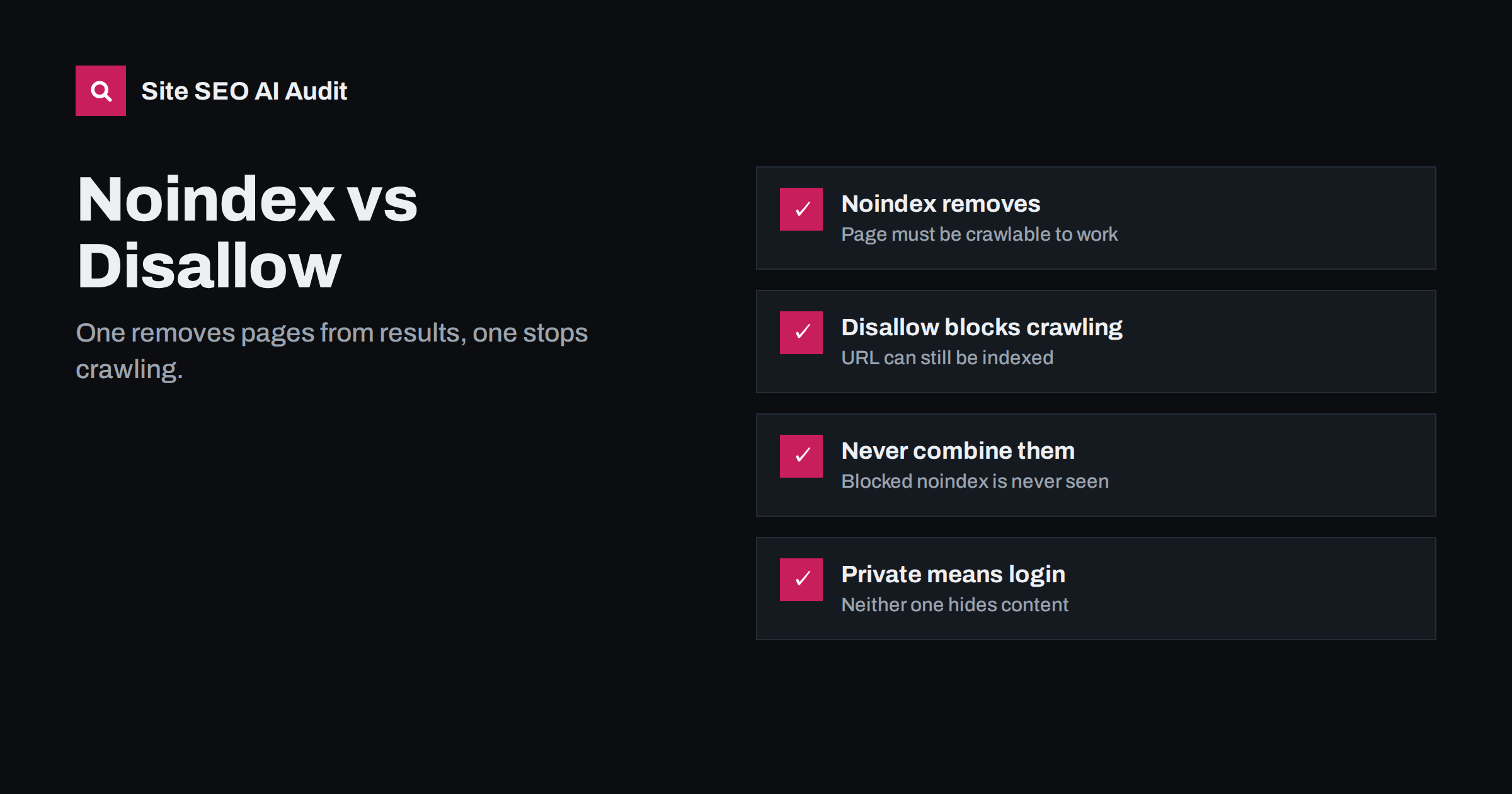
Short answer: use noindex when a page may be crawled but should not appear in search results, and use a robots.txt Disallow when you want crawlers to stop requesting a group of URLs at all. Noindex removes pages from the index; Disallow only stops crawling, and a blocked URL can still be indexed from links. Never put both on the same URL, because a crawler that is blocked cannot see the noindex.
Two tools for two different jobs
Search engines work in stages. First they crawl, meaning they request a URL and download what it returns. Then they index, meaning they decide whether to store the page and make it eligible for results. Noindex and Disallow act at different stages, which is why they behave so differently:
- Disallow in robots.txt acts before crawling. The crawler checks robots.txt, sees the URL is not allowed and never requests it.
- Noindex acts at indexing. The crawler must fetch the page, read the
noindexdirective in the HTML or HTTP headers, and then leaves the page out of the index or removes it if it was already there.
Everything else follows from this order. Google explains the directive in its guide to blocking indexing with noindex.
How noindex works
There are two ways to set noindex. In the page’s HTML head:
<meta name="robots" content="noindex">Or as an HTTP response header, which also works for PDFs, images and other files that have no HTML head:
X-Robots-Tag: noindexKey points about noindex:
- The page must be crawlable. If robots.txt blocks it, the directive is never read.
- It takes effect on the next crawl. For pages crawled rarely, removal can take weeks. You can speed up individual URLs with Search Console’s URL Inspection and a recrawl request.
- Links on the page can still be followed.
noindexalone does not meannofollow. However, search engines have indicated that pages kept in noindex for a long time are eventually crawled less, and their links may be treated as less important. - It should be in the initial HTML. A noindex added only by JavaScript may be seen late or not at all. Worse, a noindex in the initial HTML that JavaScript later removes may still keep the page out, because the crawler can stop at the first signal.
How robots.txt Disallow works
A Disallow rule in robots.txt tells compliant crawlers not to request matching URLs:
User-agent: *
Disallow: /search/
Disallow: /*?sort=
What it does well:
- Stops crawlers from spending time on large groups of low-value URLs, such as internal search results or sort parameters.
- Reduces server load from crawlers on heavy, dynamic sections.
- Applies to whole patterns with one line, so it scales to millions of URLs.
What it does not do:
- It does not remove URLs from the index. If a blocked URL has links pointing to it, it can still appear in results, typically with no description because the content was never seen.
- It does not hide anything. robots.txt is public, and it names the paths you are trying to protect.
- It does not stop badly behaved bots. Compliance is voluntary.
Noindex vs Disallow side by side
| Question | noindex | robots.txt Disallow |
|---|---|---|
| Stops crawling? | No, the page must be crawled | Yes, for compliant crawlers |
| Removes from search results? | Yes, after the next crawl | No, the URL can still be indexed |
| Works on non-HTML files? | Yes, via X-Robots-Tag header | Yes |
| Scales to URL patterns? | Per page or per template | Yes, with wildcards |
| Saves crawl resources? | Only slowly, over time | Yes, immediately |
| Keeps content private? | No | No |
| Typical use | Thank-you pages, thin archives, filtered pages you still link to | Internal search, carts, endless parameters, crawl traps |
Why you should not combine them on the same URL
A very common pattern in audits: a site owner wants pages gone from Google, adds noindex, and to be thorough also blocks them in robots.txt. The result is the opposite of what they wanted. Because the crawler is blocked, it never sees the noindex, so pages that were already indexed stay indexed, often with a “No information is available for this page” snippet.
The correct order for removing a group of indexed pages is:
- Make sure the pages are not blocked in robots.txt.
- Add
noindexto the pages, or return 404 or 410 if the pages should no longer exist at all. - Wait until the pages drop out of the index. Check with the page indexing report and URL Inspection.
- Only then, if the URLs keep wasting crawl time, consider adding a Disallow rule.
For an urgent case, such as private data exposed in results, Search Console’s Removals tool hides URLs temporarily while the permanent fix takes effect.
Which one to use: common scenarios
Most real decisions fall into a handful of situations:
- Internal site search results: Disallow is usually right, because the number of possible URLs is unlimited. If search pages are already indexed, noindex them first, then block.
- Thank-you and confirmation pages: noindex. They are few, and you want them gone from results.
- Cart, checkout and account pages: Disallow is fine, as they rarely get indexed and should not be crawled. Adding noindex as well is harmless only if they are not also blocked.
- Thin tag or author archives on WordPress: noindex through your SEO plugin, so crawlers can still follow links to posts.
- Faceted filter combinations in a shop: usually a mix. Valuable filters stay indexable, low-value combinations get noindex or are blocked by pattern if they create crawl traps.
- PDFs you do not want in results:
X-Robots-Tag: noindexheader. - Staging and development sites: neither is enough. Use a password or IP restriction.
- Duplicate content that has a main version: neither; use a canonical tag or a 301 redirect.
Mistakes that remove the wrong pages
Noindex is powerful, and a mistake in a template can remove whole sections. Watch for these:
- “Discourage search engines” left on after launch. WordPress’s reading setting adds noindex to every page. It is useful on a development copy and disastrous on a live site.
- Noindex on paginated category pages, which over time weakens the crawl path to products or posts listed deeper.
- SEO plugin settings that noindex a whole post type, such as products or portfolio items, after an update or import.
- A noindex in the HTTP header set by a server rule or CDN, which does not show up when you look at the page source.
- Noindex pages still listed in the XML sitemap, sending contradictory signals.
- Canonical pointing to a noindexed page, which leaves search engines with no clear page to index.
After any theme, plugin or server change, check a few key templates, home, category, product and article, for both the meta robots tag and the X-Robots-Tag header.
How to check what is actually happening
Because a directive can come from several places, verify on the live page rather than in settings:
- View the page source and search for
robotsto find meta robots tags. Look for more than one. - Run
curl -sIon the URL and look for anX-Robots-Tagheader. - Test the URL against your robots.txt rules.
- Use URL Inspection in Search Console, which reports whether indexing is allowed and whether crawling is allowed.
- Crawl the site to list every noindex page and every blocked URL, then compare with your sitemap.
How Site SEO AI Audit reports indexing directives
The crawl and index area of the audit covers robots.txt, noindex and canonicals together. SEOAuditBot follows robots.txt like a search engine, records noindex from both meta tags and headers, and flags contradictions such as noindex pages listed in your sitemap. Each issue lists the affected pages and is weighted by how much of the site it touches, so a template-wide noindex lands at the top of the fix list. WordPress sites get the exact steps in wp-admin and the SEO plugin. Start with a free audit to see which pages crawlers can index.
Related reading
- Robots.txt for SEO: what to block and what to leave open
- Canonical tags explained: how to set them and fix errors
- XML sitemap best practices: what to include and leave out
The bottom line
Noindex keeps pages out of results but requires crawling; Disallow stops crawling but does not keep URLs out of results. Choose based on the job, never block a page whose noindex you need search engines to see, and use authentication for anything that must stay private.
FAQ
Can a page blocked by robots.txt appear in Google?
Yes. If other pages link to it, Google can index the URL without crawling it, usually showing it without a description. To keep it out, allow crawling and add a noindex directive.
Does noindex also mean nofollow?
No. A noindex page’s links can still be followed unless you add nofollow too. Over a long time, though, noindexed pages tend to be crawled less often, so do not rely on them as the main route to important pages.
How long does noindex take to remove a page?
It takes effect the next time the page is crawled, which can be days for popular pages and weeks for rarely crawled ones. You can request a recrawl of individual URLs with URL Inspection in Search Console.
Is noindex in robots.txt supported?
No. Google stopped supporting a noindex rule inside robots.txt in 2019. Use a meta robots tag or an X-Robots-Tag HTTP header instead.
What should I use for a staging site?
Use password protection or an IP restriction. Robots.txt and noindex are both easy to copy to the live site by accident, and neither actually keeps people or links away from the staging content.


