 ENEnglish
 LTLietuviškai
 DEDeutsch
 FRFrançais
 RUРусский
 ESEspañol
 PLPolski
 ITItaliano
 UKУкраїнська
 CSČeština
 PTPortuguês
 JA日本語
 LVLatviešu valoda
 ETEesti
 HUMagyar
 IDBahasa Indonesia
 TRTürkçe
 HIहिन्दी
 ELΕλληνικά
 ARالعربية
 THไทย
 VITiếng Việt
 RORomână
 MSBahasa Melayu
 BNবাংলা
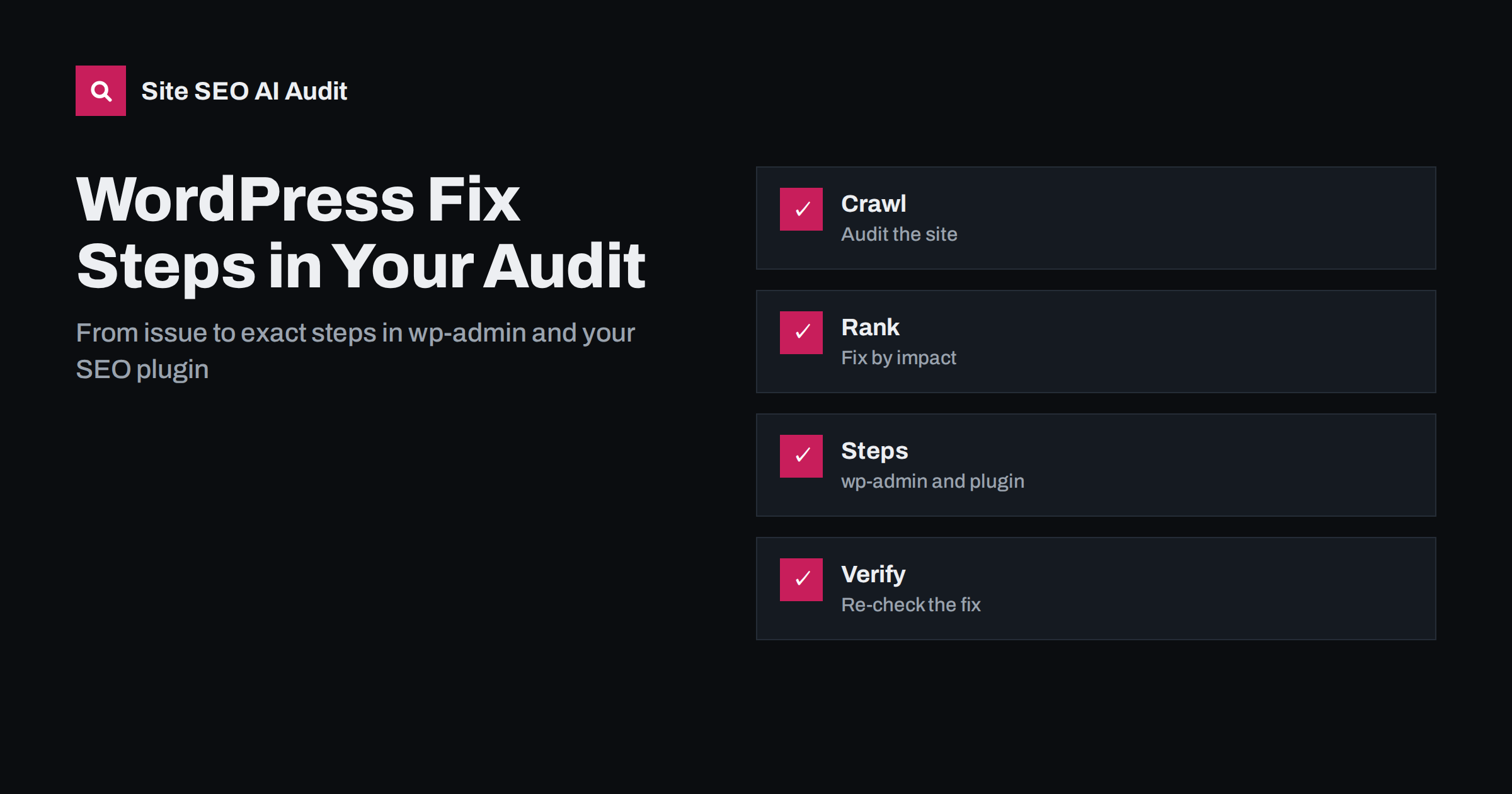
Short answer: Most audit tools tell you what is wrong; Site SEO AI Audit also tells WordPress owners how to fix it. On WordPress sites every issue comes with the exact steps in wp-admin and your SEO plugin, and the list is ranked by the points each fix adds. Start with the top issues, follow the steps, and re-check to confirm the result. The free audit shows the top three issues in full detail, and paid plans unlock the steps for every issue.
Many WordPress owners are not developers. They know how to write a post and install a plugin, but not how to turn a message such as “duplicate titles on 64 pages” into a change in a settings screen. The gap between a finding and a fix is where audits often stall. This article explains how Site SEO AI Audit closes that gap for WordPress sites, based on the product’s home and pricing pages, and describes a workflow you can follow from the first report to a verified improvement. If you want to understand the ranking of issues first, read the guide to fixing SEO issues by impact.
The problem with generic advice
Knowing what is wrong is only half of the job; the other half is knowing where to click.
A typical audit says something like “missing meta descriptions” and links to a long article. The article explains what a meta description is, but not where to type one on your site. WordPress adds its own layers: a theme that may generate titles, an SEO plugin that overrides them, page builders that store content in unusual ways, and settings spread over several menus. The same fix is done in different places depending on what you have installed.
That is why generic advice costs time. You search for the setting, find instructions for another plugin or an older version, and are never sure that you changed the right thing. Specific steps remove that uncertainty.
What the WordPress fix steps are
According to the product’s home page, on WordPress sites every issue comes with the exact steps in wp-admin and your SEO plugin. In other words, instead of a general explanation, the report points to the place in your dashboard where the change is made and what to do there. The pricing page lists WordPress fix steps among the features of the paid plans, starting with Starter, while the free audit shows the top three issues in full detail.
The steps are meant for people who work in the WordPress dashboard. They do not require you to edit theme files or server settings for the common cases. Where an issue truly needs a developer, such as a server header or a custom template, the report still explains what is wrong so that you can pass a clear request on.
From audit to fix: the workflow
Begin by running the audit on your address. The crawler reads your pages and sitemap and returns a score out of 100, seven area scores and a list of issues with severity and the points each fix would add. Open the top issue and read what is wrong, which pages are affected and the steps to fix it. Make the change in wp-admin, save and check the page.
Then move to the next issue. Fixing in the order of impact means that early effort produces the largest improvement. When you have finished a batch, re-audit to confirm that the issues are gone. Starter and higher plans include re-checks, which let you verify the result instead of assuming it. The full routine is described in the walkthrough of a first audit.
Examples of WordPress-level fixes
The kinds of problems audits find on WordPress sites are well known, and many are solved in settings you can reach from the dashboard. The table lists typical examples to show the idea; the report for your site gives the exact steps for your setup.
| Issue type | Where the fix usually lives |
|---|---|
| Duplicate or missing titles and descriptions | SEO plugin templates and the page editor |
| Site hidden from search engines | The reading settings in the dashboard |
| Unwanted archives in the index | SEO plugin settings for taxonomies and archives |
| Missing image descriptions | The media library and the block editor |
| Redirects for changed addresses | A redirect feature in the SEO plugin or a redirect plugin |
| Broken internal links | The page or menu that contains the link |
These are illustrations of the kinds of places involved. Always follow the steps shown in your own report, since the exact menu names depend on your plugin and its version.
Fix the cause, not each page
WordPress is built from templates, so a single setting often affects hundreds of pages. A title pattern in the SEO plugin may produce duplicate titles on every archive page; a theme option may output an extra heading on every post. When the report lists many affected pages, look for the shared cause before you edit pages one by one. A single change in a template or a plugin setting can clear an issue from the whole site.
This is also why the score is weighted by the share of pages affected. An issue on thirty percent of the pages counts much more than a stray page, and fixing a template is the cheapest way to move the score, as explained in the article on how the score is calculated.
Safety when you change a live site
Before you change settings, take a backup of the site and database. Make one change at a time, then view the page in a private window to confirm the effect. If you use a caching plugin, clear the cache after the change, otherwise you may think the fix failed when you are looking at an old copy. For larger changes, such as new redirect rules or template edits, test on a staging copy first.
Keep a short note of what you changed and when. If traffic moves later, the note helps you connect cause and effect. Resist the urge to change many things at once; it makes problems hard to trace.
When you need a developer
Some issues are outside the dashboard: slow server response, compression, security headers, a misconfigured redirect rule at server level or a theme that outputs invalid markup. The audit still identifies them and explains why they matter. Pass the finding, with the affected pages and the expected result, to your developer or host. A clear description saves hours of back-and-forth.
If you work with a freelancer or an agency, give them access to the report. They can follow the same ranking and mark issues as done, and you can use the re-check to verify their work.
A short example of the process
Suppose the report for a small WordPress shop lists three top issues: duplicate titles on a group of category pages, a warning about images without descriptions and a broken internal link in the main menu. The owner opens the first issue, reads which pages are affected and follows the steps in the SEO plugin to change the title pattern for categories. One setting is saved, and the titles of every category page change together.
Next comes the menu link, which needs a single edit in the menu screen of the dashboard. The image descriptions are a longer job, so the owner writes them for the most important products first and plans the rest for the following week. After the batch, a re-audit shows that the title and menu issues have disappeared, the score has risen, and the remaining work is a short list that fits into an afternoon.
No part of this required knowledge of code. What it required was a ranked list, specific steps and a way to verify the result. Those three elements are what turn a report into a series of finished jobs instead of a document that is read once and forgotten.
Try it on your own site
The quickest way to see the steps is to run an audit. The first audit of every website is free and covers up to 200 pages, with the score, all seven areas and full detail for the top three issues. If your site is on WordPress, those top three come with the steps for your dashboard. Audit your site for free and compare the paid plans on the pricing page when you want every issue, the full page list and re-checks.
Related reading
- WordPress On-Page SEO: Settings and Habits That Matter
- WordPress Crawl Waste: Feeds, Attachments and Junk URLs
- Site SEO AI Audit Plans: Free, Starter, Pro and Agency
The bottom line
Run the audit, fix the highest-impact issues with the exact wp-admin and plugin steps, and re-check to confirm each fix worked.
FAQ
Does the audit give WordPress-specific steps?
Yes. On WordPress sites every issue comes with the exact steps in wp-admin and your SEO plugin.
Are the steps included in the free audit?
The free audit shows the top three issues in full detail. WordPress fix steps are listed among the features of the paid plans, starting with Starter.
Do I need to be a developer to follow them?
No. They are written for people who work in the WordPress dashboard, though a few issues may need a developer or your host.
How do I know a fix worked?
Run a re-audit. Re-checks are included in the paid plans, and the issue should disappear from the list.
Should I back up before changing settings?
Yes. Take a backup, change one thing at a time and clear any caches before you check the result.


