 ENEnglish
 LTLietuviškai
 DEDeutsch
 FRFrançais
 RUРусский
 ESEspañol
 PLPolski
 ITItaliano
 UKУкраїнська
 CSČeština
 PTPortuguês
 JA日本語
JA日本語 LVLatviešu valoda
 ETEesti
 HUMagyar
 IDBahasa Indonesia
 TRTürkçe
 HIहिन्दी
 ELΕλληνικά
 ARالعربية
 THไทย
THไทย VITiếng Việt
 RORomână
 MSBahasa Melayu
 BNবাংলা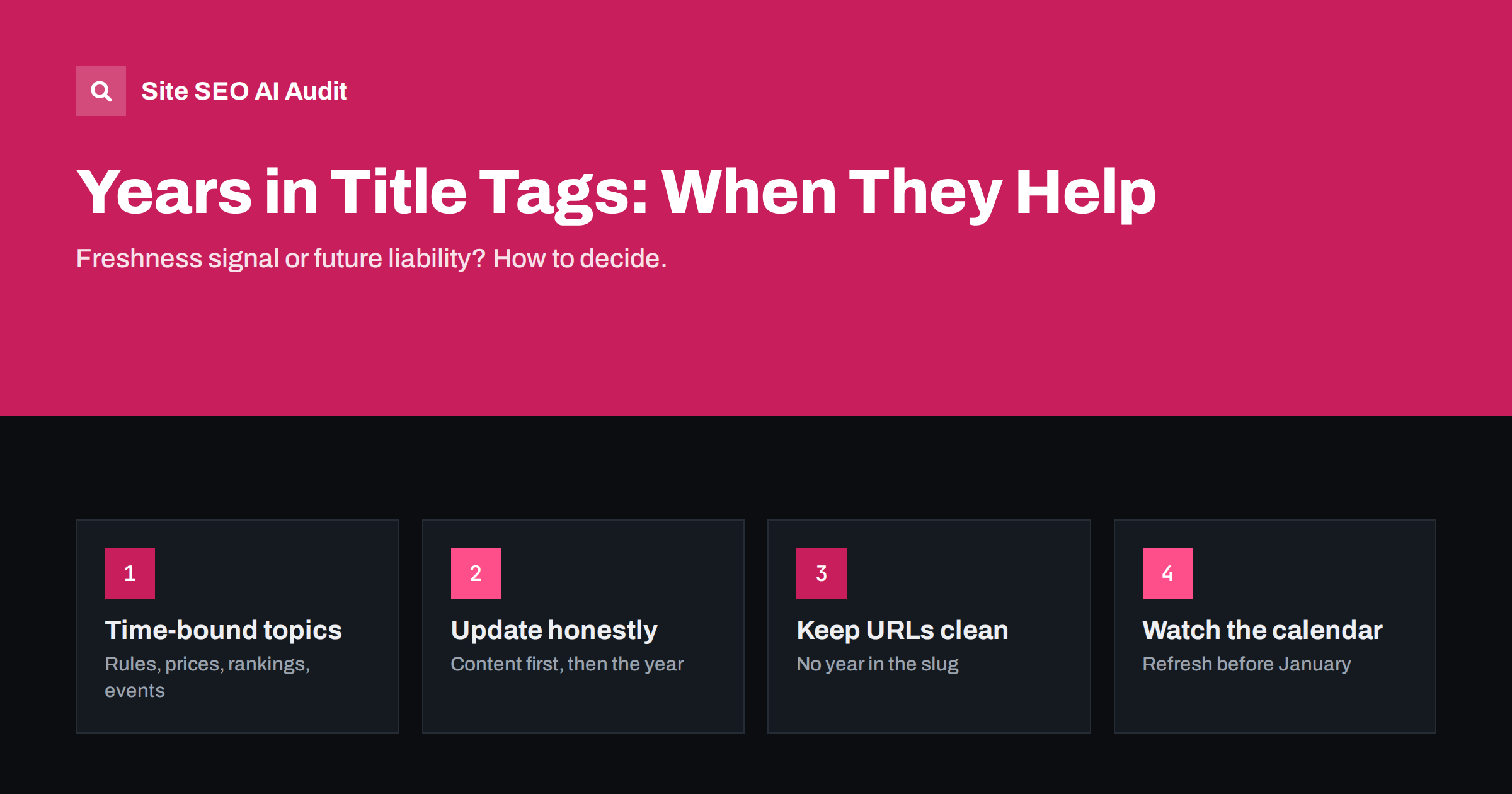
Short answer: Add the year to a title tag only when the content is genuinely time-bound: tax rules, prices, regulations, product rankings, statistics or events, where searchers often include the year and an old answer is a worse answer. For evergreen topics, a year adds little and becomes a liability when it expires. When you do use a year, update the content before the year, keep the year out of the URL, and put the page on a calendar so it never shows last year’s date in January.
Why years appear in titles at all
Searchers add years to queries when they expect answers to change over time: “vat rates 2026”, “best budget laptops 2026”, “minimum wage 2026”. For these queries, a result with the current year in the title looks more relevant and trustworthy than one without, and noticeably better than one with last year’s date.
Publishers noticed this long ago, which is why many list and guide titles carry a year. The practice works when it tells the truth: this page reflects the current situation. It backfires when the year is decoration, or when it is changed every January without the content changing at all.
When a year helps and when it does not
A quick way to decide is to ask: would the answer to this query be different next year?
| Topic type | Example | Year in title? |
|---|---|---|
| Regulations, taxes, legal limits | VAT thresholds for small businesses | Yes |
| Rankings and “best of” lists | Best accounting software for freelancers | Usually yes |
| Statistics and market data | E-commerce statistics for Europe | Yes |
| Events and conferences | Marketing conferences in Berlin | Yes |
| Prices and cost guides | Website design cost for small business | Often |
| Evergreen how-to | How to write a meta description | No |
| Definitions and explainers | What is a canonical tag | No |
| Product and service pages | Bookkeeping services in Vilnius | No |
For the “no” rows, freshness still matters, but it is better shown by keeping the content accurate and displaying an honest “updated” date on the page than by adding a year to the title.
The risks of dated titles
A year in the title is a promise with an expiry date. The common problems:
- Stale titles. A title with last year’s date in search results looks neglected, and searchers skip it. This often happens in January and February, before anyone has updated the page.
- Fake freshness. Changing only the year, without updating content, misleads users. Search engines advise against changing dates to make content look fresh when nothing meaningful has changed, and readers notice when a “2026 guide” quotes 2023 prices.
- Title rewrites. Search engines sometimes replace title tags that do not match the page well, for example when the title says one year and the page content refers to another. See why Google rewrites title tags.
- Maintenance load. Each dated title is a page that must be reviewed every year. On a large site, dozens of them can quietly expire.
Keep the year out of the URL
Put the year in the title and heading if needed, but not in the slug. A URL like /best-crm-small-business-2025/ forces you to choose next year between an outdated-looking URL and a new URL that starts without the old page’s history, links and rankings.
Use a stable slug such as /best-crm-small-business/ and update the page in place every year. All links and signals stay on one URL, and only the visible title changes. The same principle is behind keeping seasonal pages on one URL year after year. Our guide to SEO-friendly URL slugs covers slug choices more generally.
If you already have year-based URLs, consider consolidating them: pick one stable URL, redirect the older yearly versions to it with 301 redirects, and keep updating that single page.
How to update a dated page properly
When the year changes, follow the same order every time, so that the title never promises more than the content delivers.
- Review the facts. Check every number, rule, price and recommendation against current sources.
- Update the content. Replace outdated sections, remove discontinued products and add what is new.
- Update the visible date on the page, for example “Updated March 2026”, and the modification date in your structured data.
- Change the year in the title tag and H1 only after the content is current.
- Refresh the meta description if it mentions the year or specific figures.
- Update internal links that use the old year in their anchor text.
This is a small version of the process in how to refresh old content. It keeps the page trustworthy for readers, search engines and AI systems that look at dates, as described in content dates and freshness.
Timing: when to switch to the new year
Searchers start adding the next year before it begins. Queries like “tax changes 2027” typically rise in the last months of the previous year, and “best of” queries often shift in December. For those topics, plan the update for late in the year, as soon as reliable new information is available.
For regulations and prices, do not switch before the new figures are confirmed. A title claiming 2027 over content that still describes 2026 rules is exactly the kind of mismatch that hurts trust. In that case, it is better to add a short note that the page will be updated when the new rules are published.
Put all dated pages in a simple calendar with an owner and an update month. A spreadsheet is enough.
Writing the title itself
When you use a year, place it where it reads naturally, usually at the end or in brackets, and keep the main topic at the start:
- “VAT Registration Thresholds in the EU (2026 Update)”
- “Best Accounting Software for Freelancers in 2026”
- “Website Design Costs for Small Businesses: 2026 Prices”
Avoid stacking freshness words: “Updated 2026 New Latest Guide” wastes characters and looks spammy. Keep the title within a length that displays fully, as covered in how to write title tags, and make sure two dated pages do not end up with the same title. Duplicate dated titles are common when yearly versions are copied, and they cause the problems described in duplicate title tags.
How to find dated titles across your site
On an established site, dated titles are often scattered across years of content. A one-off review brings them under control.
- Export all titles. A crawl of the site or an export from your CMS gives you a list of URLs with their title tags and H1s.
- Filter for years. Search the list for four-digit numbers between, say, 2015 and next year. Include years written in URLs and headings.
- Classify each page. Decide whether the topic is truly time-bound. If it is not, remove the year from the title and heading. If it is, add the page to your update calendar.
- Look for yearly duplicates. Several versions of the same guide for different years usually compete with each other. Keep the strongest one on a stable URL and redirect the rest.
- Check performance. In Search Console, compare clicks and impressions for dated pages with their performance in previous years. A sharp drop at the start of a year often means the title was not updated in time.
Repeat the filter once a year, ideally in autumn, so there is time to update pages before the calendar changes.
How Site SEO AI Audit helps
Site SEO AI Audit checks the title, description and H1 of every page it crawls, and flags missing, duplicate and badly sized titles. That makes it easy to spot copied yearly pages with identical titles or titles that have grown too long after adding a year. The AI visibility checks also look at whether pages carry dates that AI answers can quote. With regular re-audits, you can confirm each January that updated titles went live correctly. See the plans for audit frequency.
Related reading
- How to Write Meta Descriptions That Earn the Click
- On-Page SEO Checklist: What to Check on Every Page
- Keyword Placement: Where to Use Keywords on a Page
The bottom line
A year in a title tag helps when the answer really changes every year and searchers look for the current version. Use it for regulations, prices, rankings, statistics and events, not for evergreen explainers or service pages. Keep the year out of the URL, update the content before the date, and schedule every dated page so it is refreshed before the new year starts.
FAQ
Should I put the year in my title tag?
Only if the topic is time-bound and searchers commonly include the year, such as tax rules, rankings or statistics. For evergreen content, keep titles timeless and show an honest updated date on the page instead.
Should the year be in the URL?
No. A stable URL without a year lets you update the same page every year and keep its links and history. Put the year only in the title and heading.
Is it wrong to change the year without updating the content?
Yes. It misleads readers, and search engines advise against changing dates to fake freshness. Update the content first and change the year only when the page is genuinely current.
When should I update the year in titles?
For rankings and general guides, late in the previous year is often a good time. For regulations and prices, wait until the new figures are confirmed so the title matches the content.
Will adding the year improve my rankings?
Not by itself. It can improve click-through for time-sensitive queries by showing that the page is current, but rankings depend on relevance and the quality of the updated content.


