ENEnglish
 LTLietuviškai
 DEDeutsch
 FRFrançais
 RUРусский
 ESEspañol
 PLPolski
 ITItaliano
 UKУкраїнська
 CSČeština
 PTPortuguês
 JA日本語
JA日本語 LVLatviešu valoda
 ETEesti
 HUMagyar
 IDBahasa Indonesia
 TRTürkçe
 HIहिन्दी
 ELΕλληνικά
 ARالعربية
 THไทย
THไทย VITiếng Việt
 RORomână
 MSBahasa Melayu
 BNবাংলা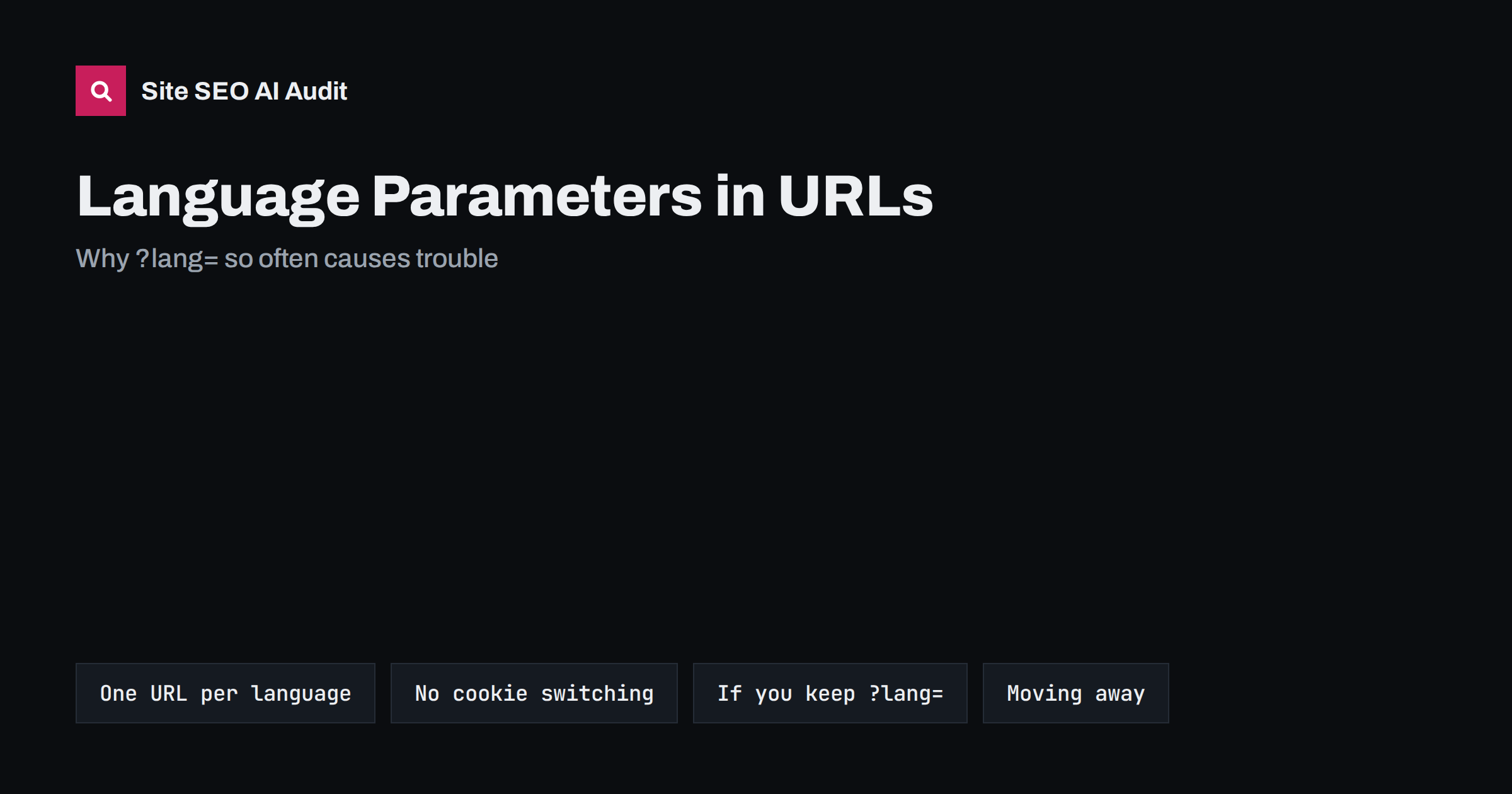
Short answer: Search engines can index language versions that use a URL parameter such as ?lang=de, as long as each language has its own stable URL, the parameter is present in every internal link, and hreflang and canonical tags point to the parameter URLs. In practice, parameter setups often break: the language is stored in a cookie or session, links drop the parameter, canonicals point to the default language, and users share URLs that open in the wrong language. Subfolders such as /de/ are usually simpler and safer. If you keep parameters, apply the same discipline as with any separate URL.
Many websites add languages late, and the quickest technical route is often a parameter: the same page template, the same URL, plus ?lang=fr or &language=es. Some content management systems and e-commerce platforms do this by default. It can work, but it creates more ways for international SEO to go wrong than any other URL structure. This guide explains why, how to check your setup and how to fix it.
How search engines treat language parameters
For a search engine, /product?lang=de and /product?lang=fr are simply two different URLs. If they return different content and are linked and annotated correctly, each can be crawled, indexed and shown to the right audience. Google’s guidance on managing multi-regional and multilingual sites lists URL parameters as a possible structure, while noting they are not recommended. The reasons are practical rather than a penalty:
- parameters are easy to lose in links, redirects and tracking tools;
- they make it hard to separate language versions in reports and tools;
- users and other sites rarely recognise them as language indicators;
- they often coexist with other parameters for sorting, filters and tracking, multiplying URL variants.
Our comparison of ccTLDs, subdomains and subfolders explains the alternatives in detail.
The real problem: language without a URL
The worst version of this setup is not a parameter at all. It is a site where the language is chosen once and then stored in a cookie or session, so the URL stays the same while the content changes. Users click a flag, see the German version, and the address bar still says /product.
Search engine crawlers usually do not keep cookies between requests and typically crawl without a preferred language. They will see only one version, normally the default language, and the other languages effectively do not exist for search. The same problem appears with versions served by browser language or location, which our article on locale-adaptive pages covers. Every language version needs its own URL that returns that language to anyone, without cookies, without headers and without a previous visit.
Common failures in parameter setups
Sites that do use parameter URLs tend to break in the same places. The table lists the typical failures and how to recognise them.
| Failure | What happens | How to spot it |
|---|---|---|
| Links drop the parameter | Navigation from a German page leads to English pages | Click through the menu in a fresh private window |
| Parameter sets a cookie, then disappears | The URL no longer shows the language | Copy the URL into another browser |
| Canonical points to the bare URL | All languages consolidate into the default one | Check the canonical tag on each language version |
| hreflang uses bare URLs | Annotations point to the wrong language | Compare hreflang targets with the actual URLs |
| Parameter order varies | ?lang=de&sort=price and ?sort=price&lang=de both exist |
Look for duplicates in a crawl or in Search Console |
| Missing parameter shows a mixed page | Interface in one language, content in another | Open the bare URL and several parameter values |
| Sitemap lists only bare URLs | Other languages are discovered slowly or not at all | Open the XML sitemap and search for the parameter |
The canonical mistake is especially common because many platforms set the canonical to the URL without any parameters, a sensible default for tracking parameters but wrong for language. Our guide to canonical tags and hreflang together explains why each language must canonicalise to itself.
If you keep parameters: the checklist
Sometimes moving to subfolders is not possible soon, because of the platform, a large integration or budget. In that case, make the parameter setup as robust as a separate URL structure:
- Each language version returns the right content on a direct request, with no cookie, session or redirect involved.
- Every internal link includes the language parameter, including navigation, breadcrumbs, pagination, product links and the language switcher.
- Canonical tags are self-referencing and include the language parameter.
- hreflang annotations list all language versions with the full parameter URLs, with return links on every version and an x-default where it makes sense; see hreflang return links.
- The XML sitemap includes every language URL, or uses hreflang annotations in the sitemap itself.
- Parameter order is consistent, with the language parameter always in the same position, and other parameters handled as described in URL parameters and duplicate content.
- The page’s lang attribute matches the language in the parameter.
- robots.txt does not block the parameter, which sometimes happens when parameter URLs are blocked in bulk to save crawl budget.
Moving from parameters to subfolders
Switching from ?lang=de to /de/ is an international migration and deserves the same care as any URL change. The steps:
- Inventory the current URLs for each language, from a crawl, the sitemap, analytics and Search Console.
- Define the new URL for each, ideally keeping the same slug pattern so the mapping is predictable.
- Set up the new structure with self-referencing canonicals, hreflang, lang attributes and internal links that use the new URLs.
- Redirect each old parameter URL with a 301 to its exact new equivalent:
/product?lang=deto/de/product/, not to the German home page. - Update the XML sitemaps and submit them, and add the new language folders as needed in your reporting.
- Monitor indexing, rankings per language and 404 errors for several weeks.
Parameter redirects need explicit rules, because many servers ignore the query string when matching redirect rules unless told otherwise. Test them with a few real URLs before launch. Our guide to migrating an international site covers the wider process.
What about the default language?
A frequent design question is whether the default language should also have a prefix, such as /en/, or stay at the root. Both work. Keeping the default language at the root avoids redirecting existing URLs; giving every language a prefix makes the structure symmetrical and easier to manage in reports. Whatever you choose, do not serve the root URL in different languages depending on the visitor. The root should always return the same content, or be a clearly defined x-default page such as a language selector.
Also decide what happens when someone requests a parameter value you do not support, such as ?lang=xx. It should not create an indexable page that shows default content; a redirect to the default version or a 404 is cleaner.
How to audit your current setup in an hour
- Open a private window, switch to each language once, then copy the address and open it in another browser. Is the language preserved?
- View the page source of each version and check the canonical, hreflang and lang attribute.
- Click through five or six internal links in each language and check that you stay in it.
- Use the URL Inspection tool on a non-default language URL and check the indexed canonical Google chose.
- In Search Console, filter the performance report by URLs containing the parameter to see whether those pages get impressions at all.
Check hreflang and language versions across the whole site
Parameter setups fail page by page, which makes manual checks slow. Site SEO AI Audit crawls your site like a search engine and checks hreflang return links, broken language versions, x-default and lang attributes, together with canonicals, redirects and duplicate content on every page. The free audit covers up to 200 pages, and larger multilingual sites get a preliminary report of the first 200 pages; paid plans crawl up to 10,000 pages and let you re-check after a migration.
Related reading
- What is hreflang? A plain-English guide
- Language switcher best practices
- hreflang errors and how to fix them
The bottom line
Language parameters are not forbidden, but they are fragile. Every language needs its own URL that works without cookies or sessions, appears in every internal link, canonicalises to itself and is listed in hreflang and sitemaps. If you can, move to subfolders with exact 301 redirects. If you cannot, treat parameter URLs with the same discipline you would apply to any separate language URL.
FAQ
Can Google index pages with ?lang= parameters?
Yes, if each parameter URL returns its language directly and is linked, canonicalised and annotated correctly. Google lists parameters as a possible but not recommended structure, mainly because such setups are easy to break.
Is a language cookie enough for multilingual SEO?
No. Crawlers usually do not keep cookies, so they see only the default version. Each language needs its own URL that returns that language to anyone, without a cookie or a previous visit.
Should the canonical tag include the language parameter?
Yes. Each language version should canonicalise to itself, including the parameter. A canonical pointing to the URL without the parameter tells search engines to consolidate all languages into one.
Are subfolders better than language parameters?
For most sites, yes. Subfolders such as /de/ are easier to keep consistent, easier to report on and clearer to users. Parameters can work, but they need more care in links, canonicals and redirects.
How do I redirect old ?lang= URLs to subfolders?
Create 301 redirects from each old parameter URL to its exact new equivalent. Many servers ignore the query string when matching rules by default, so write explicit rules that match the parameter and test them with real URLs.