 ENEnglish
 LTLietuviškai
 DEDeutsch
 FRFrançais
 RUРусский
 ESEspañol
 PLPolski
 ITItaliano
 UKУкраїнська
 CSČeština
 PTPortuguês
 JA日本語
JA日本語 LVLatviešu valoda
 ETEesti
 HUMagyar
 IDBahasa Indonesia
 TRTürkçe
 HIहिन्दी
 ELΕλληνικά
 ARالعربية
 THไทย
THไทย VITiếng Việt
 RORomână
 MSBahasa Melayu
 BNবাংলা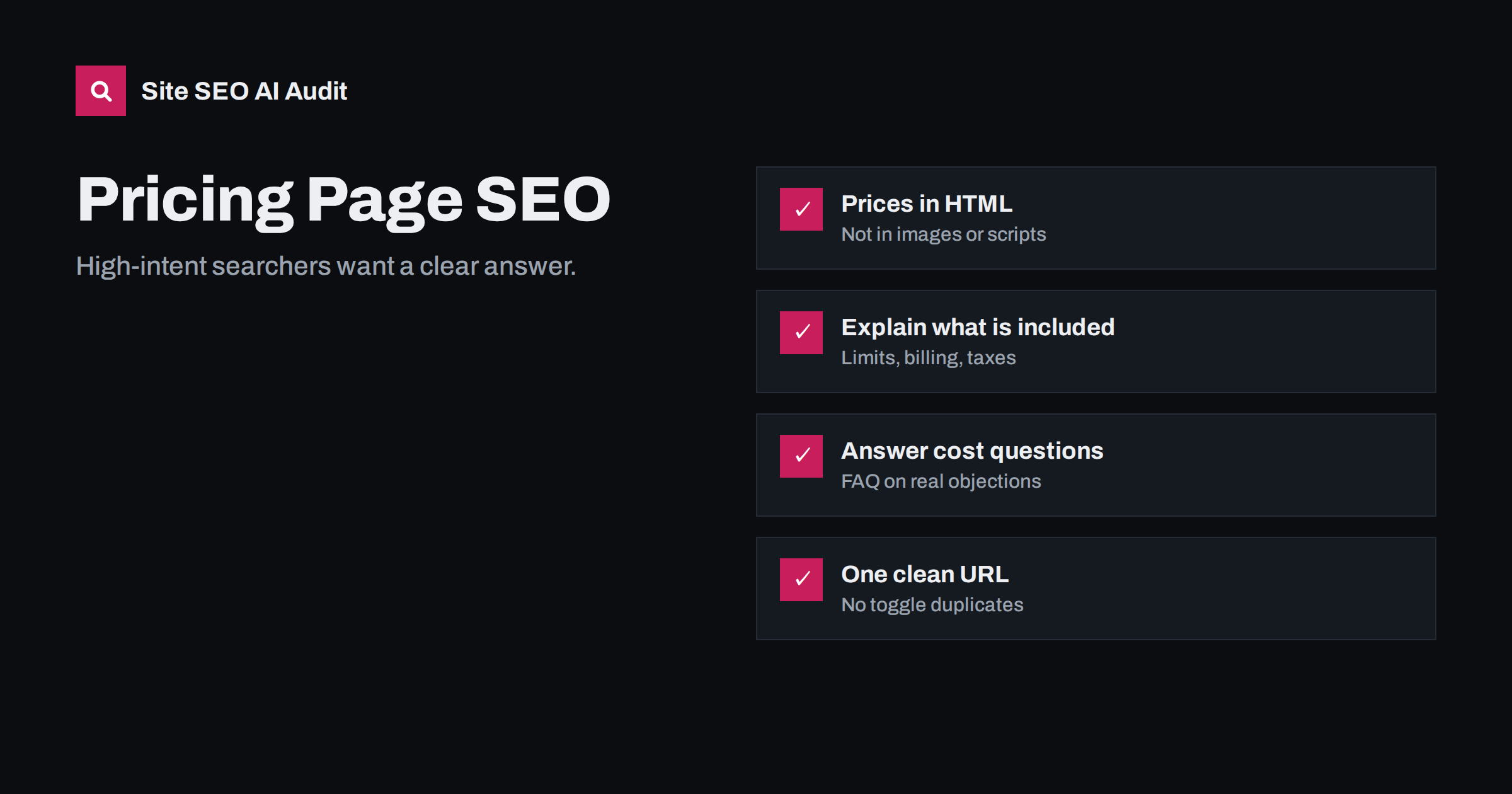
Short answer: a pricing page ranks and converts when it answers “how much does it cost and what do I get” in plain HTML text: plan names, prices, what each plan includes, limits, billing terms, currency and taxes, followed by an FAQ covering common objections. Give it a descriptive title such as “Pricing and Plans | Brand”, keep one clean URL rather than separate URLs for every toggle, and update it whenever prices change. If you hide prices entirely, searchers and AI assistants will take your price from someone else’s website.
Why pricing pages deserve SEO attention
Searches like “[brand] pricing”, “[brand] cost” and “how much does [product type] cost” come from people close to a decision. They have usually shortlisted options and want to compare. That makes the pricing page one of the most valuable pages on a site, yet it is often the least optimised: a grid of numbers built by a designer, with little text and sometimes prices loaded by JavaScript.
AI assistants add another reason. When someone asks an assistant “how much does [your product] cost?” or “which [category] tool is cheapest for a team of five?”, the answer draws on whatever pricing information it can find. If your own page is unreadable, the assistant may quote an outdated review, a reseller or a comparison site. Your pricing page is the best chance to make sure the numbers people hear are the right ones.
There is a simple test of how well a pricing page works: could a reader who has never heard of you explain, after thirty seconds on the page, which plan they need and what it would cost them per year? If not, the page probably needs more words, not fewer. Designers often strip text from pricing pages to keep them clean, but the missing explanations are exactly what searchers, sales prospects and AI systems are looking for. Clean layout and complete information are not in conflict; details can sit in a comparison table or FAQ below the plan cards.
What a strong pricing page includes
Beyond the price itself, searchers want to understand what they would be paying for. A complete page covers:
- Plan names and prices with the billing period, for example per month or per year, and per user or per site where relevant.
- What each plan includes, written as concrete features and limits rather than vague labels.
- Who each plan is for, in one line: “For freelancers with one website”, “For agencies managing client sites”.
- Currency and taxes: whether prices include VAT or sales tax, and which currency applies.
- Billing and cancellation terms: monthly or yearly options, discounts for annual billing, how cancellation works.
- Free plan or trial details, including what happens when it ends.
- Payment methods accepted.
- An FAQ answering the questions your sales team hears most often.
A short introductory paragraph above the plans helps too. One or two sentences on how pricing works give both searchers and search engines context that a grid alone cannot.
Put prices in HTML, not images or scripts
This is the most common technical problem on pricing pages. Prices and plan details are sometimes:
- Rendered by JavaScript after the page loads, often from a pricing API or a currency switcher.
- Embedded in images or SVG graphics.
- Hidden behind a monthly/yearly toggle where only one set exists in the HTML.
- Loaded inside an iframe from a billing provider.
Search engines that render JavaScript may still see some of this, but many AI crawlers read only the raw HTML the server sends. Make sure the prices, plan names and included features are present in the server response. Our guide on why AI crawlers miss JavaScript content explains how to check. If prices come from an API, render them on the server or include them in the initial HTML, then let scripts enhance the page.
Titles, headings and descriptions
Pricing searches are simple and predictable, so the page’s metadata should match them directly:
- Title tag: include “pricing” and your brand, and optionally “plans” or the product category, for example “Pricing and Plans | Brand” or “Brand Pricing: Plans for Teams and Agencies”. Our title tag guide covers length and wording.
- H1: a clear heading such as “Plans and pricing” or a short benefit statement that still mentions pricing.
- Meta description: summarise what the plans offer, mention a free plan or trial if there is one, and avoid quoting exact prices if they change often.
- Plan headings: use real headings (H2 or H3) for plan names so the structure is clear to machines.
“Contact us” pricing: how to handle it
Many B2B, service and enterprise businesses do not publish fixed prices, often for good reasons: every project differs. But a page that says only “contact us for a quote” gives searchers nothing and leaves AI assistants to guess. Middle-ground options:
- Publish starting prices or typical ranges: “Most projects cost between X and Y”.
- Explain the factors that determine price: number of users, pages, locations, hours or complexity.
- Give example packages or scenarios with indicative prices.
- Publish prices for standard plans and reserve “contact us” for enterprise tiers.
Even without numbers, a page explaining how pricing works answers the question better than silence and can rank for “how much does X cost” searches.
It also qualifies leads. Prospects who see a realistic range before they contact you are less likely to waste a sales call on a budget that was never going to fit, and the ones who do get in touch arrive with better expectations. Publishing ranges can make the conversations that do happen shorter and more productive.
Toggles, currencies and URL variants
Pricing pages often grow URL variants: /pricing?billing=yearly, /pricing?currency=eur, /pricing/monthly/. Each variant can be crawled and may compete with the main page.
| Variant | Recommended handling |
|---|---|
| Monthly vs yearly toggle | Keep one URL and show both prices in the HTML, switching visibility with CSS or script |
| Currency selector | One URL per market version if you have them; otherwise a cookie-based switch without crawlable parameter links |
| Campaign or discount links | Canonicalise to the main pricing URL |
| Separate pages per plan | Only when each plan has substantial unique content; otherwise keep plans on one page |
For sites that serve several countries, our guide to local currency and prices on international sites covers market versions in detail.
FAQs, comparisons and trust
An FAQ on the pricing page handles objections and captures long-tail questions at the same time. Good candidates include: Can I change plans later? What happens when I exceed a limit? Is there a contract? Do you offer refunds? What counts as a user or a site? Keep answers short and factual, and make sure they match your terms. Our guide to FAQ sections for readers and AI answers explains the format.
Comparisons with competitors belong on separate, clearly labelled comparison pages rather than on the pricing page itself, where they distract. Trust elements, such as security notes, payment providers, company details and a link to terms, reassure buyers at the moment of decision.
Keep prices consistent everywhere
Once a pricing page is correct, the next risk is inconsistency. Old prices survive in blog posts, feature pages, help articles, comparison pages, app store listings and third-party reviews. Search engines and AI assistants may find any of them.
- Avoid hard-coding prices in articles; link to the pricing page instead.
- When prices change, search your site for the old numbers and update or remove them.
- Ask review and comparison sites to update outdated figures, with a link to the current page.
- Show a visible “last updated” note if prices change often.
How an audit helps
Site SEO AI Audit checks titles, descriptions, H1s and thin content on every page, flags content that needs JavaScript to appear, and reports duplicate URLs and canonical problems, which is where pricing pages with toggles and parameters usually go wrong. You can see how the audit itself is priced on our pricing page, or start with the free audit.
Related reading
- Feature Page SEO for Software: Name Pages After the Job
- How to Write Comparison Pages That AI Answers Trust
- Landing Page SEO: How to Build Landing Pages That Can Rank
The bottom line
Treat the pricing page as a high-intent landing page. Put plan names, prices, inclusions, limits, currency, taxes and billing terms in plain HTML, write a clear title and headings, answer real objections in an FAQ, keep one clean URL, and remove outdated prices elsewhere on the site. Clear pricing helps searchers decide and makes sure AI answers quote the right numbers.
FAQ
Should I publish prices on my website for SEO?
Where possible, yes. Pricing searches come from people close to buying, and a page with clear prices can rank for them. If prices vary, publish ranges, starting prices or the factors that determine cost.
Why does Google show an old price for my product?
Search engines and AI systems may be using an outdated page, a cached version or a third-party site. Update your pricing page, remove old prices from other pages and ask external sites to correct outdated figures.
Should monthly and yearly prices have separate URLs?
Usually not. Keep one pricing URL and include both sets of prices in the HTML, switching between them with a toggle. Separate URLs tend to duplicate content without adding value.
Can AI assistants read prices loaded with JavaScript?
Many cannot, because they read only the raw HTML. Render prices on the server or include them in the initial HTML so every crawler can see them.
What should the title tag of a pricing page say?
Include the word pricing and your brand, for example “Pricing and Plans | Brand”. Adding the product category can help when your brand is not yet well known.


