 ENEnglish
 LTLietuviškai
 DEDeutsch
 FRFrançais
 RUРусский
 ESEspañol
 PLPolski
 ITItaliano
 UKУкраїнська
 CSČeština
 PTPortuguês
 JA日本語
JA日本語 LVLatviešu valoda
 ETEesti
 HUMagyar
 IDBahasa Indonesia
 TRTürkçe
 HIहिन्दी
 ELΕλληνικά
 ARالعربية
 THไทย
THไทย VITiếng Việt
 RORomână
 MSBahasa Melayu
 BNবাংলা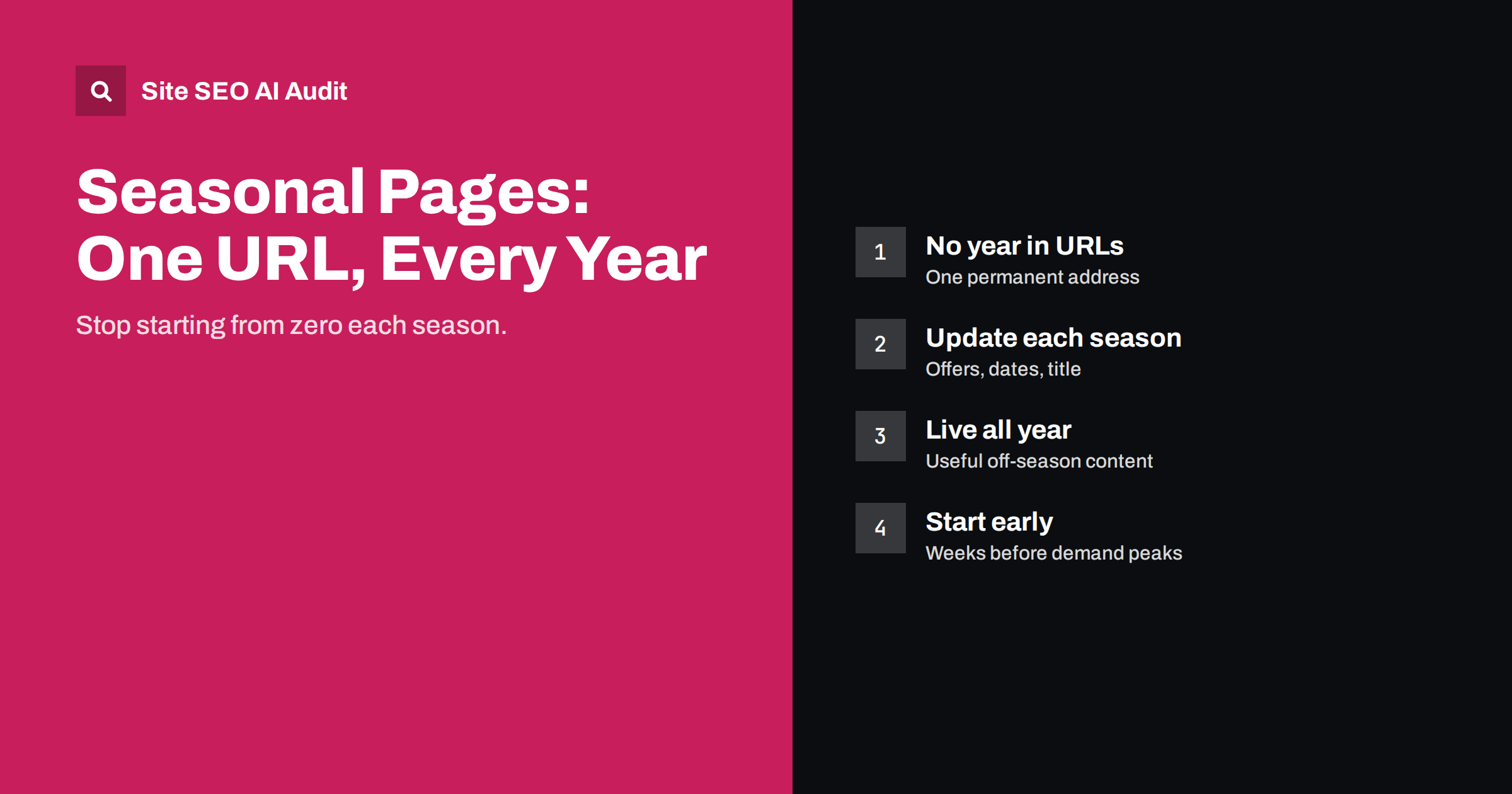
Short answer: For recurring seasonal events such as Black Friday, Christmas gifts or summer sales, keep one permanent URL without a year, such as /black-friday/, and update the page each season instead of creating a new page every year. The page keeps its links and history, search engines already know it, and it can build strength year after year. Outside the season, keep it live with useful content and a note about when the next event starts.
Why seasonal pages need a strategy
Many businesses have moments in the year when demand peaks: Black Friday and Cyber Monday, Christmas, back to school, Valentine’s Day, summer holidays, tax season, garden season. People search heavily for these events for a few weeks, then almost not at all.
Getting these pages right matters more than their short lifespan suggests. For many shops and service businesses, a few seasonal weeks bring a large share of the year’s sales, and the searches during those weeks are among the most competitive of the year.
The common approach is to build a new page each year, often with a new URL like /black-friday-2024/, then delete or forget it after the event. Each year the new page starts from zero: no history, no links, no internal link structure, and only a few weeks to be discovered and ranked before the season ends. Competitors who keep the same page year after year usually have the advantage.
One permanent URL, updated every year
The better pattern is simple:
- Create one page per recurring event with a URL that does not include a year:
/black-friday/,/christmas-gifts/,/back-to-school/. - Update it before each season with this year’s offers, products, dates and details.
- Keep it live all year, with content adapted to the off-season.
- Keep linking to it from your navigation during the season and from relevant pages all year.
Over time the page collects links from deal sites, blogs and partners, and it keeps the internal links and history that a new page would lack. When the season starts, it is already known and indexed rather than waiting to be discovered.
Handling the year in titles and content
People often include the year when they search (“black friday deals 2026”), and seeing the current year in a result reassures them that the page is current. You can use the year in the title tag, H1 and content during the season, as long as it is accurate and you update it every year. What you should avoid is the year in the URL, because changing the URL each year means starting over.
| Element | Include the year? | Why |
|---|---|---|
| URL | No | The URL must stay the same every year |
| Title tag | Yes, during the season, if accurate | Shows the page is current; update it every year |
| H1 | Optional | Helpful during the season, remove or update afterwards |
| Body content | Yes, for dates and offers | Visitors need to know which year’s details they are reading |
| Meta description | Optional | Mention the current dates or offers if useful |
A title that says “2024” in 2026 is worse than no year at all. If you cannot commit to updating the page every year, leave the year out.
What to do outside the season
Do not delete or redirect the page when the event ends. Instead, change the content to suit the off-season:
- State clearly that the event has ended and when the next one is expected.
- Offer a way to be notified, such as a newsletter sign-up.
- Link to current offers or popular categories so visitors are not stranded.
- Keep useful evergreen content, such as how the event works, what to look for, and what customers bought last year.
Some businesses worry that a page about Christmas gifts looks odd in July. It does not, as long as it is honest about the timing. Shoppers who plan ahead, journalists preparing gift guides and people comparing shops for later all visit off-season pages, and a clear note about when the next range arrives serves them well.
Visitors who arrive in the off-season still get something useful, and the page stays indexed and linked, ready for the next season.
Give seasonal pages real substance
Seasonal pages are often thin: a banner, a countdown and a grid of products. To rank against strong competitors, add content that helps searchers:
- Key dates and how long offers last.
- What is on offer: categories, notable products, how discounts work.
- Buying advice: gift ideas by recipient or budget, what to check before buying, delivery cut-off dates.
- Practical information: returns over the holiday period, gift wrapping, opening hours.
- Frequently asked questions that customers ask each year.
Much of this content can be reused and refreshed each year, so the effort pays off repeatedly. Keep a short internal note of what was on the page last season and how it performed, so next year’s update starts from what worked rather than from a blank page.
Timing: start before demand peaks
Search interest for seasonal events usually starts rising weeks before the event itself. If you update the page only on the day, search engines may not have recrawled it in time. A practical timeline:
- Six to eight weeks before: update the page’s evergreen content, title and description; check links and internal linking.
- Three to four weeks before: add teaser information about dates and categories; link to the page from the home page and navigation.
- During the event: update offers and availability as they change.
- After the event: switch to off-season content; keep the page live.
What about old seasonal pages with years in the URL?
If your site already has /black-friday-2022/, /black-friday-2023/ and so on, consolidate them:
- Create or choose the permanent page, such as
/black-friday/. - Redirect each old yearly URL to it with a 301 redirect, so their links and history are passed along.
- Update internal links to point to the permanent page.
- If an old page has unique content worth keeping, such as a popular guide, move it into the permanent page or a related evergreen page.
For content that is genuinely about one year, such as an annual report or a review of the past year, a dated URL is fine, because each year’s content stands on its own.
An example: a garden shop’s spring page
Consider an illustrative online garden shop that sees most of its year’s demand between March and May. For years it created pages like /spring-sale-2023/ and /spring-planting-2024/, each with a banner and a grid of discounted products, and let them expire.
A permanent approach would look like this. The shop creates /spring-garden/ and redirects the old yearly pages to it. The page gets a lasting structure: a short introduction to spring gardening, a planting calendar by month, sections on seeds, compost and tools that link to the relevant categories, a checklist for preparing beds, and answers to common questions such as when it is safe to plant after frost. Each February, the team updates the title to include the current year, adds this season’s featured products and offers, and checks every link. In June, the offers are removed, a short note says the spring range returns next year, and the page points to summer care guides and current bestsellers.
Within a few seasons, the page has become the shop’s natural spring resource: linked from its newsletters and social posts every year, visited outside the peak for the planting calendar, and ready to perform as soon as demand rises again.
Checking seasonal pages
Seasonal pages often suffer from problems that appear in any site crawl: thin content, duplicate titles between yearly versions, broken links to expired offers, and internal links pointing through redirects. Site SEO AI Audit checks these on every page and ranks fixes by impact, which makes a crawl a useful step in the pre-season checklist. You can run a free first audit.
Related reading
- SEO-Friendly URLs: How to Write Clean Page Slugs
- How to Refresh Old Content: A Practical Update Process
- Category Page SEO: How to Make Store Categories Rank
- Out-of-Stock and Discontinued Products: What to Do for SEO
The bottom line
Recurring seasonal events deserve one permanent page each, with no year in the URL, updated before every season and kept live all year. Use the current year in titles and content only if you update it reliably, give the page genuine substance beyond a banner, start updates weeks before demand peaks, and consolidate old yearly pages into the permanent one with redirects. The page gets stronger every year instead of starting over.
FAQ
Should I put the year in a seasonal page URL?
No, not for recurring events. Use a URL without a year so the same page can be updated and keep its history every season. Use the year in the title and content if you update it each year.
What should a seasonal page show when the event is over?
Say that the event has ended and when the next one is expected, offer a way to be notified, link to current offers, and keep evergreen advice. Do not delete or redirect it.
When should I update a seasonal page?
Several weeks before search interest rises, so search engines can recrawl it in time. Add final offers closer to the event and switch to off-season content afterwards.
What do I do with old yearly pages?
Redirect them with 301 redirects to the permanent page, move any unique useful content into it, and update internal links.
Is it fine to have a dated URL for annual reports?
Yes. Content that is genuinely about one specific year, such as an annual report or a year in review, stands on its own and can have the year in its URL.


