 ENEnglish
 LTLietuviškai
 DEDeutsch
 FRFrançais
 RUРусский
 ESEspañol
 PLPolski
 ITItaliano
 UKУкраїнська
 CSČeština
 PTPortuguês
 JA日本語
 LVLatviešu valoda
 ETEesti
 HUMagyar
 IDBahasa Indonesia
 TRTürkçe
 HIहिन्दी
 ELΕλληνικά
 ARالعربية
 THไทย
 VITiếng Việt
 RORomână
 MSBahasa Melayu
 BNবাংলা
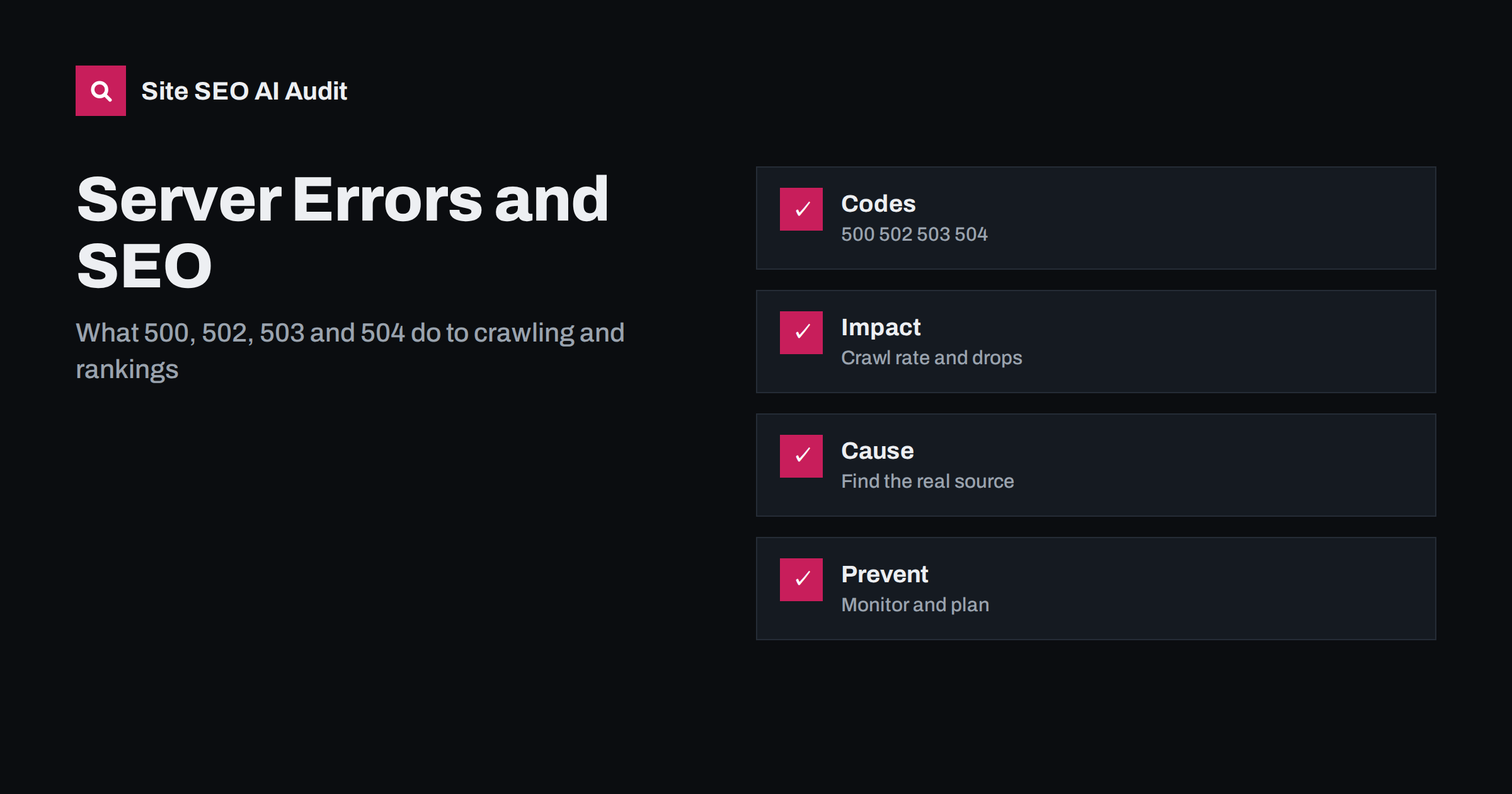
Short answer: A 5xx status code means the server failed to deliver a page. Short, rare errors do little harm, but repeated or long ones make search engines slow their crawling, keep your pages from being refreshed and, if they persist for days, can lead to pages dropping out of the index. Use 503 with a Retry-After header for planned maintenance, find the real cause in server logs and monitoring, fix capacity and slow code, and set up alerts so you learn about errors before search engines and customers do.
Every website has an occasional bad moment: a deployment that restarts the server, a database that stalls under load, a plugin that crashes on one template. To visitors it is an annoyance. To search engines it is a signal about reliability. This guide explains what the different 5xx codes mean, how crawlers react, how to investigate and what to do for planned downtime. It builds on the basics in the guide to HTTP status codes for SEO.
The main 5xx codes
A 500 Internal Server Error is the generic failure: something went wrong and the server cannot say what. A 502 Bad Gateway means one server received an invalid response from another, commonly between a proxy or load balancer and the application. A 503 Service Unavailable means the server is temporarily unable to handle the request, often because of overload or maintenance. A 504 Gateway Timeout means a gateway waited too long for the application to answer. Other codes exist, but these four account for most real-world problems.
They differ in meaning for search engines. A 503 is the correct choice for a deliberate, temporary pause, because it tells crawlers to come back later. The others indicate unexpected faults, and crawlers treat them as signs that the site may be unstable.
How search engines react
When a crawler meets server errors, it reduces its request rate to avoid making things worse. If the errors continue, it visits less often and takes longer to notice new or changed pages. For a short outage of minutes, the effect is usually negligible. For errors lasting many hours, pages may be retried repeatedly and your crawl allowance is wasted. If the same URLs return errors for a longer period, often days, search engines may begin to drop them from the index, treating them as gone.
The speed of your server matters beyond outright errors. Slow responses and timeouts lead to the same cautious behaviour, as explained in the guides to server response time and crawl budget. A site that is fast and stable earns more frequent and deeper crawling.
Find out what is happening
Start with evidence. Check the Crawl Stats and Page Indexing reports in Search Console for server errors, and look at the response codes in your own logs. The reports show when errors started, how many URLs were affected and whether they were concentrated in one section. Compare the times with deployments, traffic peaks, backups, cron jobs and changes at your host.
Server logs give the most detail. Look for the error codes in the access log and the matching entries in the application and database logs. Common patterns include errors only on one template, errors only at certain hours, errors only for requests without cache and errors only for bots. A technique for working with logs is described in the log file analysis guide.
Common causes and fixes
Overload is the most frequent cause. Too many simultaneous requests exhaust the available workers or database connections. Fixes include page caching, a content delivery network, more capacity and limiting expensive operations such as unbounded search pages. Code faults are next: a plugin update, a missing file or a memory limit that is too low. Roll back the change, fix the error and add a test.
Timeouts between a proxy and the application often come from slow queries or external calls. Find the slow endpoint, add an index or cache and set sensible time limits so that one slow service does not block everything. Resource limits at shared hosting can produce intermittent 503 responses when the account exceeds its quota. Upgrade the plan or reduce resource use. Finally, security tools may block crawlers by mistake and return error codes; check that legitimate crawlers can access the site, as described in the guide to rate limiting and crawlers.
Planned maintenance done right
When you must take the site offline, do it deliberately. Return a 503 status for all pages with a Retry-After header that gives a realistic time, and show a short maintenance message to visitors. Do not return a 200 status with a maintenance page, because search engines may index the message as your content. Do not redirect everything to a single page with a 302 for long periods either; that confuses crawlers and users.
Keep maintenance windows short and schedule them at quiet hours. Leave robots.txt reachable with a normal response, since an error on that file can make crawlers pause the whole site. After maintenance, check key pages, the sitemap and a sample of deep URLs. If the pause was longer than expected, watch Search Console for a few days for crawl errors and fluctuations.
Errors that hide behind a normal status
Not every failure shows up as a 5xx code. Some applications catch an exception and return a normal 200 status with an empty template or an apology message. To a crawler this looks like a valid page with no content, and it may be indexed as thin or duplicate content. Others redirect users to the home page when something breaks, which can create soft errors at scale. Test what happens when a database is slow or an external service is unavailable, and make sure the application returns the correct error code instead of a pretty failure page.
Caching can also hide problems. A content delivery network may serve an old copy during an outage, so the site seems fine from outside while the origin is broken. That is useful for visitors, but it can delay your discovery of the fault. Monitor the origin directly as well as the public address, and check what happens when the cache expires. Equally, avoid caching error responses for long periods, because a short failure can become a long one if the error page is stored and served to everyone.
A short incident checklist
When errors appear, work through a fixed sequence. Confirm the scope: which URLs, which codes, since when. Check recent changes to code, plugins, configuration and hosting. Look at resource use: processor, memory, disk and database connections. Check logs of the web server, the application and the database around the first failure. Fix or roll back, then verify with a fresh request from outside your network. Finally, review Search Console after a few days to confirm that the error counts are falling and that no new patterns have appeared.
Write the checklist down and keep it where your team can find it. When a site fails at night, a simple list is better than memory, and it shortens the time to recovery. Add contacts for your host and for whoever maintains the code, and decide in advance who communicates with customers while the fix is in progress.
Recovery after an outage
After an outage, search engines return gradually. Confirm that all key templates respond with a normal status, that the sitemap is available and that nothing is blocked. Resubmit the sitemap if many URLs were affected, but do not request indexing for hundreds of pages manually. Monitor the number of pages with server errors falling in the report, along with impressions and clicks. Rankings usually return after crawlers confirm that the site is stable, though a long outage may need several weeks.
Document the incident: what failed, how long it lasted, how it was detected and what changed. A short record helps you improve processes and answer questions from customers or colleagues.
Prevent repeat problems
Prevention is cheaper than recovery. Use uptime monitoring from outside your network for the home page and for key templates. Alert on error rates, not only on total failure. Load-test before big campaigns and seasonal peaks, such as those described in the peak season guide. Use staged deployments with health checks and a quick rollback. Keep software, plugins and server components updated, test them in a staging copy and cache aggressively for anonymous visitors.
Also consider capacity for bots. AI crawlers and other automated visitors can add load, so know what normal looks like and decide how to handle excessive requests. The wider habit of watching for regressions is described in the technical SEO monitoring guide.
Site SEO AI Audit crawls your website and checks status codes, redirects, titles, descriptions, broken links, structured data, page speed and AI visibility settings, which helps you spot pages that return errors during the crawl. It is a snapshot, not a continuous uptime monitor. The first audit of up to 200 pages is free, and larger sites can see the pricing page.
Related reading
The bottom line
Keep the server stable, use 503 with Retry-After for planned downtime and monitor so that you hear about errors first.
FAQ
Do 5xx errors hurt rankings?
Brief ones rarely do. Repeated or long ones reduce crawling and can lead to pages being dropped from the index.
Which code should I use for maintenance?
Use 503 Service Unavailable with a Retry-After header, and keep the downtime as short as possible.
How long can a site be down before it matters?
A few minutes usually has no lasting effect. Many hours is risky, and days can lead to pages leaving the index.
Why do I see errors only for bots?
Security rules, rate limits or resource limits may block or overload automated requests. Check your firewall and logs.
Should I request indexing after an outage?
No, not page by page. Make sure the site is healthy and the sitemap works, then monitor recovery.


