 ENEnglish
 LTLietuviškai
 DEDeutsch
 FRFrançais
 RUРусский
 ESEspañol
 PLPolski
 ITItaliano
 UKУкраїнська
 CSČeština
 PTPortuguês
 JA日本語
JA日本語 LVLatviešu valoda
 ETEesti
 HUMagyar
 IDBahasa Indonesia
 TRTürkçe
 HIहिन्दी
 ELΕλληνικά
 ARالعربية
 THไทย
THไทย VITiếng Việt
 RORomână
 MSBahasa Melayu
 BNবাংলা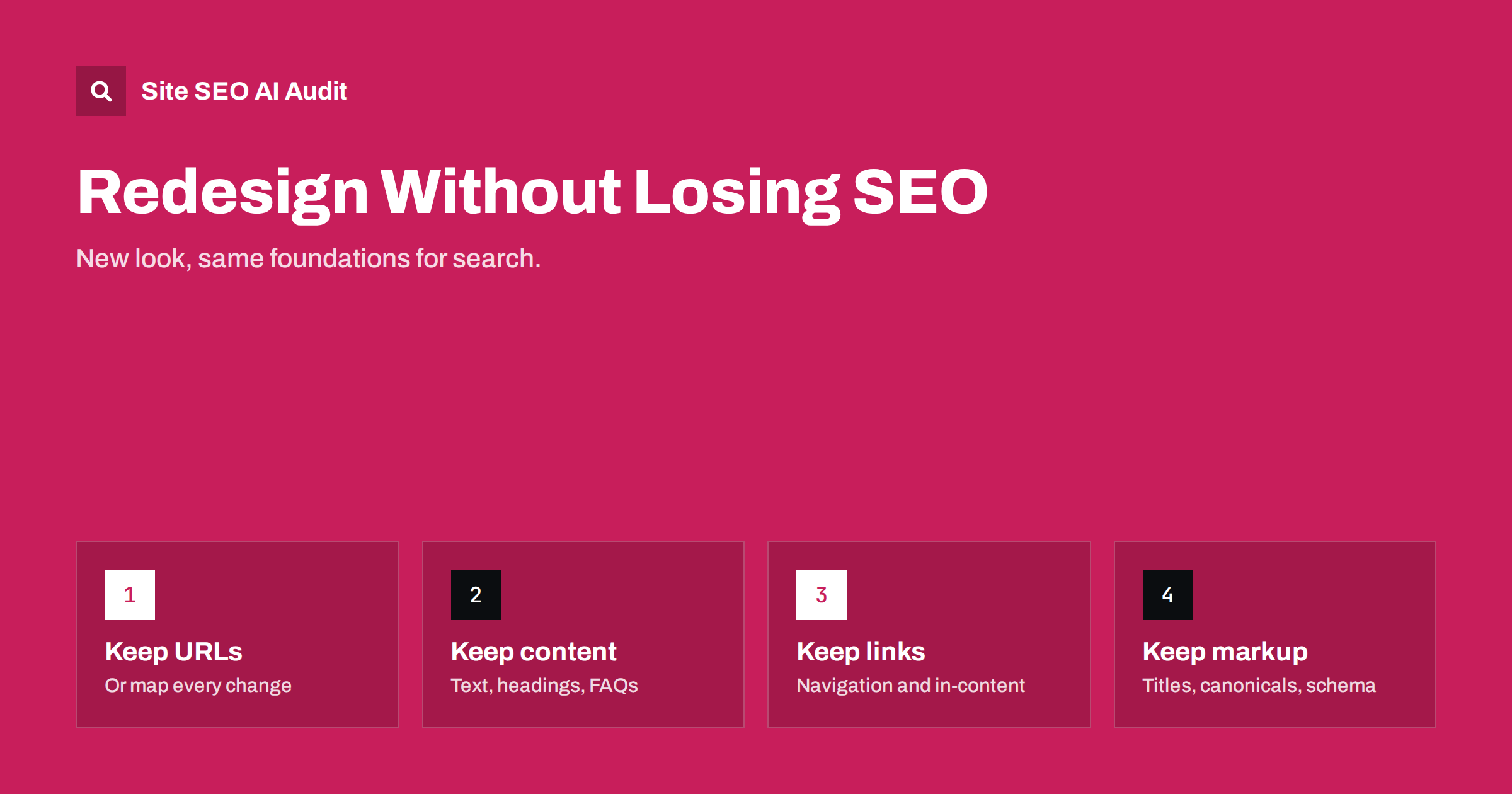
Short answer: a redesign keeps its search visibility when the things search engines rely on survive the new design: URLs (or complete redirects), the main content and headings of important pages, internal links in navigation and content, titles, meta descriptions, canonicals, structured data and page speed. Crawl the old site before you start, compare the new site on staging page by page for key templates, and monitor closely for several weeks after launch.
Why redesigns cause traffic drops
A redesign is usually about looks, brand and conversion, and SEO is often an afterthought. That is where the risk lies. A redesign rarely breaks SEO through one big mistake; it erodes it through many small ones:
- long service descriptions shortened to fit a cleaner layout;
- headings turned into images or restyled paragraphs;
- menu items removed to simplify navigation, cutting links to whole sections;
- FAQs, tables and specifications moved behind tabs that load on click;
- a new theme that drops structured data or canonicals the old one produced;
- heavier hero videos and sliders that slow down every page;
- staging settings such as noindex carried to the live site.
Each change looks harmless in a design review. Together, they can remove much of what made pages rank.
The good news is that none of this is inevitable. A redesign can also be the best opportunity in years to improve technical SEO: cleaner templates, faster pages, better structured data, clearer navigation and a chance to fix old duplicate and thin pages. The difference between a redesign that loses traffic and one that gains it is mostly preparation and comparison, not luck. The steps below are ordered by project phase, so they can be added to an existing project plan.
Before the redesign: record the baseline
- Crawl the current site and save URLs, status codes, titles, descriptions, H1s, canonicals, word counts, internal link counts, click depth and structured data types.
- List the top pages by organic clicks and conversions from Search Console and analytics for the last 12 months.
- Save copies of key pages, including their full text, so you can compare content later.
- Record performance: Core Web Vitals per template and server response times.
- Note special configurations: redirects, robots.txt, hreflang, custom structured data, tracking.
During design: protect what search depends on
URLs
If the redesign does not require URL changes, keep URLs exactly as they are. That turns a redesign into the safest kind of change. If URLs must change, it becomes a migration: build a complete redirect map, one old URL to its closest new URL with a single 301.
Content
Brief designers and copywriters with the list of top pages and what they rank for. Keep the substance of those pages: the explanations, details, FAQs and specifics that answer searchers’ questions. Content can be restructured and improved, but not quietly cut.
Headings and HTML structure
Keep one clear H1 per page with the main topic and use real heading elements for sections. Designers sometimes use heading tags for styling only, or replace headings with styled text; both blur the structure.
Navigation and internal links
Compare the old and new menus item by item. Every important category, service or hub page that loses its navigation link needs another strong link path. Keep breadcrumbs, related links and footer links that support important pages, and make sure menus are real links in the HTML.
Metadata and markup
Titles, meta descriptions, canonicals, robots directives, hreflang, Open Graph tags and structured data must be produced by the new templates at least as completely as before. When changing theme or page builder, check which of these came from the old theme rather than from a plugin.
Speed
Set a performance budget for the new design, for example no slower LCP than today on key templates. Large hero videos, heavy fonts and animation libraries are common reasons redesigned sites become slower.
On staging: compare old and new
Protect staging with a password, then compare it systematically with the baseline:
| Check | Compare | Red flag |
|---|---|---|
| Word count of key pages | Old vs new | Large drops on top pages |
| Titles and H1s | Old vs new | Missing, generic or duplicated |
| Internal links | Links to important pages | Sections losing most of their links |
| Click depth | Depth of key pages | Pages moving several levels deeper |
| স্ট্রাকচার্ড ডেটা | Types per template | Types that disappeared |
| Canonicals and robots | Every template | Missing canonicals, noindex |
| Speed | Lab LCP, CLS, page weight | Worse than baseline |
| Rendering | Raw vs rendered HTML | Content only after JavaScript |
Fix red flags before launch; they are much cheaper to fix on staging than after search engines have recrawled the site.
Working with designers, developers and agencies
Most redesign losses are communication problems. The people making the new site rarely know which pages bring search traffic or which details made them rank. A short SEO brief at the start avoids most of the damage:
- A list of protected pages: the top landing pages from search, with a note that their content, headings and URL must survive.
- Template requirements: one H1 per page, editable titles and descriptions, self-referencing canonicals, structured data per content type, real links in navigation, and images with dimensions and alt text.
- A performance budget for key templates, agreed before design starts rather than argued about after launch.
- A staging review step in the project plan, with time reserved to fix what the comparison finds.
- A launch checklist owner: one named person who confirms robots.txt, noindex, redirects and sitemaps on launch day.
Put these requirements in the contract or project scope when working with an agency. It is far easier to build them in than to retrofit them after the invoice is paid.
Extra care for online shops
Shop redesigns carry additional risk because category and product templates drive most of the traffic. Pay attention to category descriptions that disappear in new layouts, filter systems that start generating crawlable URLs, product structured data that a new theme does not output, and changed pagination or sorting defaults that push products deeper. Test a few categories and products of each type, not just the home page, and check both in-stock and out-of-stock products, since their templates often differ.
Launch day
- Remove staging protection and noindex settings for the live site; confirm robots.txt is the production version.
- Check the home page and key templates for status 200, correct canonicals and no noindex.
- If URLs changed, test the redirect map on the top URLs.
- Submit the sitemap in Search Console.
- Check analytics and conversion tracking.
- Purge CDN and page caches so nobody receives old or mixed versions.
After launch: monitor and adjust
- First week: crawl the live site and compare with the baseline; check server errors and 404s daily.
- First two months: compare organic clicks per page with the same period before, watch the page indexing report and Core Web Vitals.
- If specific pages lose traffic: compare old and new versions of those pages side by side. Missing content or links are the usual cause and can be restored.
Some fluctuation after a visible change is normal. A drop concentrated on certain pages or templates points to something specific that changed on them.
Redesign mistakes worth avoiding
- Launching with “Discourage search engines” or a staging robots.txt.
- Replacing text-rich pages with image-heavy layouts and little text.
- Changing URLs “while we are at it” without a redirect plan.
- Combining a redesign, a domain change and a platform change in one launch.
- Removing blog or resource sections considered “old”, along with their traffic.
- Forgetting that mobile layout is what search engines index.
How Site SEO AI Audit helps with redesigns
Run an audit before the redesign and again after launch. The report scores seven areas and lists every issue with its affected pages, so changes in titles, headings, thin content, canonicals, structured data, links, click depth and speed become visible side by side. Higher plans let you compare audits over time and re-audit after each fix. See plans.
Related reading
- Website migration SEO checklist: before, during and after
- Mobile-first indexing: what must match on mobile and desktop
- Staging site indexed by Google? How to fix and prevent it
- Heading structure for SEO: how to use H2 to H6 properly
The bottom line
A redesign should change how a site looks, not what search engines can find on it. Record the baseline, keep URLs or redirect them completely, protect content, headings, links, metadata, structured data and speed, compare on staging, and monitor after launch so any loss is spotted and restored quickly.
FAQ
Will a website redesign hurt my SEO?
Not necessarily. If URLs, content, internal links, metadata and performance are preserved or improved, rankings usually stay stable. Losses typically come from removed content, broken links, missing redirects or leftover noindex settings.
Should I change URLs during a redesign?
Only if there is a strong reason. Keeping URLs makes a redesign much safer. If you must change them, redirect every old URL to its closest new equivalent with a single 301.
How long does it take to recover from a redesign drop?
If the cause is found and fixed, pages often recover within weeks as they are recrawled. The key is identifying which pages lost visibility and what changed on them.
Can I test a redesign’s SEO impact before launch?
You can compare the staging site with the live site for content, links, metadata, structured data and speed. That catches most problems, although actual ranking effects are only visible after launch.
Do design changes alone affect rankings?
Pure visual changes usually do not. Rankings are affected when the redesign changes content, structure, links, markup or performance, which most redesigns do to some extent.


