 ENEnglish
 LTLietuviškai
 DEDeutsch
 FRFrançais
 RUРусский
 ESEspañol
 PLPolski
 ITItaliano
 UKУкраїнська
 CSČeština
 PTPortuguês
 JA日本語
JA日本語 LVLatviešu valoda
 ETEesti
 HUMagyar
 IDBahasa Indonesia
 TRTürkçe
 HIहिन्दी
 ELΕλληνικά
 ARالعربية
 THไทย
THไทย VITiếng Việt
 RORomână
 MSBahasa Melayu
 BNবাংলা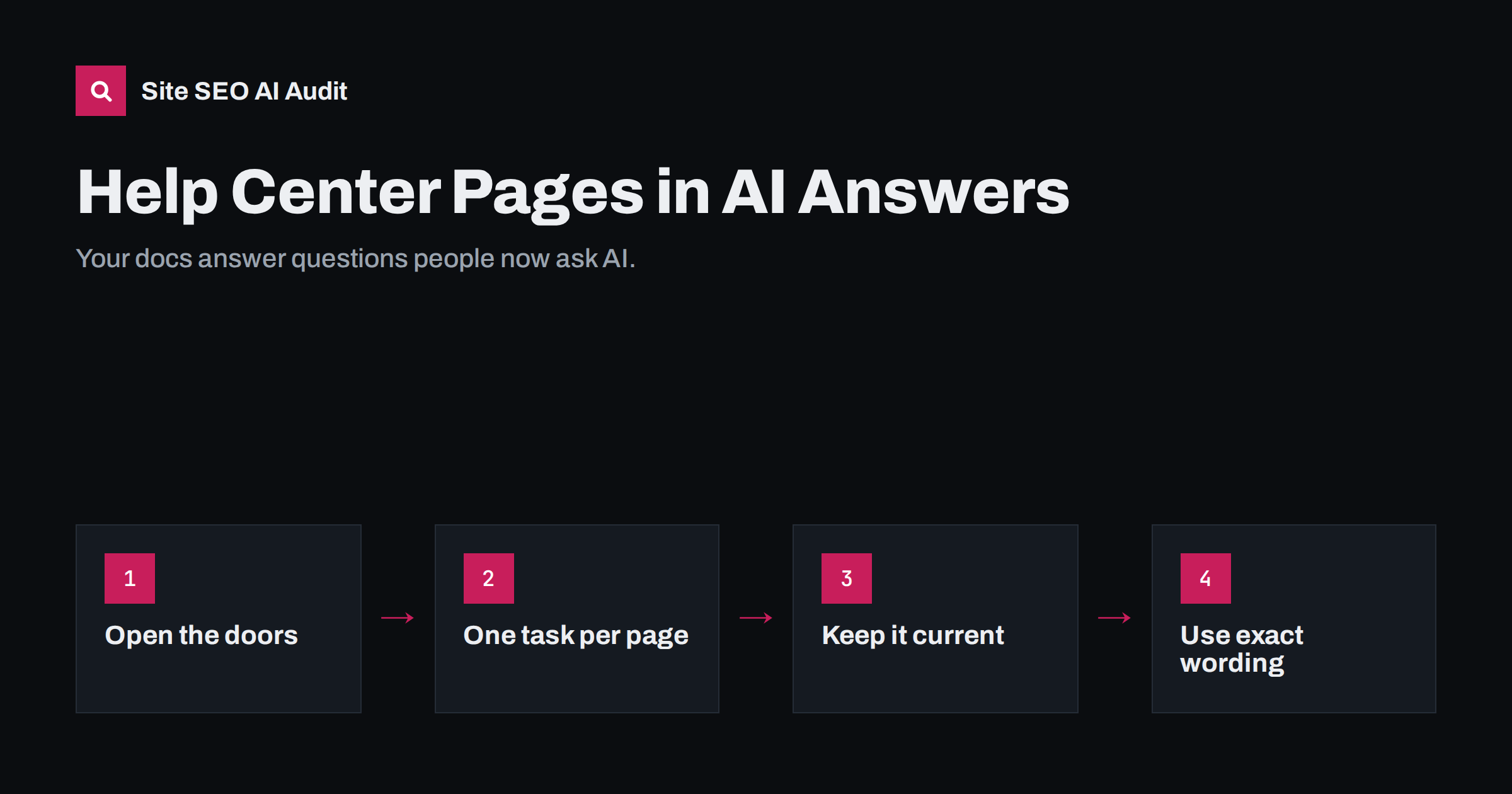
Short answer: more and more users ask AI assistants “how do I do X in [product]” instead of searching your help center, and the assistants answer from whatever documentation they can find. To make sure they use yours, keep help and documentation pages crawlable and indexable without logins or heavy JavaScript, write one task per article with numbered steps and exact interface labels, keep versions and dates current, redirect retired articles, and include the exact text of error messages. Outdated or inaccessible docs lead to wrong answers about your own product.
Why documentation matters in AI search
Support questions are among the most specific questions people ask: how to export data, why an error appears, how to connect an integration, what a setting does. AI assistants handle these questions well when they can find a clear source, and your own documentation should be the best source there is.
When assistants cannot read your docs, they fill the gap from elsewhere: old forum threads, third-party tutorials written for a previous version, or competitors’ documentation for similar features. The answer the user receives may be outdated or simply wrong, and they will often blame your product rather than the assistant.
Documentation also matters before purchase. Prospects ask assistants whether a product supports a specific integration, file format or workflow. If your docs state it clearly, the assistant can confirm it. Our guide on AI search for B2B SaaS covers the pre-sales side.
Make sure AI systems can read your help center
Help centers often live on separate platforms or subdomains, with settings nobody has checked since launch. Common blockers:
- Login walls: articles visible only to signed-in customers cannot be crawled. Keep general how-to content public and reserve logins for account-specific information.
- JavaScript-only rendering: some help desk tools render articles in the browser. Many AI crawlers do not run JavaScript and see an empty page. Our article on why AI crawlers miss JavaScript content explains how to test this.
- Robots rules: a robots.txt on the help subdomain that blocks AI crawlers, or all crawlers, sometimes left over from a staging setup.
- Noindex: help platforms sometimes add noindex by default or to certain article types.
- Missing sitemaps: without a sitemap, deep articles several clicks from the help home page may be discovered slowly.
- Bot protection: firewall or CDN settings that challenge automated requests can block legitimate crawlers.
Check the help center with the same care as your main site, including which AI crawlers are allowed. Our guide to allowing or blocking AI crawlers in robots.txt lists the common user agents.
Structure articles around tasks
AI assistants extract steps and facts most reliably from documentation that follows a predictable pattern:
- A task-based title in the user’s words: “How to export invoices to CSV” rather than “Export module overview”.
- A one- or two-sentence summary of what the article achieves and who it applies to, such as which plans or versions.
- Prerequisites: permissions, settings or plan level needed.
- Numbered steps in an ordered list, one action per step, using the exact names of buttons, menus and fields as they appear in the interface.
- The expected result, so users and assistants know what success looks like.
- Troubleshooting for common problems, with the exact error messages.
- Related articles for next steps.
One task per article works better than long pages covering a whole module. It gives each article a clear topic and makes it easier for retrieval systems to match a question to the right page.
Use the exact words users see
People paste error messages and interface labels into assistants. If your documentation contains the same text, it is much more likely to be retrieved:
- Quote error messages exactly, including codes, in the text rather than only in screenshots.
- Use the current names of menus and settings, and mention old names when they changed recently, for example “Integrations (formerly Apps)”.
- Include common synonyms users type, such as “remove” and “delete”, or “sign in” and “log in”, naturally in the text.
- Describe what screenshots show in words, and give images meaningful alt text; assistants mostly read text, not images.
This is also good practice for classic search, where users often search for error messages word for word.
Keep documentation current
An assistant that quotes a two-year-old article can confidently give instructions for an interface that no longer exists. Currency is part of the job:
| Situation | What to do |
|---|---|
| Feature changed | Update the article, change the visible “last updated” date and note what changed |
| Feature renamed | Use the new name, mention the old one once, and update titles and URLs only if needed, with redirects |
| Feature removed | Redirect the article to the replacement or a relevant overview, or return 410 if nothing replaces it |
| Several product versions supported | State clearly which version each article covers, and keep versions on separate, clearly labelled URLs |
| Duplicate articles on the same task | Merge them into one and redirect the others |
Visible dates help readers and AI systems judge freshness; our article on content dates and freshness in AI answers explains why. Only change the date when the content really changes.
Help AI systems find the most important docs
Large documentation sites can contain thousands of pages. A few measures help crawlers and AI systems focus on the right ones:
- A clear hierarchy: categories, subcategories and articles, with breadcrumbs and internal links between related tasks.
- An XML sitemap for the help center, with accurate modification dates.
- Getting-started and overview pages that link to the most-used tasks.
- An
llms.txtfile listing key documentation pages with short descriptions, which some AI tools read. It is optional and not widely used by the major assistants yet, but it is simple to add. Our llms.txt explainer covers the pros and cons. - Clean URLs without session or tracking parameters, so the same article is not crawled under many addresses.
A quick audit of an existing help center
If your help center has grown for years without a plan, start with a short review rather than a rewrite:
- List the top 50 articles by views and the top 50 support ticket topics. The overlap, and the gaps, show where documentation matters most.
- Test access for a sample of articles: fetch the raw HTML, check robots.txt on the help domain, look for noindex and confirm the article text appears without JavaScript.
- Check accuracy of the top articles against the current interface. Mark each as current, needs update or retire.
- Find duplicates by searching for the same task under different titles, and merge them.
- Ask assistants ten of the most common support questions and note which sources they use and whether the answers are right.
This review usually takes a day or two for a mid-sized help center and produces a clear, prioritised list of fixes. Repeat it after major product releases, when documentation is most likely to fall behind.
Community forums and third-party content
Many products have community forums alongside official docs. Forums are valuable, but they also contain outdated workarounds and wrong answers that assistants may pick up. Mark accepted or official answers clearly, close or update threads about fixed issues, and link from forum threads to the official article once one exists.
Third-party tutorials, videos and blog posts about your product will always exist. You cannot control them, but you can make sure the official answer is easier to find, clearer and more current than any of them.
Measure the effect
There is no report that shows how often assistants use your documentation, but several signals help:
- Referral traffic from AI assistants to help center pages in your analytics.
- Search Console performance for the help center, especially long, question-style queries.
- Regular tests: ask assistants a set of common support questions and check whether their answers match your docs and cite them.
- Support ticket topics. If tickets mention wrong instructions “from AI”, find the source and fix or outrank it with better documentation.
Site SEO AI Audit can audit a help center like any other site: it checks crawlability, noindex and canonicals, broken links, orphan pages and click depth, and whether AI crawlers may read the site and whether content needs JavaScript. Run a free audit on your help center domain to see what AI systems can actually read.
Related reading
- How to Write Content That AI Answers Actually Quote
- Paywalls, Logins and Gated Content in AI Search
- Feature Page SEO for Software: Name Pages After the Job
The bottom line
Your documentation is the best possible source for questions about your product, but only if AI systems can read it and trust it. Keep help content public, crawlable and readable without JavaScript, write one task per article with numbered steps and exact interface wording, keep it current with honest dates and redirects, and test regularly how assistants answer your users’ questions.
KKK
Do AI assistants use help center articles?
Yes, when they can reach them. Assistants with web search often retrieve documentation for product questions. If your docs are blocked, hidden behind logins or rendered only with JavaScript, they may use other sources instead.
Should help center articles be indexable?
General how-to articles should usually be public and indexable. Keep account-specific or sensitive information behind a login, but do not hide ordinary instructions that customers and prospects search for.
How should documentation handle multiple product versions?
Put each version on clearly labelled URLs, state which version an article covers at the top, and make the current version the easiest to find. Redirect or archive documentation for versions that are no longer supported.
Do screenshots help AI assistants understand documentation?
Mostly not on their own. Assistants rely on text, so describe each step in words and quote error messages exactly. Screenshots help human readers and should have meaningful alt text.
Is llms.txt useful for documentation sites?
It can help some AI tools find key documentation pages, and it is easy to add. Major assistants do not rely on it widely yet, so treat it as an extra, not a replacement for crawlable, well-structured pages.


