ENEnglish
 LTLietuviškai
 DEDeutsch
 FRFrançais
 RUРусский
 ESEspañol
 PLPolski
 ITItaliano
 UKУкраїнська
 CSČeština
 PTPortuguês
 JA日本語
JA日本語 LVLatviešu valoda
 ETEesti
 HUMagyar
 IDBahasa Indonesia
 TRTürkçe
 HIहिन्दी
 ELΕλληνικά
 ARالعربية
 THไทย
THไทย VITiếng Việt
 RORomână
 MSBahasa Melayu
 BNবাংলা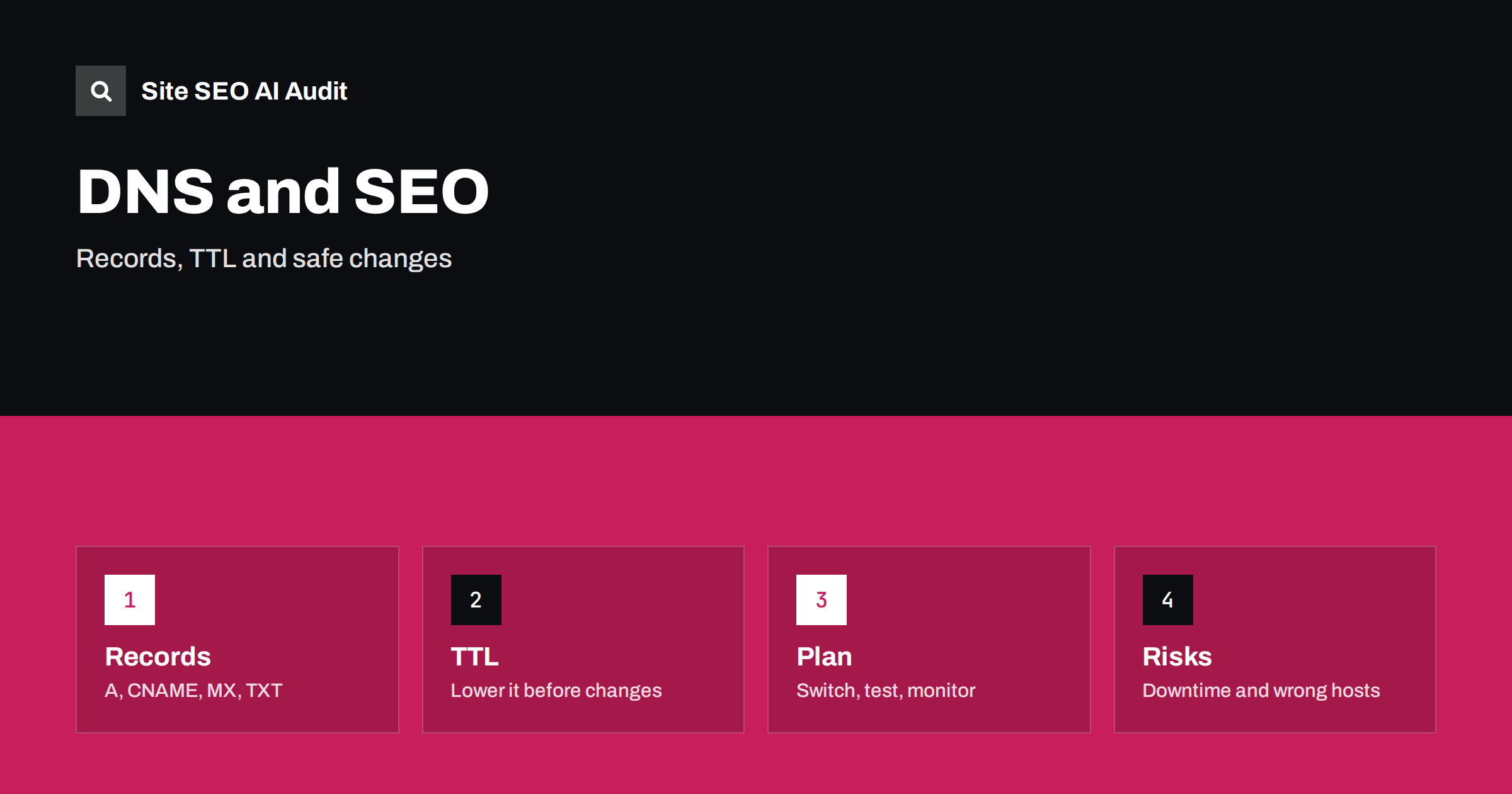
Short answer: DNS decides which server answers when someone, or a crawler, asks for your domain. It does not rank pages, but wrong records, expired domains or careless changes can make the site unreachable, serve the wrong host or break email and verification. Lower the TTL before a planned change, keep the old server running during the switch, test every hostname and monitor errors for several days.
The domain name system is the address book of the internet. When a crawler requests a page, it first looks up the IP address for the hostname, then connects to that server. If the lookup fails or returns the wrong answer, nothing else matters: no title, no content, no link. Yet DNS is often managed by one person at one time and then forgotten, until a migration, a new CDN or a changed mail provider causes trouble. This guide explains the records that matter for SEO, how to change them safely and what to check afterwards.
Why DNS matters for search visibility
Search engines can only index what they can reach. DNS problems affect SEO in a few direct ways:
- Unreachable site. If lookups fail, crawlers receive errors. A short problem may pass, but long or repeated outages can slow crawling and cause pages to drop out. See website downtime and SEO.
- Wrong destination. A record that points to an old server can show outdated or empty content, or a different site altogether.
- Hostname gaps. If the www and non-www names do not both resolve and redirect properly, you can end up with duplicate versions. See www and trailing slash consistency.
- Slow lookups. A poor DNS provider adds delay before the first byte. It is rarely the main speed problem, but it counts. See server response time and TTFB.
- Security and trust. Hijacked or expired domains and dangling records can be abused to host spam. See hacked site and SEO spam.
The records you should know
You do not need to be a network engineer, but you should be able to read your own zone. The common records are:
- A and AAAA map a name to an IPv4 or IPv6 address. They are the usual way to point a domain to a server.
- CNAME makes one name an alias of another. It is common for www, for subdomains that point to a service, and for CDNs. A CNAME cannot normally sit on the bare domain next to other records, so some providers offer special alias records for that case.
- NS records name the servers that answer for your domain. Changing them moves control of the entire zone.
- MX records route email. They do not affect the website, but a careless edit while moving hosting can break mail.
- TXT records hold verification codes and email authentication rules. Search Console ownership may use one, so do not delete it by accident.
- CAA records limit which authorities may issue certificates for the domain.
Export or screenshot the entire zone before any change. It is your rollback plan and your checklist for what must move with the site.
Understand TTL and propagation
TTL, or time to live, tells resolvers how long they may cache an answer. If the TTL is one day, some visitors may keep seeing the old address for up to a day after you change it. The word “propagation” really describes caches expiring at different times. To control the transition:
- Several days before the change, lower the TTL on the records you plan to edit, for example to a few minutes. Wait for the previous TTL to pass.
- Make the change.
- Keep the old server working and, if you can, serving the same content or a redirect, until traffic has clearly moved.
- After the site is stable, raise the TTL again to reduce load and lookup time.
Nameserver changes can take longer because they are cached at higher levels. Plan more time for them, and never delete the zone at the old provider until the new one is confirmed.
Plan changes by scenario
Different tasks need different care:
- Moving to a new host. Copy the site, test it using a hosts file entry or a temporary address, lower the TTL, switch the A record, and watch the logs for both servers. Compare with switching web hosts without losing SEO.
- Adding a CDN. You may change the nameservers or add a CNAME. Check caching rules, certificates and crawler access afterwards. See CDN SEO setup.
- Changing domain names. DNS only makes the new name reachable. The SEO work is in redirects, canonicals, sitemaps and Search Console. See the site migration SEO checklist.
- Moving to HTTPS or renewing certificates. DNS must resolve correctly for the certificate to be issued. See the HTTPS migration checklist.
- Launching subdomains. Add a record for each, and decide whether the subdomain should be indexed. See blog subdomain vs subfolder.
- Changing email. Edit MX and TXT records only as needed and test mail delivery on the same day.
- Forgetting the www or non-www name. Both should resolve and one should redirect to the other.
- Dangling records. A CNAME that points to a removed service can be claimed by someone else. Remove records for services you no longer use.
- Wildcard surprises. A wildcard record makes every possible subdomain resolve, which can create indexable duplicates or hide typos.
- Deleting TXT records. Ownership and email authentication entries often look unimportant and then cause problems later.
- Letting the domain expire. Turn on auto-renew, keep contact details current and note the renewal date. See checking a used domain’s history for what happens when domains change hands.
- Using a single DNS provider with no redundancy. Reputable providers run multiple servers, but check that you have at least two nameservers listed.
- Blocking crawlers at the network layer. A firewall or CDN rule that treats search crawlers as attackers produces errors that look like DNS or server issues. See CDN and firewall blocking.
- Each hostname resolves to the expected address or alias.
- Both HTTP and HTTPS versions load, the certificate is valid and redirects land on one preferred version.
- The robots file and the sitemap load from the right host with a success status.
- Key pages return 200 and the canonical tags show the correct domain.
- The Search Console property still verifies, and the crawl stats report shows no sudden rise in host or server errors. See the crawl stats report guide.
- Email is still delivered and received.
- Switching web hosts without losing SEO
- Website downtime and SEO
- Site migration SEO checklist
- Technical SEO monitoring
Common DNS mistakes
Test before and after the change
Use command line tools or online lookups to query your records from more than one location. Before the change, record the answers for the bare domain, www and any subdomain. After the change, verify:
Check again after a day and after a week, because caches expire at different times and a problem may only appear for some regions.
Monitor and audit
Set up uptime monitoring for the home page and for one deep page, and alert at least two people. Review server logs for spikes in errors from search crawlers; see log file analysis for SEO. A crawl audit can confirm that every hostname answers properly and that your redirects and canonicals point where you expect. Site SEO AI Audit checks status codes, redirect chains, canonicals, robots.txt and the sitemap across your pages, and the first audit of up to 200 pages is free. Run it right after a change and again a week later. For more routine checks, see technical SEO monitoring.
A simple change plan you can reuse
Write the plan down before you touch anything, even for a small change. A one-page document is enough, and it protects you when something unexpected happens. Include the current records, the new records, the date and time of the change, who is responsible, how you will check the result and how you will go back. Choose a quiet period for the change, avoid launches and campaigns on the same day, and tell the people who depend on the site or on email. Keep access to the registrar account and the DNS provider with at least two trusted people, and protect both with strong passwords and two-step verification, because losing control of a domain is far worse than any misconfiguration.
Finally, keep a record of each change after it is done. A short log with the date, the record, the old value and the new value makes future problems much easier to diagnose, and it helps new team members understand the setup. Many SEO incidents turn out to be a forgotten change made months earlier.
Related reading
The bottom line
DNS is not a ranking factor, but it is the first step of every visit. Know your records, copy the zone before editing, lower the TTL before a planned move, keep the old server alive during the switch, test every hostname and monitor errors for a week. These habits turn a risky change into a routine one.
GYIK
Does DNS affect SEO rankings?
Not directly as a ranking signal. It matters because crawlers and visitors must be able to reach your server, and long outages or wrong records can cause crawling and indexing problems.
How long does a DNS change take?
It depends on the TTL and on caches. With a low TTL, most users see the change within minutes or hours. Nameserver changes can take longer.
Should I lower the TTL before moving a site?
Yes. Lower it several days ahead, wait for the old value to expire, make the change, and raise it again after the site is stable.
What is a dangling DNS record?
It is a record that points to a service or server you no longer use. It can be taken over by someone else, so remove records you do not need.
Can a DNS change break email?
Yes, if MX or TXT records are changed or removed by mistake. Copy the zone first and test mail delivery after any edit.