ENEnglish
 LTLietuviškai
 DEDeutsch
 FRFrançais
 RUРусский
 ESEspañol
 PLPolski
 ITItaliano
 UKУкраїнська
 CSČeština
 PTPortuguês
 JA日本語
JA日本語 LVLatviešu valoda
 ETEesti
 HUMagyar
 IDBahasa Indonesia
 TRTürkçe
 HIहिन्दी
 ELΕλληνικά
 ARالعربية
 THไทย
THไทย VITiếng Việt
 RORomână
 MSBahasa Melayu
 BNবাংলা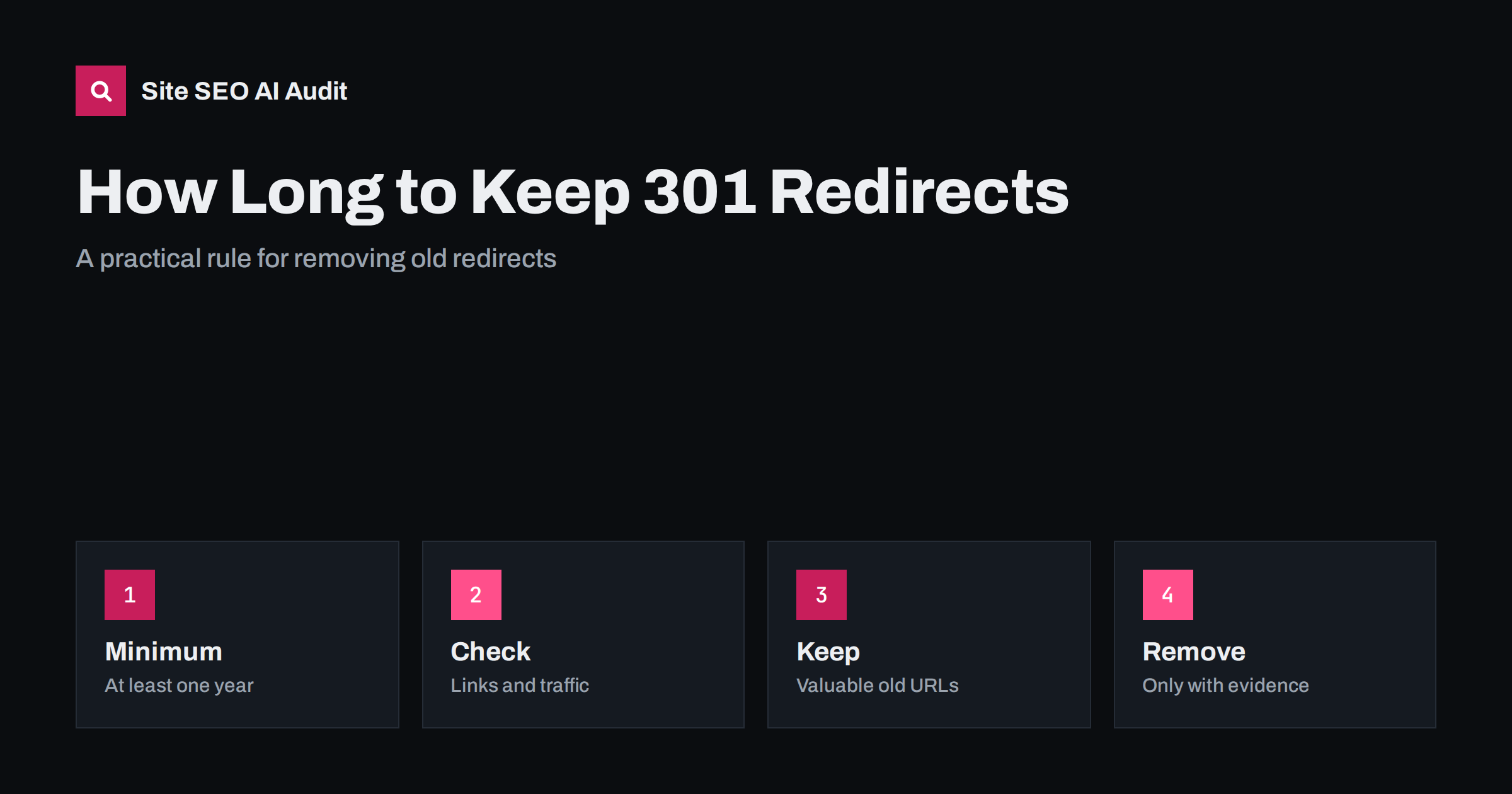
Short answer: Keep a 301 redirect for at least a year after a move, which is the minimum Google suggests so that its systems can transfer signals and re-crawl the new address. In practice, keep it much longer if the old address still receives visits, has backlinks or appears in bookmarks and printed material. Redirects are small and cheap, so the safe default is to leave them in place and remove one only when you have evidence that nothing useful reaches it.
After a migration, a redirect file grows. Years later nobody remembers why a rule exists, and the file slows maintenance or complicates the server configuration. Someone asks whether the old rules can simply go. The answer depends on what still reaches the old addresses. This guide explains the minimum period, what keeps a redirect valuable, how to check whether a rule is still used and how to clean up without harming visibility. The redirect basics are in the guide to 301 and 302 redirects.
What Google says about the minimum
Google’s guidance on site moves advises keeping redirects in place for at least one year. The reason is that its systems need time to discover the redirect, recrawl the old pages, associate the new ones and move ranking signals. For large sites with infrequent crawling, the process can take longer. Removing the redirect too early can break the association before it is complete, and the old addresses may return errors while the new ones have not fully taken over.
One year is a floor and not a target. Google has also said that for as long as the old address is linked or used by people, the redirect remains useful to them. Redirects serve visitors as much as search engines, so the question is not only whether the search engine still needs it.
Reasons to keep a redirect longer
Several signs show that a redirect still earns its place:
- Backlinks from other sites point to the old address, and the sites have not updated them.
- Analytics or server logs show visits to the old address, from bookmarks, emails, documents or apps.
- The old address is printed on packaging, brochures, business cards, manuals, signs or QR codes.
- Search results still list the old address for some queries or in other search engines that update slowly.
- The old content has a valuable equivalent, such as a product that has a new page.
- Partners, marketplaces or feeds still refer to the old address.
Any one of these is a reason to keep the rule. If you moved a domain, the case is stronger still: a domain you used for years will keep attracting links and visits for a very long time. If you drop the domain itself and let it expire, a stranger may register it and receive the links, which is another reason to keep it under your control, as discussed in the guide to checking a domain’s history.
How to find out whether a redirect is used
Start with your server logs, since they record every request, including from crawlers and apps. Filter for requests that received a 301 response and count them by address over the last several months. The addresses that still receive requests are in use. Separate human visits from bots by user agent, since a crawler that keeps requesting an old address is a different case from a person who clicked a link.
Then look at links. A backlink report shows which external sites still link to old addresses. Search Console also lists top linked pages. If an old address has many links, keep its redirect, and consider contacting the most important linking sites to ask for an update. This does not replace the redirect but reduces dependence on it. The topic of lost links is explored in the guide to reclaiming lost backlinks.
Last, check analytics. If your analytics tool records landing pages, a visit that arrives through a redirect usually lands on the new address, so you will not see the old one there. That is why logs are better. If you only have analytics, look at referral sources and at direct visits to the new addresses, which can hide bookmarked old links.
Chains and rules that outlive their purpose
Over time, redirects stack. A page moved in 2019 and again in 2022 can become a chain of two hops. Each hop adds delay and risk, and long chains may be abandoned by crawlers. When you keep old rules, update them so that each old address points directly to the current final address. This is cleaning and not removal, and it keeps the value. The problem is explained in the guide to redirect chains and loops.
Check, too, that the destination is still the right page. A rule that sends an old product to a category that no longer exists, or to the home page, turns into a soft error that gives little value. If the content has gone permanently and no close equivalent exists, a 404 or 410 can be more honest than a redirect to something unrelated.
When removing is acceptable
Removal is reasonable when all of the following apply:
- More than a year has passed since the move, ideally much more.
- Logs show no meaningful requests for the old address for a long period, for example a year, apart from bots.
- No important backlinks point to it, or the linking sites have been updated.
- The address was never printed, shared in documents or used in apps.
- The page that replaced it still exists and is not changing again.
If you remove a rule, the old address will return a 404 error. That is acceptable for addresses without value, but it is a loss for addresses with links. When in doubt, move the removal to a later cleanup round. A redirect that costs nothing is cheaper than a lost link.
Performance and maintenance concerns
Large redirect files can slow a server if they are processed as long lists of rules on every request. Use efficient methods: a map or lookup table, rules in the server configuration instead of in a heavy plugin and patterns for whole groups of addresses rather than one rule per page. Note that thousands of simple redirects are usually not a problem for a well configured server, so do not remove useful rules merely for neatness. If performance is truly an issue, measure it before deciding. The configuration side is covered in the guide to redirects in Apache, nginx and WordPress.
Keep documentation. A short file or sheet that lists each redirect group, the date it was created and the reason makes future decisions simple. Without it, teams hesitate to delete anything, and rules accumulate for the wrong reason: fear.
Special cases
For http to https, keep the redirect for as long as the site exists, because old links and browsers will keep trying the insecure address. The same applies to the redirect between www and non-www versions and to trailing slash normalisation. These are not temporary migration measures but part of the permanent site configuration, as described in the guide to www and trailing slash consistency.
For campaign pages, short-lived promotions and expired events, a redirect to the nearest relevant page is useful while the old address circulates, and can be reviewed after the campaign has ended. For acquisitions and rebrands, treat the old domain as long-term and keep its redirects as long as you control the domain.
Here is a short example. A company moved its blog from a subdomain to a folder five years ago and kept 1,200 redirect rules. A review of server logs found that about 900 of the old addresses had received no requests except from crawlers in two years, and had no backlinks. The remaining 300 still received human visits and links. The team merged the rules into a single pattern for the group, kept the 300 individual rules, updated two chains and removed nothing else. The server configuration became shorter, and no traffic was lost, because the team removed only the rules that had no purpose.
Another team planned a clean sweep after a year and removed every redirect. Traffic from old bookmarks and an old newsletter archive disappeared, and a handful of authoritative backlinks pointed at error pages. They restored the rules a month later, but the pages that had lost links took a while to recover. The lesson is that time alone is not evidence. Use data before you remove anything.
Site SEO AI Audit crawls your site and reports redirects, redirect chains, links to redirected pages, broken links and status codes, which helps you find chains to shorten and internal links to update. It does not read your server logs or backlinks. The first audit of up to 200 pages is free; larger sites can see the pricing page.
Related reading
The bottom line
Keep 301 redirects at least a year, usually much longer, and remove a rule only when logs, links and printed uses show that nothing valuable still reaches it.
FAQ
Is one year enough for a redirect?
It is the minimum Google suggests for site moves. Keep it longer if the old address still gets visits or links.
Do redirects slow my site?
A single redirect adds a small delay, and long chains add more. Point old addresses directly to the final page.
Can I remove redirects after Google drops the old URL?
Only if no links, bookmarks or printed uses remain. Search results are only one of the ways people arrive.
Should http to https redirects ever be removed?
No. Keep them permanently, as old links and browsers still try the insecure address.
What if I have thousands of old rules?
Group them into patterns or a map, keep those with traffic or links and document the rest before deciding.