ENEnglish
 LTLietuviškai
 DEDeutsch
 FRFrançais
 RUРусский
 ESEspañol
 PLPolski
 ITItaliano
 UKУкраїнська
 CSČeština
 PTPortuguês
 JA日本語
 LVLatviešu valoda
 ETEesti
 HUMagyar
 IDBahasa Indonesia
 TRTürkçe
 HIहिन्दी
 ELΕλληνικά
 ARالعربية
 THไทย
 VITiếng Việt
 RORomână
 MSBahasa Melayu
 BNবাংলা
Short answer: A crawl trap is a part of a website that generates an almost unlimited number of URLs, so that crawlers keep following links without finding new, useful content. Typical causes are calendars with next and previous links, session IDs in addresses, faceted filters, relative links that stack folders and internal search pages. Find them in server logs and crawls, remove the links that create them, then use canonical tags, noindex or robots.txt rules as a second line of defence.
Search crawlers have a limited amount of attention for each site. On a healthy site, that attention goes to the pages that matter. A crawl trap pulls it away, because every page in the trap links to another page that looks new. The crawler can spend days inside a calendar that reaches the year 3000, or follow a chain of addresses that grow one folder longer at each step. This guide explains the common traps, how to recognise them and how to close them. For the wider idea of crawling capacity, see the guide to crawl budget.
What makes a trap
Three properties define a trap. First, the number of URLs is huge or infinite. Second, the pages are cheap for the server to produce, so the site happily answers every request. Third, the pages add little or no unique value, because they are variations, empty results or copies. A trap does not need to be malicious or even visible to visitors. Most are accidents of how a system was built, and nobody notices until the logs or the crawl report show strange patterns.
The cost is not only wasted crawling. Traps can fill reports with thousands of duplicate or thin URLs, slow the server, hide real problems in the noise and, in the worst case, lead to important pages being crawled less often.
Calendars and date archives
The classic trap is a calendar widget with arrows for the next and previous month. Each click leads to a valid page, even when it is far in the past or the future and has no events. A crawler can follow the arrows for years in both directions. The same happens with date archives, day by day, and with booking systems that offer a page for every possible date.
The fix depends on the purpose. If the calendar is for visitors only, load the next month with a script on the same page, or make the arrows plain buttons without crawlable links beyond a sensible range. Limit the range on the server, so that pages beyond the allowed dates return a clear error or redirect to the nearest valid page. Keep a normal list of upcoming events that is linked in a stable way, as discussed in the guide to event pages.
Session IDs and tracking parameters
Some systems add a session identifier to every address for visitors who do not accept cookies, and sometimes also for crawlers. Each visit then sees a different version of every URL, even though the content is the same. The result is an endless supply of duplicates. Similar problems come from tracking tags added to internal links, sort and view options and anything that creates a new address for the same content.
The fix is to stop generating the parameter in internal links, to store sessions in cookies only and to use a canonical tag that points to the clean address. More about parameters is in the guide to URL parameters and duplicate content and the guide to canonical tags. A canonical tag is a hint and does not stop crawling by itself, so removing the source of the variants is better.
Filters, sorting and internal search
Online shops and directories often let people combine filters, sorting options and page sizes. With ten filters, the number of combinations grows very quickly, and each combination may have its own link. Internal search result pages can create a page for every query a visitor or a bot types. These are close relatives of traps, and they are covered in the guide to faceted navigation and the guide to internal search pages.
The common solution is to decide which combinations deserve a crawlable page, because they match real demand and have unique content, and to keep the rest out of the crawl by not linking to them in plain HTML, by using a disallow rule or by using noindex where the page must stay accessible. Choose carefully, since the tools behave differently, as explained in the guide to noindex and disallow.
Broken relative links and growing paths
A subtle trap appears when a relative link is written without a leading slash, in a template that is used at different depths. On a page at one address the link resolves correctly, but on the page it leads to, the same link resolves one folder deeper, and so on. The crawler sees addresses such as a folder repeated again and again. If the server answers these with a normal page instead of an error, the loop never ends.
Two fixes work together. Correct the template so that internal links are absolute paths starting with a slash or full addresses. And make the server return a real not-found response for paths that do not exist, instead of showing the home page or a generic page with a success code. Pages that look like errors but return a success code are discussed in the guide to soft 404 errors.
How to find traps
Start with your server logs. Group the requests from search and AI crawlers by the first part of the path and by parameters, and look for areas with a very large number of requests and few valid pages. The method is in the guide to log file analysis. The crawl statistics report in Search Console gives a lighter view of the same thing, as described in the guide to the crawl stats report.
Then run your own crawl with a limit on the number of pages. If the crawl never seems to finish, or if the list of URLs contains patterns that keep growing, you have found a trap. Sort the URLs by length and look at the longest ones, and look for repeated folder names, dates far in the future and parameters with random values. Also check how deep the traps sit, since pages very far from the home page are a sign of a long chain, as discussed in the guide to click depth.
How to close a trap
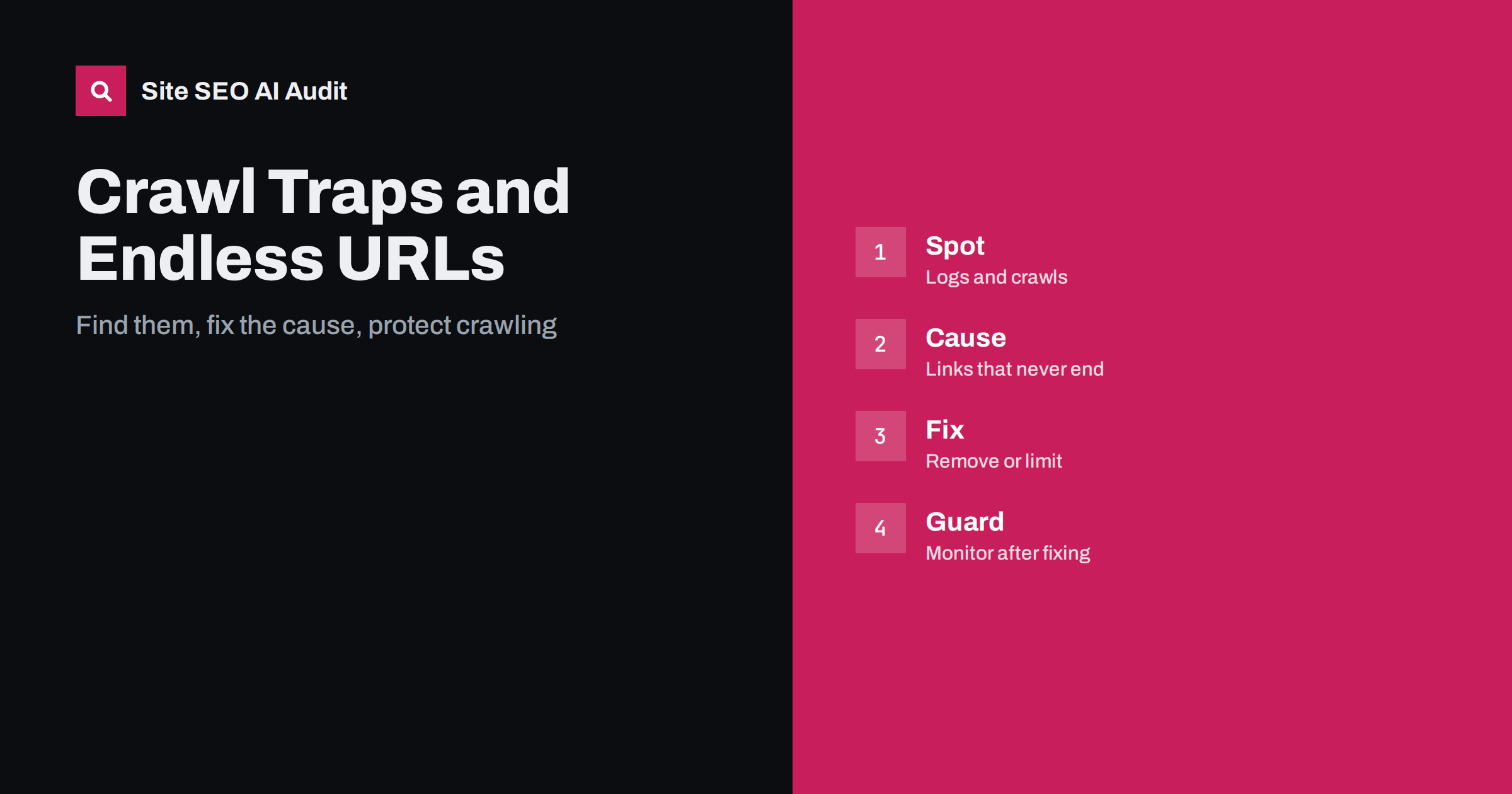
Work in this order. First remove the cause: stop generating the links, limit the range, fix the template. Second, make sure unwanted addresses return a clear response, such as a not-found error or a redirect to the right page. Third, add guards: a canonical tag to the clean version, noindex where pages must remain reachable but should not be indexed, and robots.txt rules for areas that should not be crawled at all. Be careful with the last option, since a blocked page cannot be crawled to see a noindex tag, and the rules are explained in the guide to robots.txt.
Do not list trap URLs in the sitemap, and keep the sitemap clean as described in the guide to XML sitemap best practices. After the fix, watch the logs and the crawl report for several weeks to confirm that the requests fall. Old URLs may still be requested for a while, which is normal.
Here is a short example. A club website had a monthly calendar with arrows. A crawler had followed them to the year 2090 and made up a large share of all requests. The developer limited the calendar to the current year plus one, made later pages return an error and added a plain list of upcoming events. Requests to the calendar fell, and the crawler spent more time on the news and member pages.
A second example is a shop that added a sort option and a view option to category links. The links created thousands of combinations. The team removed the options from crawlable links, set canonical tags to the default view and kept only a few useful filters crawlable.
Site SEO AI Audit crawls your website like a search engine and reports status codes, redirect chains, canonical tags, noindex, orphan pages, click depth, duplicate content and broken links, which helps you spot patterns that suggest a trap. It does not read your server logs. The first audit of up to 200 pages is free, and larger sites can see the pricing page.
Related reading
- WordPress Crawl Waste: URLs to Control
- Pagination and SEO: Best Practices
- Orphan Pages: How to Find and Fix Them
The bottom line
Remove the links that create endless URLs, return real errors for paths that should not exist and keep watching the logs after the fix.
FAQ
What is a crawl trap?
It is a set of URLs that never ends, usually created by links that always lead to a new variation of the same content.
Will a canonical tag fix a trap?
It helps with duplicates, but crawlers still request the URLs. Removing the source links is the better fix.
Should I block traps in robots.txt?
It is a useful guard for areas that should never be crawled, but fix the cause first and remember that blocked pages cannot show a noindex tag.
How do I know if my site has one?
Look for areas with huge request counts in your logs, or a crawl that never finishes and keeps finding longer or more distant URLs.
Do small sites have crawl traps?
They can, especially with calendars, filters and search pages, although the effect on crawling is usually smaller.