ENEnglish
 LTLietuviškai
 DEDeutsch
 FRFrançais
 RUРусский
 ESEspañol
 PLPolski
 ITItaliano
 UKУкраїнська
 CSČeština
 PTPortuguês
 JA日本語
JA日本語 LVLatviešu valoda
 ETEesti
 HUMagyar
 IDBahasa Indonesia
 TRTürkçe
 HIहिन्दी
 ELΕλληνικά
 ARالعربية
 THไทย
THไทย VITiếng Việt
 RORomână
 MSBahasa Melayu
 BNবাংলা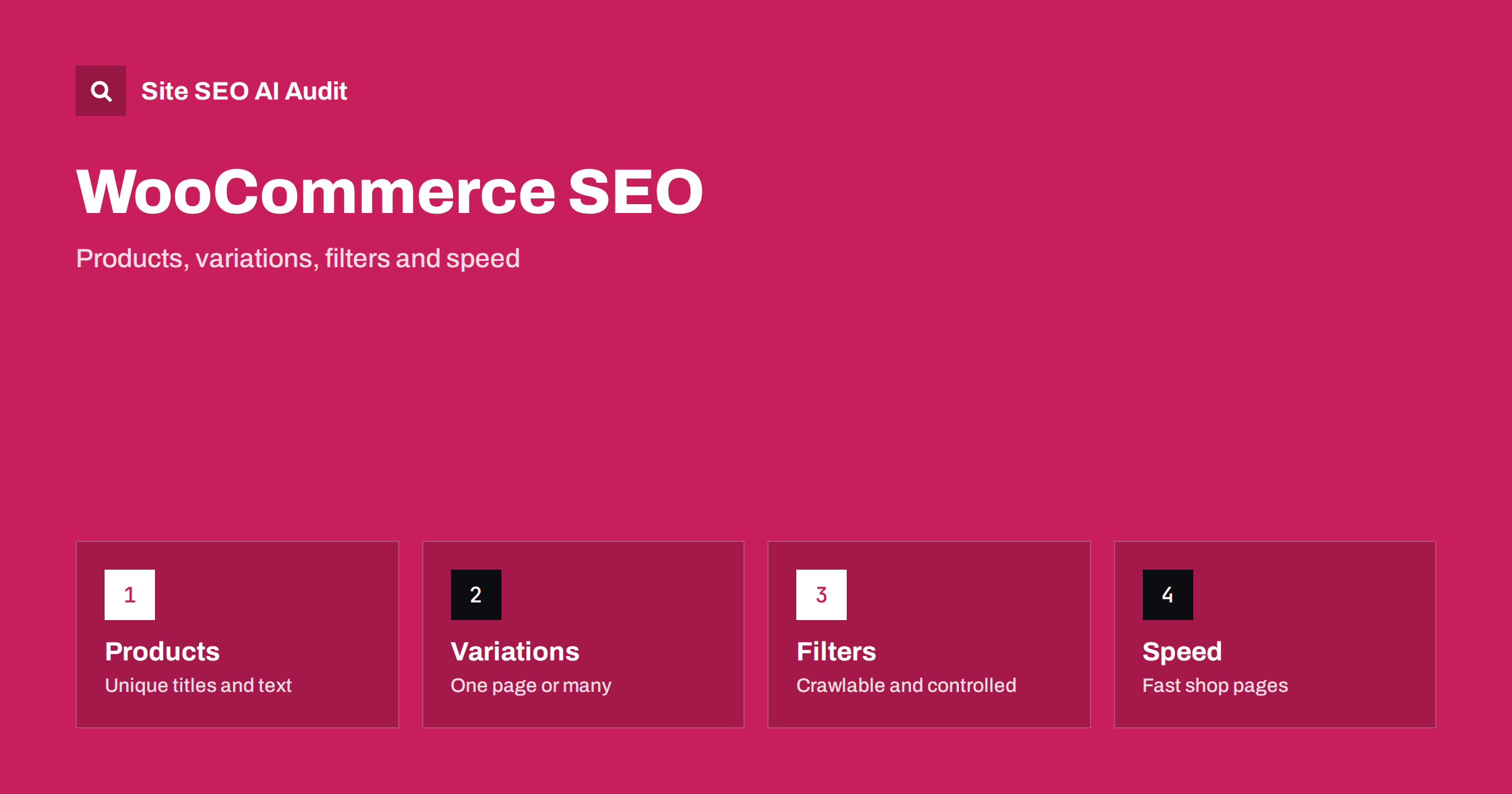
Short answer: WooCommerce can rank very well because you control URLs, templates and content, but it also creates many near-duplicate pages by default. Give each product a unique title and description, decide how variations are shown, keep filter and cart URLs out of the index, add Product structured data with real prices and availability, and keep the shop fast. Then audit the whole store regularly, because plugins and catalogue changes bring new problems.
WooCommerce is a plugin that turns WordPress into an online shop. That means everything you know about WordPress SEO still applies, and a shop adds its own layer: product pages, categories, tags, attributes, variations, filters, search results, carts and checkout pages. Each of them is a URL, and each can help or hurt. A small shop with 200 products can easily produce thousands of crawlable addresses once filters and sorting are added. This guide walks through the main decisions so that search engines and AI assistants find your best pages and ignore the rest.
Start with a clean URL and page structure
Product and category addresses should be short, readable and stable. In the permalink settings, choose a structure for products that does not repeat long category paths, and avoid changing it after launch, because every change needs redirects. A good product address names the product, for example a short slug with the brand and model. Remove stop words and numbers that mean nothing to a shopper.
Decide how categories work. Each product should have one primary category that fits it best, even if it also appears in others. Keep the category tree shallow so that important products are within three clicks of the home page. See click depth and site architecture and category page SEO for the details. Product tags are another trap: if you create dozens of tags with one or two products each, you produce thin archive pages with no value. Use tags only when they form a real browsing path, and otherwise keep tag archives out of the index.
Write product pages that are not copies
The biggest content problem in many shops is that product descriptions come straight from the manufacturer or supplier. Hundreds of other shops publish the same text, so a search engine has no reason to prefer yours. Write your own title, short description and long description for every product that matters to your revenue. Cover what the buyer wants to know: size, material, compatibility, what is in the box, delivery, care, returns and common questions. Add original photos and, if possible, a short video.
Keep the title tag clear: product name, key attribute and brand, within a length that fits in results. Do not stuff keywords. The short description appears near the price and should answer the buyer’s first questions, while the long description can go deeper. A short FAQ block on important products helps people and gives AI assistants clean answers to quote. See product page SEO and manufacturer product descriptions for a deeper look.
Decide how to handle variations
Variable products, such as a shirt in five sizes and four colours, are shown on one page by default. That is usually the best choice, because all the reviews, links and content sit on one address. Create separate product pages for variations only when people search for them as different products, for example when a colour has a different name, a different price tier or a distinct use. In that case, give each page its own content and make sure the titles do not collide.
- Use a single canonical address for the main product and do not let variation parameters create indexable duplicates.
- Show the selected variation’s image, price and availability clearly, and make sure the information is in the HTML, not only added after a click.
- Make attribute names consistent. “Colour”, “Color” and “Shade” in different products confuse filters and structured data.
- Use meaningful image file names and alt text that mention the variation.
If you do use separate pages for near-identical products, set clear canonical tags and link between them. See canonical tags explained.
Control filters, sorting and search results
Layered navigation is one of the main sources of crawl waste. A filter by price, colour, size, rating and sorting order can produce every combination as a separate address. Most of these pages have no search demand and show the same products in a different order. The usual approach is:
- Decide which filter combinations deserve their own page, because people search for them, such as a brand plus a product type. Give them a clean address, unique text and links from the category.
- Keep all other combinations out of the index with a noindex tag or a canonical to the main category, and avoid linking to them from the main navigation where possible.
- Do not block those pages in the robots file if you rely on noindex or canonical tags, because a blocked page cannot be read. Choose one method deliberately.
- Handle internal search results and sorting parameters the same way.
The articles on faceted navigation, URL parameters and duplicate content and internal search pages explain each option and its trade-offs.
Handle cart, checkout and account pages
Cart, checkout, account and thank-you pages are for customers, not for search results. They should not be indexed and should not appear in your sitemap. WooCommerce and most SEO plugins already mark them as noindex, but check after every plugin change. Also make sure that session identifiers and “add to cart” links do not create crawlable URLs. Links with query strings that add an item should not be present as plain links for crawlers; use buttons or forms that do not create new addresses.
Out-of-stock and discontinued products need a plan too. Keep temporarily unavailable products live with a clear message and a way to be notified, and show alternatives. For products that are gone for good, redirect to the closest equivalent or the category, or return a removed-page status if there is no replacement. See out-of-stock product pages.
Add structured data and trust signals
Product structured data helps search engines and assistants read your price, availability, brand, identifiers and reviews. WooCommerce outputs basic data, and many SEO plugins extend it. Check that the values match what is visible on the page: the price, currency and availability must be the same in both places. Add review markup only for genuine reviews collected from real customers, and follow the search engine’s rules about where review stars can appear. Misleading markup can lead to a manual action. See structured data for AI search, review schema and how to fix structured data errors.
Trust matters in shops. Display shipping costs, delivery times, return rules, company details and contact information on dedicated pages, and link to them from the footer and product pages. Assistants that recommend products often look for these facts. For more on this, read product pages for AI shopping.
Keep the shop fast
Shops are heavy: big images, sliders, tracking scripts, reviews widgets and many plugins. Speed affects both shoppers and crawlers. Start with the basics:
- Serve images in modern formats at the displayed size, and lazy-load those below the first screen, but not the main product photo.
- Use caching for pages that do not change per user, and exclude cart, checkout and account from page caching.
- Remove plugins you no longer use, and test the effect of each one on loading time.
- Load scripts for chat, reviews and tracking after the main content.
- Reserve space for images and banners to avoid layout shifts while the page loads.
Measure with field data where possible, because lab tests on a fast computer can hide problems. See Core Web Vitals explained, fixing Largest Contentful Paint and image formats.
Audit the store regularly
A shop changes every week: new products, new categories, changed prices, new plugins. An audit finds what changed for the worse. Look for duplicate titles on product pages, missing descriptions, thin category pages, broken links to removed products, redirect chains after catalogue changes, noindex tags on pages that should rank, and errors in structured data. Site SEO AI Audit crawls a website and scores it across seven areas, and the first audit of up to 200 pages is free, which is enough to check your main categories and a sample of products. For larger catalogues, see the plans on the pricing page. After each audit, fix the issues that affect the most pages first; see how to prioritise SEO fixes.
Common mistakes to avoid
- Using supplier text unchanged. It makes your pages interchangeable with those of competitors.
- Letting every filter combination be indexed. This wastes crawling and creates duplicates.
- Deleting products without redirects. You lose links and send shoppers to errors.
- Adding too many plugins. Each plugin can add scripts, styles and database queries.
- Marking up reviews that are not real. This risks penalties and damages trust.
- Ignoring mobile. Most shoppers browse on phones, so test buying a product on a small screen.
A short monthly routine is enough for most small shops: review new products for unique content, check Search Console for new errors, test a purchase on mobile and scan the site for broken links.
Related reading
The bottom line
WooCommerce SEO is mostly about discipline. Write unique product content, keep URLs tidy, decide how variations and filters behave, keep customer-only pages out of the index, mark up real data and keep pages quick. Then check the whole store on a schedule so that new products and plugins do not quietly undo the work.
DUK
Is WooCommerce good for SEO?
Yes, it gives full control over URLs, content and templates, but you must manage duplicates, filters and speed yourself. The result depends on the setup, not on the plugin alone.
Should every product variation have its own page?
Usually no. One page with selectable variations keeps reviews and links together. Use separate pages only when people search for the variations as different products.
Which WooCommerce pages should be noindex?
Cart, checkout, account and thank-you pages, internal search results and most filter and sorting combinations. Keep valuable category and brand combinations indexable.
Do I need a separate SEO plugin for WooCommerce?
You need a way to control titles, descriptions, canonical tags, robots directives and structured data. Many SEO plugins do this, so choose one and avoid running two that fight each other.
How do I handle discontinued products?
Redirect them to the closest replacement or category when one exists. If there is no suitable page, let the address return a removed-page status instead of redirecting everything to the home page.